
Skreno
Record, edit and share videos, all in your browser
About Skreno
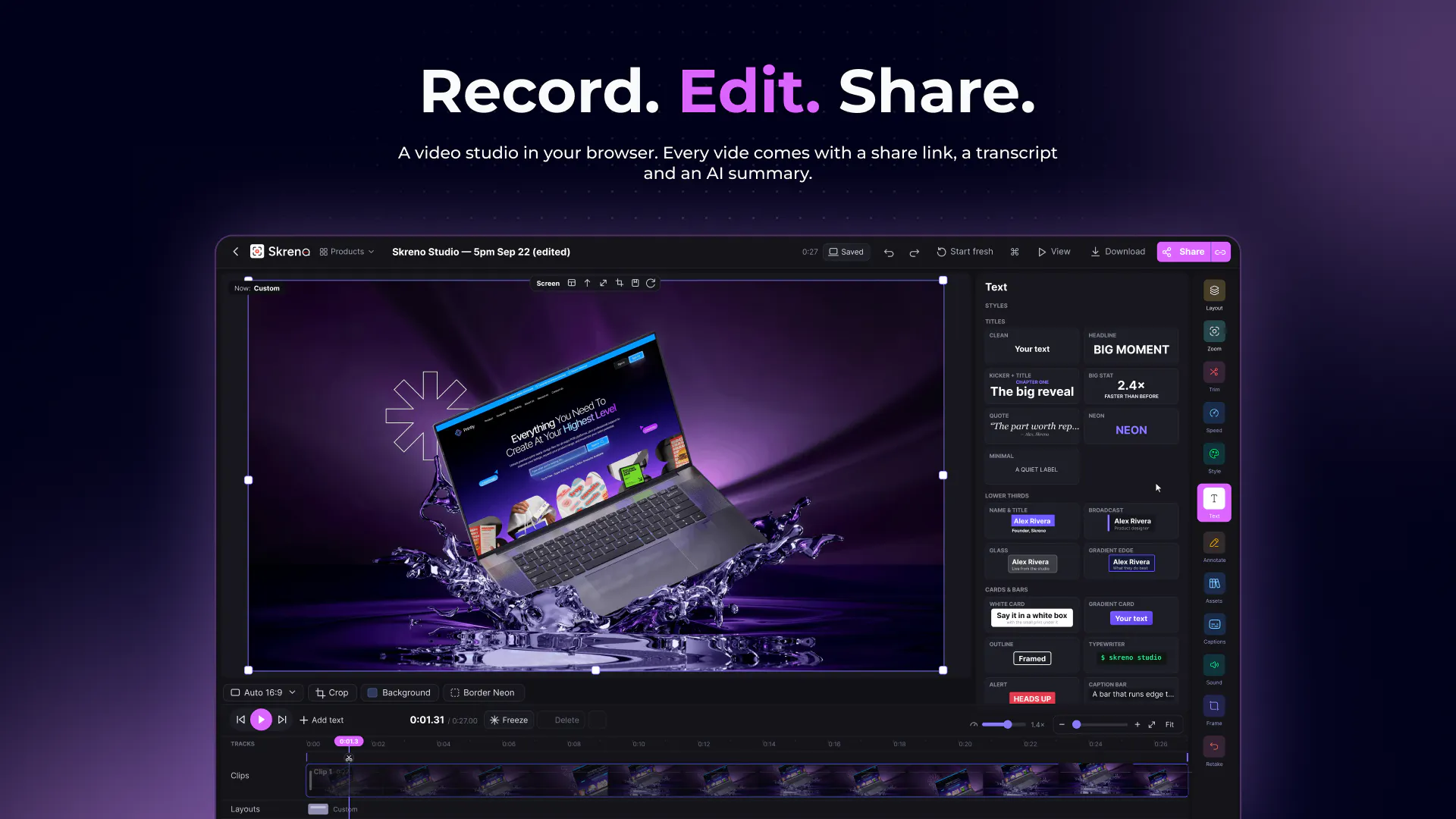
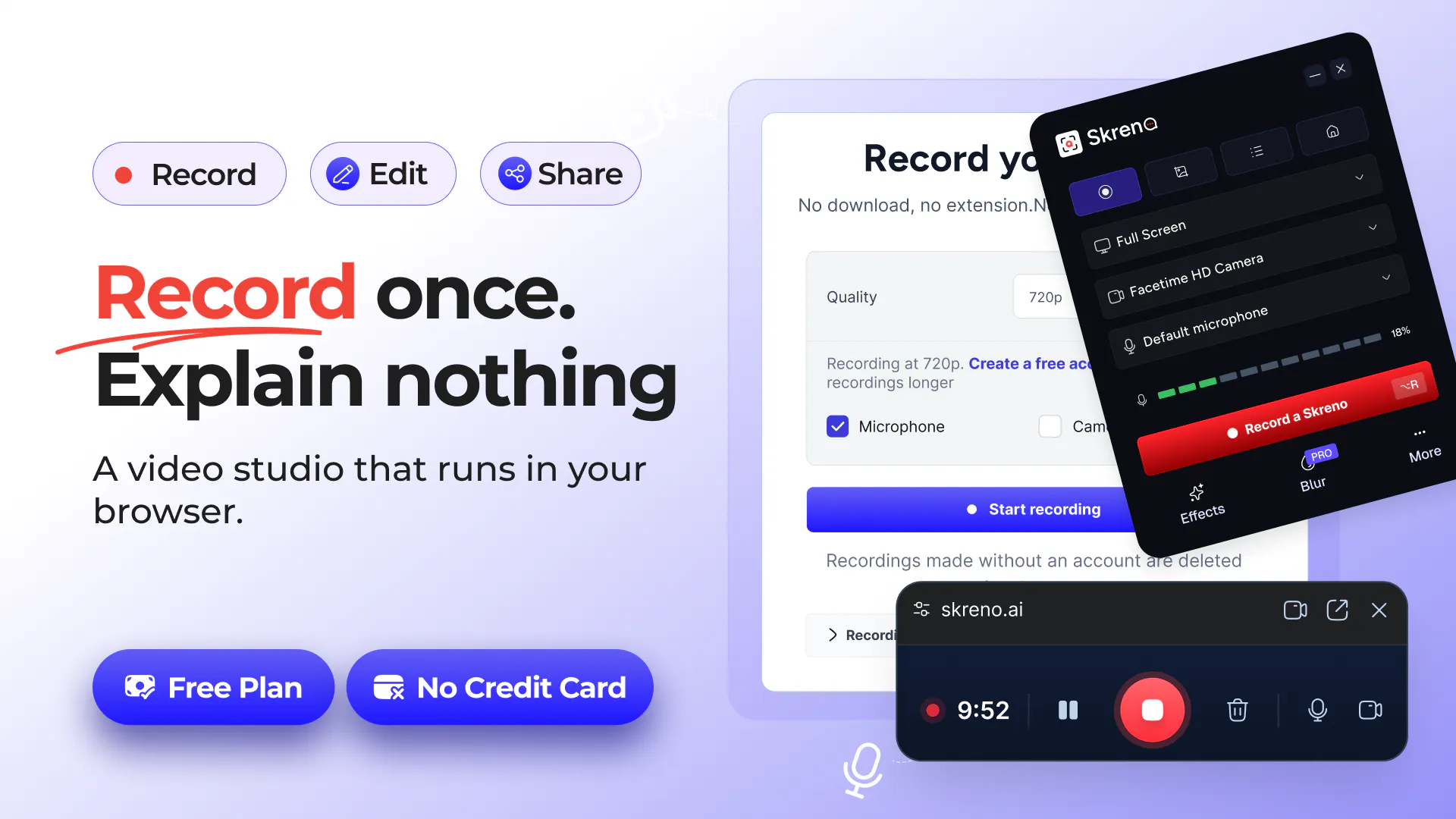
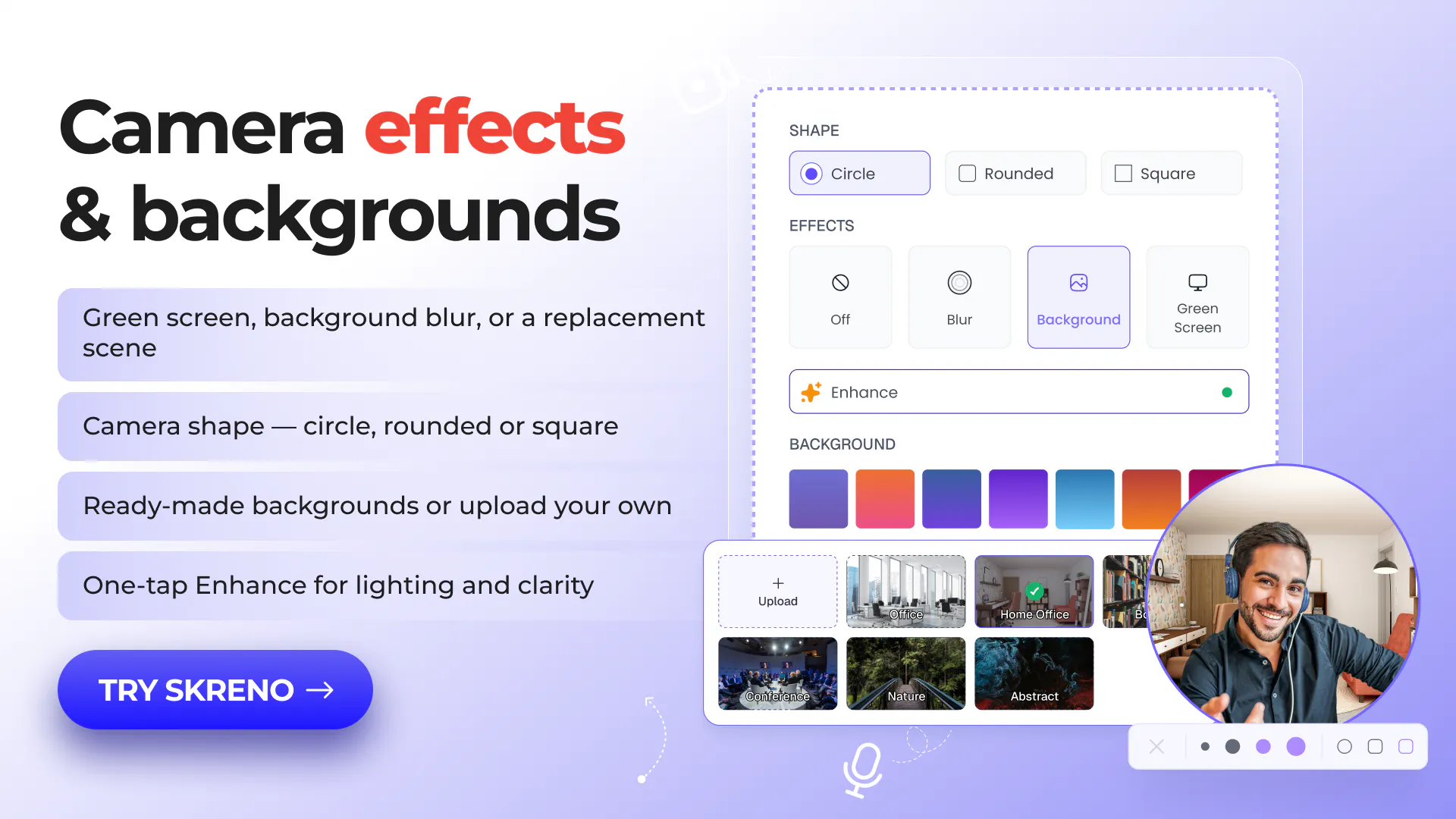
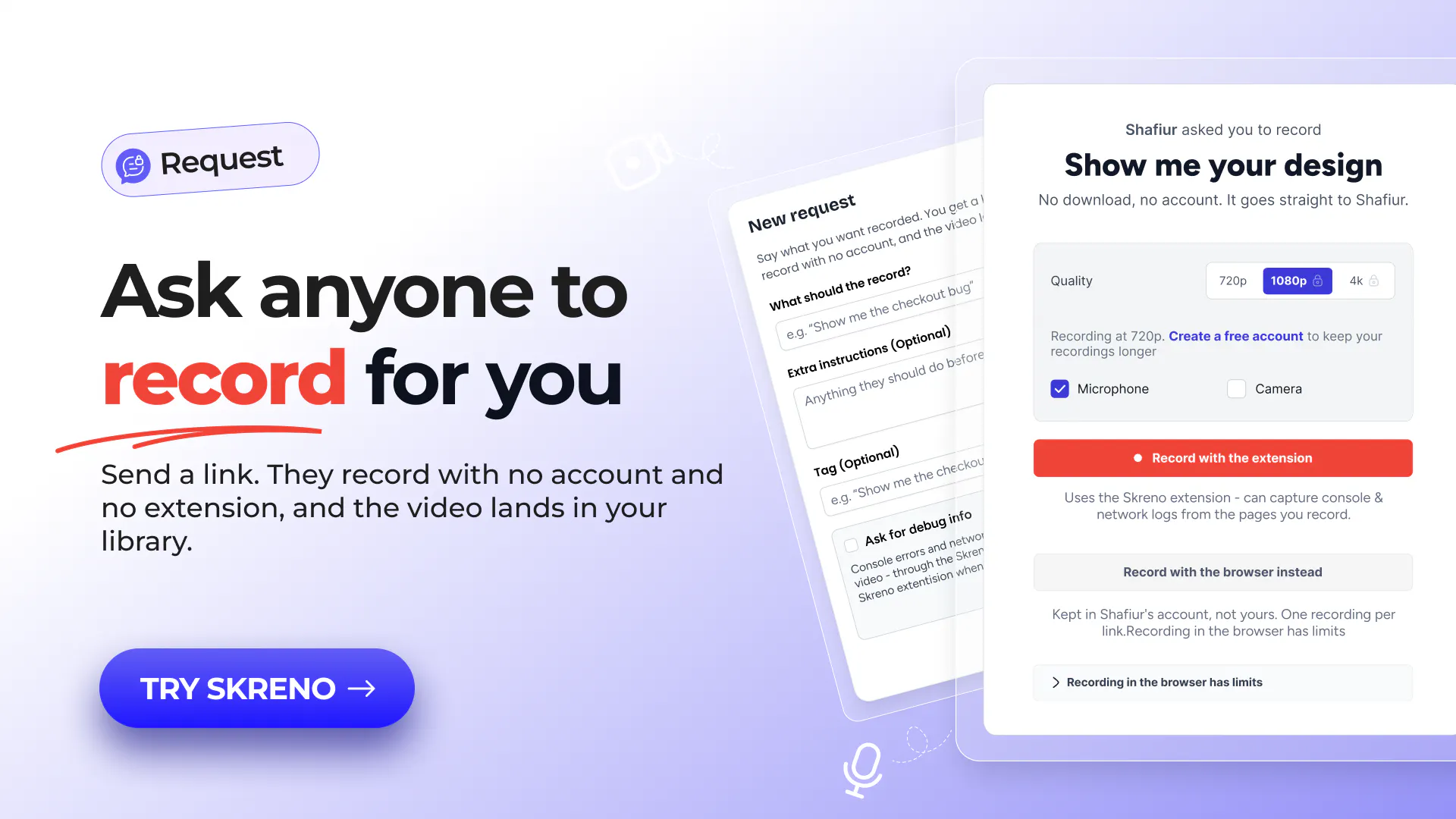
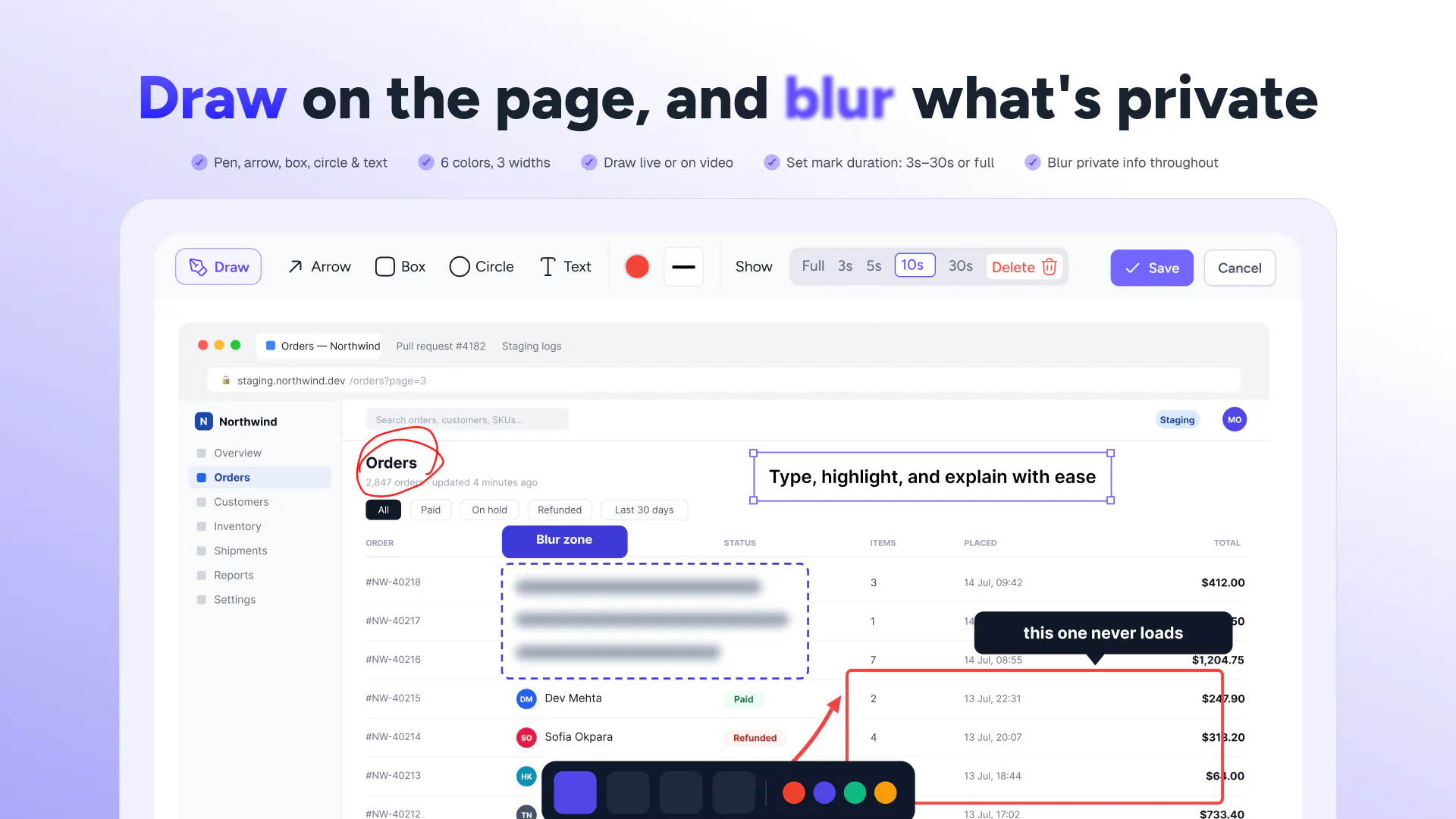
Skreno is a versatile browser-based video studio designed for creators, educators, and professionals seeking a streamlined video production workflow. It enables users to record their screen and camera separately, then seamlessly edit these recordings with features like customizable layouts, silencing unwanted sections, and adding animated captions and titles. Its cloud-sharing capabilities allow users to generate a single link that includes the video, transcript, AI-generated summary, and comment system, making collaboration and review straightforward. Additionally, Skreno offers a unique request link feature, allowing anyone to record without an account, simplifying user-generated content collection. The platform’s integration of AI tools and console logs for bug reporting further enhances its appeal for collaborative and efficient video creation in the browser.
Screenshots
Pros
- ✓All-in-one browser-based recording, editing, and sharing platform
- ✓Supports separate tracks for screen and camera recordings
- ✓Easy collaboration with shareable links including transcripts and comments
- ✓AI-powered summaries and captions enhance content accessibility
- ✓No software installation required, accessible from any device
Cons
- ✗Features and performance may depend on browser capabilities
- ✗Limited information on advanced editing features or customization options
- ✗No details on pricing structure or subscription plans
Use Cases
Pricing
Pricing not verified
Quick Info
Topics
Makers

Sadek Hossain
Similar Tools in AI Image & Design




Embed Badge
Add this badge to your website to show that Skreno is featured on Visalytica.
<a href="https://www.visalytica.com/tool/skreno" target="_blank" rel="noopener noreferrer" style="display:inline-flex;align-items:center;gap:6px;padding:6px 14px;background:#7c3aed;color:#fff;border-radius:8px;font-family:-apple-system,system-ui,sans-serif;font-size:13px;font-weight:600;text-decoration:none;transition:background .2s" onmouseover="this.style.background='#6d28d9'" onmouseout="this.style.background='#7c3aed'"><svg width="14" height="14" viewBox="0 0 24 24" fill="none" stroke="currentColor" stroke-width="2.5" stroke-linecap="round" stroke-linejoin="round"><path d="M12 20V10"/><path d="M18 20V4"/><path d="M6 20v-4"/></svg>Featured on Visalytica</a>