
SkillKeeper
Track your whole AI setup, from the menu bar
About SkillKeeper
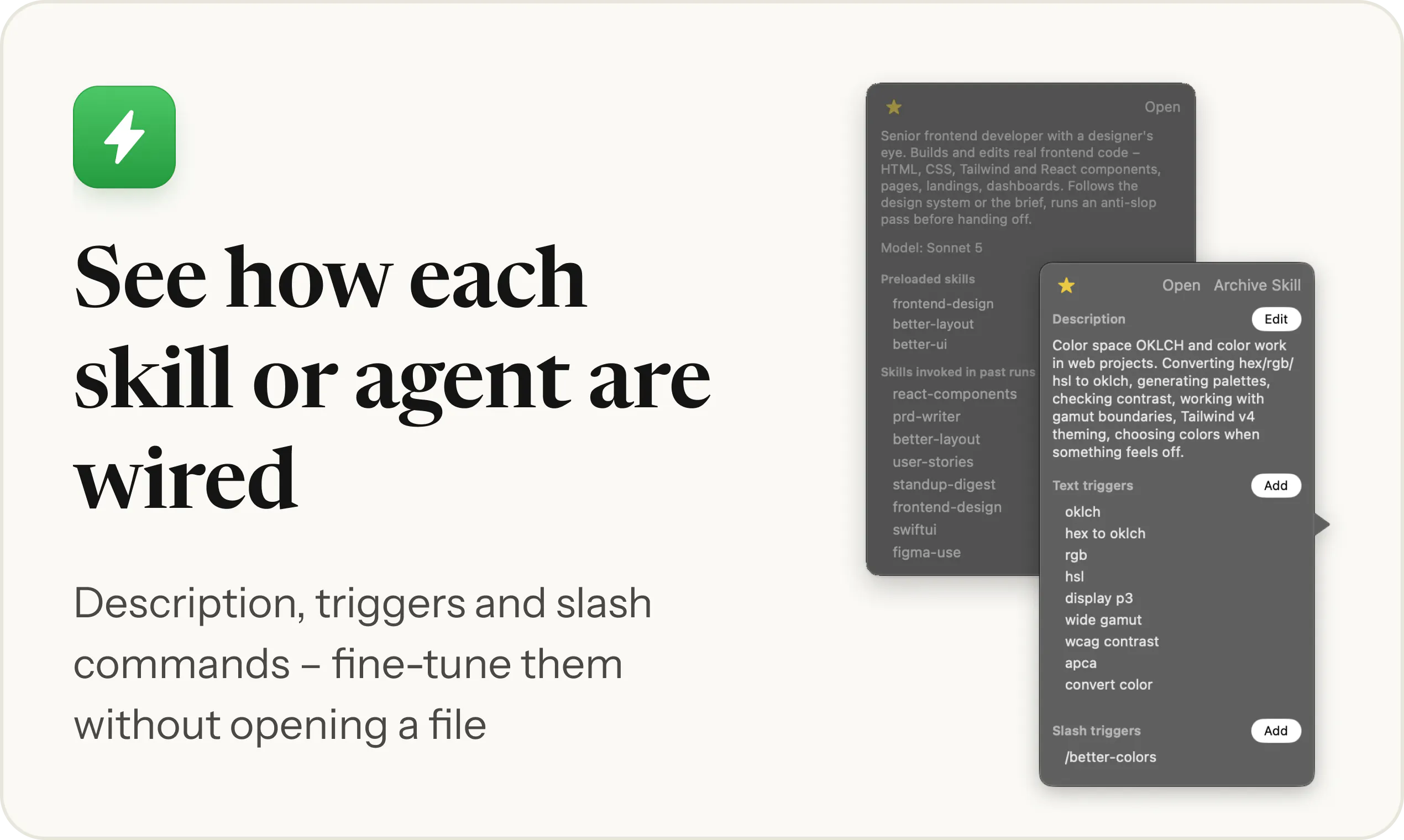
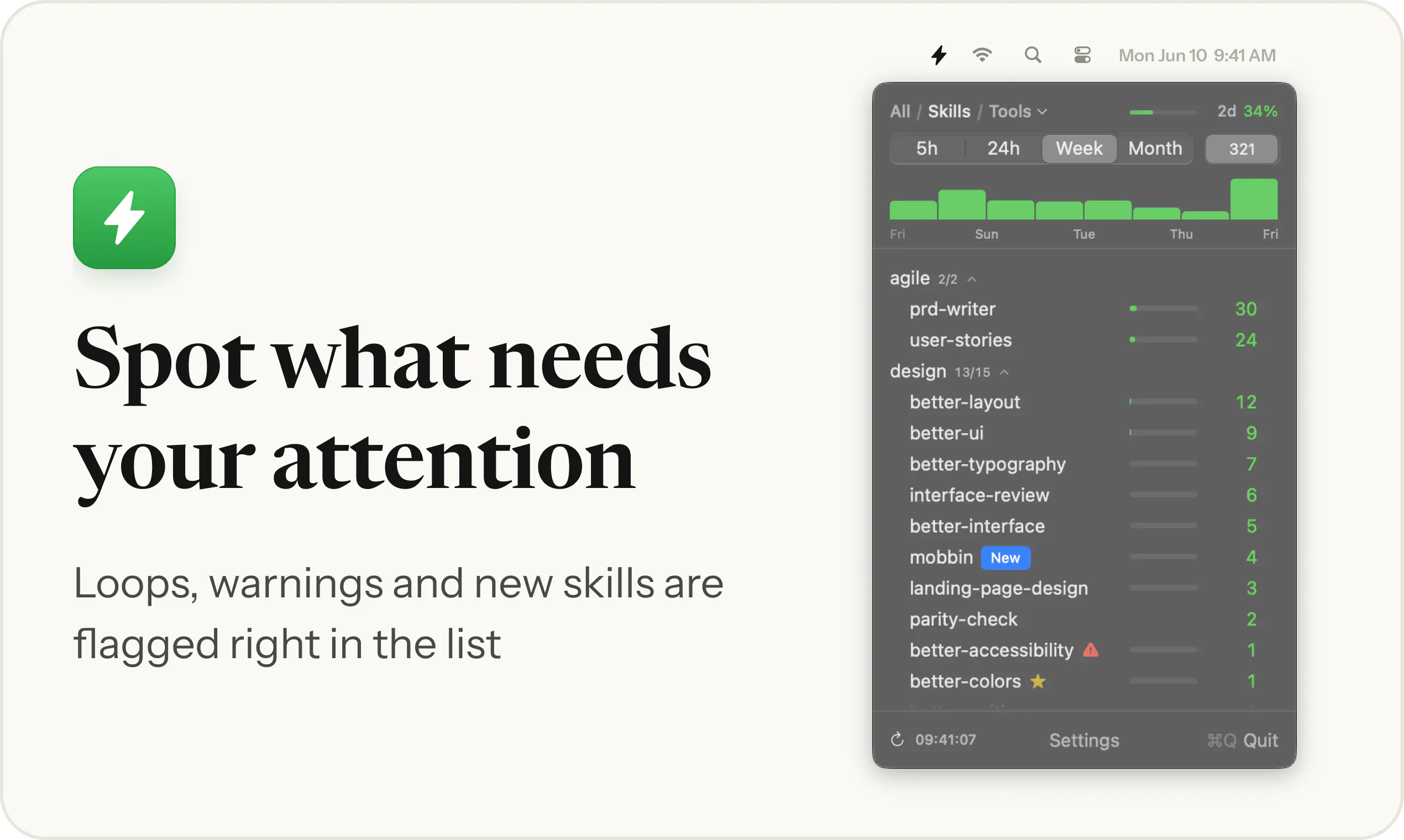
SkillKeeper is a powerful menu bar application designed for developers, AI enthusiasts, and power users who want complete oversight of their AI and automation setups on Mac. It provides real-time visibility into which skills, agents, commands, plugins, and other components are active, along with detailed metrics such as token consumption, execution frequency, and potential issues like loops or conflicting triggers. Its intuitive interface allows users to see how each skill is wired and identify drifts from intended configurations without needing to open files or dig through complex logs. By offering a streamlined way to monitor and fine-tune AI integrations directly from the menu bar, SkillKeeper simplifies complex setups and enhances troubleshooting, making it ideal for those managing multiple AI tools or custom automation workflows. Its focus on clarity and ease of use sets it apart in the crowded developer tools and AI monitoring space.
Screenshots




Pros
- ✓Real-time monitoring of AI components and their resource usage
- ✓User-friendly interface that eliminates the need to open files
- ✓Detailed diagnostics for loops, trigger clashes, and unused skills
- ✓Visual wiring of skills for quick understanding and adjustments
- ✓Supports fine-tuning and troubleshooting without hassle
Cons
- ✗Currently has zero votes on Product Hunt, indicating limited exposure
- ✗Potentially limited to Mac users, reducing cross-platform applicability
- ✗Features may require some learning curve for complete beginners
Use Cases
Pricing
Pricing not verified
Quick Info
Topics
Makers

Kirill Bush
Alternatives
Similar Tools in AI Assistants




Embed Badge
Add this badge to your website to show that SkillKeeper is featured on Visalytica.
<a href="https://www.visalytica.com/tool/skillkeeper" target="_blank" rel="noopener noreferrer" style="display:inline-flex;align-items:center;gap:6px;padding:6px 14px;background:#7c3aed;color:#fff;border-radius:8px;font-family:-apple-system,system-ui,sans-serif;font-size:13px;font-weight:600;text-decoration:none;transition:background .2s" onmouseover="this.style.background='#6d28d9'" onmouseout="this.style.background='#7c3aed'"><svg width="14" height="14" viewBox="0 0 24 24" fill="none" stroke="currentColor" stroke-width="2.5" stroke-linecap="round" stroke-linejoin="round"><path d="M12 20V10"/><path d="M18 20V4"/><path d="M6 20v-4"/></svg>Featured on Visalytica</a>