
SimCam
Test camera features directly in the iOS simulator
About SimCam
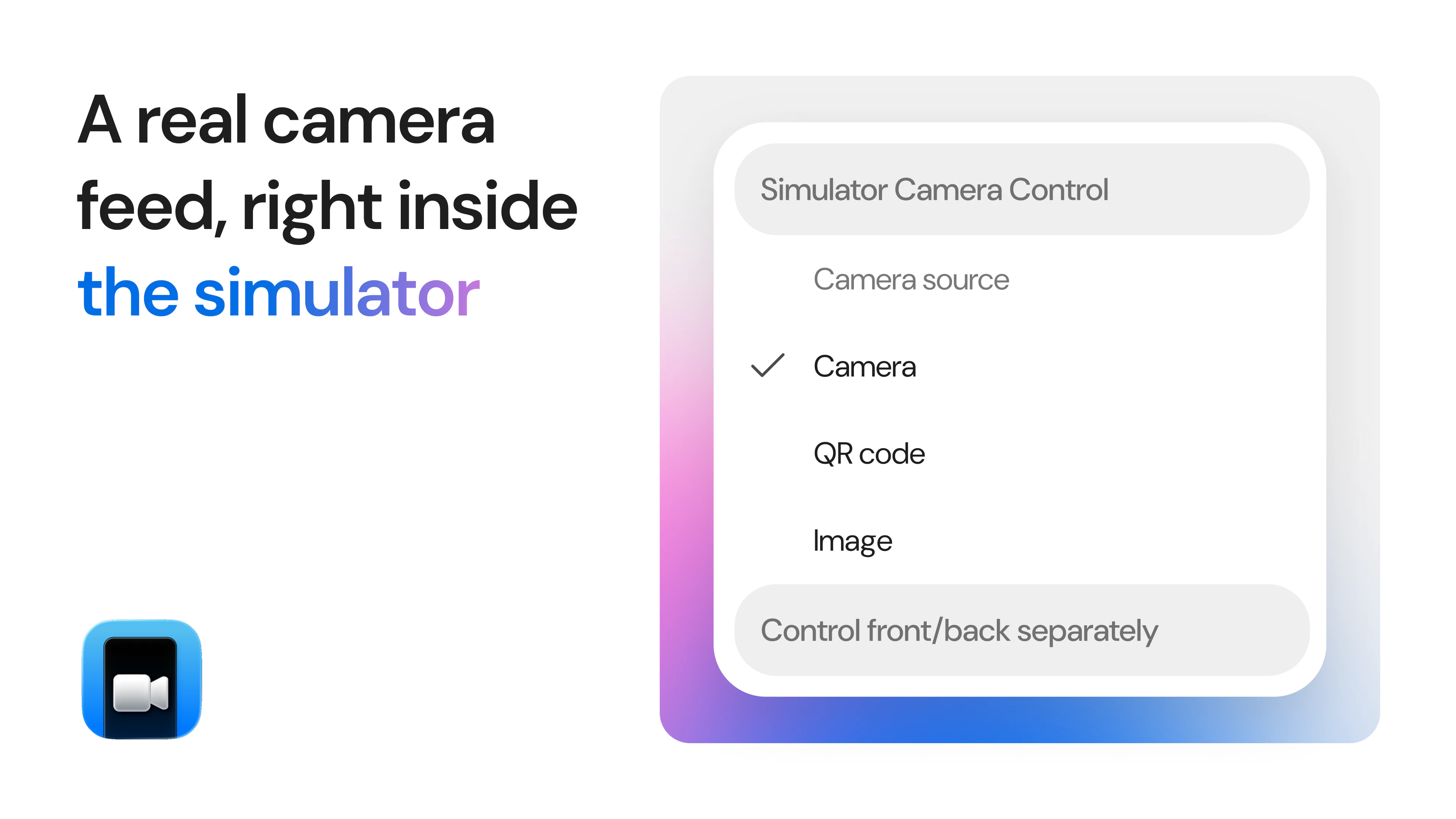
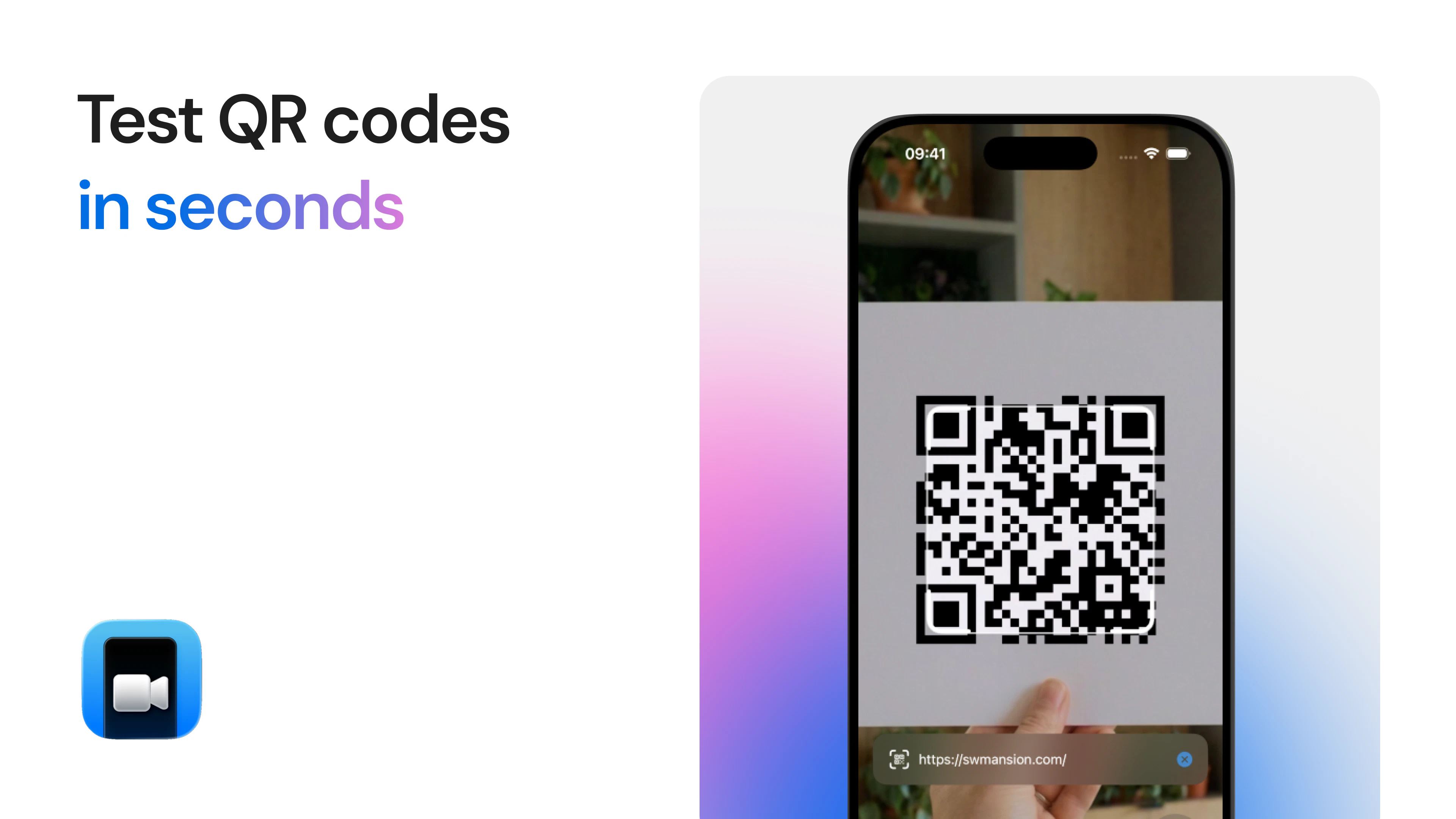
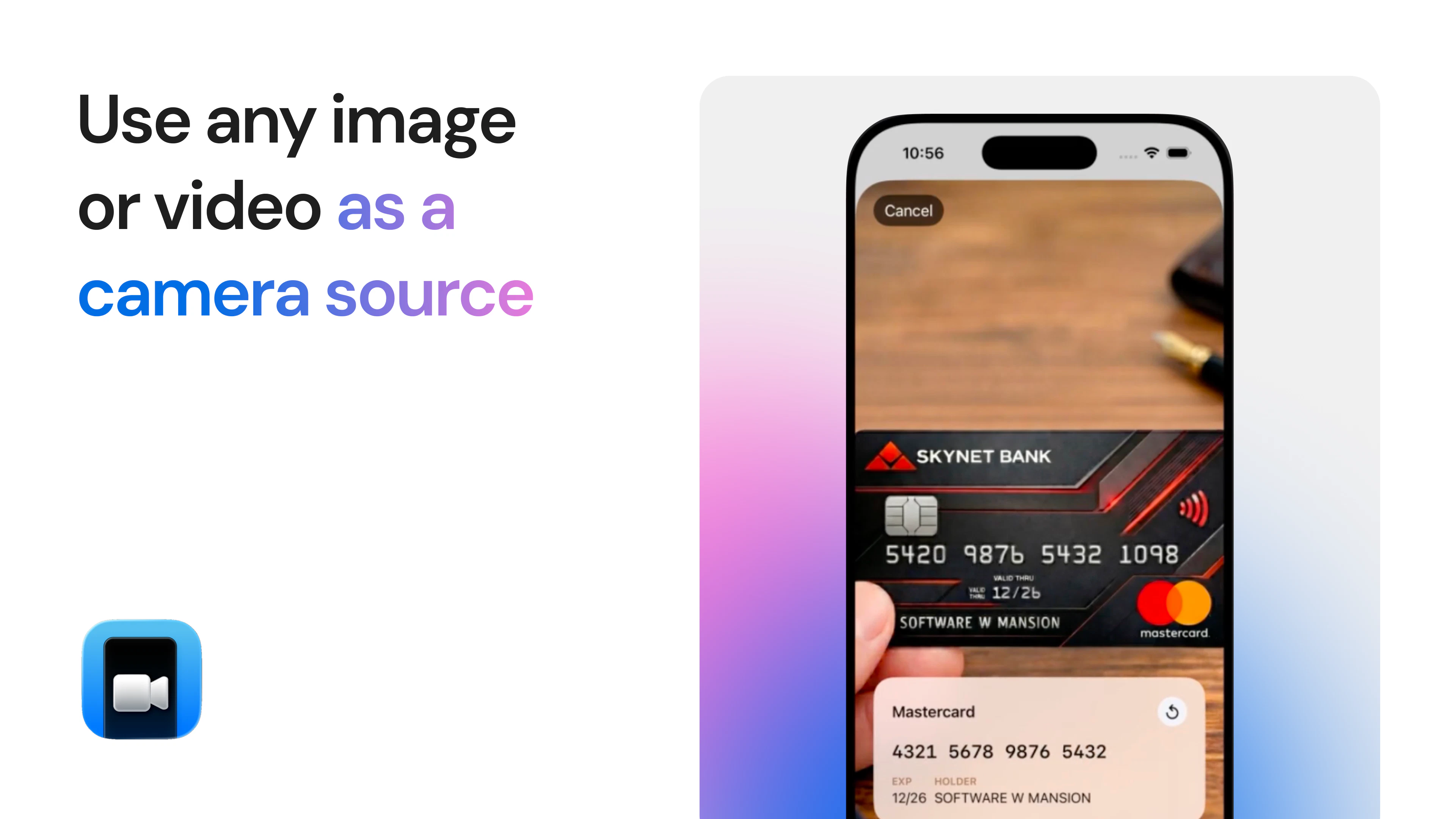
SimCam is a innovative development tool designed specifically for iOS developers who need to test camera functionalities without relying on physical devices. It allows users to stream live video from their Mac's built-in or external cameras, inject custom images, or generate QR codes to simulate camera input. This streamlines the testing process, saving time and resources by eliminating the need for multiple physical devices. Additionally, SimCam offers a command-line interface (CLI) that enables agents to control the camera directly within the iOS simulator, making it highly flexible and developer-friendly. Its ability to simulate various camera scenarios makes it especially valuable for app testers, developers working on camera-dependent features, or teams aiming for rapid prototyping and debugging. What sets SimCam apart is its seamless integration with the iOS simulator environment, offering a robust, versatile, and efficient solution for camera testing in iOS app development.
Screenshots

Pros
- ✓Enables camera testing without physical devices, saving costs and setup time
- ✓Supports live streaming from Mac's camera or injected images for versatile testing
- ✓Includes CLI for easy control within the iOS simulator
- ✓Facilitates quick testing of camera-dependent features and QR code scanning
- ✓Simplifies development workflows for iOS apps with camera functionalities
Cons
- ✗Limited to iOS simulator environment, not a substitute for real device testing
- ✗Potential learning curve for users unfamiliar with CLI-based controls
- ✗Features and integrations may be limited compared to dedicated hardware testing tools
Use Cases
Pricing
Likely operates on a freemium model, offering basic features for free with optional paid plans for advanced functionalities or enterprise use. Specific pricing details are not publicly confirmed.
Quick Info
Topics
Alternatives
Similar Tools in Developer Tools




Embed Badge
Add this badge to your website to show that SimCam is featured on Visalytica.
<a href="https://www.visalytica.com/tool/simcam" target="_blank" rel="noopener noreferrer" style="display:inline-flex;align-items:center;gap:6px;padding:6px 14px;background:#7c3aed;color:#fff;border-radius:8px;font-family:-apple-system,system-ui,sans-serif;font-size:13px;font-weight:600;text-decoration:none;transition:background .2s" onmouseover="this.style.background='#6d28d9'" onmouseout="this.style.background='#7c3aed'"><svg width="14" height="14" viewBox="0 0 24 24" fill="none" stroke="currentColor" stroke-width="2.5" stroke-linecap="round" stroke-linejoin="round"><path d="M12 20V10"/><path d="M18 20V4"/><path d="M6 20v-4"/></svg>Featured on Visalytica</a>