
Sigma File Manager
Free, open-source, cross-platform, modern file manager app
About Sigma File Manager
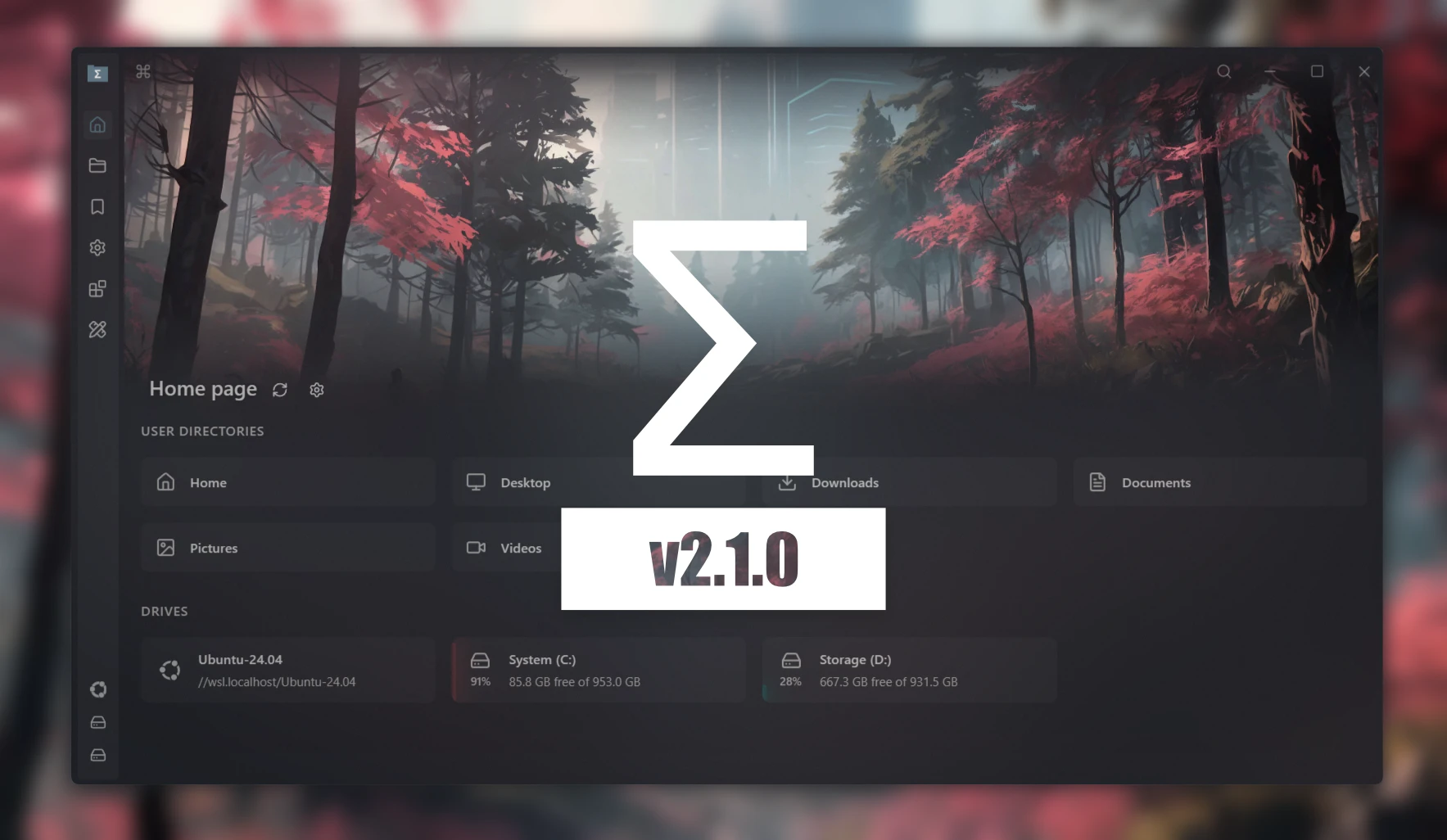
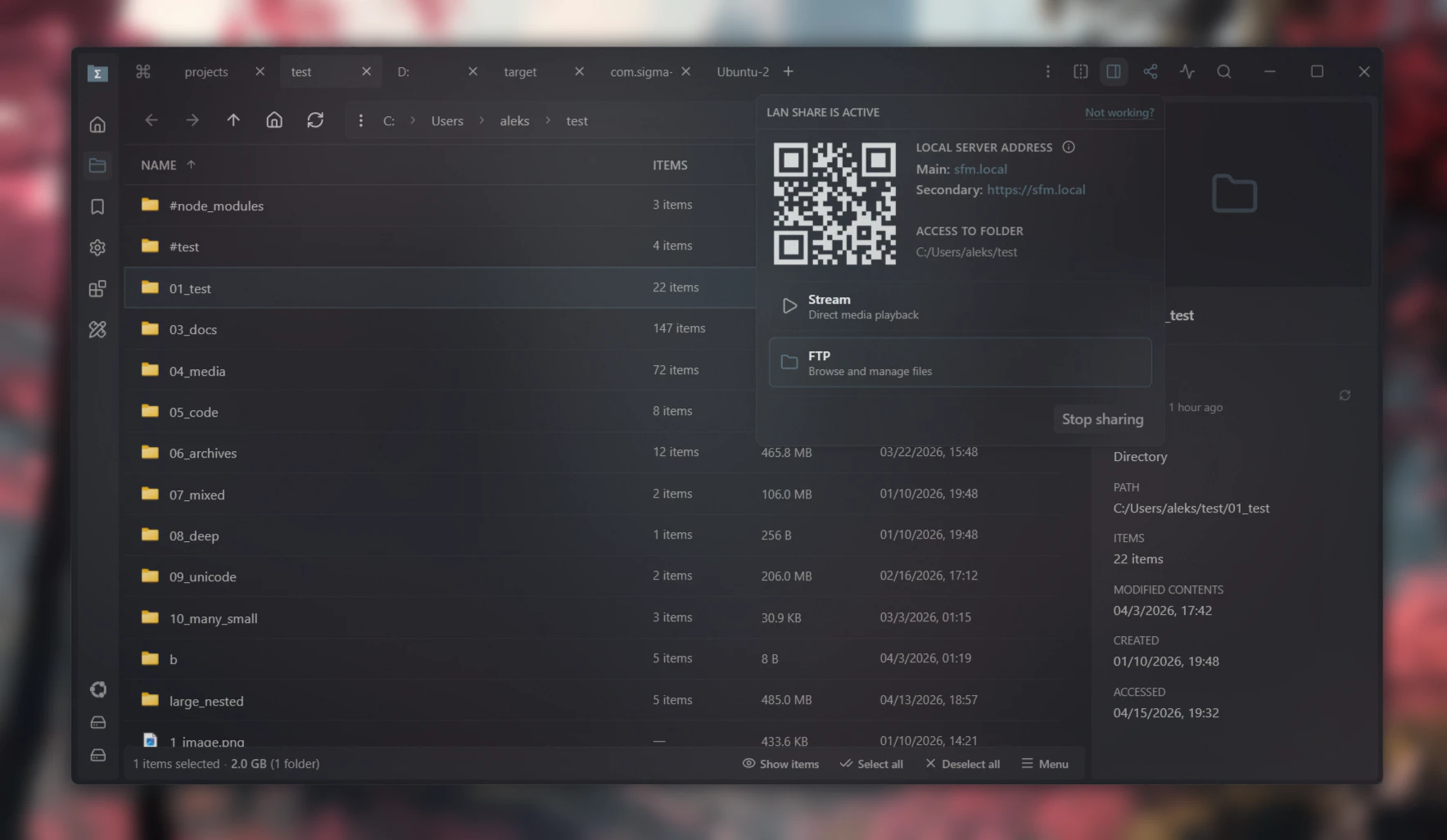
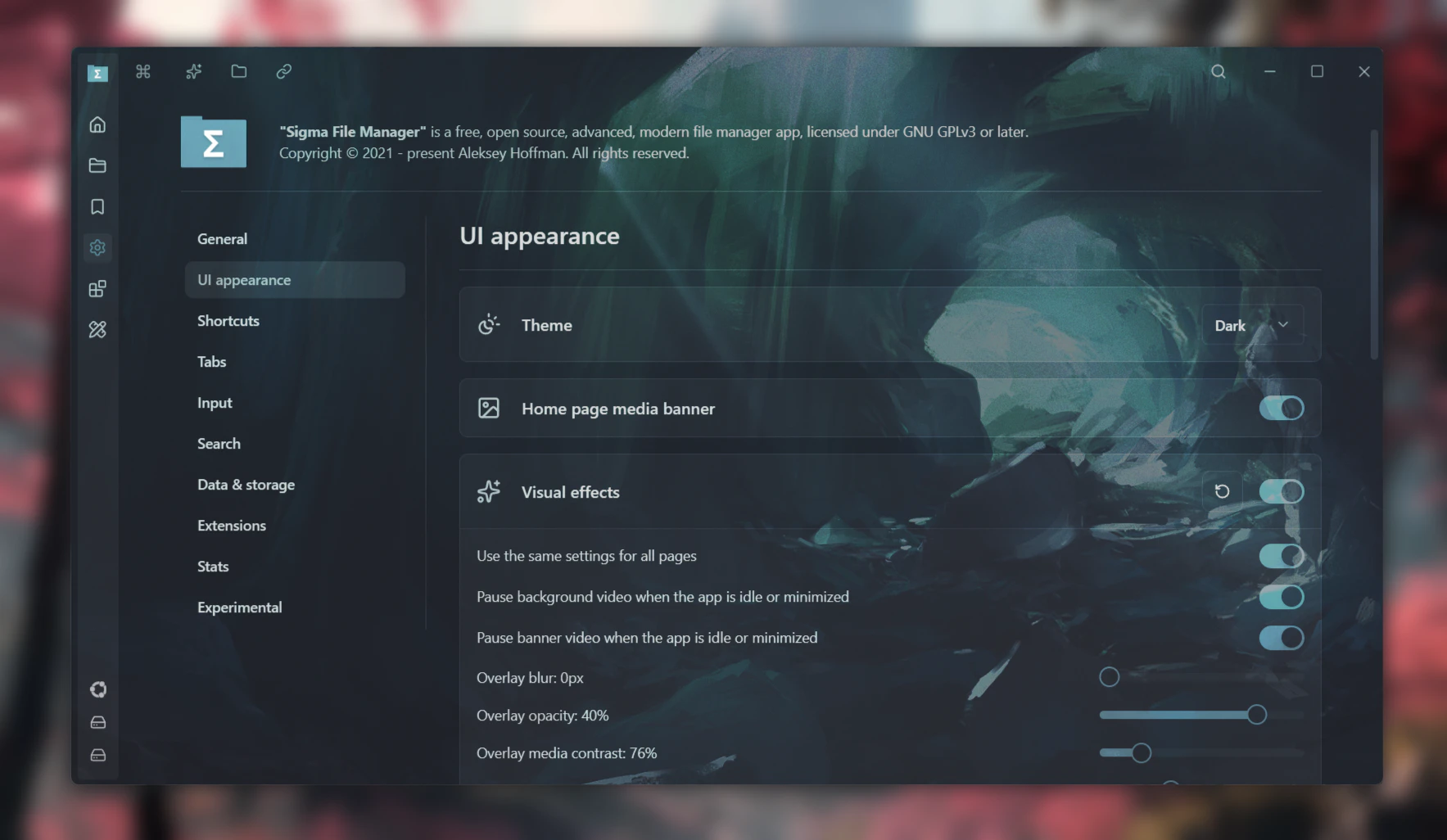
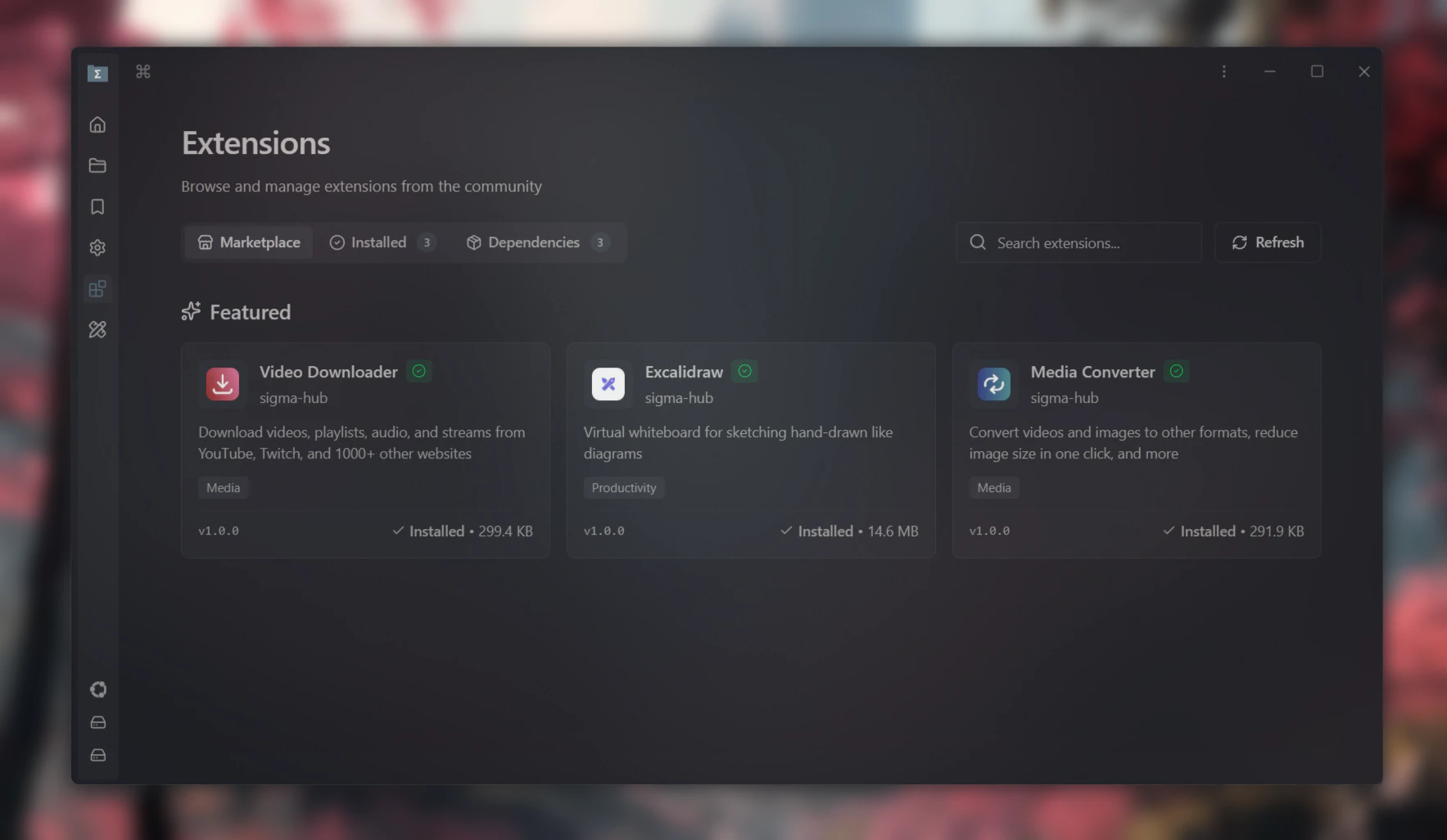
Sigma File Manager is an open-source, modern file explorer designed for Windows and Linux users seeking a sleek, efficient, and customizable way to manage their files. Built with a focus on speed and usability, it offers a fresh alternative to traditional file managers with a clean interface and modern features. Its open-source nature encourages community-driven development, allowing users to contribute enhancements and tailor the tool to their needs. As a rapidly evolving project, Sigma File Manager combines the familiarity of classic file management with innovative features, making it ideal for developers, power users, and anyone interested in a lightweight, customizable file browsing experience. Its cross-platform compatibility ensures users can enjoy a consistent experience across different operating systems, fostering flexibility and productivity.
Screenshots
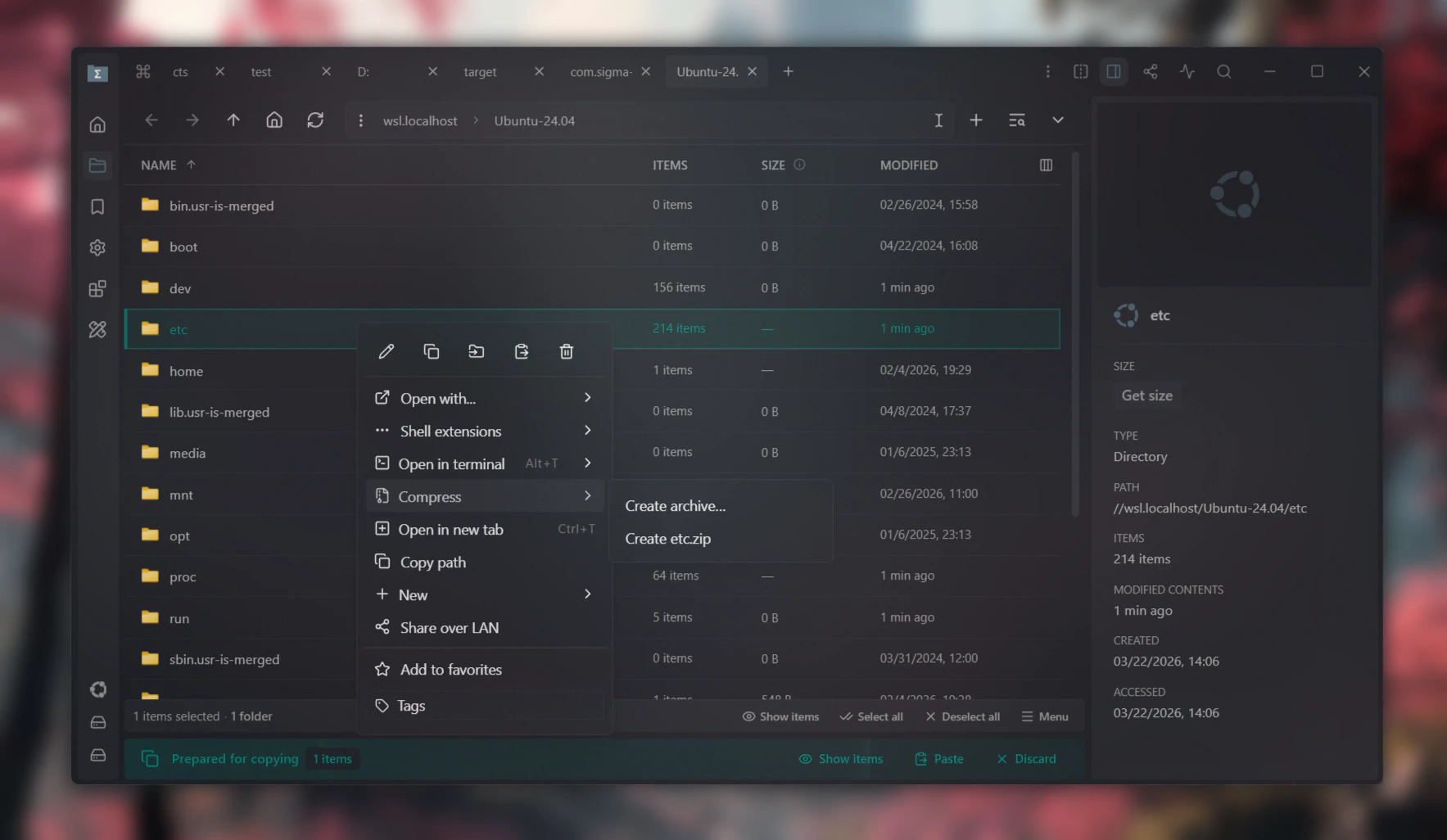

Pros
- ✓Open-source and highly customizable
- ✓Cross-platform compatibility (Windows and Linux)
- ✓Modern, user-friendly interface
- ✓Actively evolving with community contributions
- ✓Lightweight and fast performance
Cons
- ✗Still in active development, may have bugs or missing features
- ✗Limited mainstream adoption compared to established file managers
- ✗Requires some technical knowledge for customization
Use Cases
Pricing
Free and open-source, with no cost involved. Users can freely download, modify, and distribute the software under its open-source license.
Quick Info
Topics
Makers

Aleksey Hoffman
Alternatives
Similar Tools in Developer Tools




Embed Badge
Add this badge to your website to show that Sigma File Manager is featured on Visalytica.
<a href="https://www.visalytica.com/tool/sigma-file-manager" target="_blank" rel="noopener noreferrer" style="display:inline-flex;align-items:center;gap:6px;padding:6px 14px;background:#7c3aed;color:#fff;border-radius:8px;font-family:-apple-system,system-ui,sans-serif;font-size:13px;font-weight:600;text-decoration:none;transition:background .2s" onmouseover="this.style.background='#6d28d9'" onmouseout="this.style.background='#7c3aed'"><svg width="14" height="14" viewBox="0 0 24 24" fill="none" stroke="currentColor" stroke-width="2.5" stroke-linecap="round" stroke-linejoin="round"><path d="M12 20V10"/><path d="M18 20V4"/><path d="M6 20v-4"/></svg>Featured on Visalytica</a>