
Shotcandy
Make Your Screenshots Look Amazing
About Shotcandy
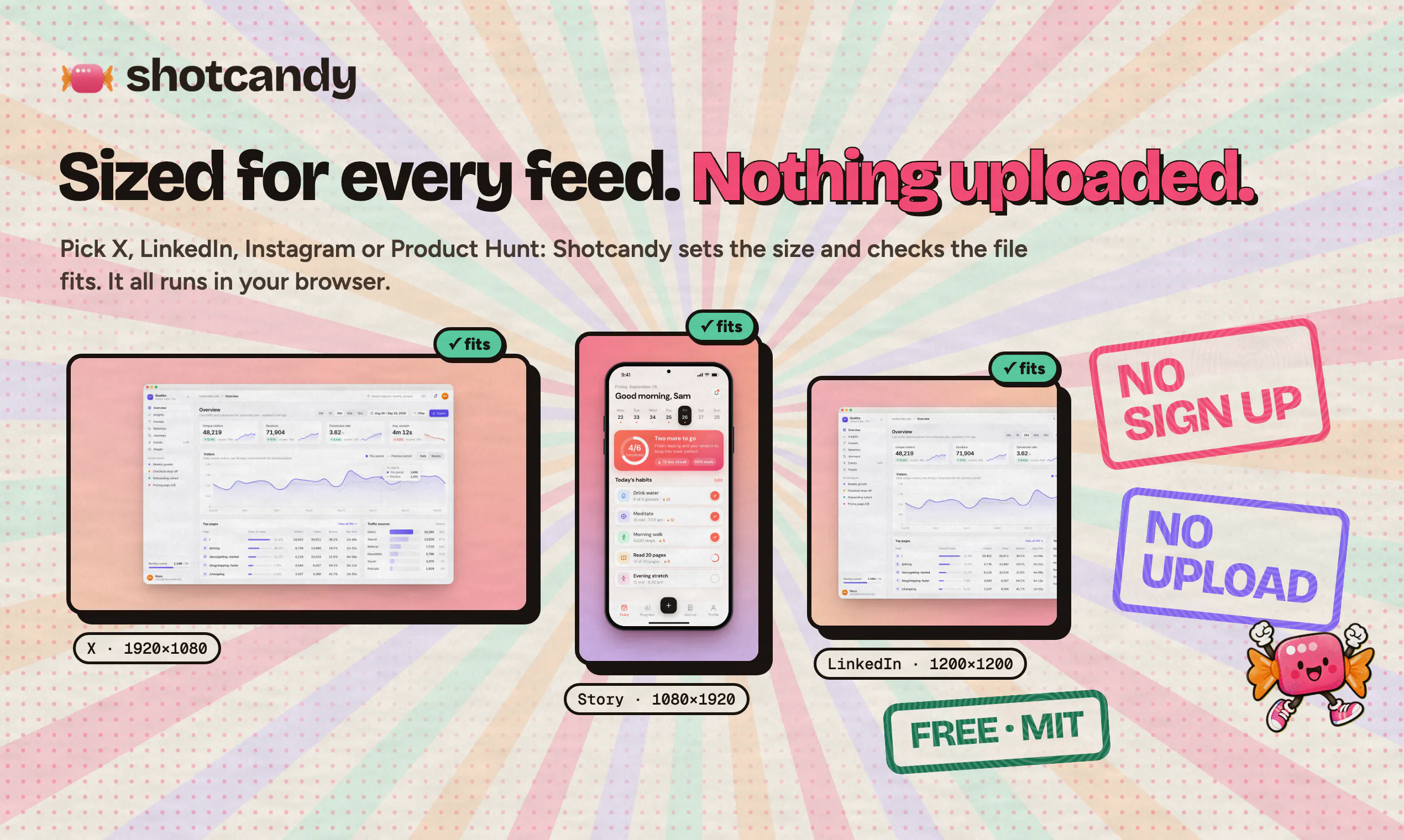
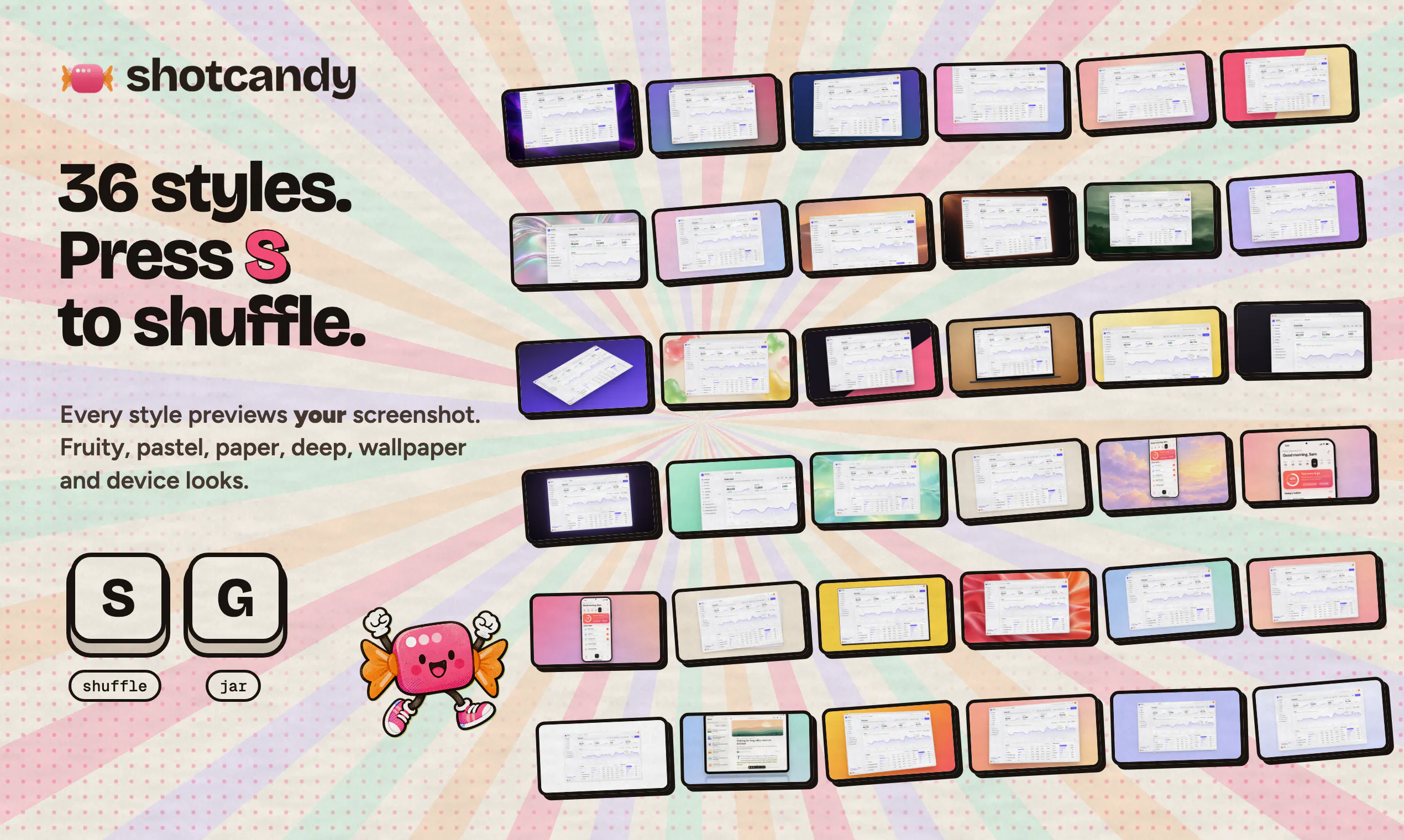
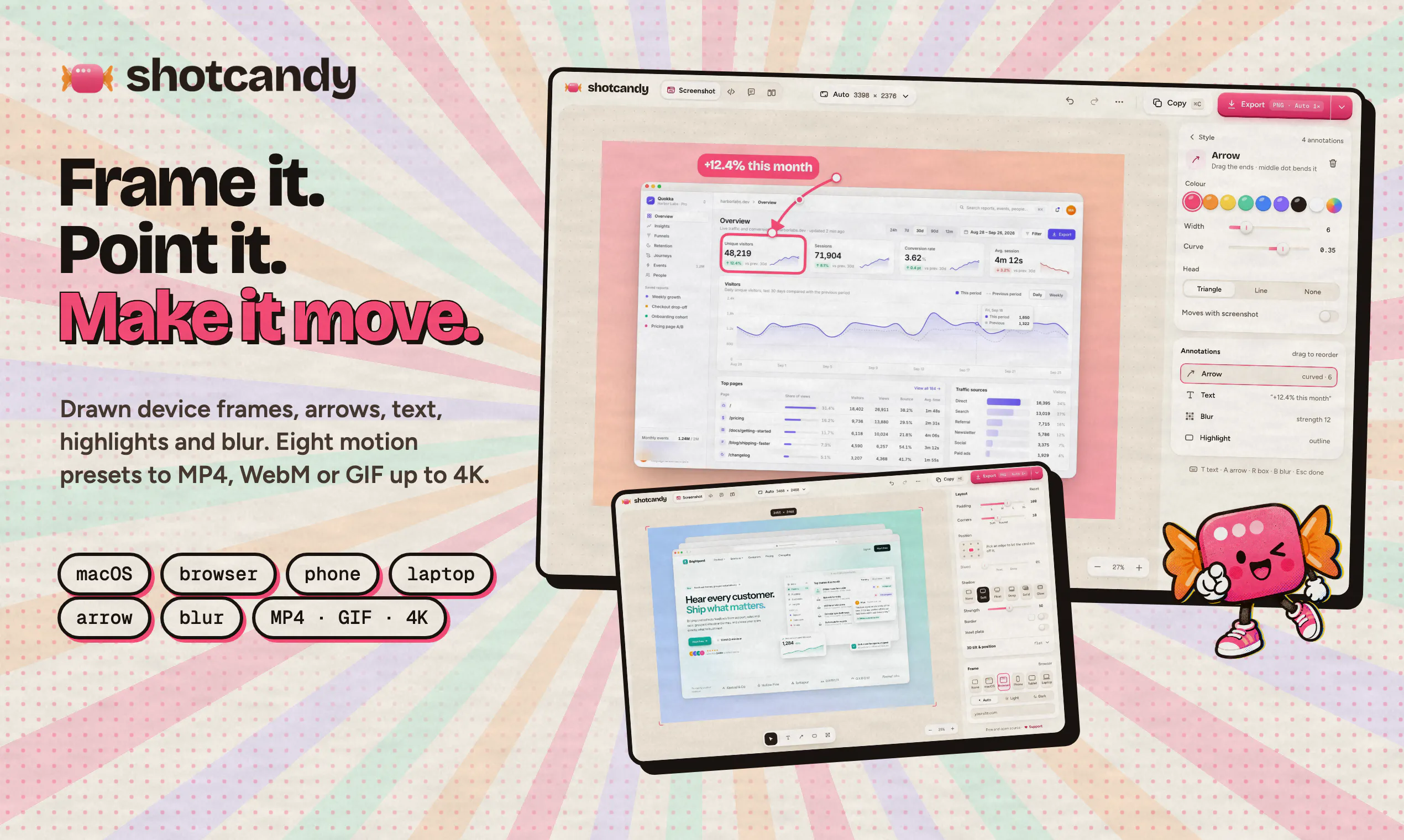
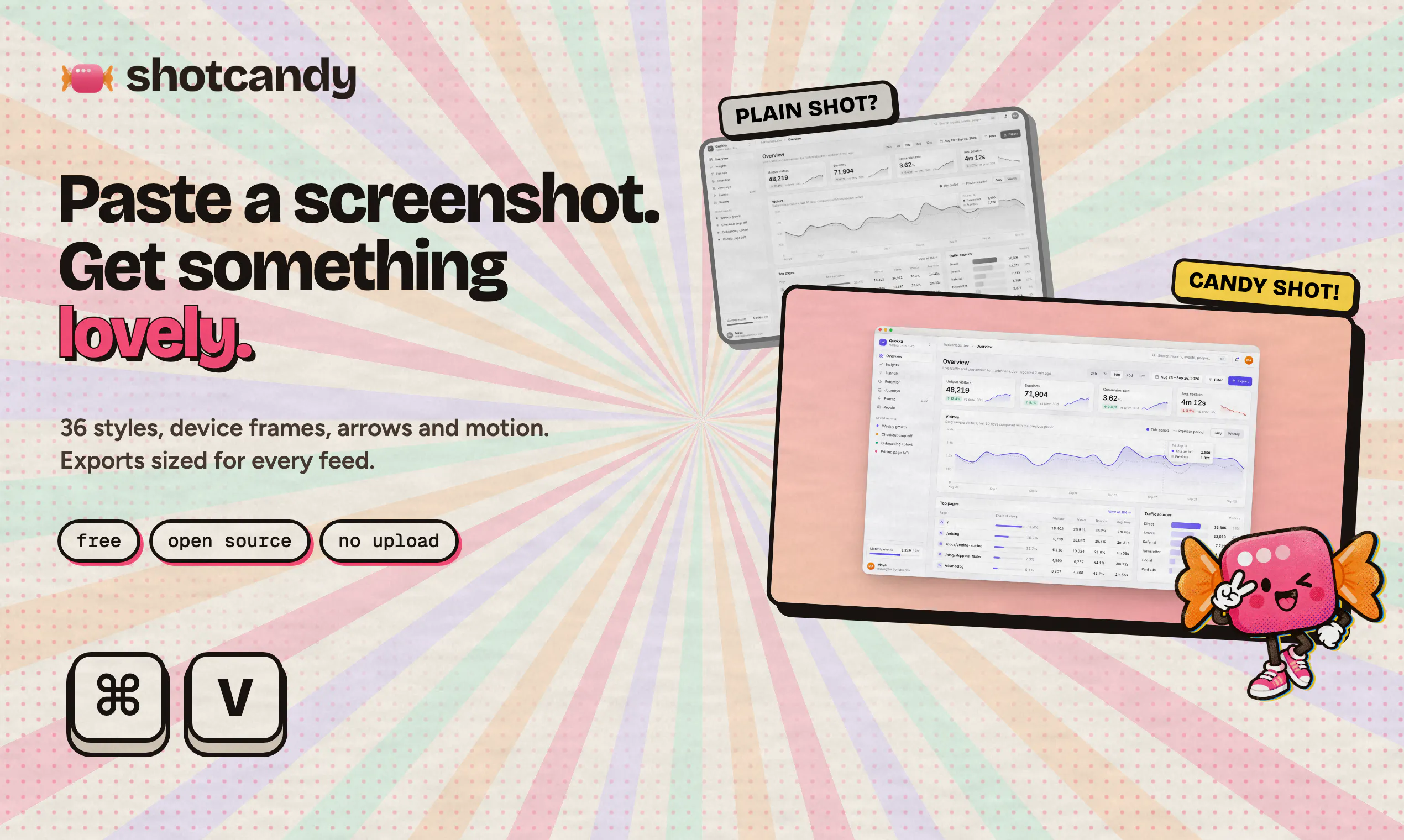
Shotcandy is a user-friendly, browser-based tool designed to transform plain screenshots into visually appealing, share-ready images and videos. Perfect for marketers, social media managers, developers, and content creators, it simplifies the process of enhancing visual content without the need for complex editing software. Simply paste a screenshot into Shotcandy, and within seconds, users receive a beautifully styled, professional-looking image that can be easily shared across platforms or included in presentations. Its quick and intuitive interface makes it accessible for users of all skill levels who want to elevate their visual content effortlessly. By focusing on ease of use and rapid results, Shotcandy stands out as a handy tool for anyone looking to make their screenshots more engaging and polished, especially in fast-paced digital environments.
Screenshots
Pros
- ✓Simple, browser-based interface requiring no downloads
- ✓Quick transformation of screenshots into attractive visuals
- ✓Suitable for users with varying levels of design experience
- ✓Supports sharing-ready images and videos
Cons
- ✗Limited to screenshot beautification, lacks advanced editing features
- ✗No information on premium features or pricing tiers
- ✗Vague details about customization options
Use Cases
Pricing
Pricing not verified
Quick Info
Topics
Makers

Bilal Tahir
Alternatives
Similar Tools in AI Image & Design




Embed Badge
Add this badge to your website to show that Shotcandy is featured on Visalytica.
<a href="https://www.visalytica.com/tool/shotcandy" target="_blank" rel="noopener noreferrer" style="display:inline-flex;align-items:center;gap:6px;padding:6px 14px;background:#7c3aed;color:#fff;border-radius:8px;font-family:-apple-system,system-ui,sans-serif;font-size:13px;font-weight:600;text-decoration:none;transition:background .2s" onmouseover="this.style.background='#6d28d9'" onmouseout="this.style.background='#7c3aed'"><svg width="14" height="14" viewBox="0 0 24 24" fill="none" stroke="currentColor" stroke-width="2.5" stroke-linecap="round" stroke-linejoin="round"><path d="M12 20V10"/><path d="M18 20V4"/><path d="M6 20v-4"/></svg>Featured on Visalytica</a>