
Shopify AI Toolkit
Manage your Shopify store from inside your AI agent
About Shopify AI Toolkit
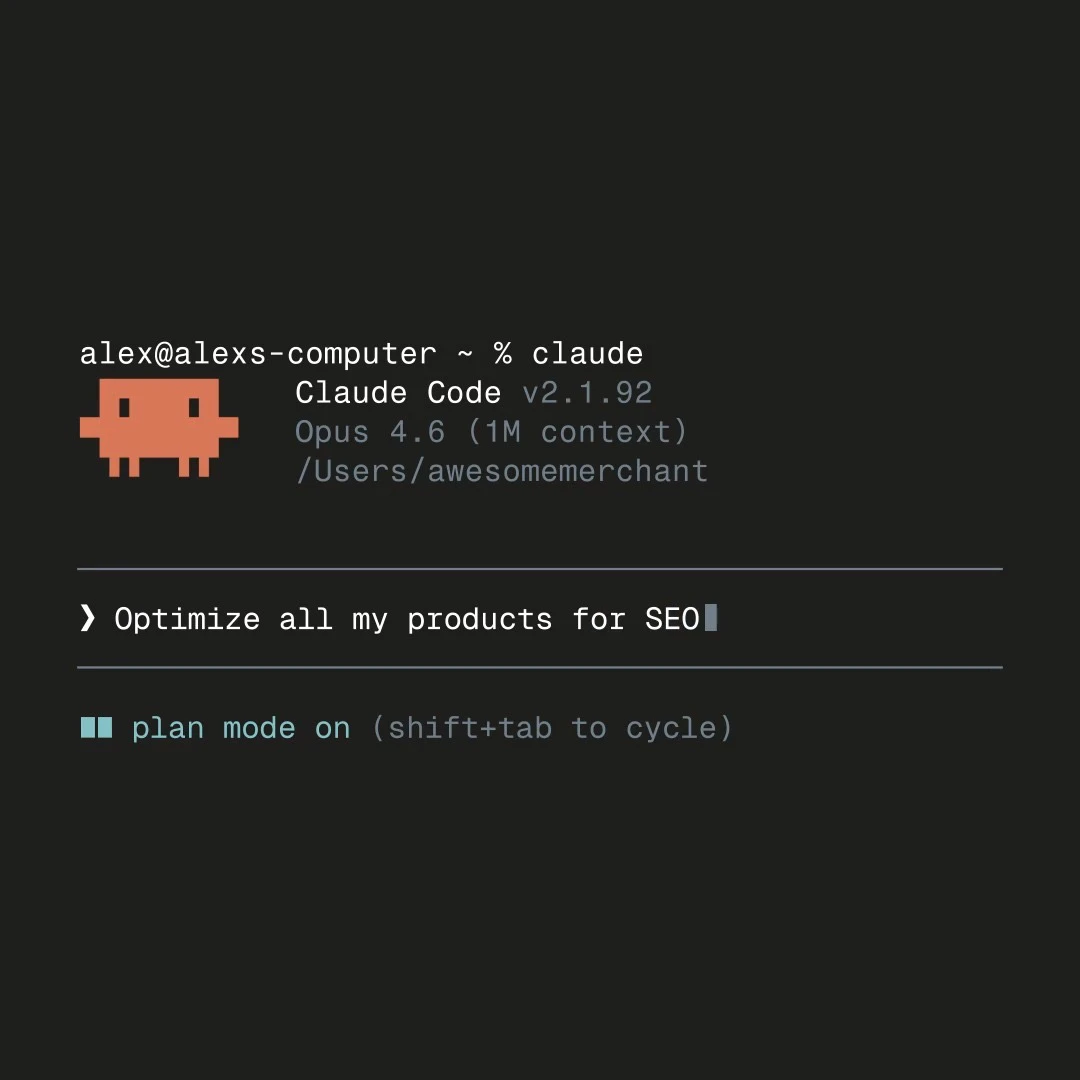
Shopify AI Toolkit is an innovative suite designed for developers who want to streamline and enhance their Shopify store management through AI integrations. By connecting popular AI tools like Claude Code, Cursor, Gemini CLI, and VS Code with Shopify's live APIs and schemas, it enables seamless store management within AI agent workflows. This toolkit is tailored for developers building custom solutions or automations, providing deep access to Shopify's infrastructure directly from their preferred AI and development environments. Its unique value lies in bridging the gap between e-commerce store operations and AI-driven development, empowering teams to automate tasks, debug, and deploy updates more efficiently. Whether creating custom dashboards, automating product updates, or managing orders, Shopify AI Toolkit offers a powerful, integrated approach that saves time and enhances productivity for Shopify developers.
Screenshots

Pros
- ✓Seamless integration of AI tools with Shopify's live APIs and schemas
- ✓Enhances developer productivity through automation and streamlined workflows
- ✓Supports popular AI and IDE tools like Claude Code, Cursor, Gemini CLI, and VS Code
- ✓Facilitates building custom e-commerce solutions within AI environments
- ✓Reduces manual effort and accelerates store management tasks
Cons
- ✗Requires familiarity with AI tools and Shopify API development
- ✗Potentially complex setup for non-technical users
- ✗Limited user interface; primarily geared toward developers and technical teams
Use Cases
Pricing
Likely operates on a developer-focused pricing model, potentially offering a free tier or trial with paid plans based on API usage or feature access. Exact pricing details are not publicly confirmed and may vary depending on integration complexity.
Quick Info
Topics
Alternatives
Similar Tools in E-commerce




Embed Badge
Add this badge to your website to show that Shopify AI Toolkit is featured on Visalytica.
<a href="https://www.visalytica.com/tool/shopify-ai-toolkit" target="_blank" rel="noopener noreferrer" style="display:inline-flex;align-items:center;gap:6px;padding:6px 14px;background:#7c3aed;color:#fff;border-radius:8px;font-family:-apple-system,system-ui,sans-serif;font-size:13px;font-weight:600;text-decoration:none;transition:background .2s" onmouseover="this.style.background='#6d28d9'" onmouseout="this.style.background='#7c3aed'"><svg width="14" height="14" viewBox="0 0 24 24" fill="none" stroke="currentColor" stroke-width="2.5" stroke-linecap="round" stroke-linejoin="round"><path d="M12 20V10"/><path d="M18 20V4"/><path d="M6 20v-4"/></svg>Featured on Visalytica</a>