ShipHappens:
ASO, keywords & screenshots for the app store
About ShipHappens:
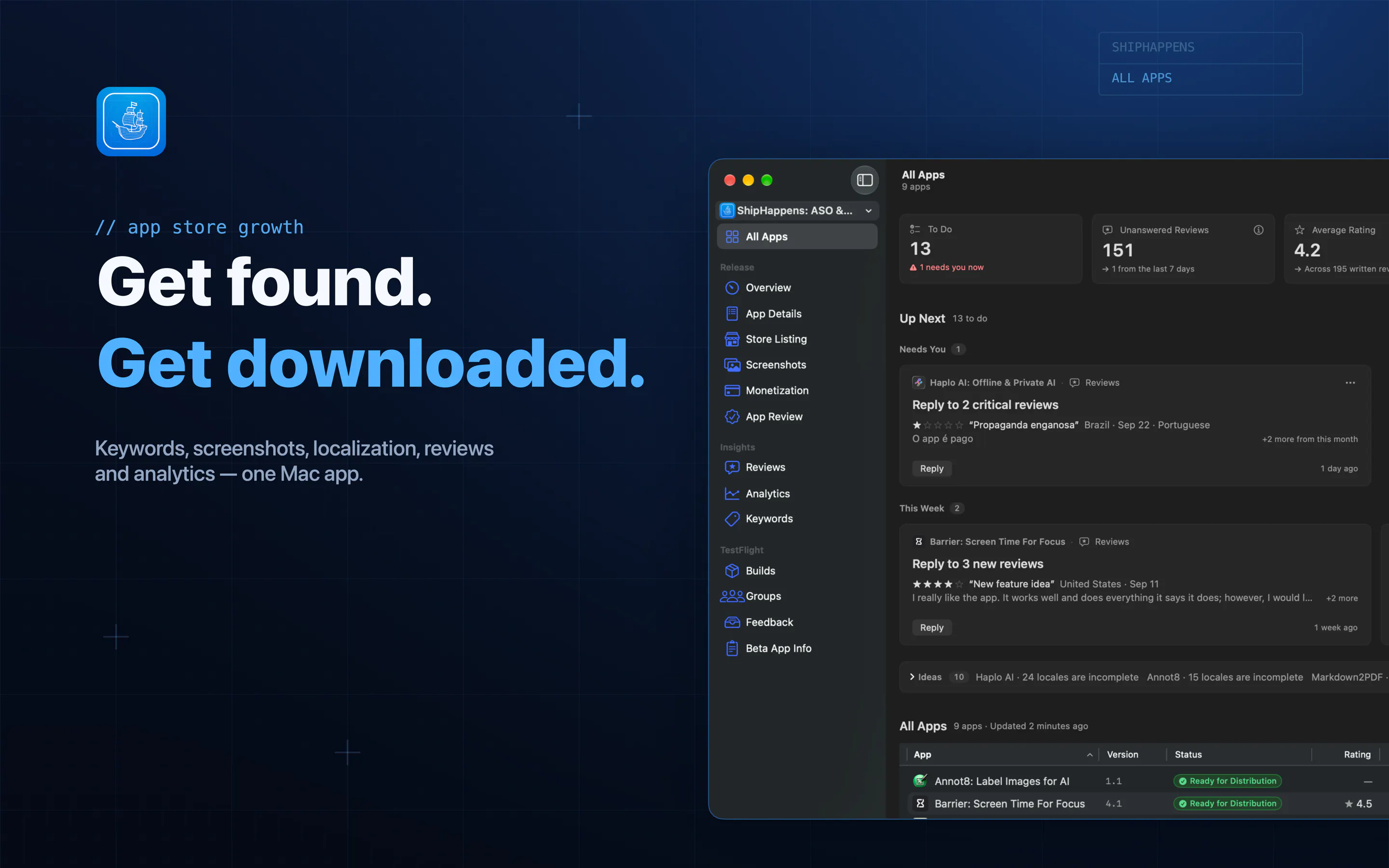
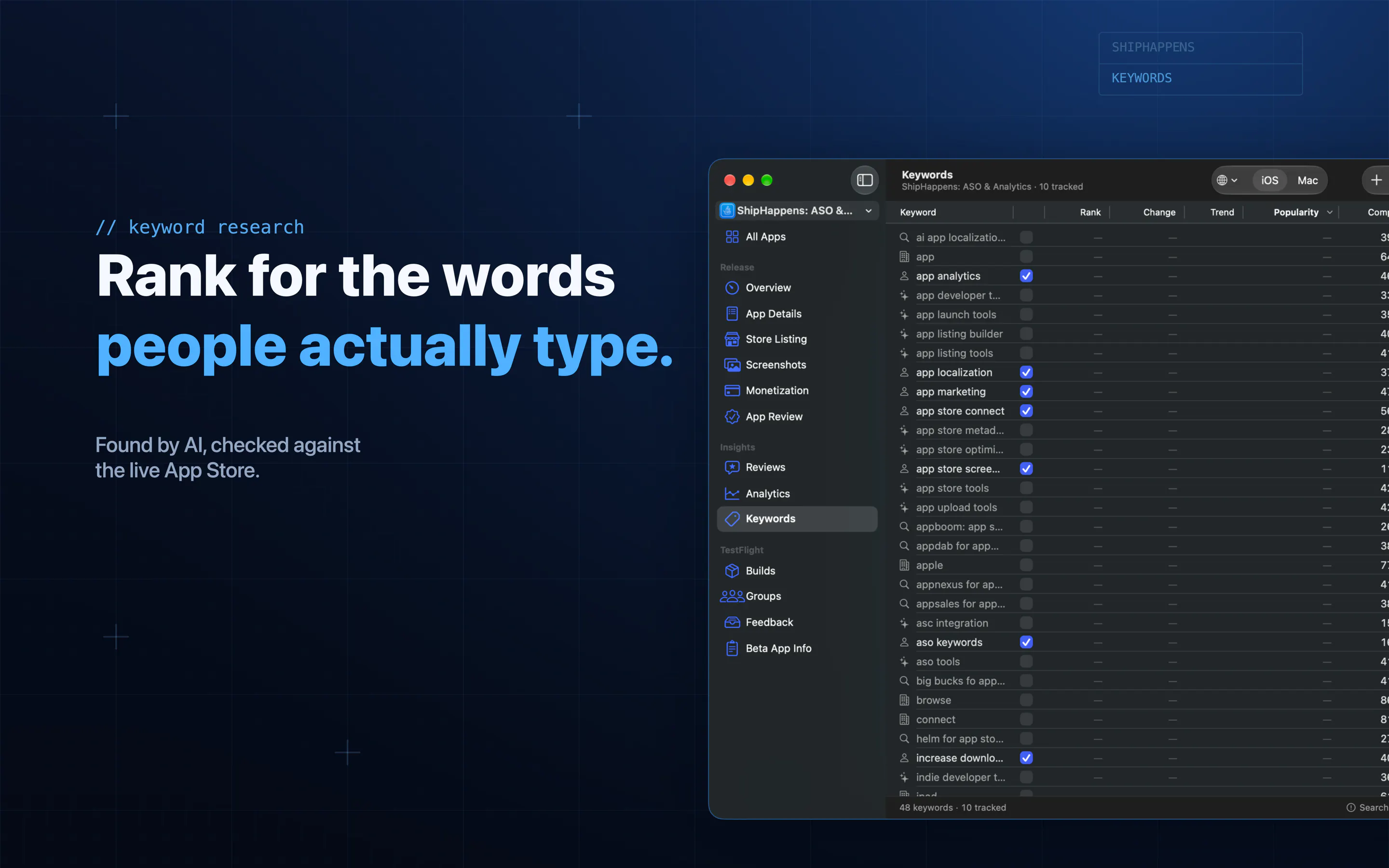
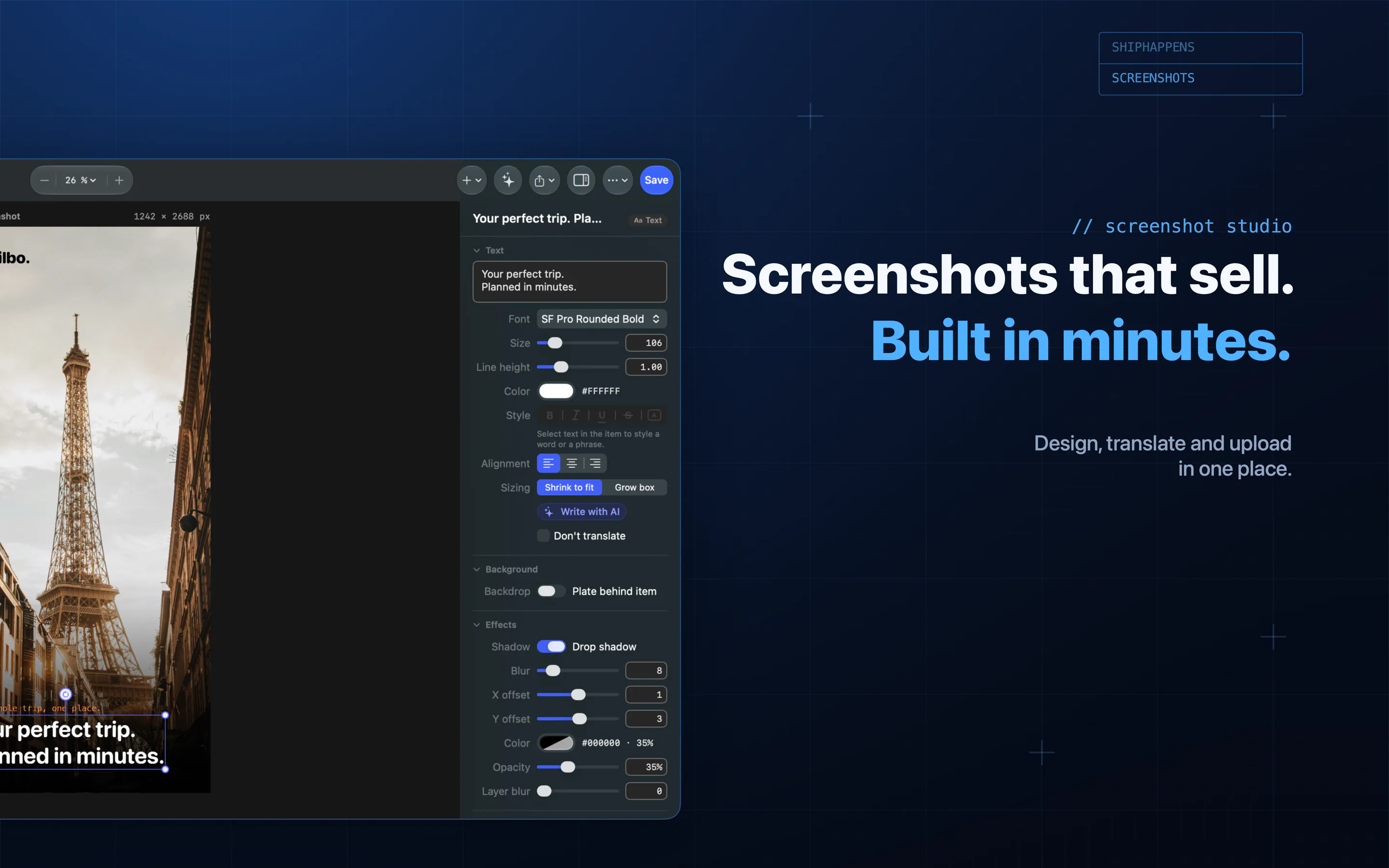
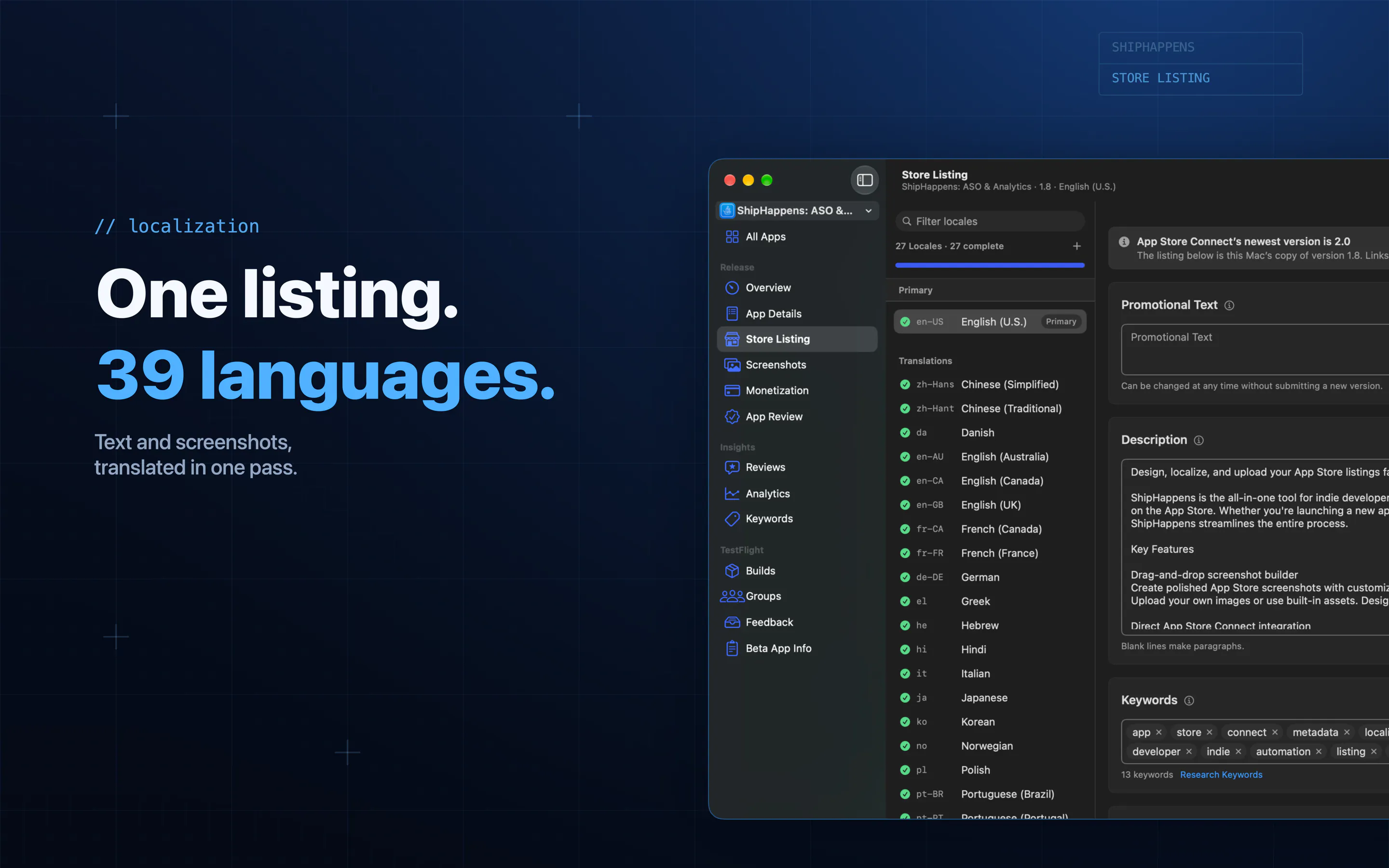
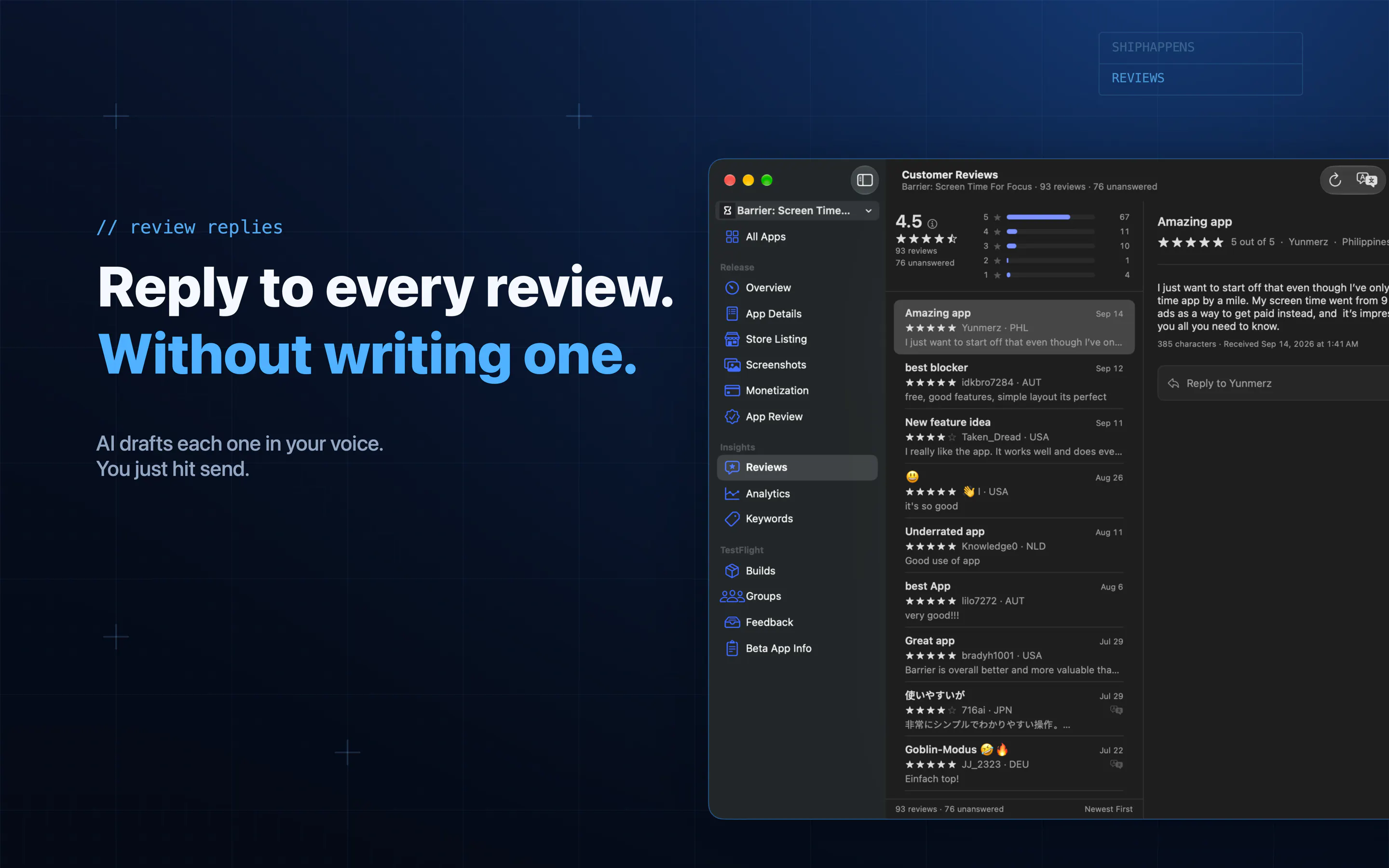
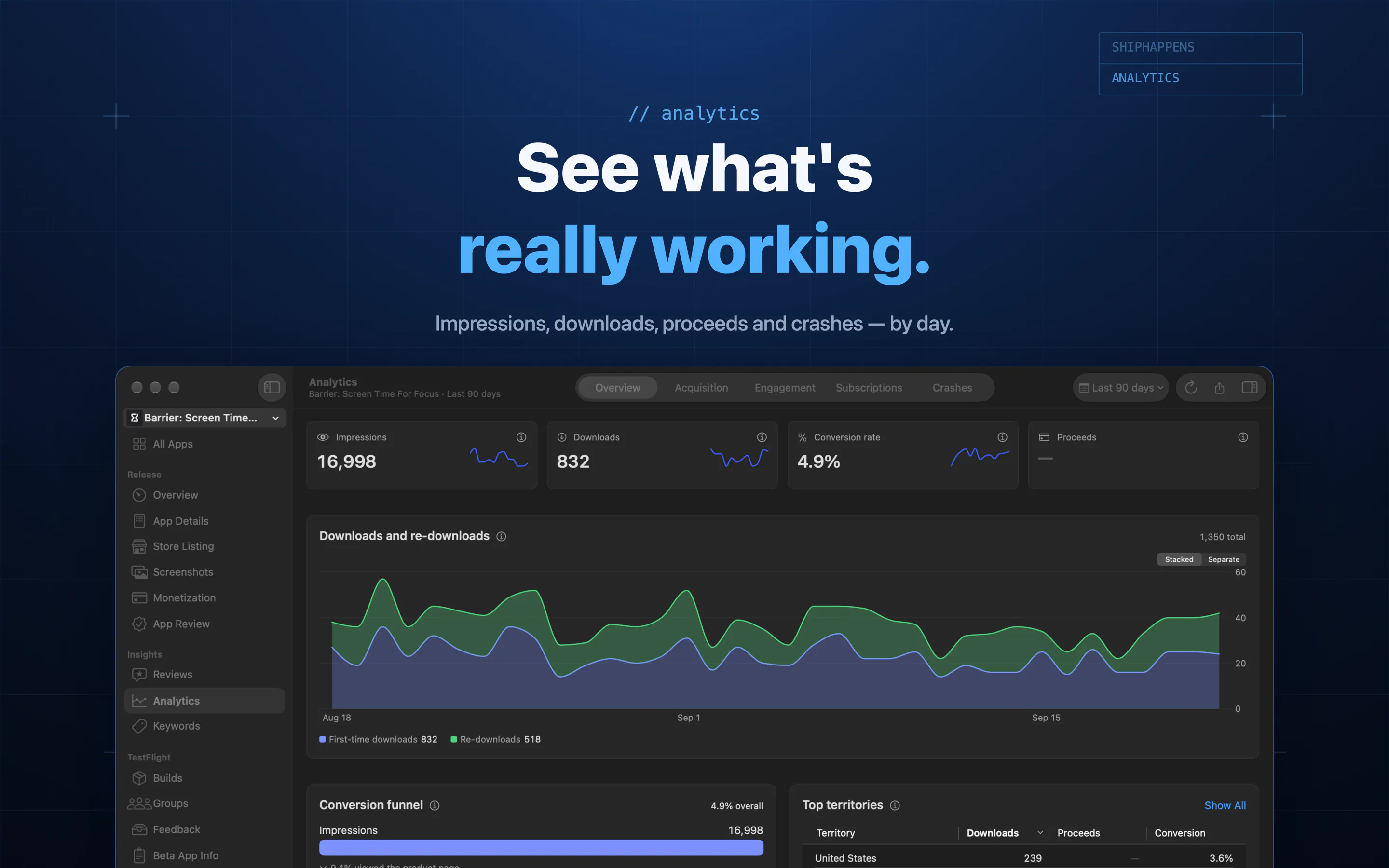
ShipHappens is a powerful native Mac app designed to streamline and enhance the app store optimization (ASO) process for iOS developers and marketers. Unlike the sluggish and cluttered Apple App Store Connect, ShipHappens offers a more efficient way to manage your app listings. It enables users to select keywords based on Apple's own search popularity data, generate app screenshots using AI, and translate listings into 39 languages simultaneously. The tool also provides A/B testing capabilities for product pages and allows reviewers to respond in any language, improving user engagement. A comprehensive feed consolidates actionable insights across multiple apps, helping developers prioritize fixes and improvements. With security in mind, the app keeps your API keys in your Keychain and supports integration with any AI provider or local models, offering flexibility and privacy. Overall, ShipHappens aims to make ASO more effective, accessible, and less time-consuming, empowering developers to boost downloads and visibility.
Screenshots
+2 more screenshots
Pros
- ✓Integrates Apple's search popularity data for smarter keyword selection
- ✓AI-powered screenshot creation and multi-language translation in one click
- ✓Supports A/B testing for app store product pages
- ✓Consolidated feed for actionable insights across multiple apps
- ✓Enhanced privacy with local AI options and keychain security
Cons
- ✗Currently has no user reviews or significant user base on Product Hunt
- ✗May require familiarity with ASO concepts for optimal use
- ✗Pricing details are not provided, which could impact decision-making
Use Cases
Pricing
Pricing not verified
Quick Info
Topics
Makers

JC
Similar Tools in E-commerce




Embed Badge
Add this badge to your website to show that ShipHappens: is featured on Visalytica.
<a href="https://www.visalytica.com/tool/shiphappens" target="_blank" rel="noopener noreferrer" style="display:inline-flex;align-items:center;gap:6px;padding:6px 14px;background:#7c3aed;color:#fff;border-radius:8px;font-family:-apple-system,system-ui,sans-serif;font-size:13px;font-weight:600;text-decoration:none;transition:background .2s" onmouseover="this.style.background='#6d28d9'" onmouseout="this.style.background='#7c3aed'"><svg width="14" height="14" viewBox="0 0 24 24" fill="none" stroke="currentColor" stroke-width="2.5" stroke-linecap="round" stroke-linejoin="round"><path d="M12 20V10"/><path d="M18 20V4"/><path d="M6 20v-4"/></svg>Featured on Visalytica</a>