Shepherd
Focus & Productivity Time Tracker
About Shepherd
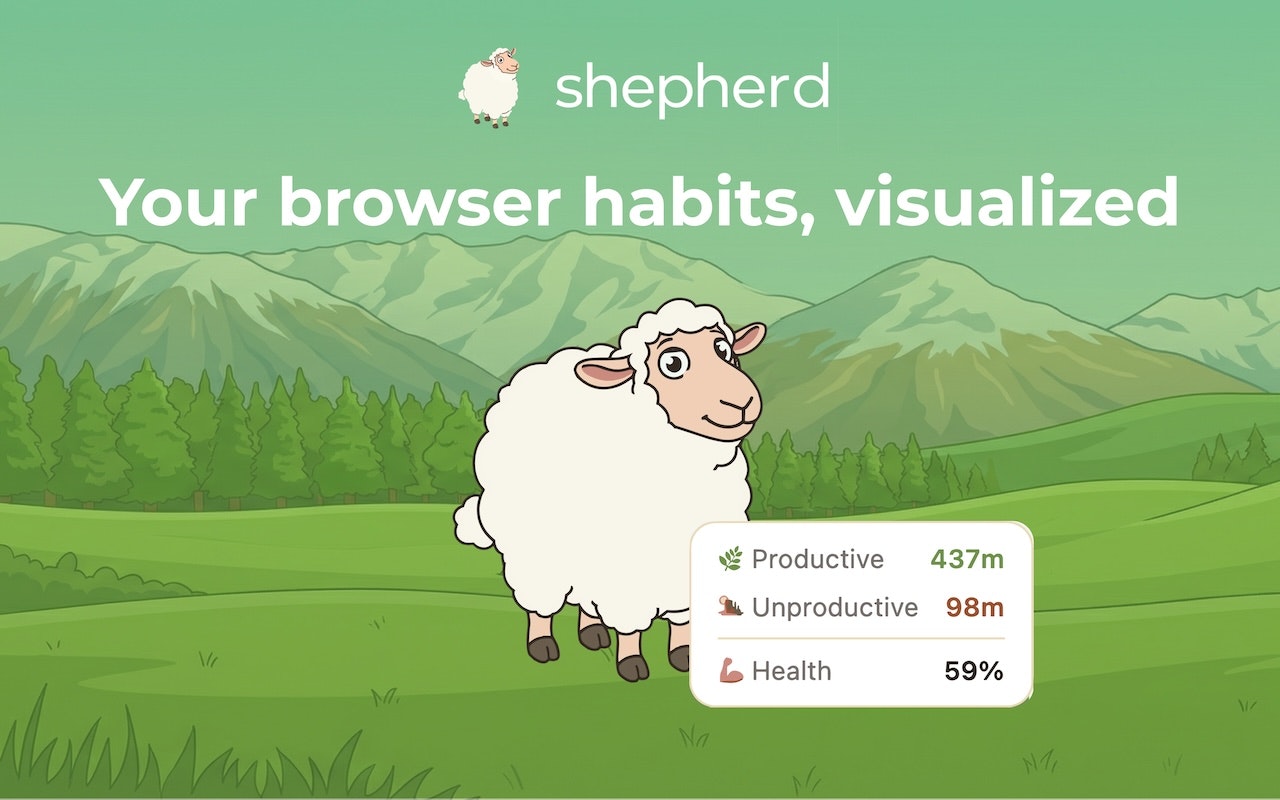
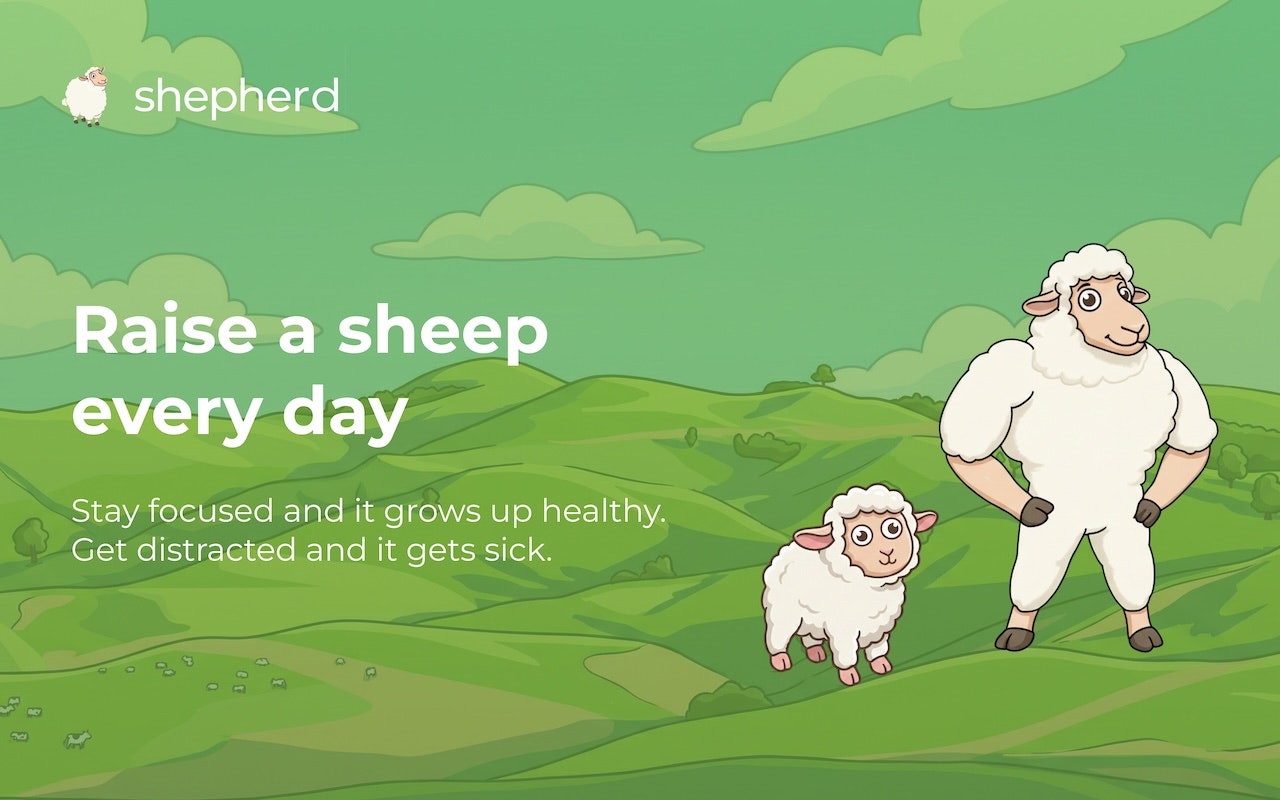
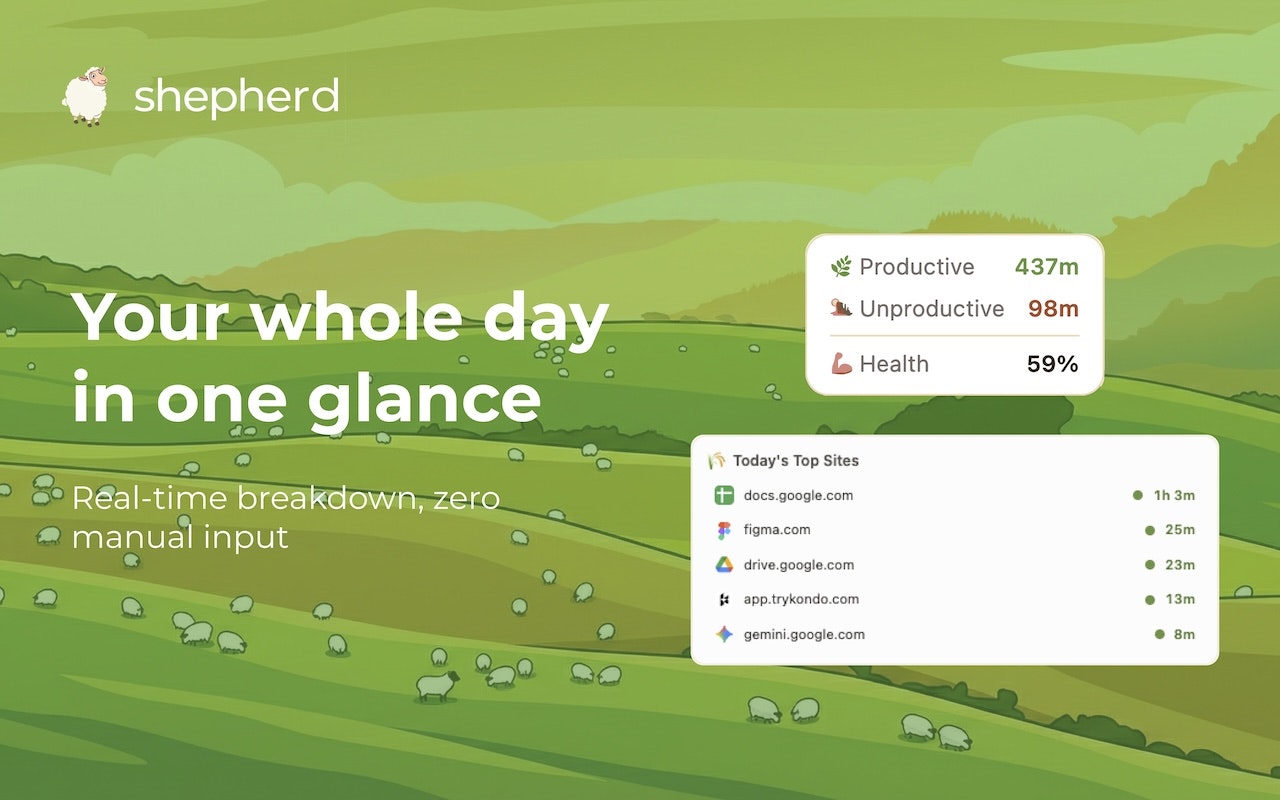
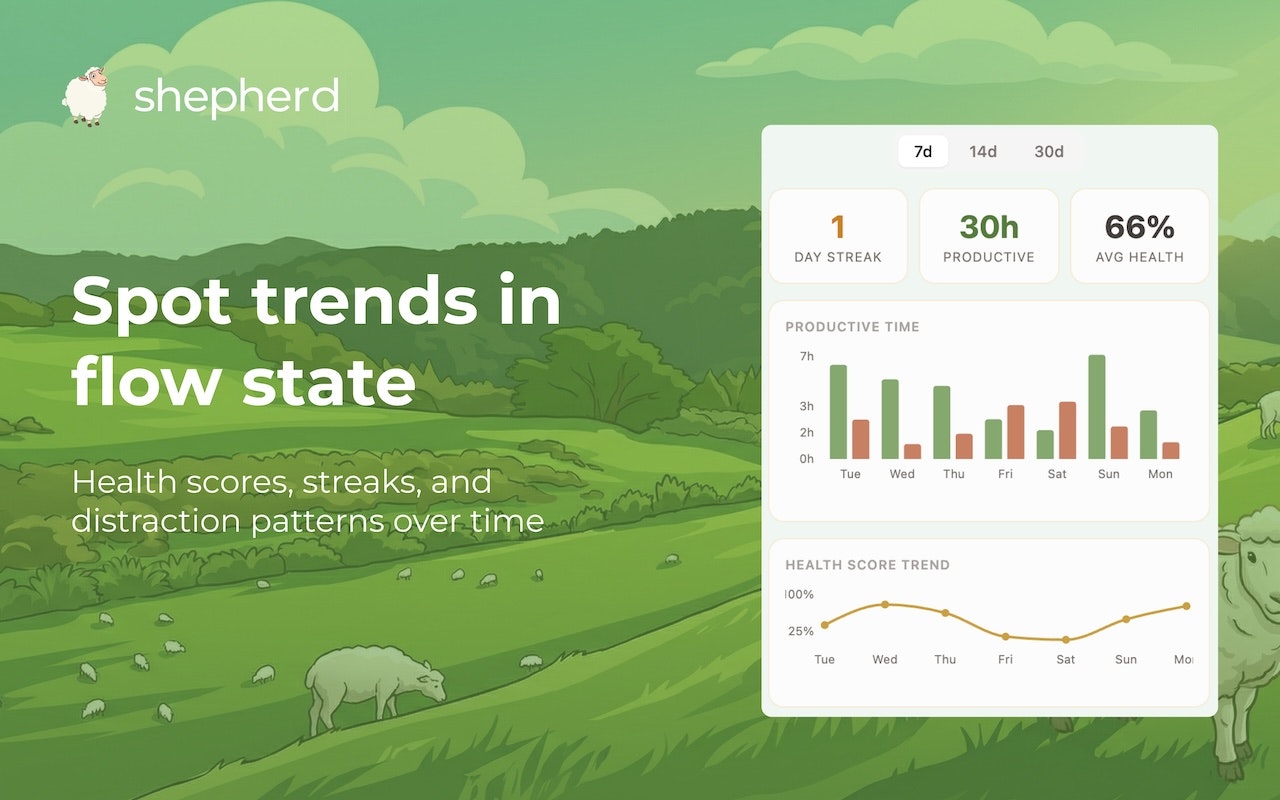
Shepherd is a free Chrome extension designed to enhance focus and productivity through effortless time tracking. By automatically monitoring which websites users visit, Shepherd categorizes sites as productive or not, providing immediate insights into browsing habits. Its playful feature of growing a sheep based on how well users manage their focus adds a unique, motivating visual element. Ideal for freelancers, remote workers, students, or anyone looking to optimize their digital habits, Shepherd combines privacy with transparency—being upfront about how it tracks and analyzes data. Its simple, unobtrusive design makes it easy to integrate into daily routines, encouraging mindful browsing without manual input. The tool's honesty about your browser habits helps users identify distractions and improve focus over time, making productivity both measurable and engaging.
Screenshots
Pros
- ✓Automatic, hands-free focus tracking
- ✓Privacy-focused with transparent data handling
- ✓Gamified growth system with sheep visualization
- ✓Easy to install and use as a Chrome extension
- ✓Provides actionable insights into browsing habits
Cons
- ✗Limited customization options for tracking
- ✗Data visualization may be basic for advanced users
- ✗Lacks integrations with other productivity tools
Use Cases
Pricing
Shepherd appears to be a free Chrome extension with no visible premium tiers, making it accessible for all users without cost.
Quick Info
Topics
Similar Tools in Productivity




Embed Badge
Add this badge to your website to show that Shepherd is featured on Visalytica.
<a href="https://www.visalytica.com/tool/shepherd" target="_blank" rel="noopener noreferrer" style="display:inline-flex;align-items:center;gap:6px;padding:6px 14px;background:#7c3aed;color:#fff;border-radius:8px;font-family:-apple-system,system-ui,sans-serif;font-size:13px;font-weight:600;text-decoration:none;transition:background .2s" onmouseover="this.style.background='#6d28d9'" onmouseout="this.style.background='#7c3aed'"><svg width="14" height="14" viewBox="0 0 24 24" fill="none" stroke="currentColor" stroke-width="2.5" stroke-linecap="round" stroke-linejoin="round"><path d="M12 20V10"/><path d="M18 20V4"/><path d="M6 20v-4"/></svg>Featured on Visalytica</a>