
Shadow
AI computer screen and voice control with custom automation
About Shadow
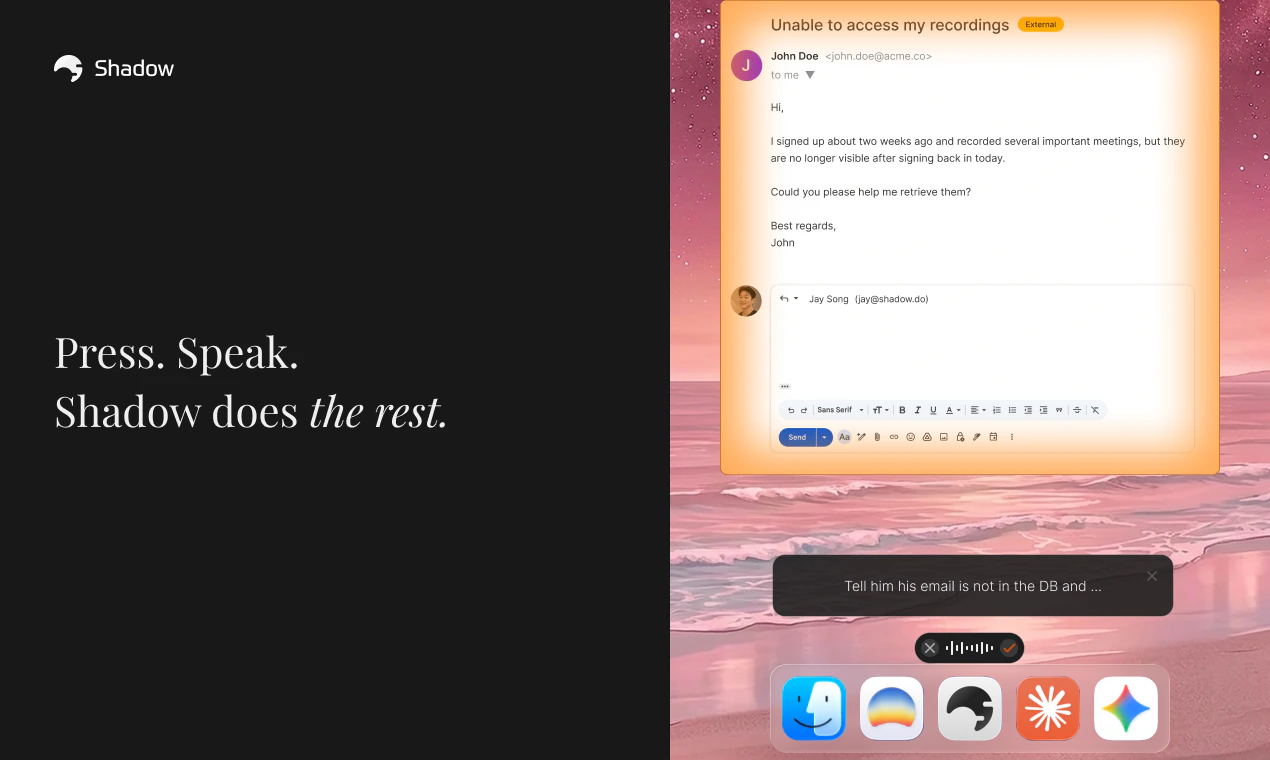
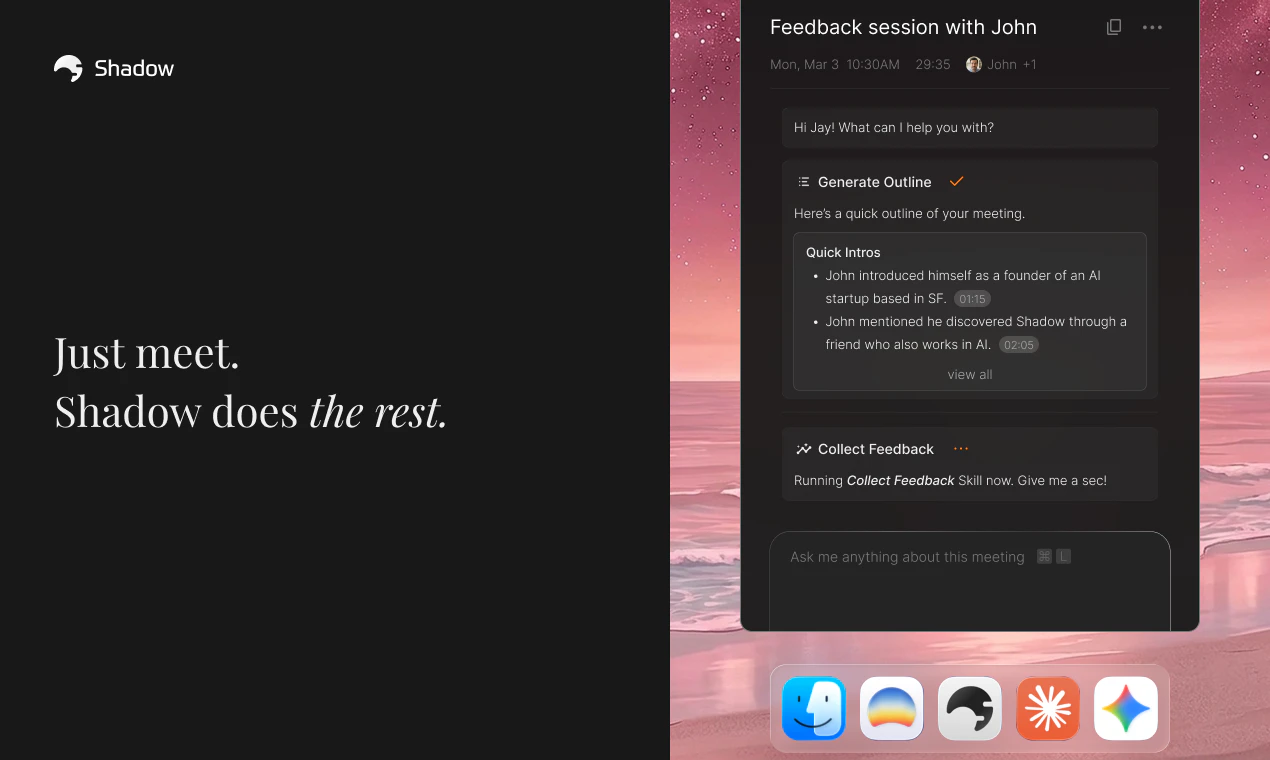
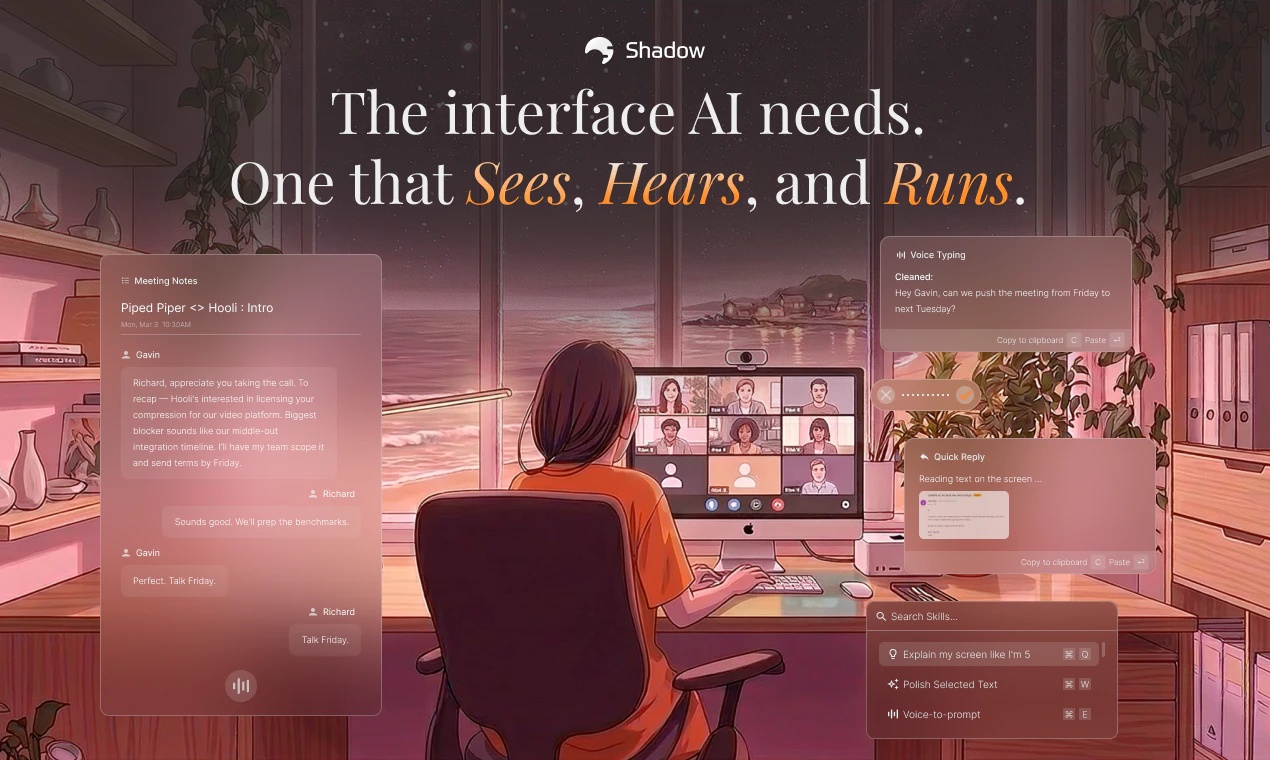
Shadow is an innovative AI-powered interface designed specifically for Mac users, combining screen recognition, voice commands, and customizable automation to streamline workflow. It enables users to control their computer through voice and visual cues, executing complex prompts with simple shortcuts or during meetings. Its unique ability to generate quick reply drafts, convert speech into clean text, and capture detailed meeting notes makes it particularly appealing for professionals seeking to enhance productivity and communication. By allowing users to build personalized Skills—each acting as a tailored prompt, context, and output—Shadow offers a high level of customization, empowering users to automate repetitive tasks and manage information more efficiently. Its seamless integration with everyday workflows positions it as a powerful tool for remote workers, content creators, and busy teams aiming to harness AI for smarter computing.
Screenshots
Pros
- ✓Highly customizable with user-defined Skills for automation
- ✓Integrates voice and screen recognition for hands-free control
- ✓Supports quick email replies and meeting note capture
- ✓Enhances productivity through automation of routine tasks
- ✓Operates directly on Mac, leveraging native capabilities
Cons
- ✗Limited user base and community support since it's relatively new
- ✗Potential learning curve for building effective Skills
- ✗Pricing details are not explicitly disclosed, which may impact budgeting
Use Cases
Pricing
Likely employs a freemium model with basic features available for free and premium options for advanced automation and customization, though specific pricing details are not publicly confirmed.
Quick Info
Topics
Alternatives
Similar Tools in AI Assistants




Embed Badge
Add this badge to your website to show that Shadow is featured on Visalytica.
<a href="https://www.visalytica.com/tool/shadow" target="_blank" rel="noopener noreferrer" style="display:inline-flex;align-items:center;gap:6px;padding:6px 14px;background:#7c3aed;color:#fff;border-radius:8px;font-family:-apple-system,system-ui,sans-serif;font-size:13px;font-weight:600;text-decoration:none;transition:background .2s" onmouseover="this.style.background='#6d28d9'" onmouseout="this.style.background='#7c3aed'"><svg width="14" height="14" viewBox="0 0 24 24" fill="none" stroke="currentColor" stroke-width="2.5" stroke-linecap="round" stroke-linejoin="round"><path d="M12 20V10"/><path d="M18 20V4"/><path d="M6 20v-4"/></svg>Featured on Visalytica</a>