
Settl
Speak naturally and split expenses instantly
About Settl
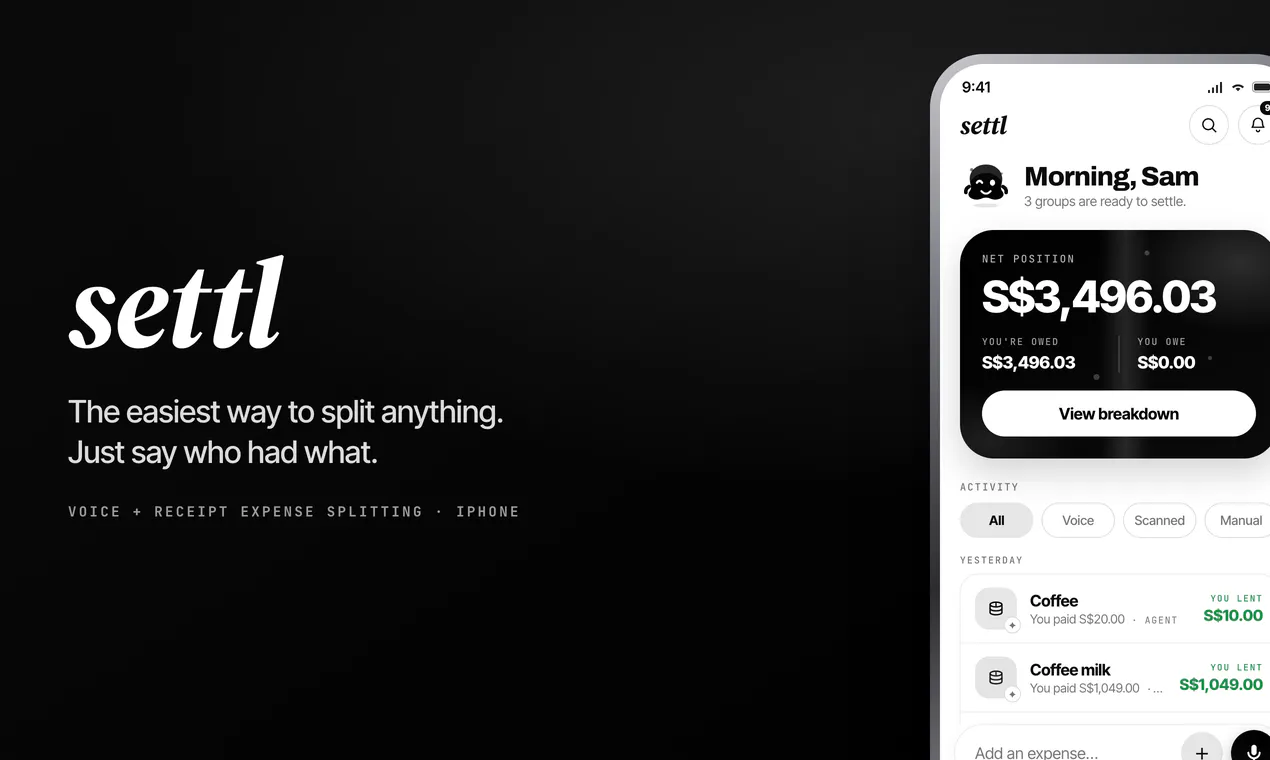
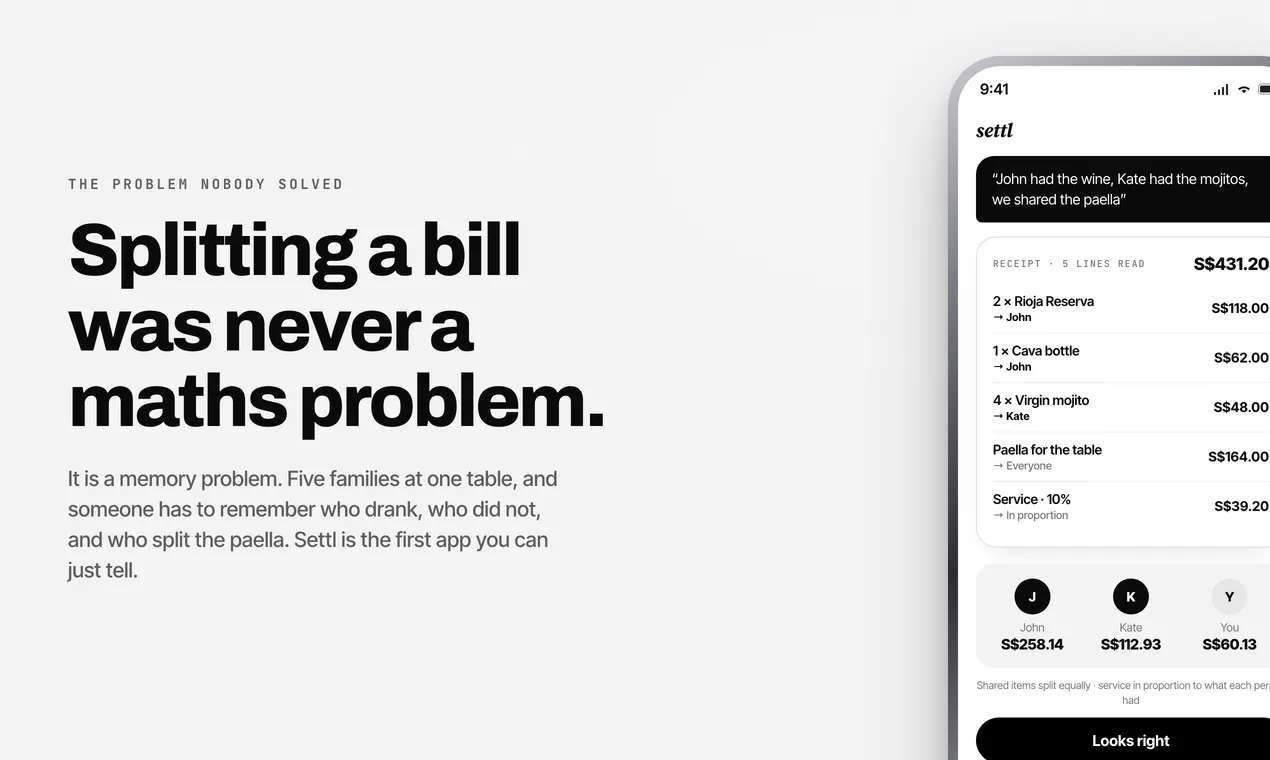
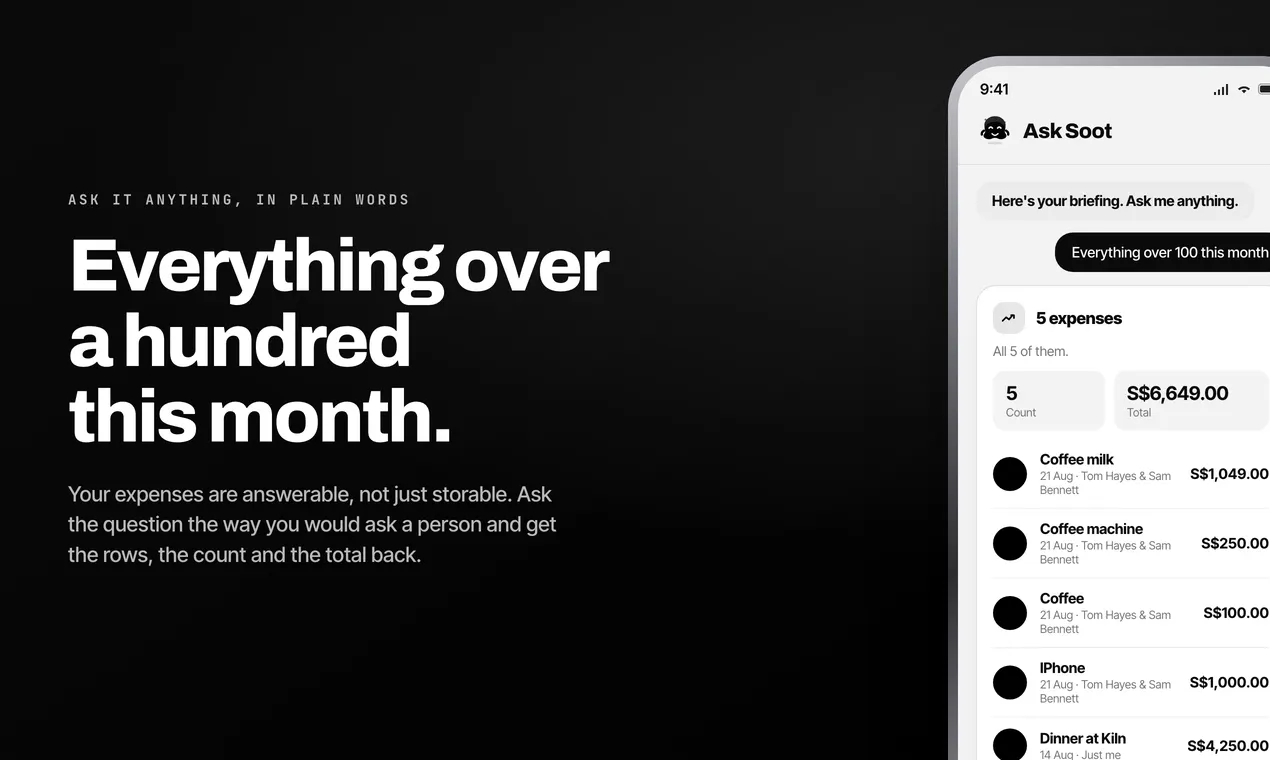
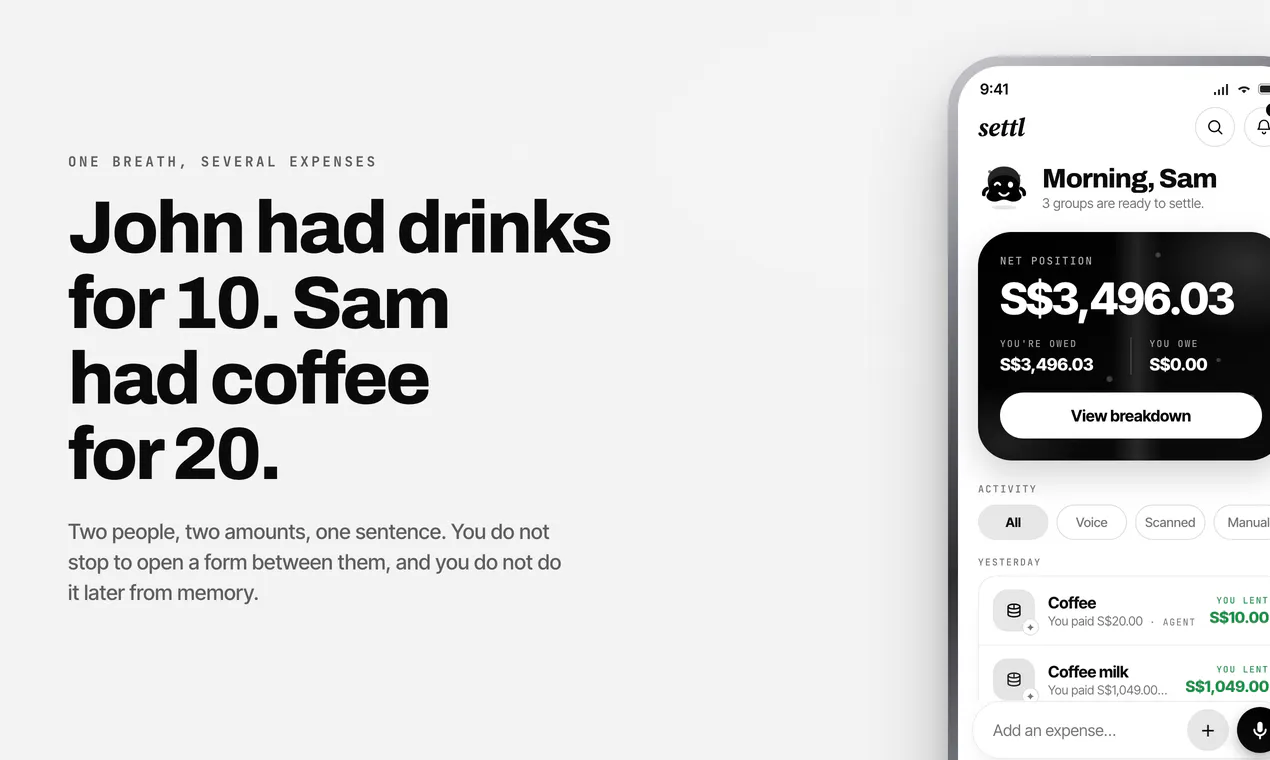
Settl is an innovative expense management tool designed for individuals and groups who want to simplify their financial tracking and expense splitting. By utilizing AI, users can effortlessly log their spending either through voice commands in any language or by scanning bills, making expense recording quick and intuitive. The platform's AI agent automatically splits expenses among participants, handles foreign exchange conversions, and maintains a comprehensive ledger, streamlining what used to be a tedious process. Available on iOS and Android, with integration options for other agents via MCP, Settl caters to a global audience seeking a seamless way to manage personal or shared finances. Its ability to provide insights into spending habits adds an extra layer of value, helping users make informed financial decisions. Overall, Settl stands out for its natural language interface and robust expense management features, making it ideal for travelers, roommates, event organizers, and anyone managing shared costs.
Screenshots
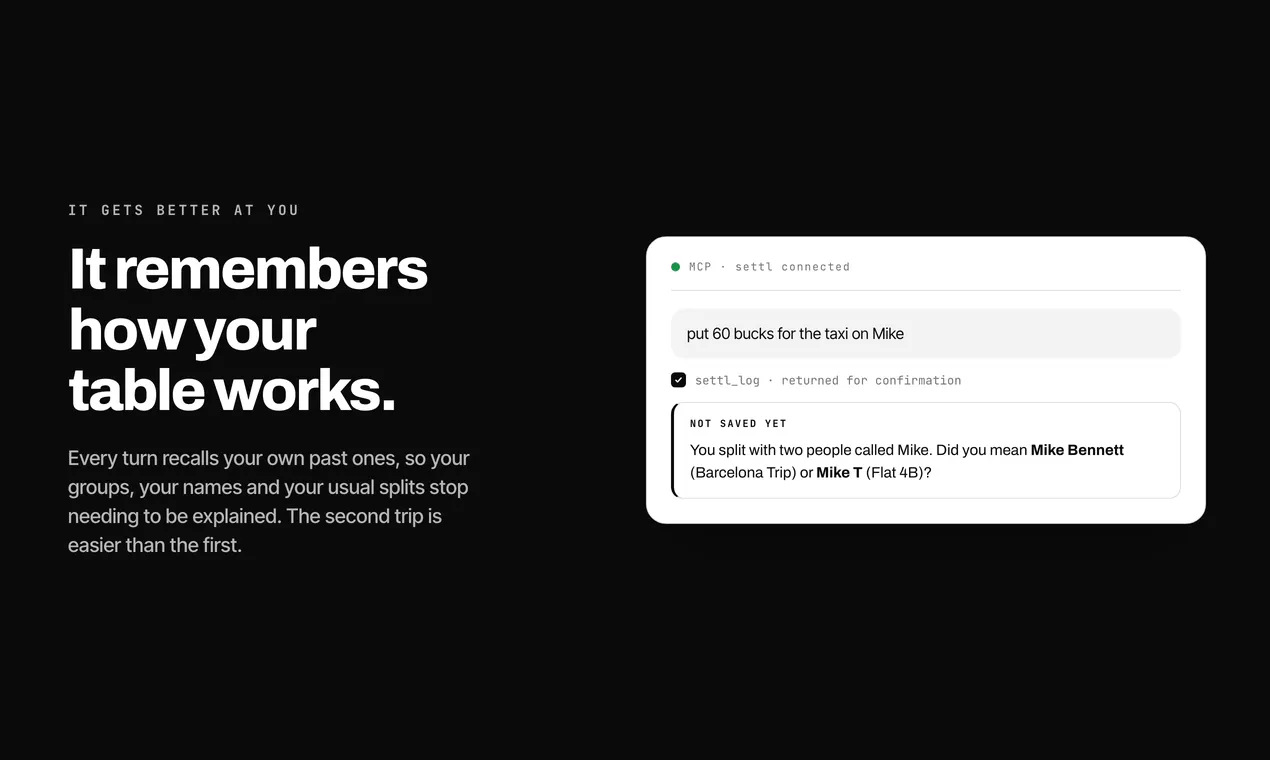
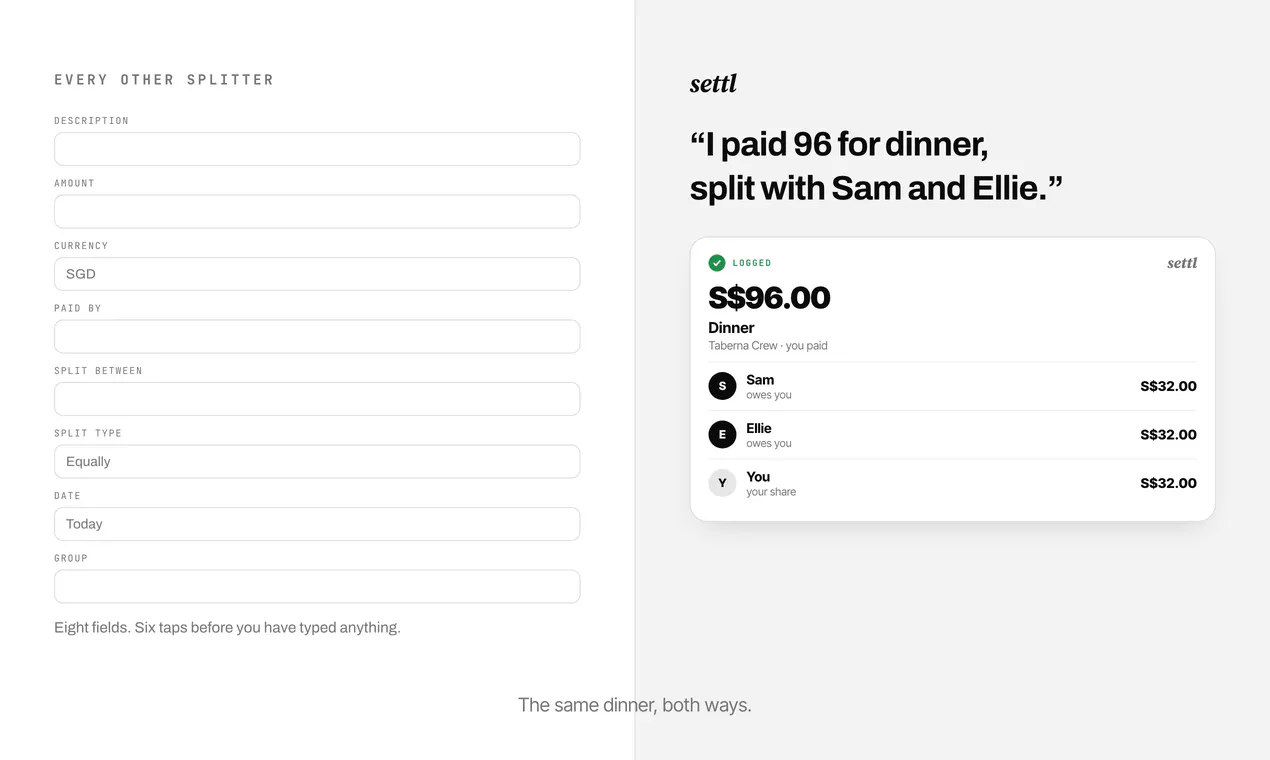
+2 more screenshots
Pros
- ✓Supports voice input in multiple languages for effortless expense logging
- ✓Automatic expense splitting and currency conversion simplify shared costs
- ✓Maintains a detailed ledger and provides insightful spending analytics
- ✓Cross-platform availability with iOS, Android, and MCP integration
- ✓User-friendly interface that reduces manual data entry
Cons
- ✗Current user base and reviews are limited (ProductHunt votes: 0)
- ✗Potential reliance on AI accuracy for expense splitting and forex handling
- ✗Pricing details are not explicitly provided
Use Cases
Pricing
Pricing not verified
Quick Info
Topics
Makers

Rahul Raina
Similar Tools in AI Assistants




Embed Badge
Add this badge to your website to show that Settl is featured on Visalytica.
<a href="https://www.visalytica.com/tool/settl" target="_blank" rel="noopener noreferrer" style="display:inline-flex;align-items:center;gap:6px;padding:6px 14px;background:#7c3aed;color:#fff;border-radius:8px;font-family:-apple-system,system-ui,sans-serif;font-size:13px;font-weight:600;text-decoration:none;transition:background .2s" onmouseover="this.style.background='#6d28d9'" onmouseout="this.style.background='#7c3aed'"><svg width="14" height="14" viewBox="0 0 24 24" fill="none" stroke="currentColor" stroke-width="2.5" stroke-linecap="round" stroke-linejoin="round"><path d="M12 20V10"/><path d="M18 20V4"/><path d="M6 20v-4"/></svg>Featured on Visalytica</a>