
Sendzap
Send WhatsApp Message without Saving Contact
About Sendzap
Sendzap is a streamlined WhatsApp messaging tool designed for quick, contactless communication. It enables users to send WhatsApp messages without the need to save phone numbers as contacts, simplifying outreach for marketing professionals, customer service teams, and social connectors. With an intuitive three-step process, users can enter a phone number, select from six pre-set message templates, and instantly send the message. The platform also supports attaching photos or files directly within seconds, making it ideal for fast-paced communication needs. Developed by Voltaire Tech, a Mumbai-based AI studio, Sendzap combines local expertise with global standards, offering a reliable and efficient solution for businesses that rely on WhatsApp for engagement. Its ease of use and quick setup make it a unique tool for anyone seeking to streamline their messaging workflows without the hassle of contact management.
Screenshots
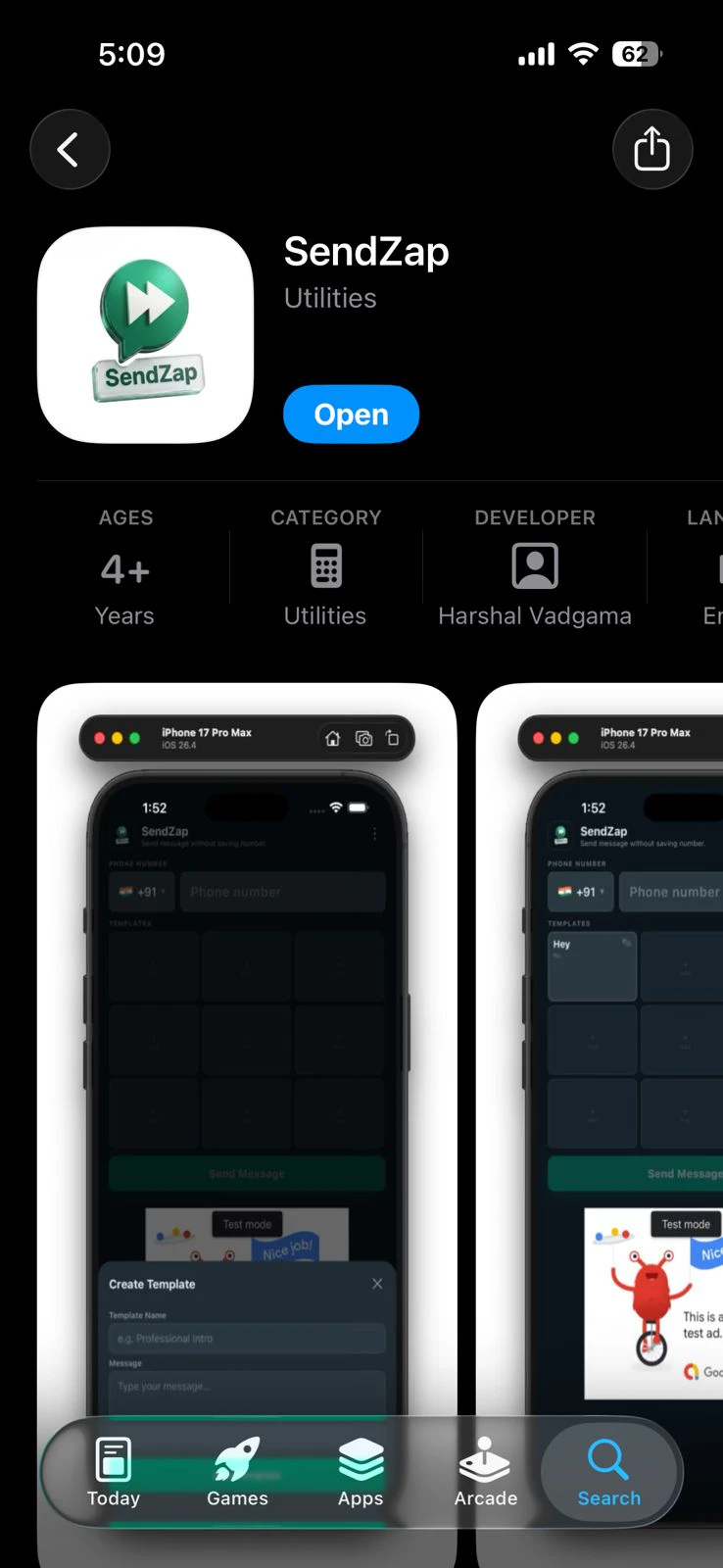
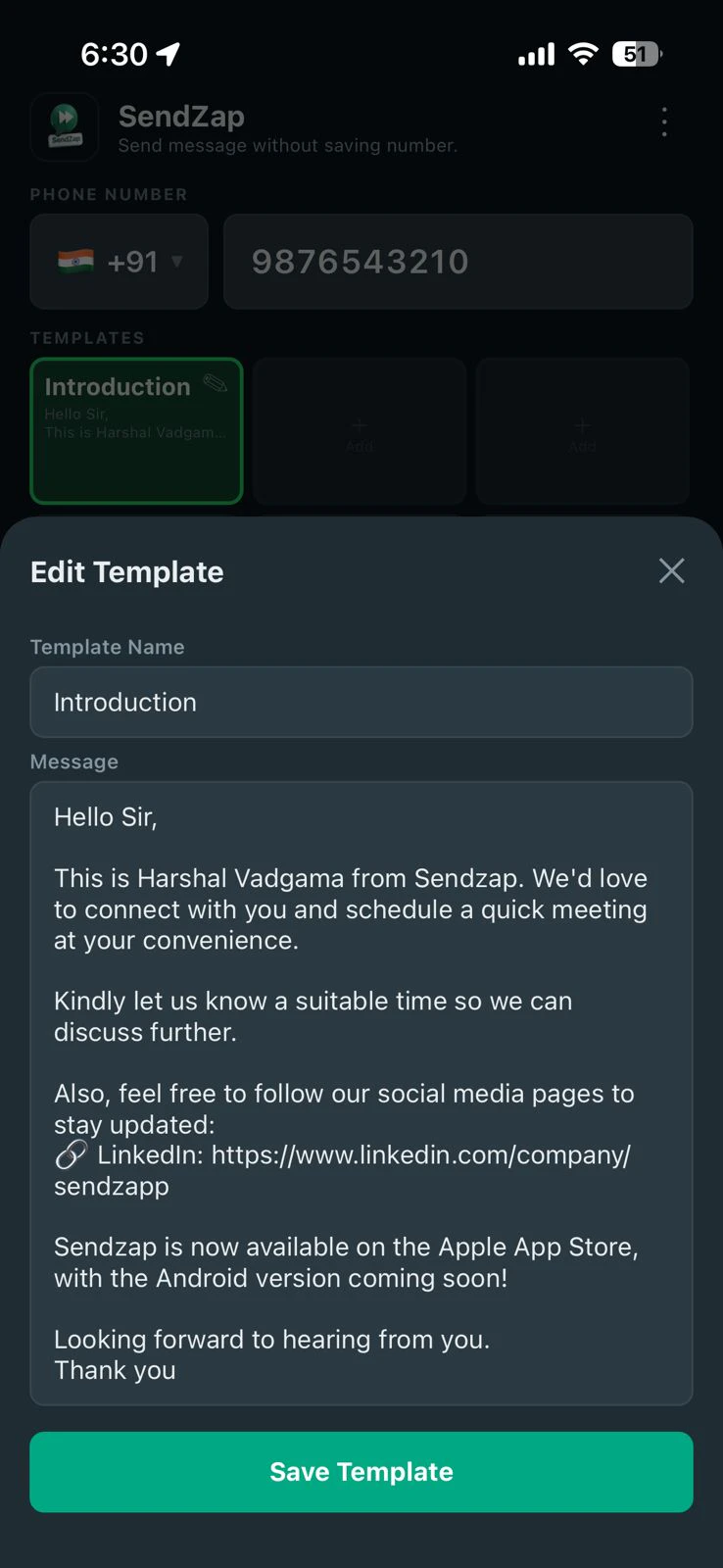
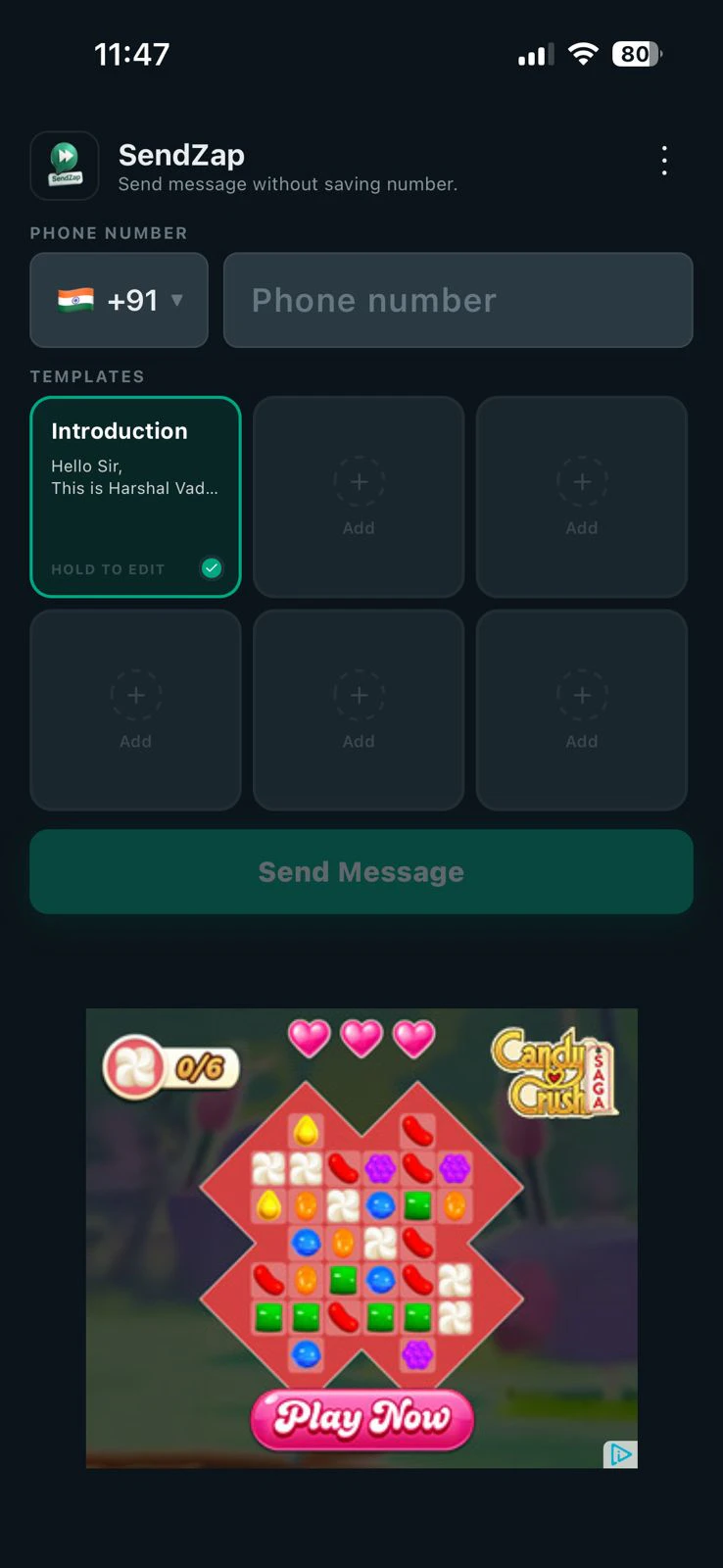
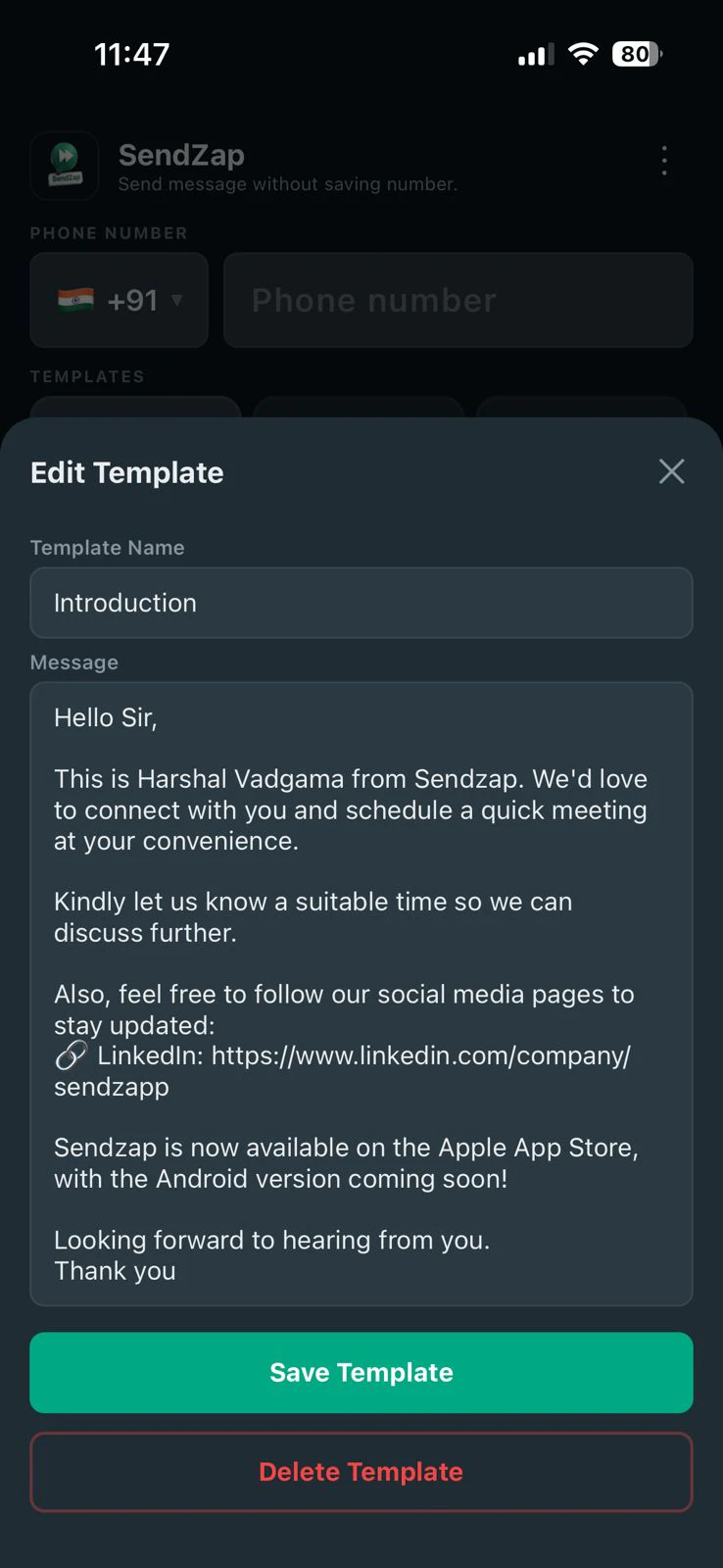
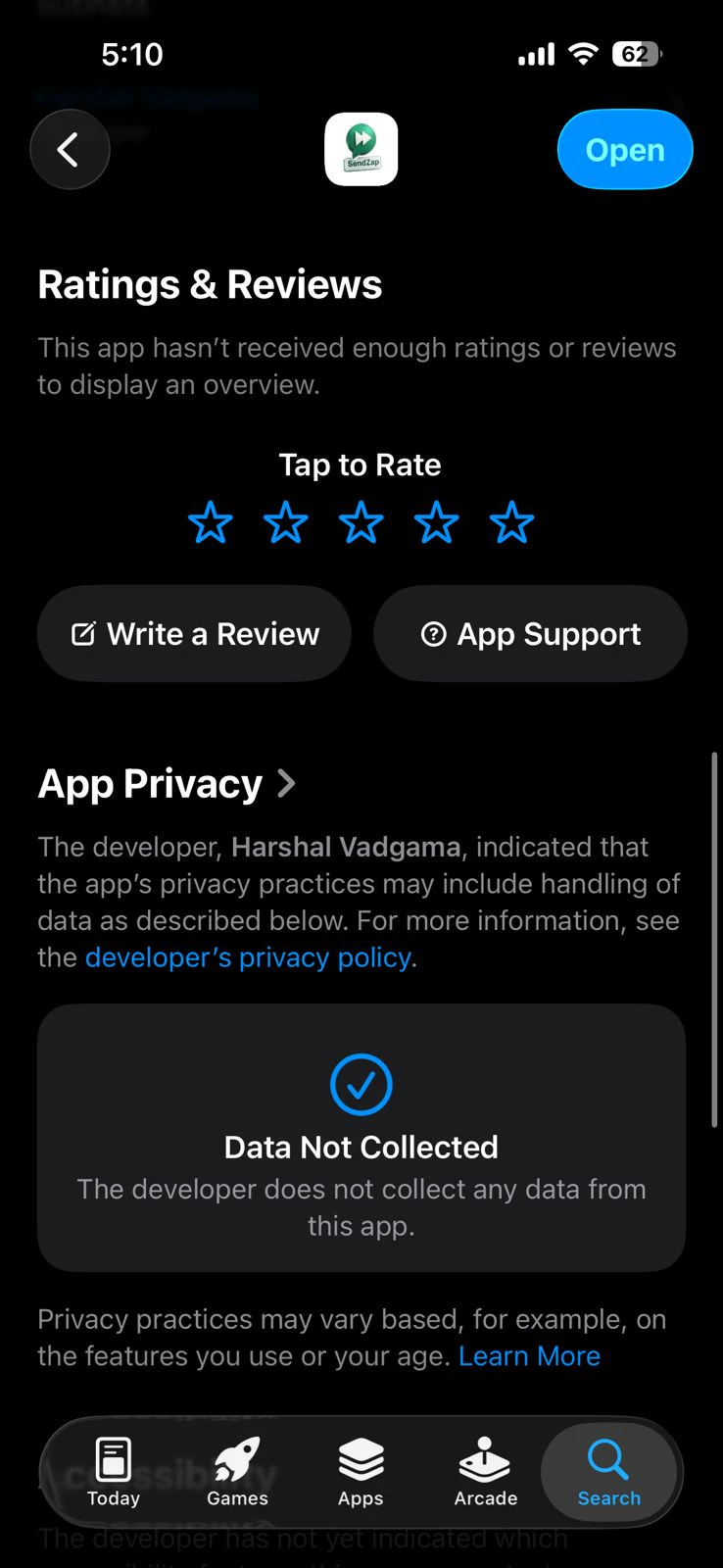
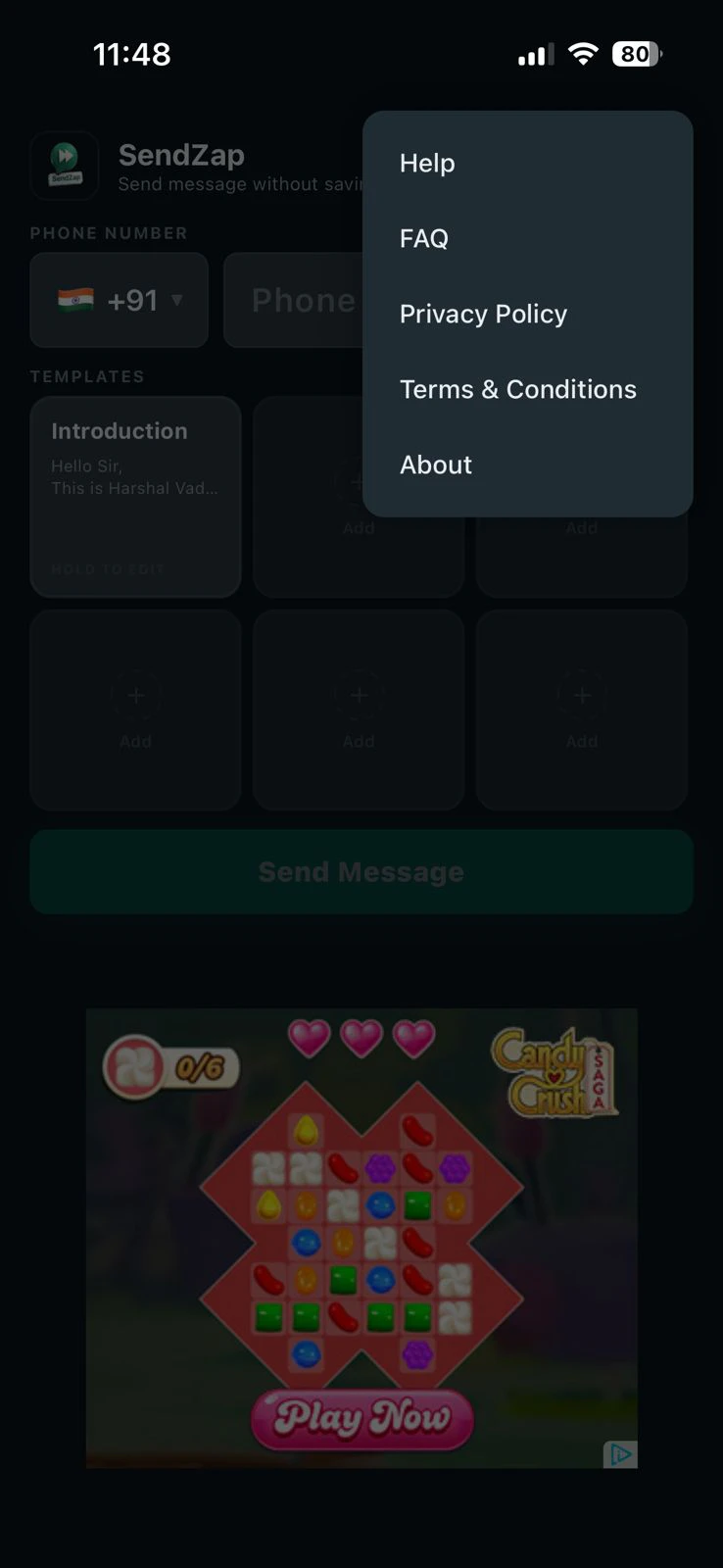
+1 more screenshots
Pros
- ✓Simple three-step process for quick message sending
- ✓No need to save contacts, saving time and effort
- ✓Supports attachment of photos and files within seconds
- ✓Pre-set message templates streamline communication
- ✓Developed by a reputable Indian AI studio with global standards
Cons
- ✗Limited to WhatsApp messaging, no multi-platform support
- ✗Features may be basic for advanced automation needs
- ✗Pricing details are not explicitly provided, which may impact budget planning
Use Cases
Pricing
Likely operates on a freemium model with free usage options and paid plans for additional features or higher usage, but specific pricing details are not publicly available.
Quick Info
Topics
Alternatives
Similar Tools in AI Assistants




Embed Badge
Add this badge to your website to show that Sendzap is featured on Visalytica.
<a href="https://www.visalytica.com/tool/sendzap" target="_blank" rel="noopener noreferrer" style="display:inline-flex;align-items:center;gap:6px;padding:6px 14px;background:#7c3aed;color:#fff;border-radius:8px;font-family:-apple-system,system-ui,sans-serif;font-size:13px;font-weight:600;text-decoration:none;transition:background .2s" onmouseover="this.style.background='#6d28d9'" onmouseout="this.style.background='#7c3aed'"><svg width="14" height="14" viewBox="0 0 24 24" fill="none" stroke="currentColor" stroke-width="2.5" stroke-linecap="round" stroke-linejoin="round"><path d="M12 20V10"/><path d="M18 20V4"/><path d="M6 20v-4"/></svg>Featured on Visalytica</a>