
Sendra
Design emails in Figma, export HTML that works everywhere
About Sendra
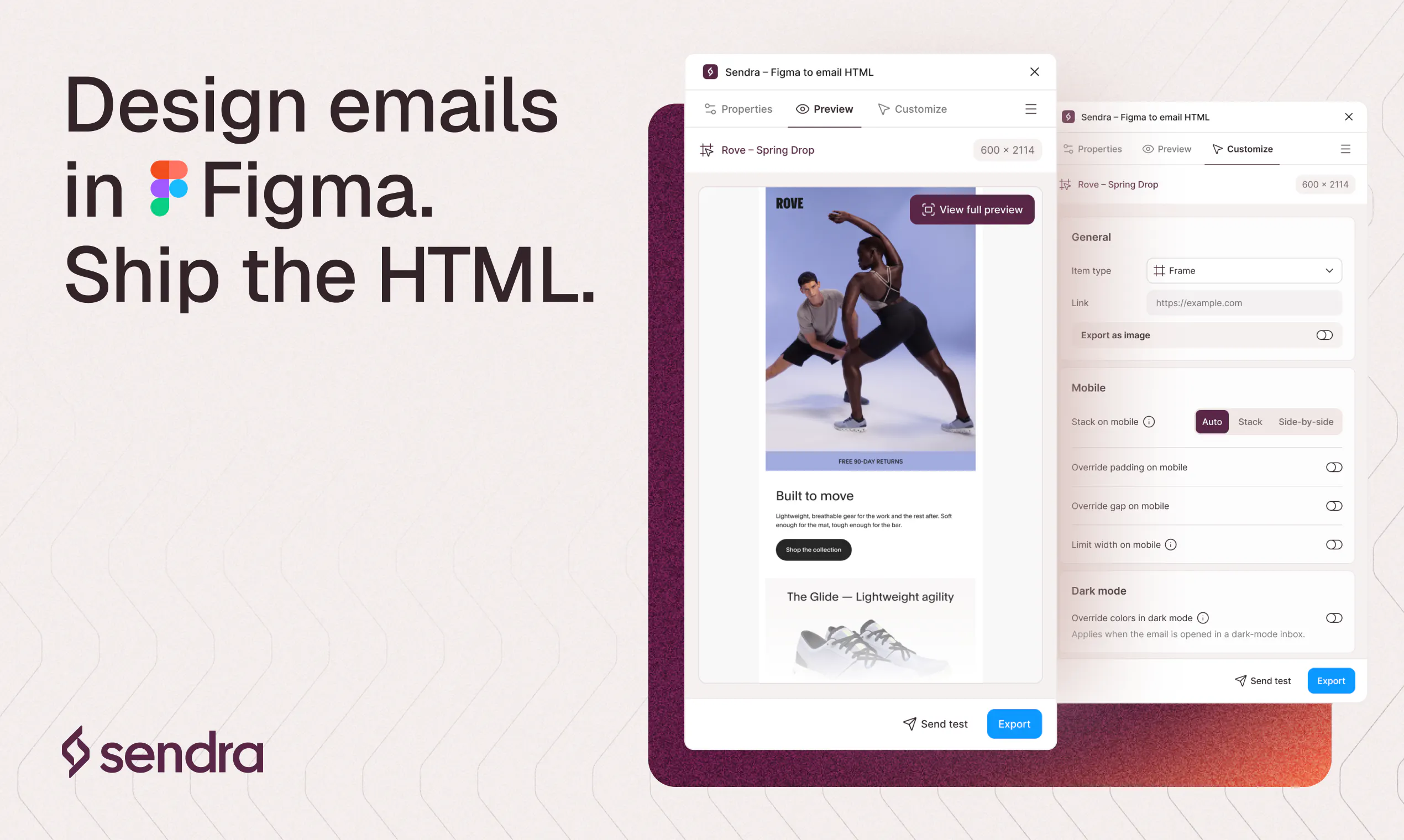
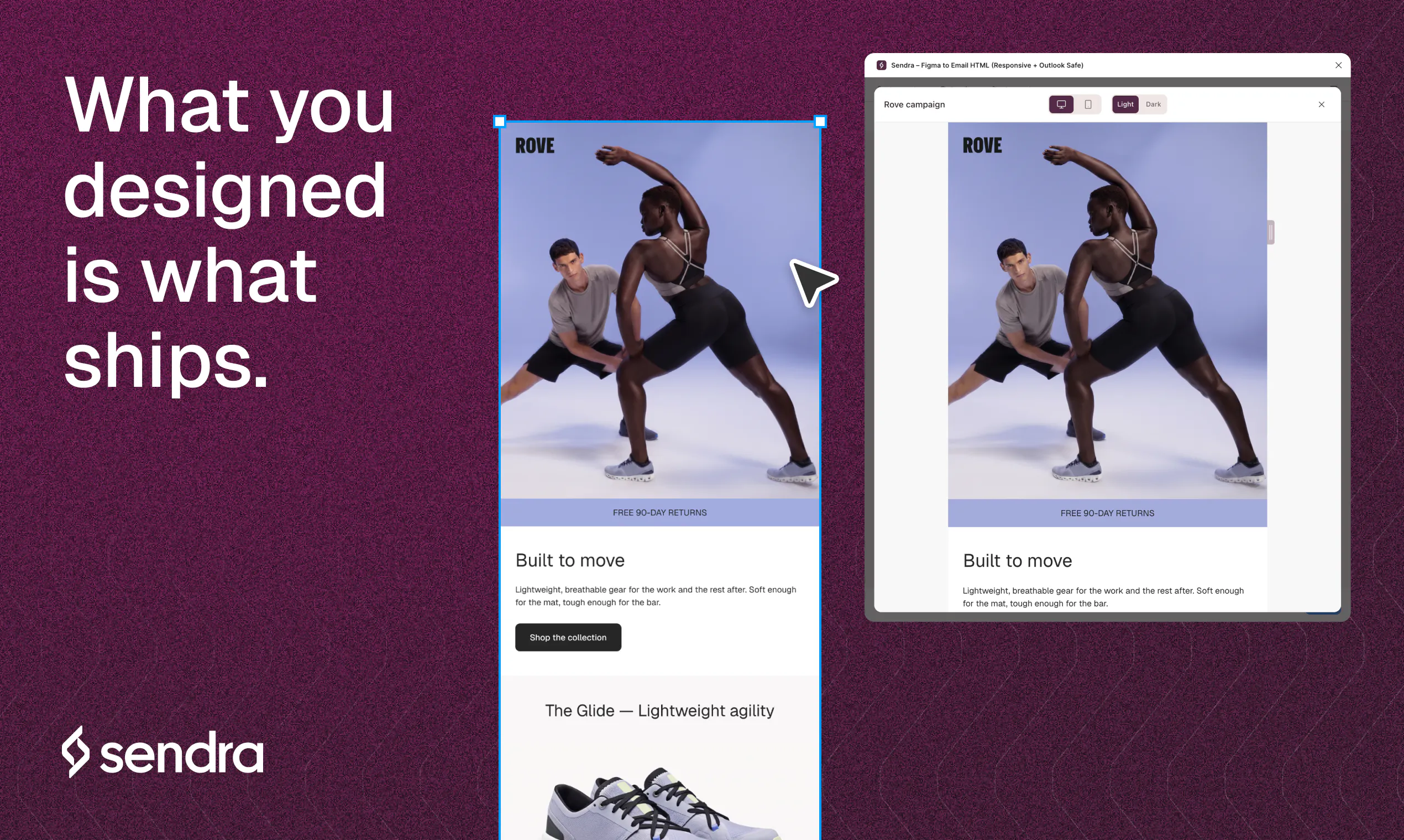
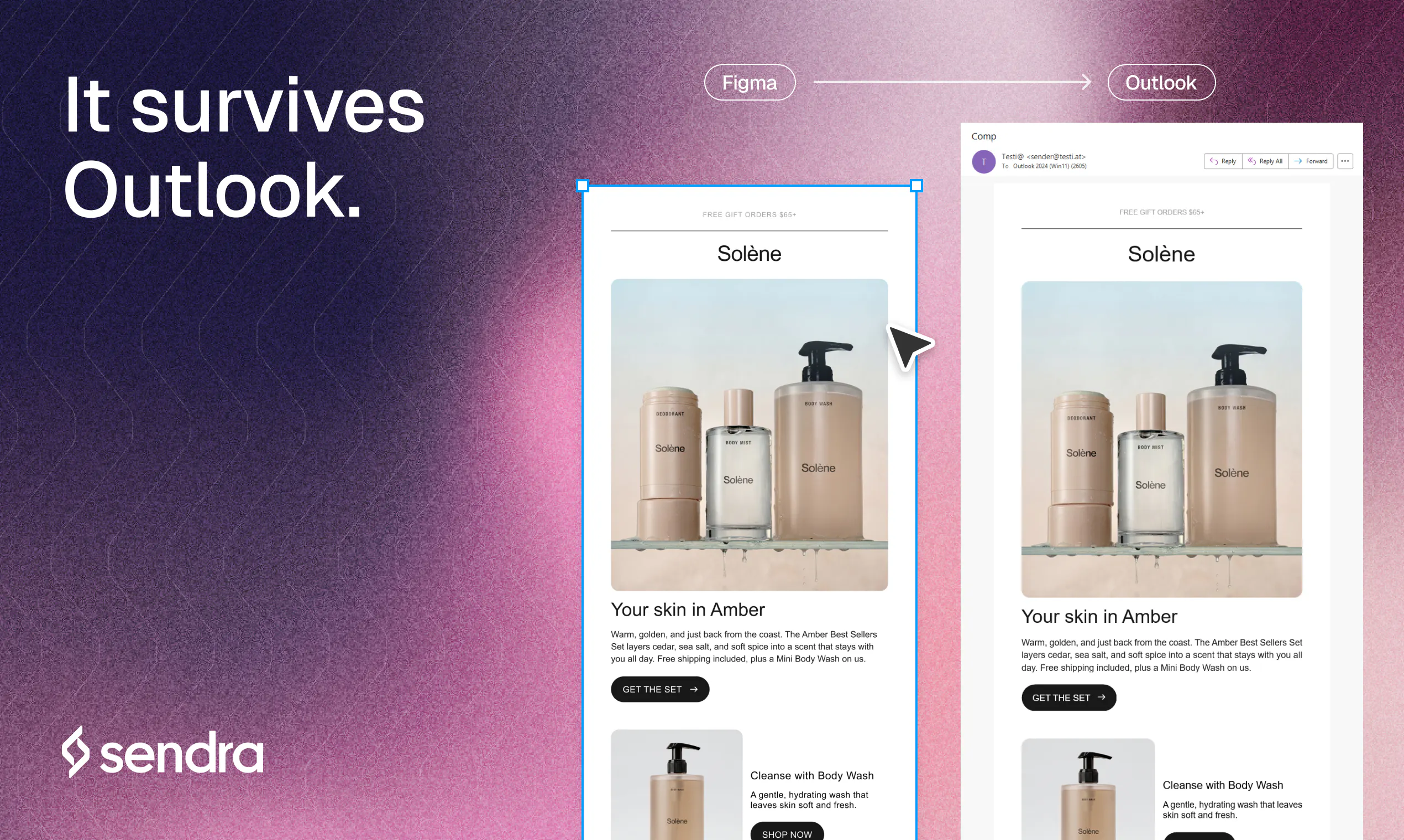
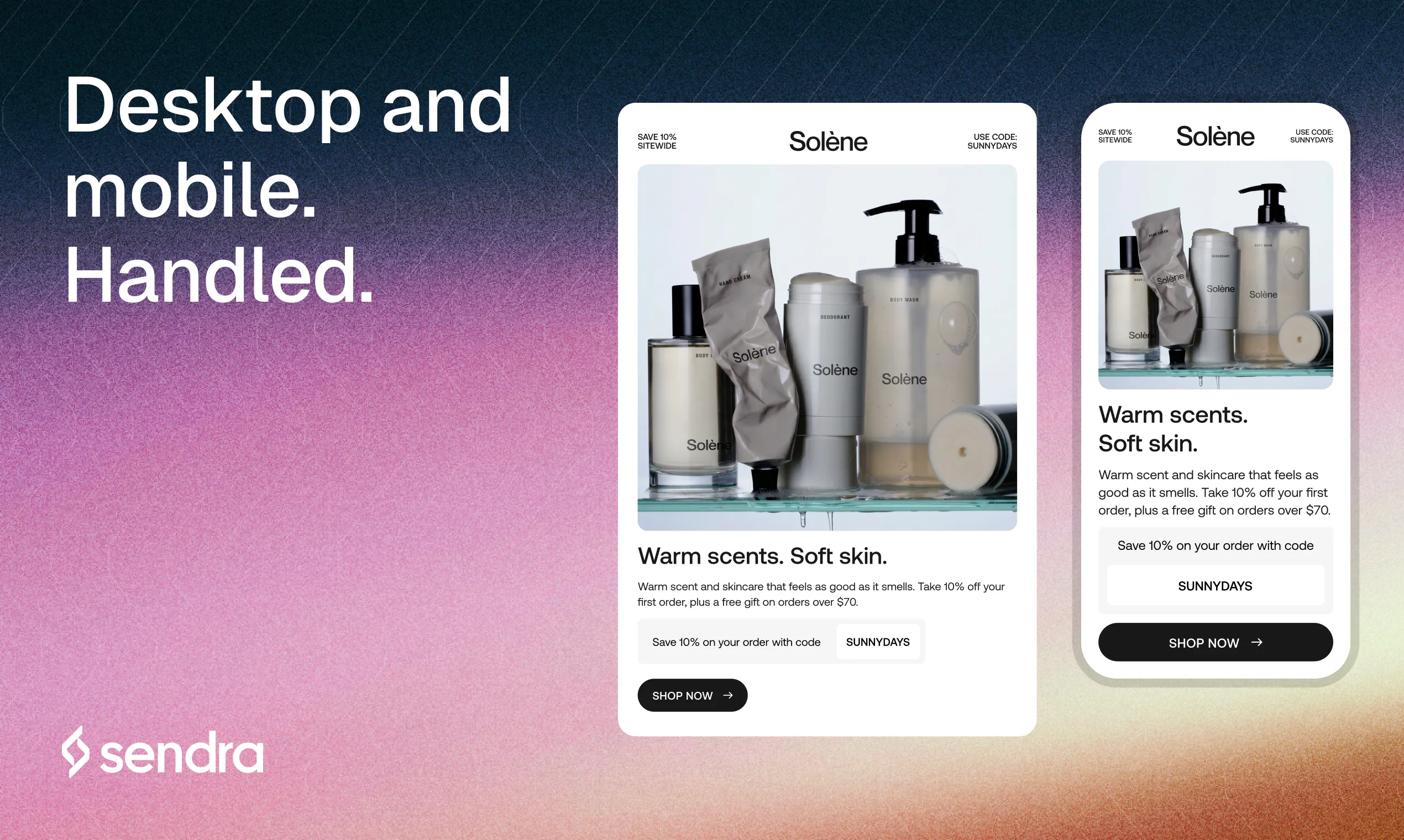
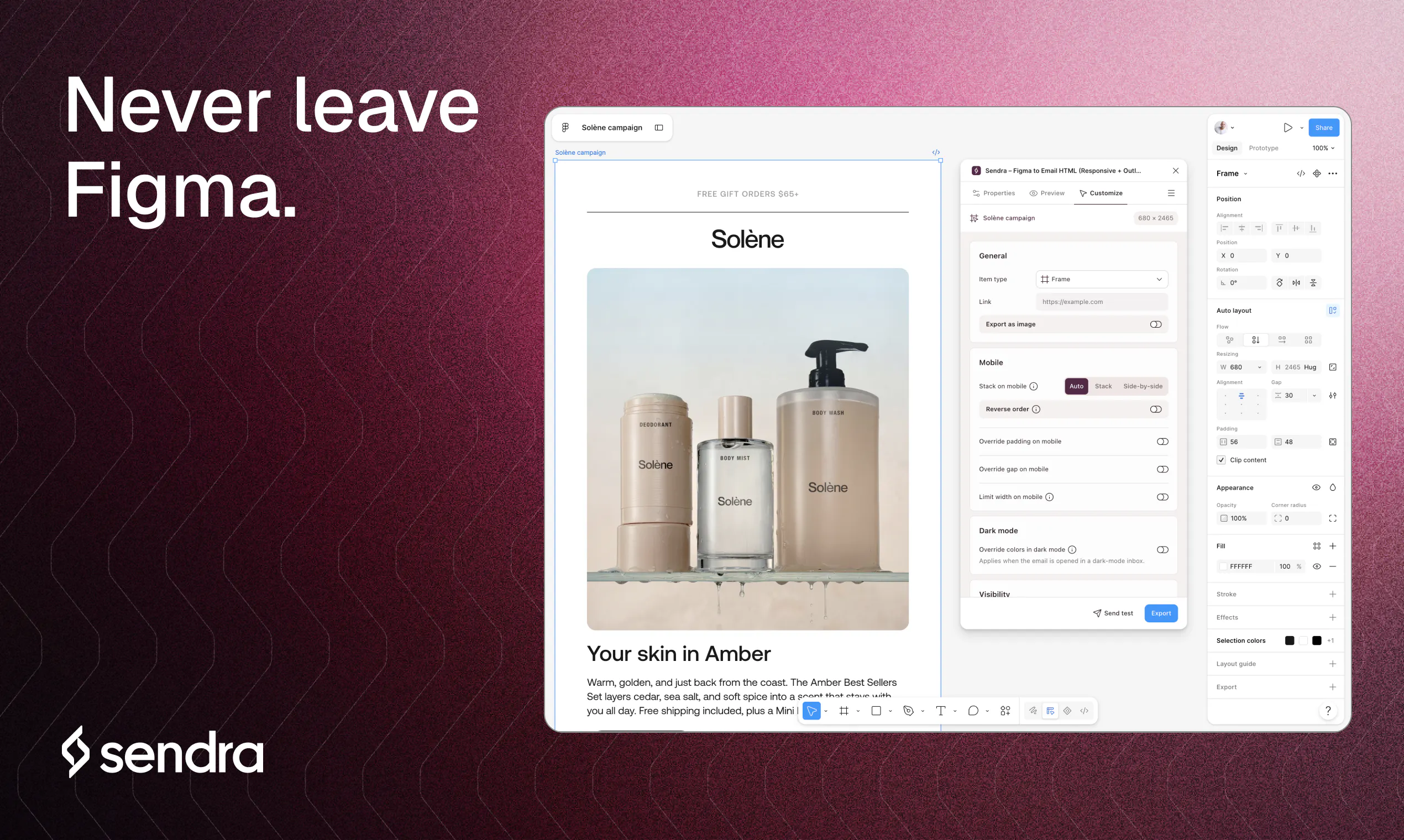
Sendra is a powerful Figma plugin designed for email designers seeking to streamline their workflow from design to deployment. It enables users to select any frame within their Figma projects and instantly export it as clean, responsive HTML that is compatible across all major email clients including Gmail, Outlook, and Apple Mail. What sets Sendra apart is its ability to deliver pixel-perfect rendering by checking every rule against real devices, not just preview tools. The plugin offers granular control over mobile stacking, spacing, sizing, and includes dark mode overrides, ensuring that emails look stunning on any device or mode. Additionally, Sendra hosts your images and sends test emails directly to your inbox, providing a real-world preview before sending to your contacts. This makes it a valuable tool for email marketers, designers, and developers aiming for consistent, high-quality email campaigns without rebuilding components or managing complex code.
Screenshots

Pros
- ✓Transforms Figma designs directly into fully responsive HTML suitable for all major email clients
- ✓Per-element control over layout for mobile and dark mode overrides
- ✓Real device testing with hosted images and inbox previews
- ✓No need for component libraries or rebuilding designs
- ✓Ensures high fidelity rendering across different email platforms
Cons
- ✗Limited information on pricing and subscription options
- ✗Requires familiarity with Figma and design workflows
- ✗Potential learning curve for complex responsive adjustments
Use Cases
Pricing
Pricing not verified
Quick Info
Topics
Makers

Joseph Azzi
Alternatives
Similar Tools in AI Image & Design




Embed Badge
Add this badge to your website to show that Sendra is featured on Visalytica.
<a href="https://www.visalytica.com/tool/sendra" target="_blank" rel="noopener noreferrer" style="display:inline-flex;align-items:center;gap:6px;padding:6px 14px;background:#7c3aed;color:#fff;border-radius:8px;font-family:-apple-system,system-ui,sans-serif;font-size:13px;font-weight:600;text-decoration:none;transition:background .2s" onmouseover="this.style.background='#6d28d9'" onmouseout="this.style.background='#7c3aed'"><svg width="14" height="14" viewBox="0 0 24 24" fill="none" stroke="currentColor" stroke-width="2.5" stroke-linecap="round" stroke-linejoin="round"><path d="M12 20V10"/><path d="M18 20V4"/><path d="M6 20v-4"/></svg>Featured on Visalytica</a>