
SelectAndTranslate
The translator that helps you stop translating
About SelectAndTranslate
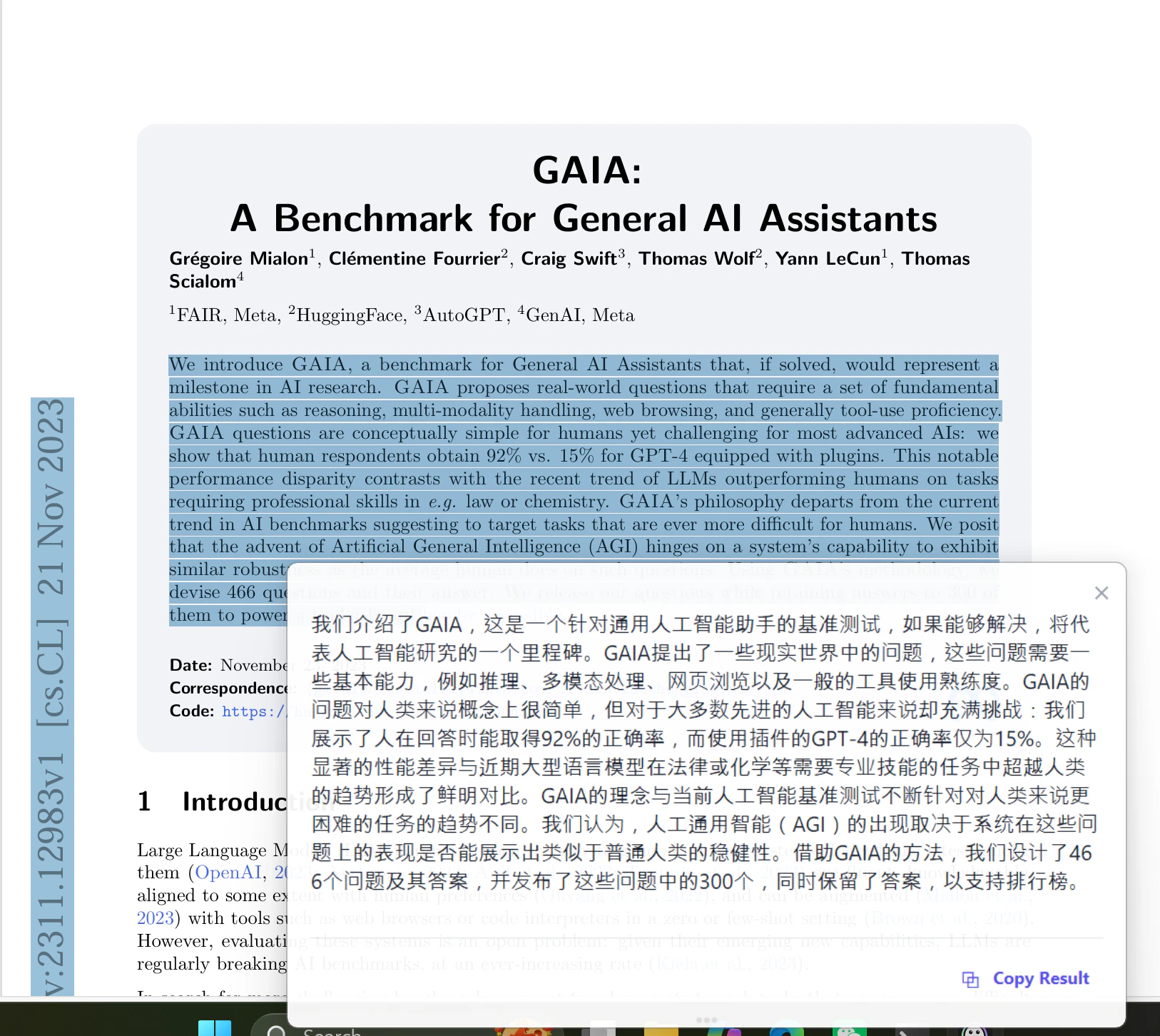
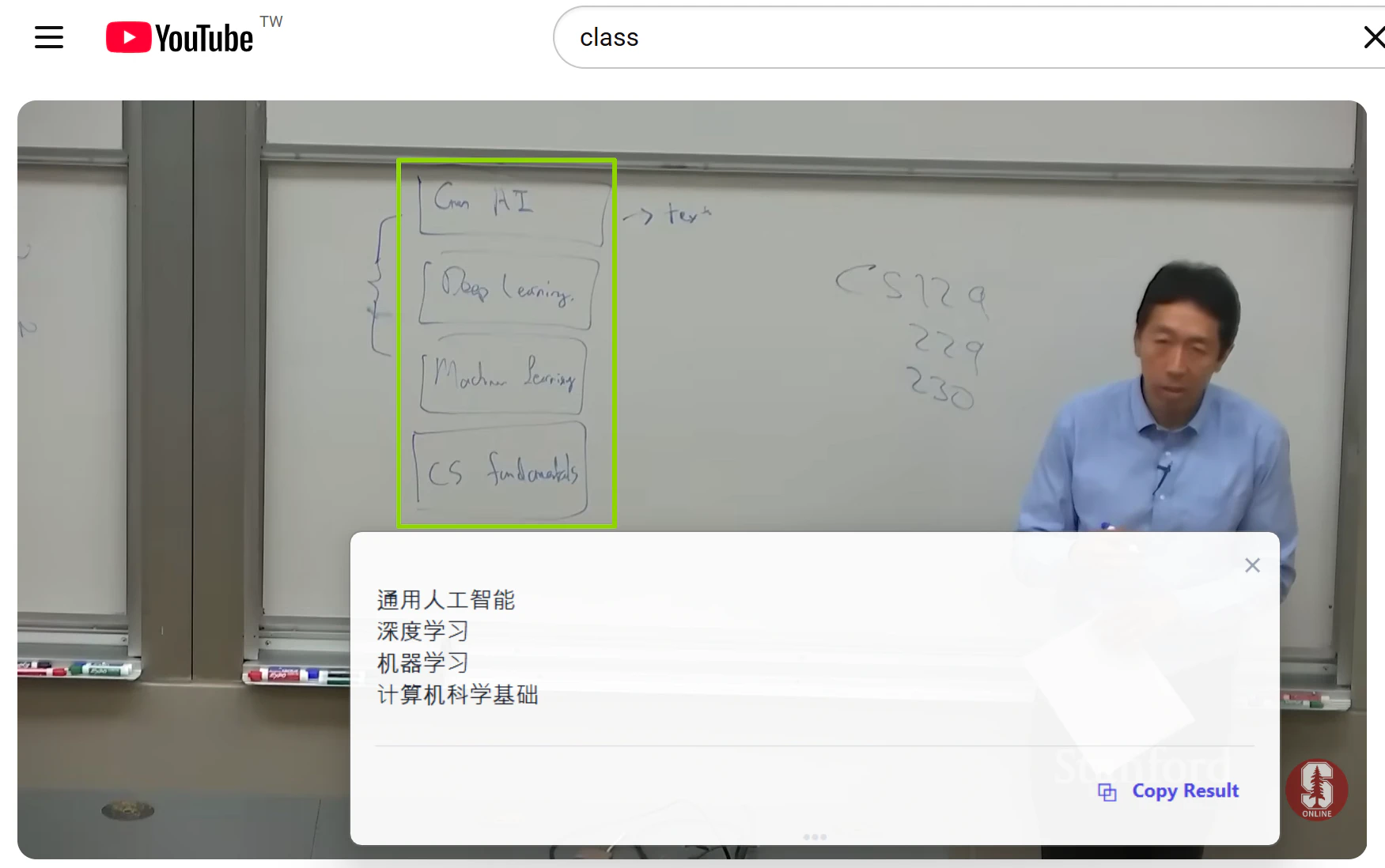
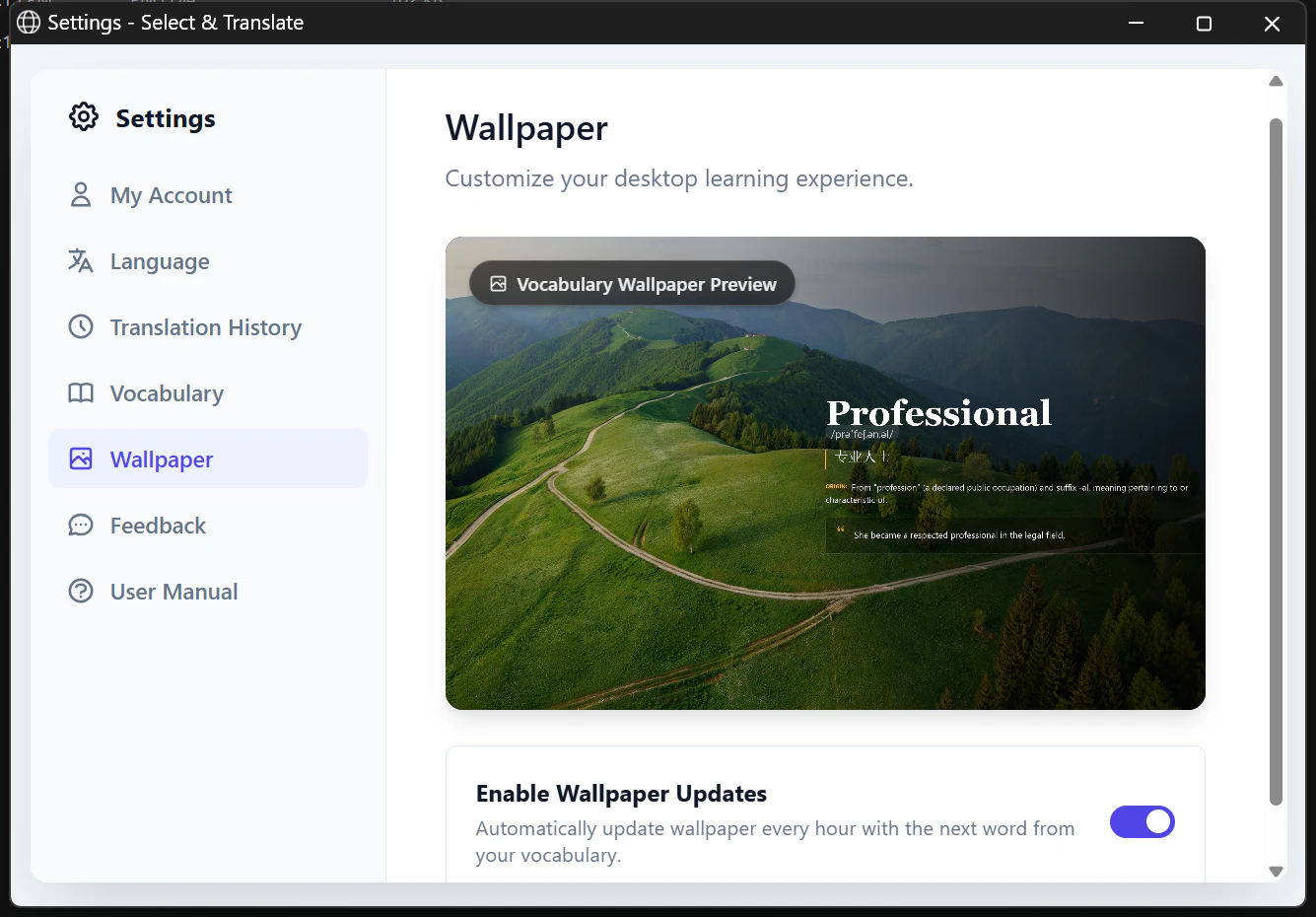
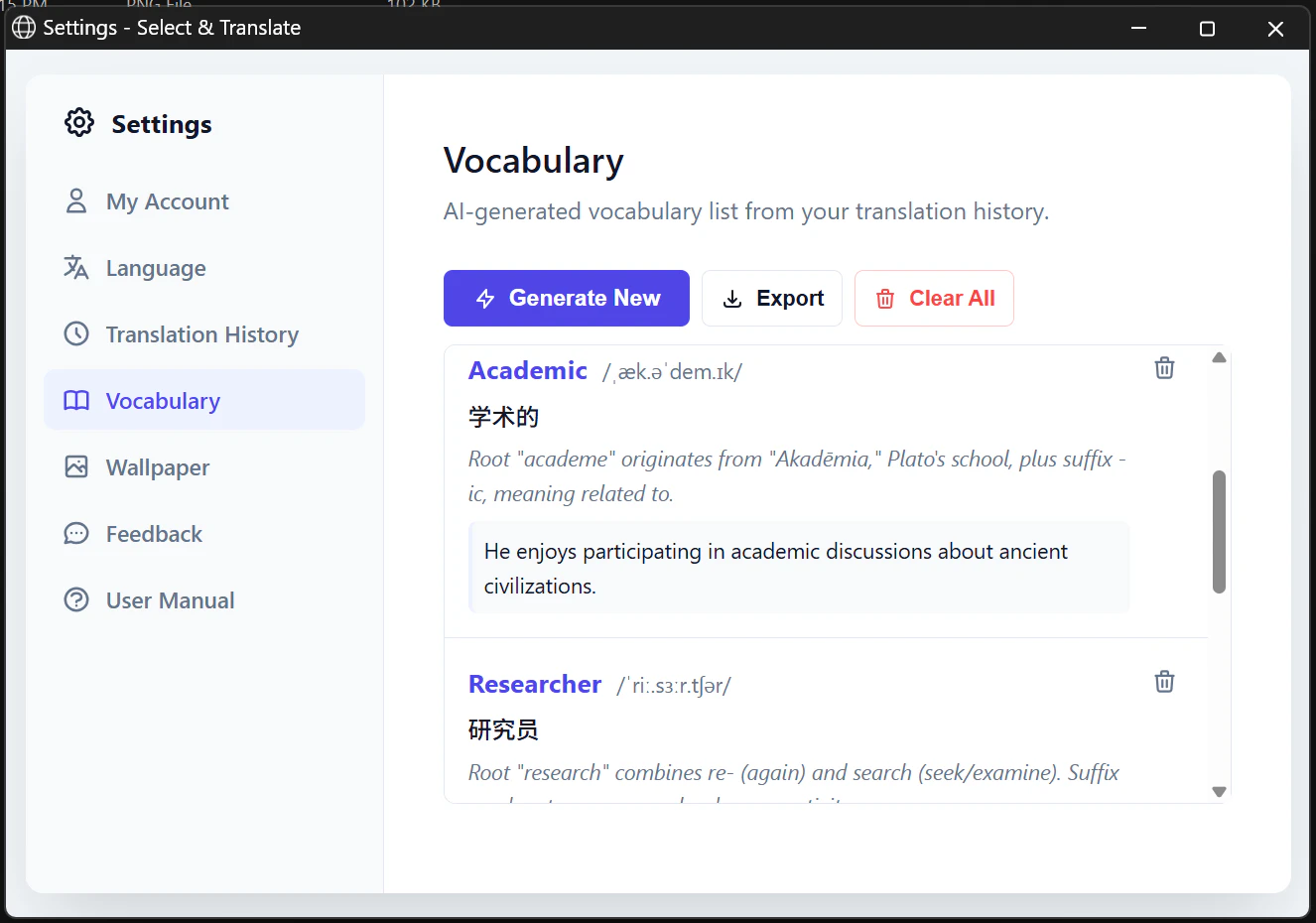
SelectAndTranslate is an innovative Windows tool designed for language learners, translators, and polyglots who frequently encounter the challenge of memorizing and retaining vocabulary. By integrating GPT-4 technology, it allows users to select text in any application, instantly providing translations along with detailed linguistic data such as IPA pronunciation, etymology, and contextual sentences. Unlike traditional translation tools, SelectAndTranslate automatically saves each word for future review, turning daily translation tasks into a personalized vocabulary database. Its unique features include OCR for images and subtitles, as well as a passive learning method where words rotate as desktop wallpapers, facilitating effortless vocabulary reinforcement. Free to use and requiring no account or ads, it offers a seamless experience for Windows 10+ users seeking to improve language skills naturally and efficiently.
Screenshots
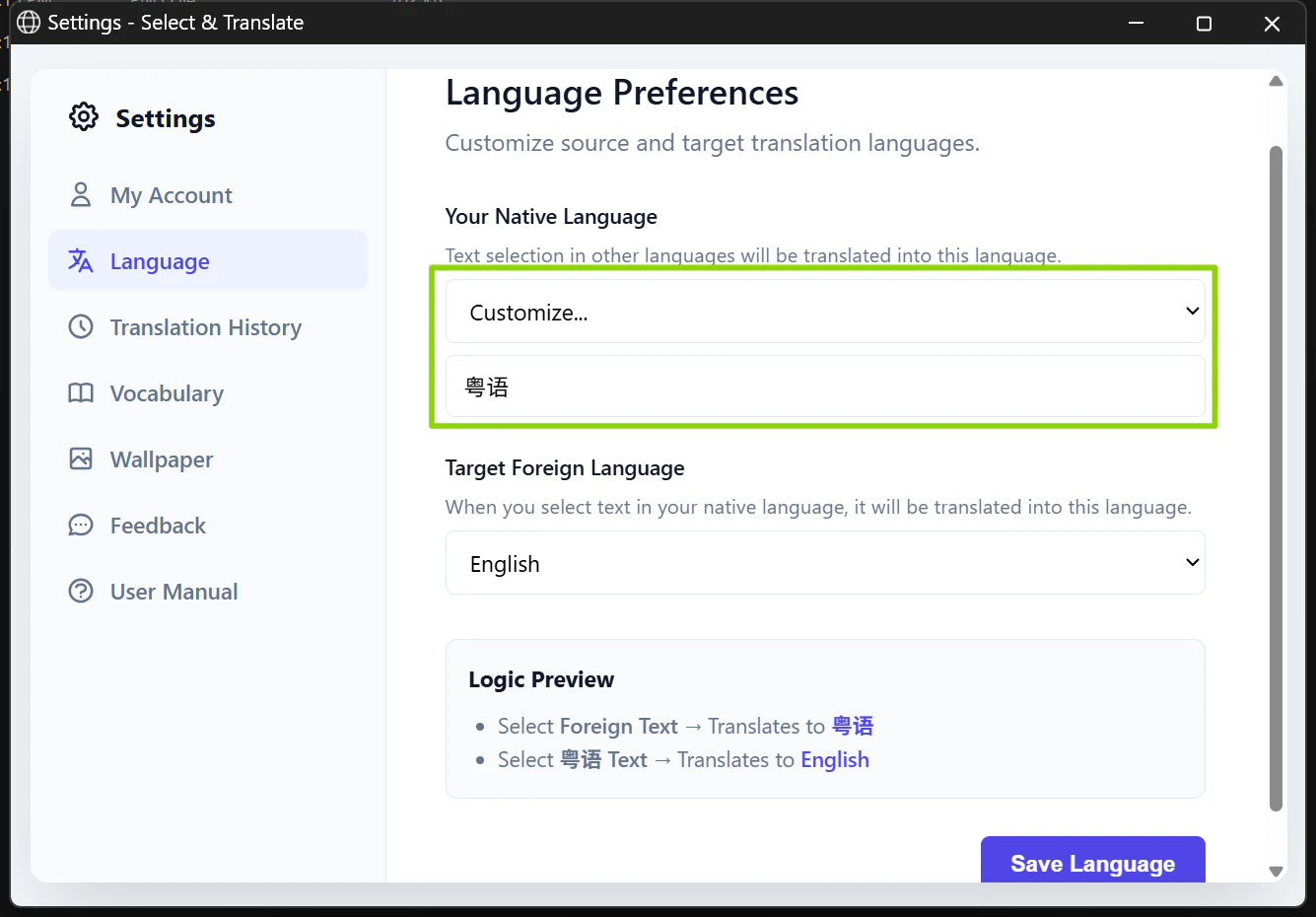
Pros
- ✓Automated vocabulary building with detailed word data including IPA and etymology
- ✓Seamless integration with any Windows application via text selection
- ✓Additional features like OCR for images/subtitles and passive wallpaper review
- ✓No account, no ads, and free, ensuring accessibility for all users
Cons
- ✗Limited information on advanced customization or learning analytics
- ✗Potential accuracy issues depending on OCR quality and language complexity
- ✗No dedicated mobile app or browser extension for cross-platform use
Use Cases
Pricing
SelectAndTranslate appears to be free with all features accessible without registration. Its no-cost model, combined with its utility, suggests it is supported by the developer without immediate plans for paid tiers, making it an attractive option for casual and dedicated language enthusiasts alike.
Quick Info
Topics
Alternatives
Similar Tools in AI Assistants




Embed Badge
Add this badge to your website to show that SelectAndTranslate is featured on Visalytica.
<a href="https://www.visalytica.com/tool/selectandtranslate" target="_blank" rel="noopener noreferrer" style="display:inline-flex;align-items:center;gap:6px;padding:6px 14px;background:#7c3aed;color:#fff;border-radius:8px;font-family:-apple-system,system-ui,sans-serif;font-size:13px;font-weight:600;text-decoration:none;transition:background .2s" onmouseover="this.style.background='#6d28d9'" onmouseout="this.style.background='#7c3aed'"><svg width="14" height="14" viewBox="0 0 24 24" fill="none" stroke="currentColor" stroke-width="2.5" stroke-linecap="round" stroke-linejoin="round"><path d="M12 20V10"/><path d="M18 20V4"/><path d="M6 20v-4"/></svg>Featured on Visalytica</a>