
ScreenSmooth
Beautiful Screen Recordings in minutes
About ScreenSmooth
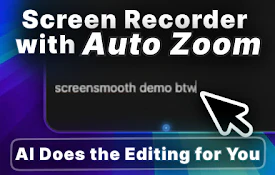
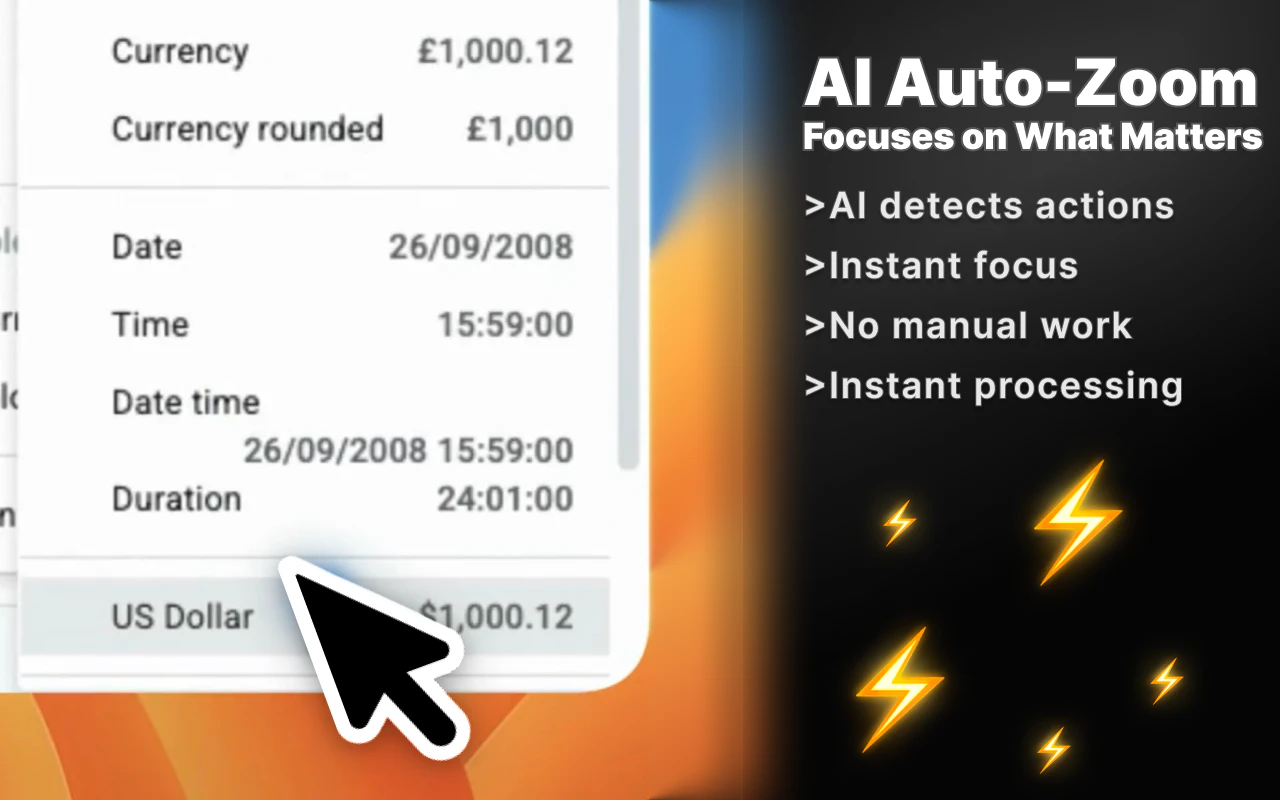
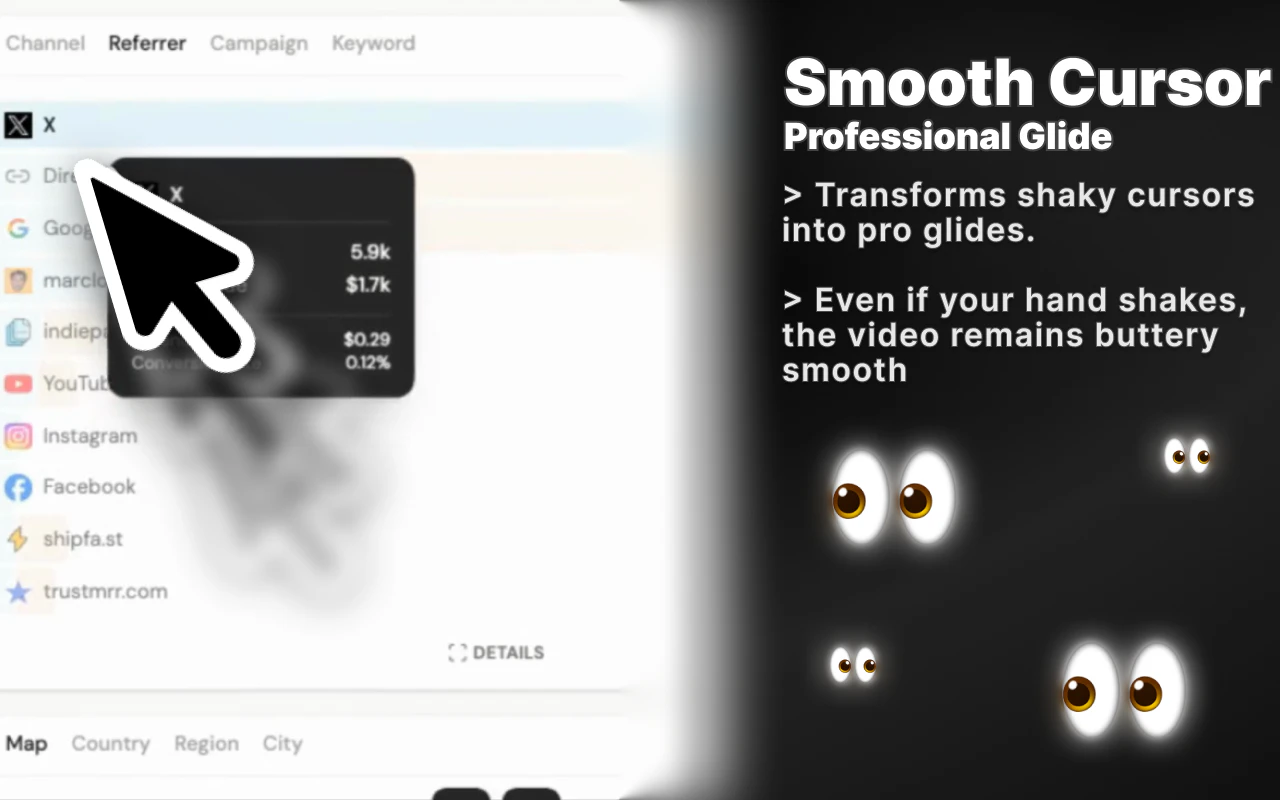
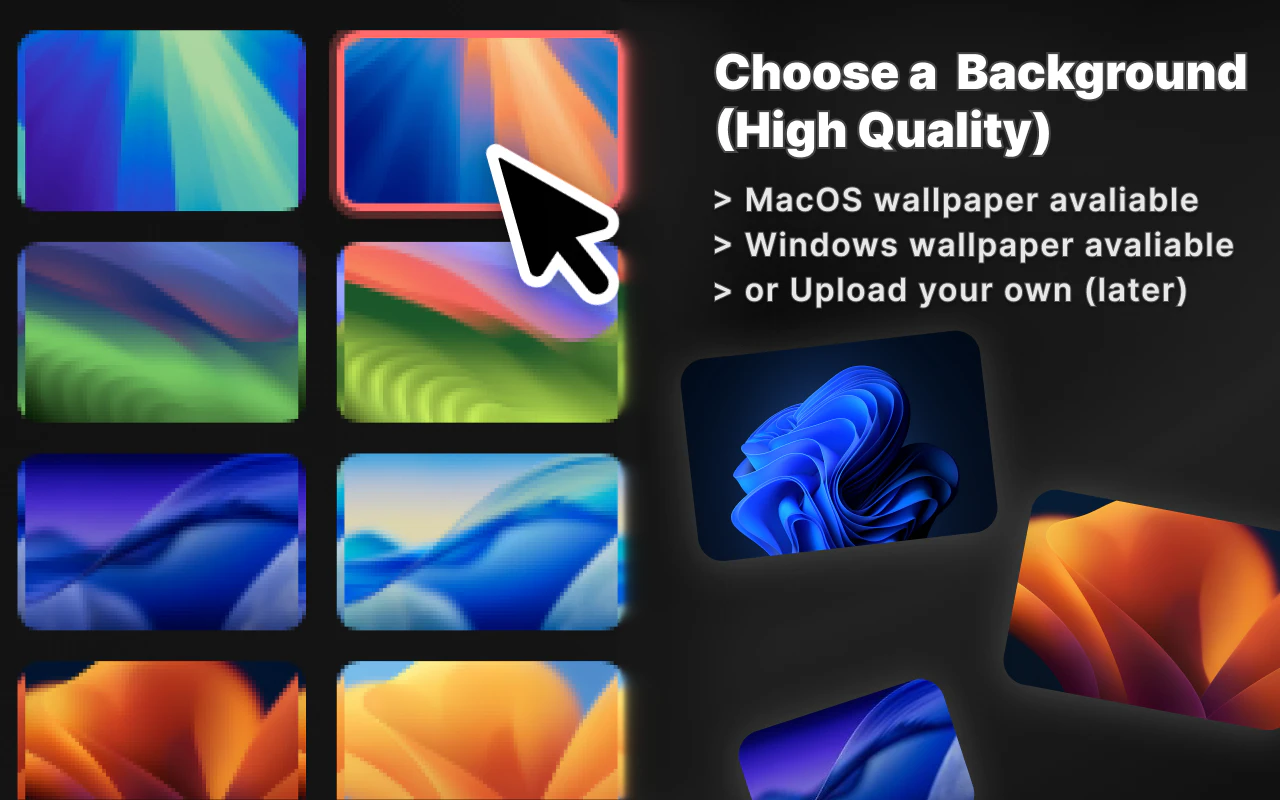
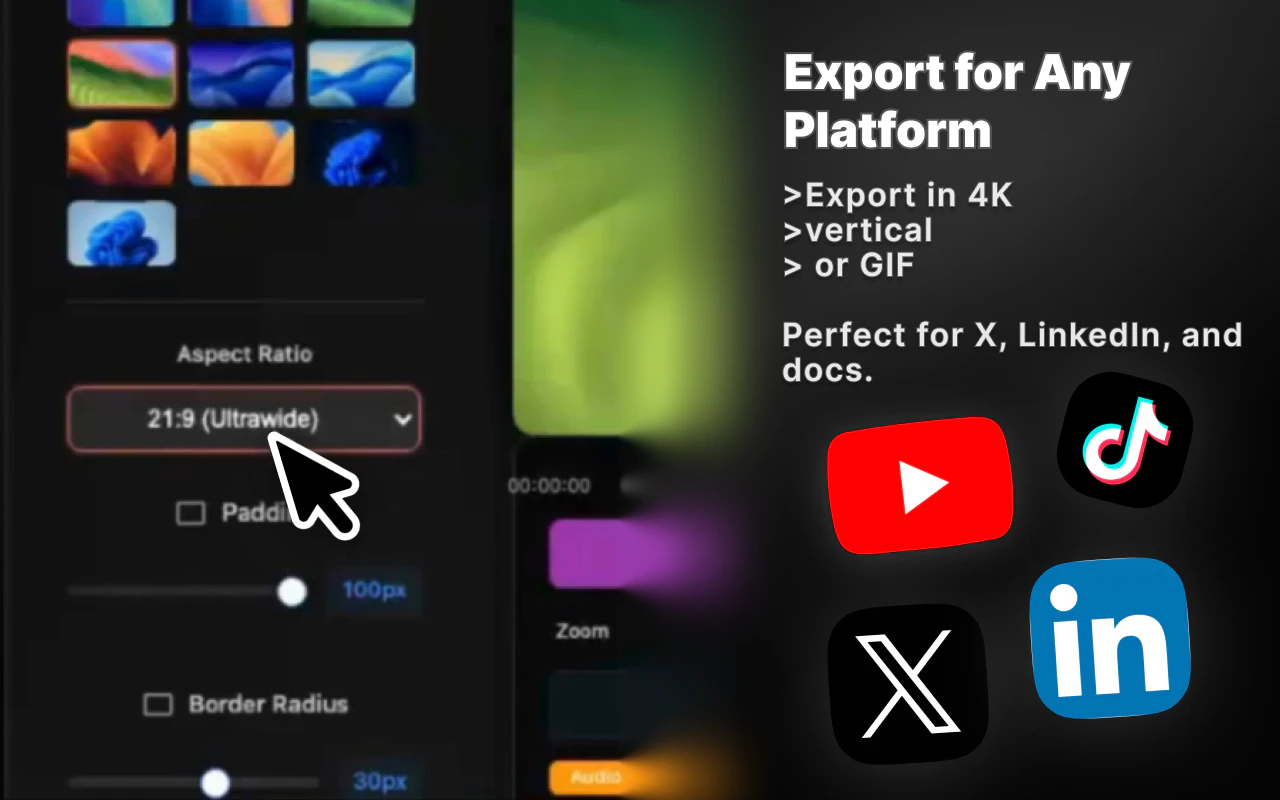
ScreenSmooth is an innovative Chrome extension designed to transform ordinary screen recordings into cinematic-quality videos within minutes. Ideal for content creators, marketers, and educators, it automates smooth mouse movements, zooms in on clicks, applies cinematic motion blur to animations, and enhances recordings with attractive backgrounds. Its streamlined process enables users to produce high-quality promotional videos effortlessly, making complex editing workflows a thing of the past. By integrating these advanced visual effects seamlessly, ScreenSmooth elevates the professionalism of screen recordings, helping users capture attention and communicate more effectively. Its ease of use and quick turnaround time make it a standout tool for anyone looking to create engaging visual content without extensive editing skills.
Screenshots
Pros
- ✓Automates complex visual effects like smooth mouse movement and cinematic motion blur
- ✓Easy to use with quick setup, ideal for non-technical users
- ✓Works across multiple operating systems via Chrome Extension (MacOS, Windows, Linux)
- ✓Transforms simple recordings into polished promotional videos rapidly
- ✓Adds aesthetic backgrounds that enhance visual appeal
Cons
- ✗Limited customization options compared to traditional video editing software
- ✗Requires a stable internet connection and Chrome browser
- ✗May not suit advanced editing needs or highly detailed productions
Use Cases
Pricing
Likely operates on a freemium model, offering a free tier with basic features and paid plans starting around $10-$20 per month for additional effects and higher quality outputs. Exact pricing details are not specified but are typical for SaaS tools of this nature.
Quick Info
Topics
Similar Tools in AI Image & Design




Embed Badge
Add this badge to your website to show that ScreenSmooth is featured on Visalytica.
<a href="https://www.visalytica.com/tool/screensmooth" target="_blank" rel="noopener noreferrer" style="display:inline-flex;align-items:center;gap:6px;padding:6px 14px;background:#7c3aed;color:#fff;border-radius:8px;font-family:-apple-system,system-ui,sans-serif;font-size:13px;font-weight:600;text-decoration:none;transition:background .2s" onmouseover="this.style.background='#6d28d9'" onmouseout="this.style.background='#7c3aed'"><svg width="14" height="14" viewBox="0 0 24 24" fill="none" stroke="currentColor" stroke-width="2.5" stroke-linecap="round" stroke-linejoin="round"><path d="M12 20V10"/><path d="M18 20V4"/><path d="M6 20v-4"/></svg>Featured on Visalytica</a>