
Screenshot with URL
Go full page in one click: Full Page Screenshot with url
About Screenshot with URL
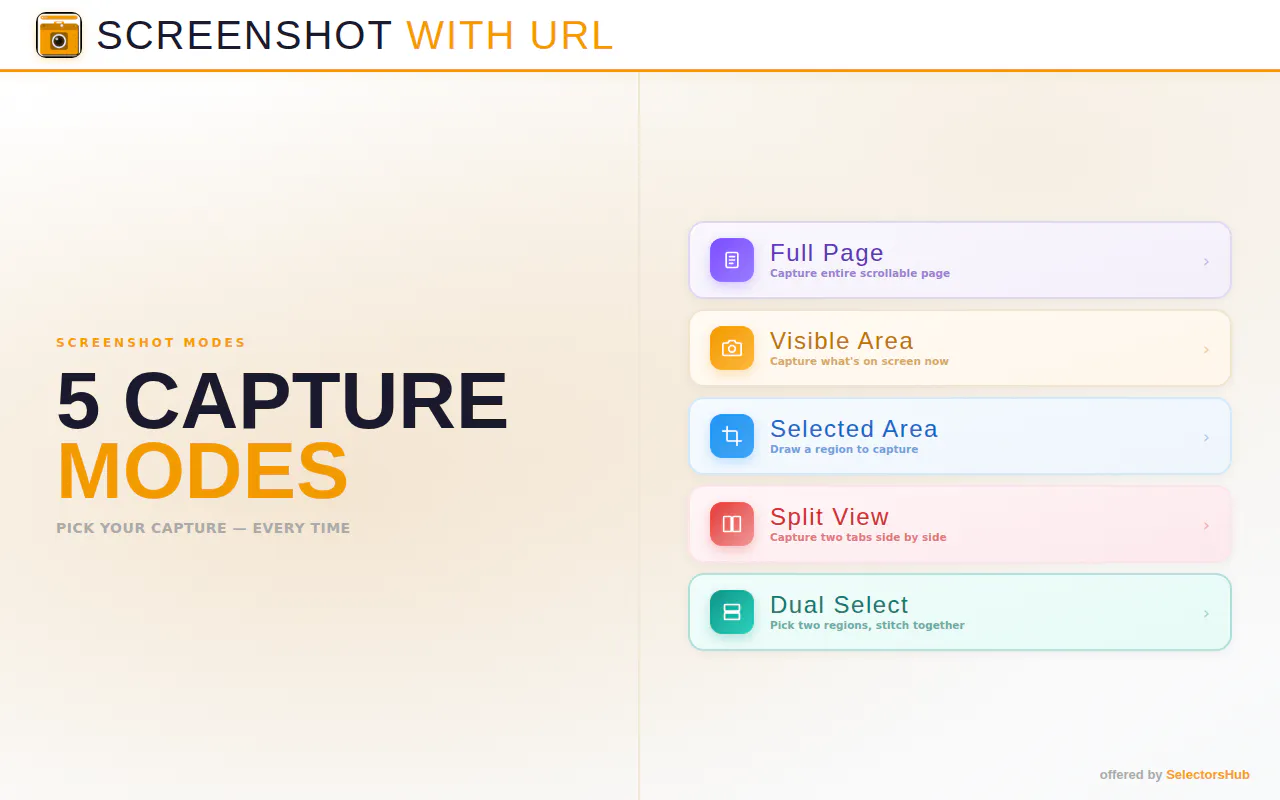
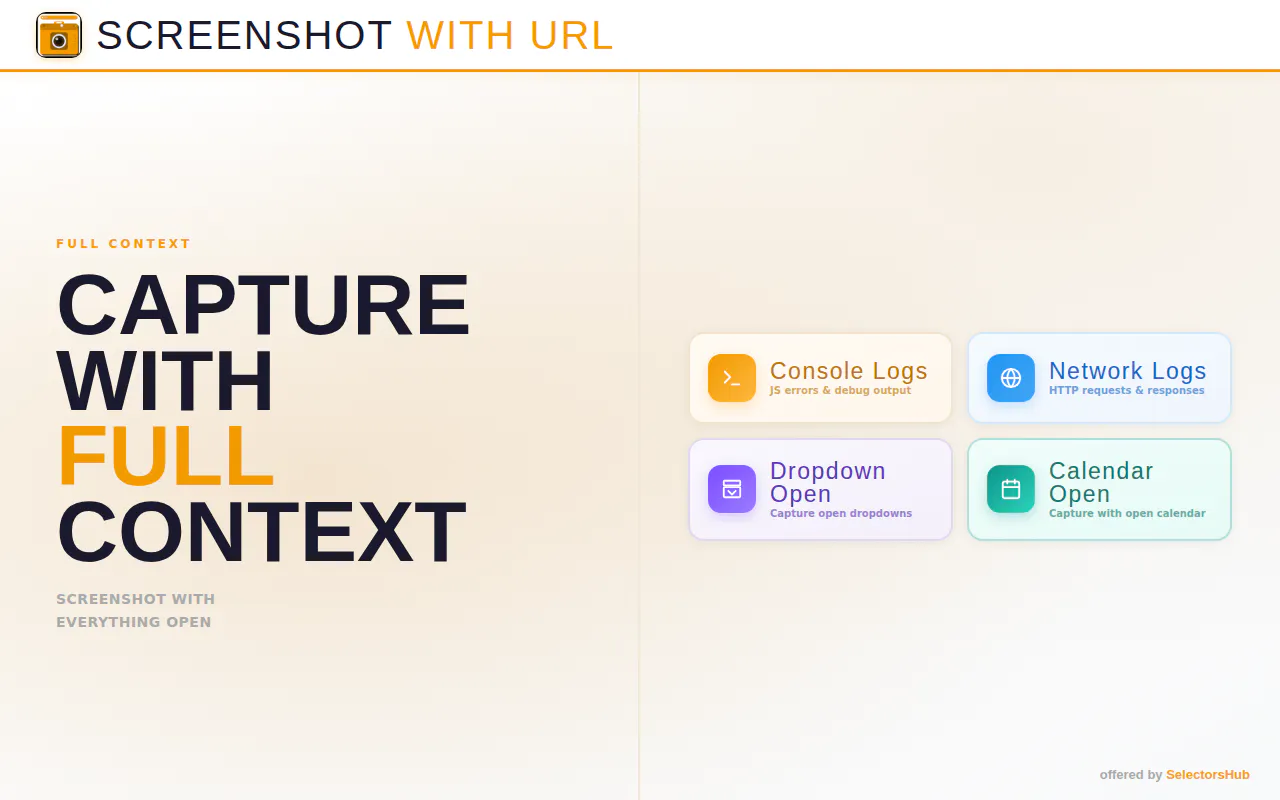
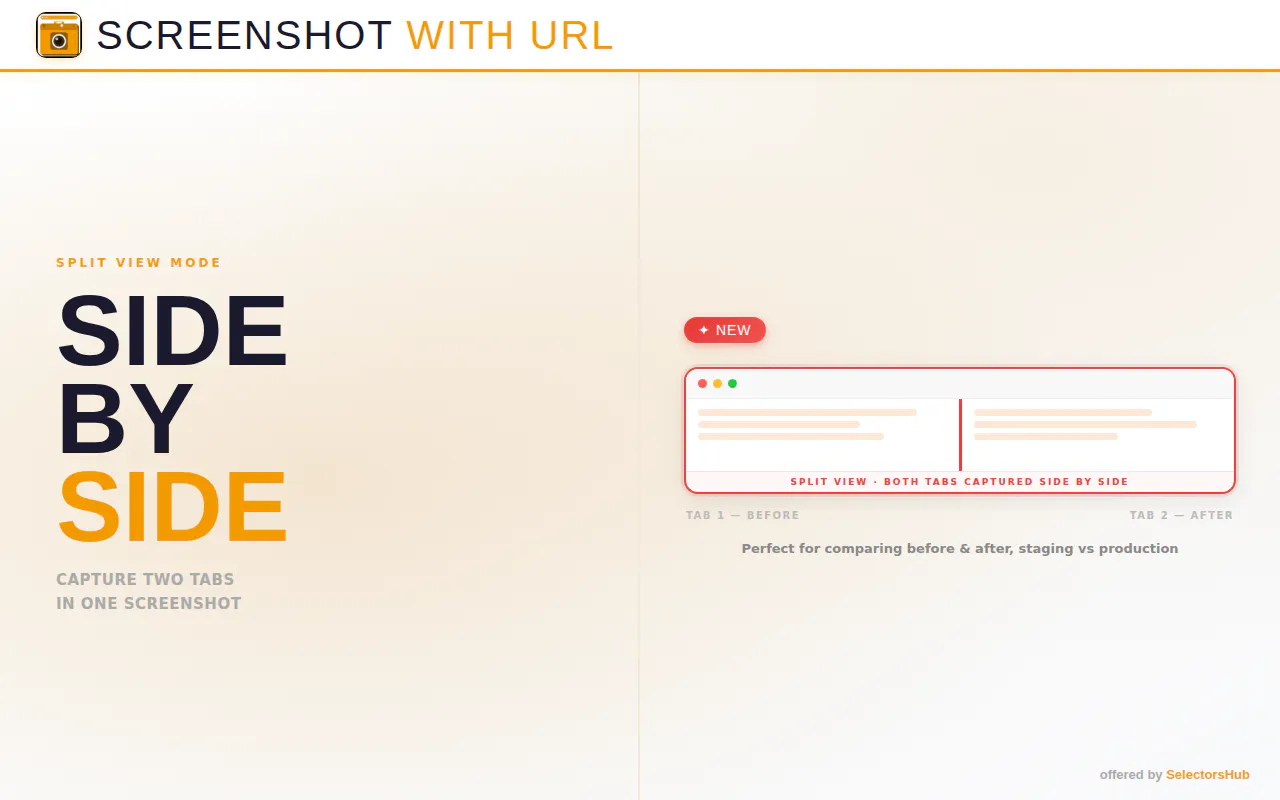
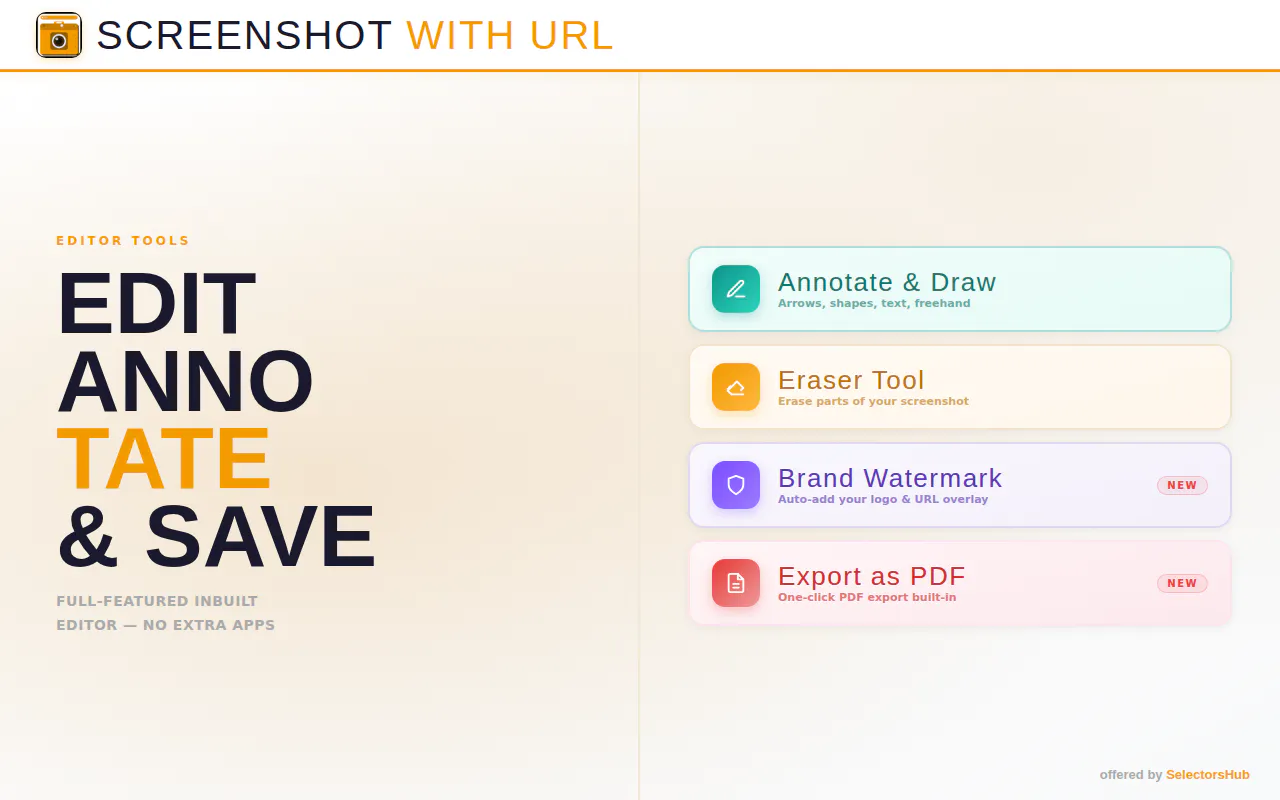
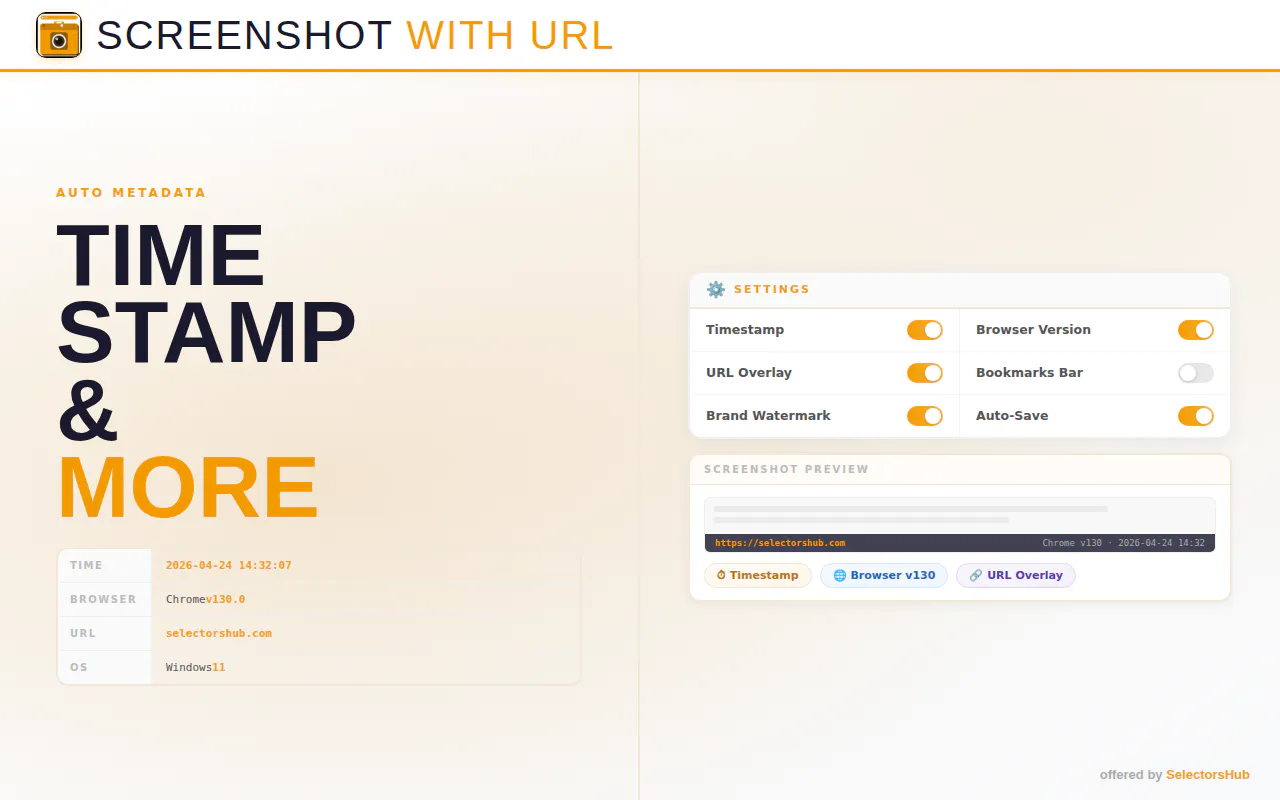
Screenshot with URL is a versatile browser extension designed for effortless web capture. It enables users to take full-page, visible area, or selected section screenshots with a single click, all while capturing the website's URL bar for added context. The tool also offers features like screen recording, in-browser editing, and dynamic dropdowns, making it ideal for creating detailed bug reports, tutorials, documentation, or sharing web content with precise references. Its user-friendly interface and comprehensive options streamline the screenshot process, especially for developers, content creators, and support teams who need quick, annotated visuals with embedded web addresses. By combining multiple functionalities into one extension, Screenshot with URL simplifies capturing and sharing web content effectively and efficiently.
Screenshots
Pros
- ✓Easy to use with one-click full-page capture
- ✓Includes URL bar in screenshots for added context
- ✓Supports editing and annotations before saving
- ✓Offers screen recording capabilities
- ✓Suitable for bug reporting, tutorials, and documentation
Cons
- ✗Features may be limited without a premium plan (uncertain)
- ✗Limited user reviews or ratings on major platforms
- ✗Potential performance impact on some browsers during extended use
Use Cases
Pricing
Likely operates on a freemium model, offering basic screenshot features for free and premium plans with advanced options such as recording and editing, possibly starting around $5-$10/month. Specific pricing details are not publicly confirmed.
Quick Info
Topics
Makers

Sanjay Kumar
@SanjayKumaarrAlternatives
Similar Tools in Developer Tools




Embed Badge
Add this badge to your website to show that Screenshot with URL is featured on Visalytica.
<a href="https://www.visalytica.com/tool/screenshot-with-url" target="_blank" rel="noopener noreferrer" style="display:inline-flex;align-items:center;gap:6px;padding:6px 14px;background:#7c3aed;color:#fff;border-radius:8px;font-family:-apple-system,system-ui,sans-serif;font-size:13px;font-weight:600;text-decoration:none;transition:background .2s" onmouseover="this.style.background='#6d28d9'" onmouseout="this.style.background='#7c3aed'"><svg width="14" height="14" viewBox="0 0 24 24" fill="none" stroke="currentColor" stroke-width="2.5" stroke-linecap="round" stroke-linejoin="round"><path d="M12 20V10"/><path d="M18 20V4"/><path d="M6 20v-4"/></svg>Featured on Visalytica</a>