
ScreenPlace
Effortlessly put every window in its place on your Mac.
About ScreenPlace
ScreenPlace is a Mac utility designed to streamline window management by automatically restoring each window to its designated position and size. Ideal for professionals who juggle multiple applications and windows, ScreenPlace eliminates the tedious task of manually rearranging and resizing windows after every restart or movement. Its seamless integration into the menu bar makes it easily accessible, providing a clutter-free workspace and enhancing productivity. What sets ScreenPlace apart is its ability to remember precise window layouts and automatically restore them, saving users time and reducing frustration. Whether you're a developer, designer, or casual user with a multi-window setup, this tool offers a straightforward solution to maintain an organized workspace effortlessly.
Screenshots

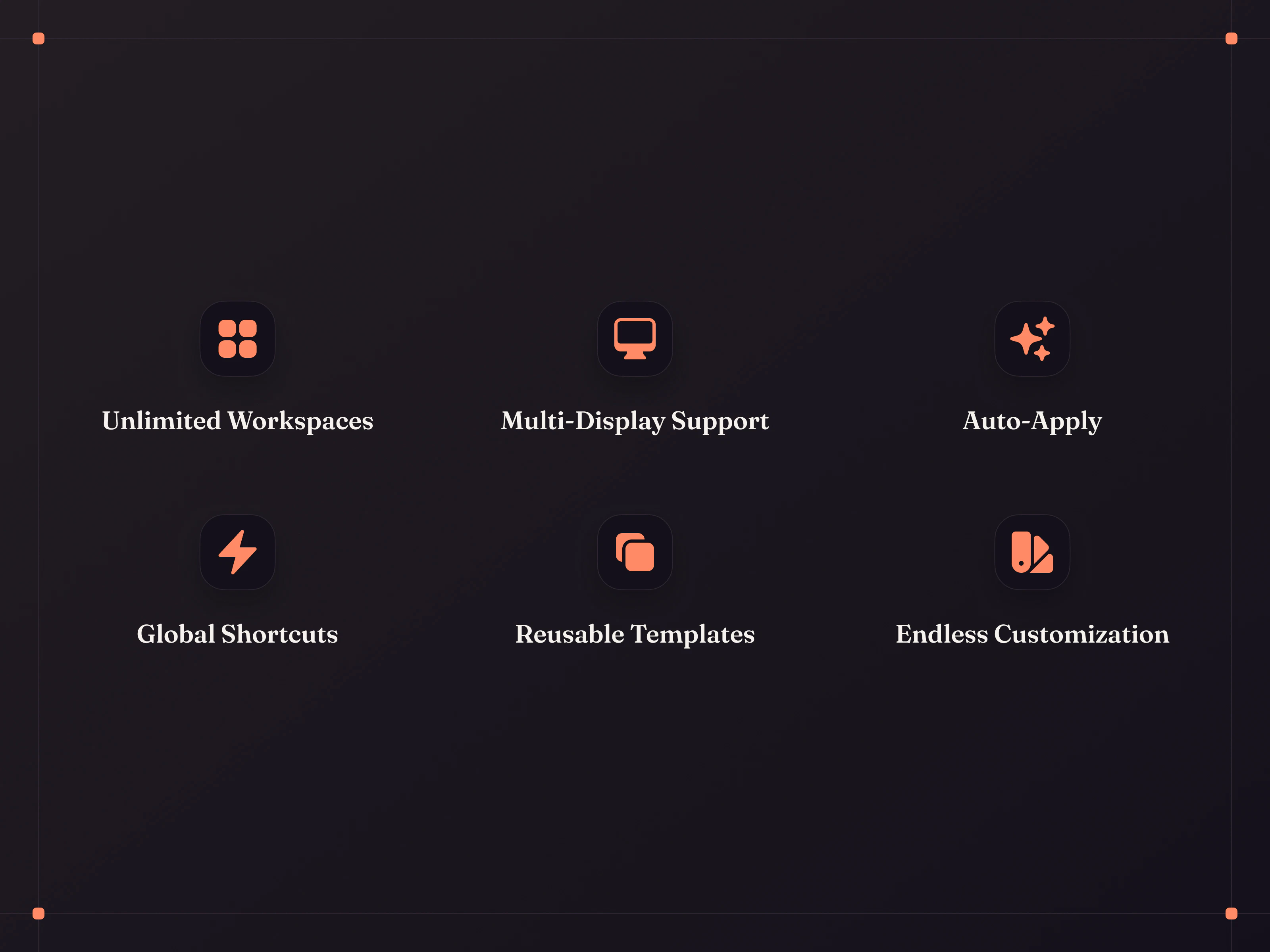

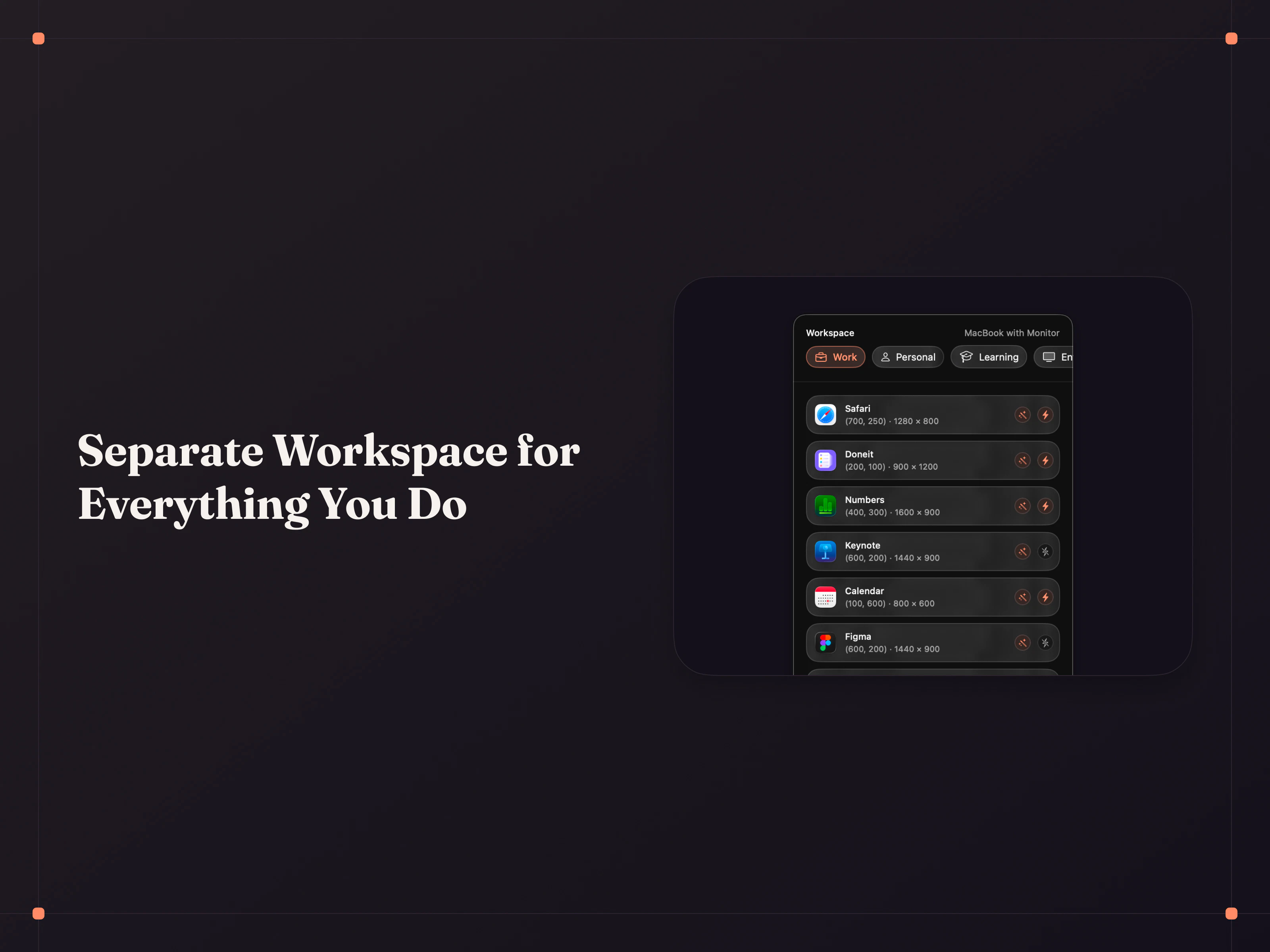
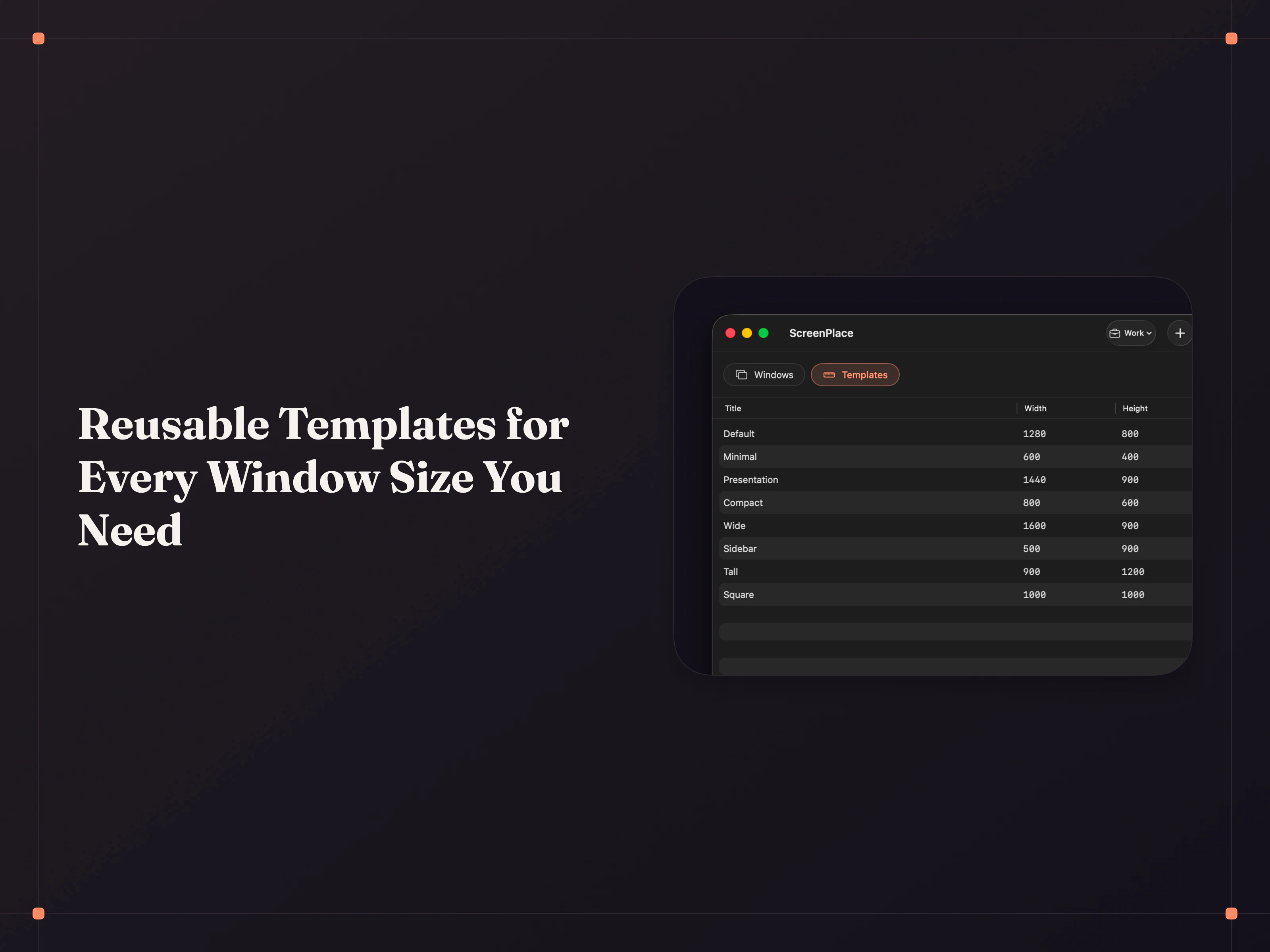
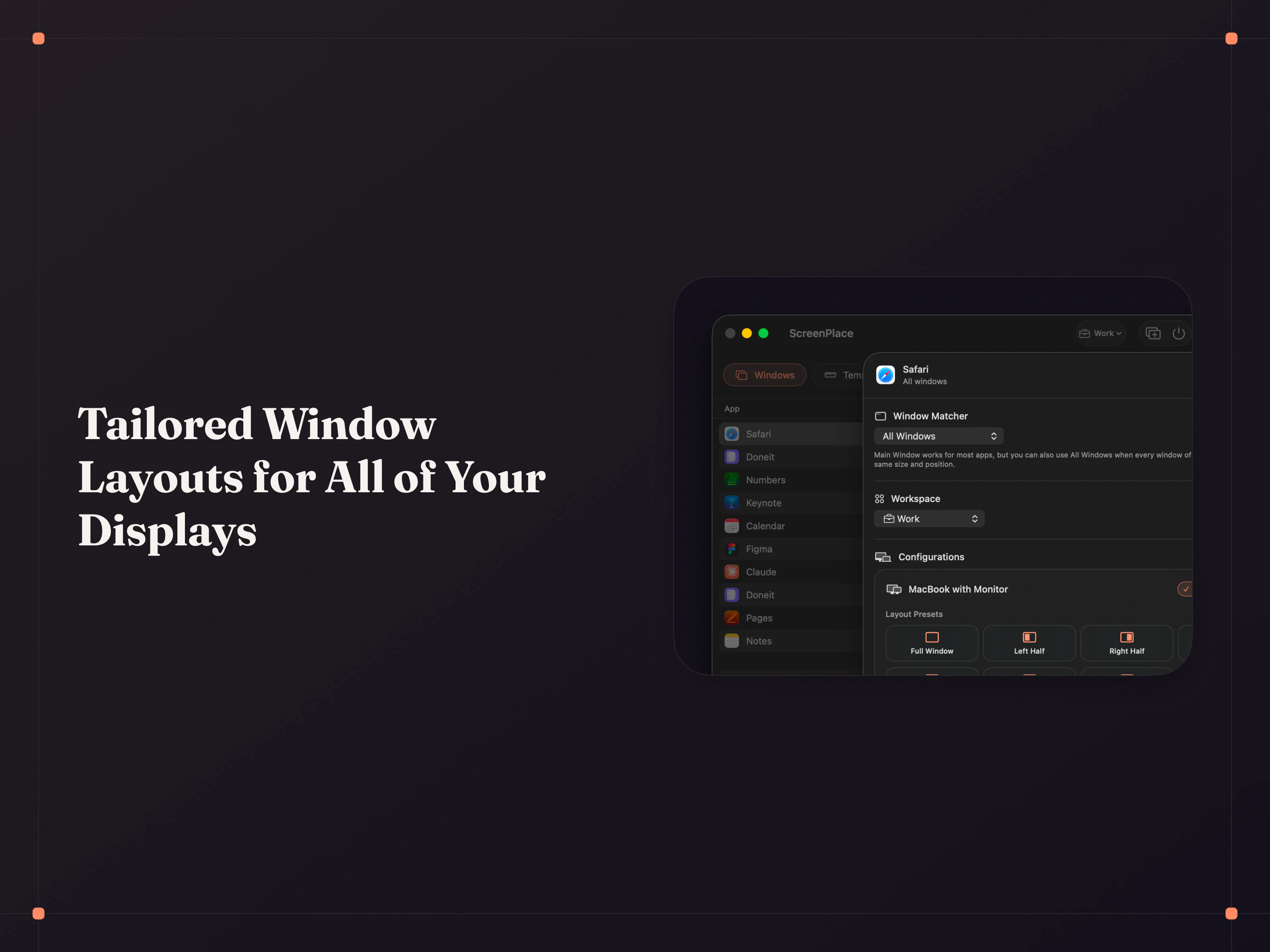
+2 more screenshots
Pros
- ✓Automates window positioning and sizing for a clutter-free workspace
- ✓Easy to access via the Mac menu bar for quick management
- ✓Saves time by restoring window layouts automatically
- ✓Enhances productivity by reducing manual window adjustments
Cons
- ✗Limited information on customization options and settings
- ✗No details on free trial or pricing tiers available
- ✗Might not support all window types or multi-monitor setups perfectly
Use Cases
Pricing
Likely follows a freemium model with a free trial period and paid plans starting around $10-$20 per month, based on typical SaaS pricing for window management tools. Exact details are uncertain.
Quick Info
Topics
Alternatives
Similar Tools in AI Assistants




Embed Badge
Add this badge to your website to show that ScreenPlace is featured on Visalytica.
<a href="https://www.visalytica.com/tool/screenplace" target="_blank" rel="noopener noreferrer" style="display:inline-flex;align-items:center;gap:6px;padding:6px 14px;background:#7c3aed;color:#fff;border-radius:8px;font-family:-apple-system,system-ui,sans-serif;font-size:13px;font-weight:600;text-decoration:none;transition:background .2s" onmouseover="this.style.background='#6d28d9'" onmouseout="this.style.background='#7c3aed'"><svg width="14" height="14" viewBox="0 0 24 24" fill="none" stroke="currentColor" stroke-width="2.5" stroke-linecap="round" stroke-linejoin="round"><path d="M12 20V10"/><path d="M18 20V4"/><path d="M6 20v-4"/></svg>Featured on Visalytica</a>