
screenpipe
AI that records your computer work to power agents.
About screenpipe
Screenpipe is an innovative AI-powered tool designed to record and analyze your computer activity by capturing your screen, audio, and interactions. Its primary target audience includes professionals, developers, and teams seeking to streamline their workflow, troubleshoot issues, or generate detailed activity logs without the hassle of manual reconstruction. Unique in its approach, Screenpipe offers a local-first, source-available solution compatible with Mac, Windows, and Linux, ensuring user privacy and control over sensitive data. Through its MCP (Machine Communication Protocol), AI agents can access your activity history to answer questions about calls, bugs, or documents seamlessly. The launch-day promotion with a discount code adds an extra incentive for early adopters to integrate this powerful tool into their daily routines.
Screenshots
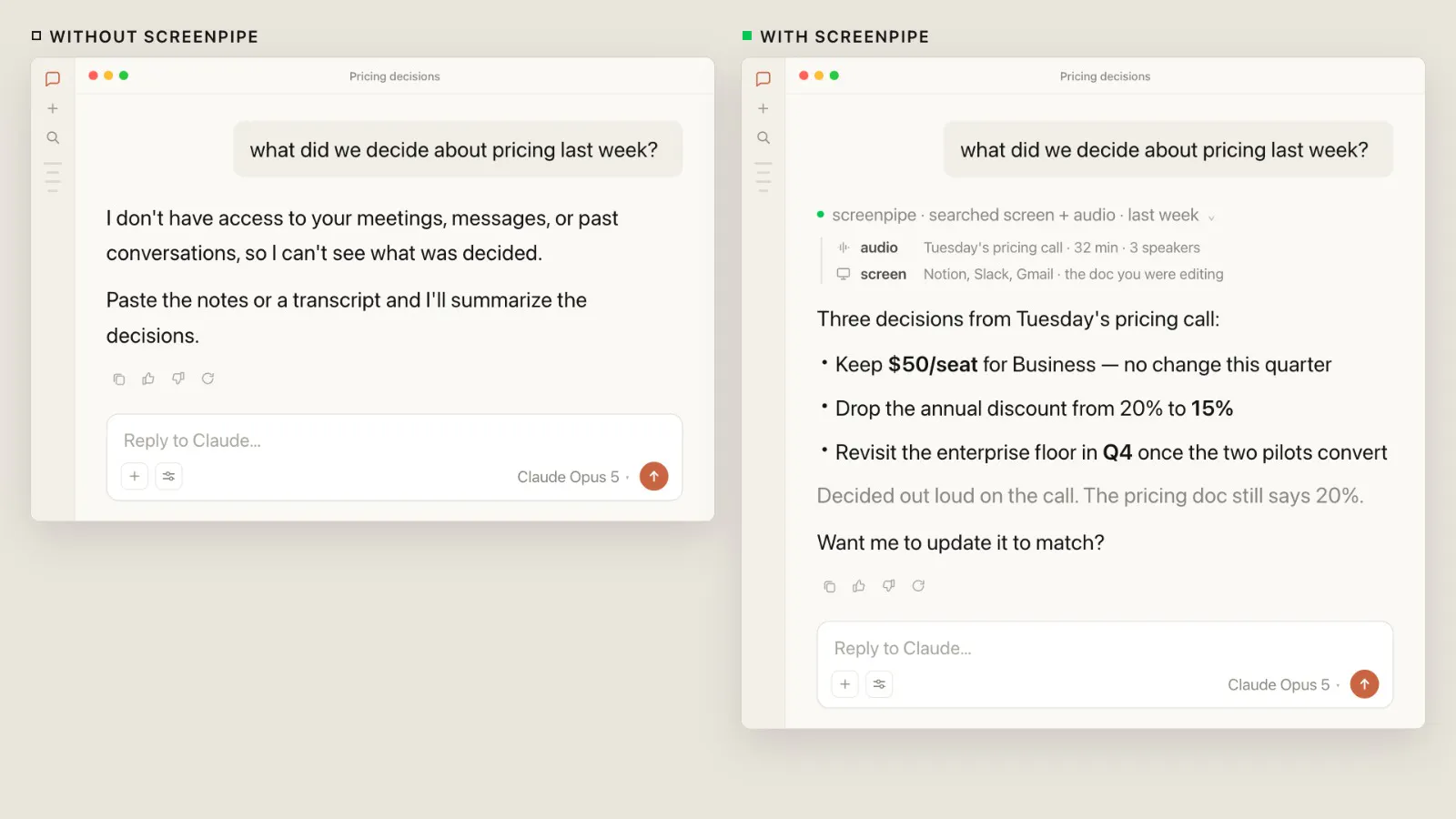
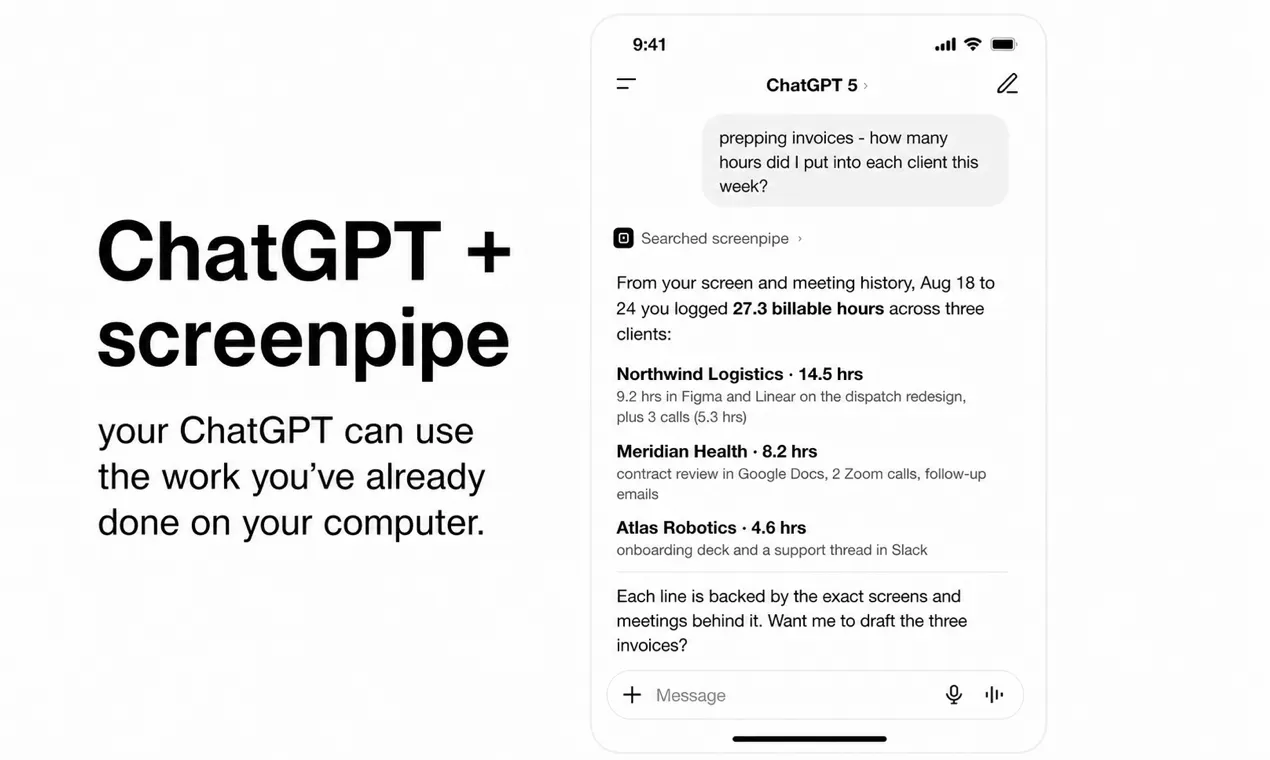
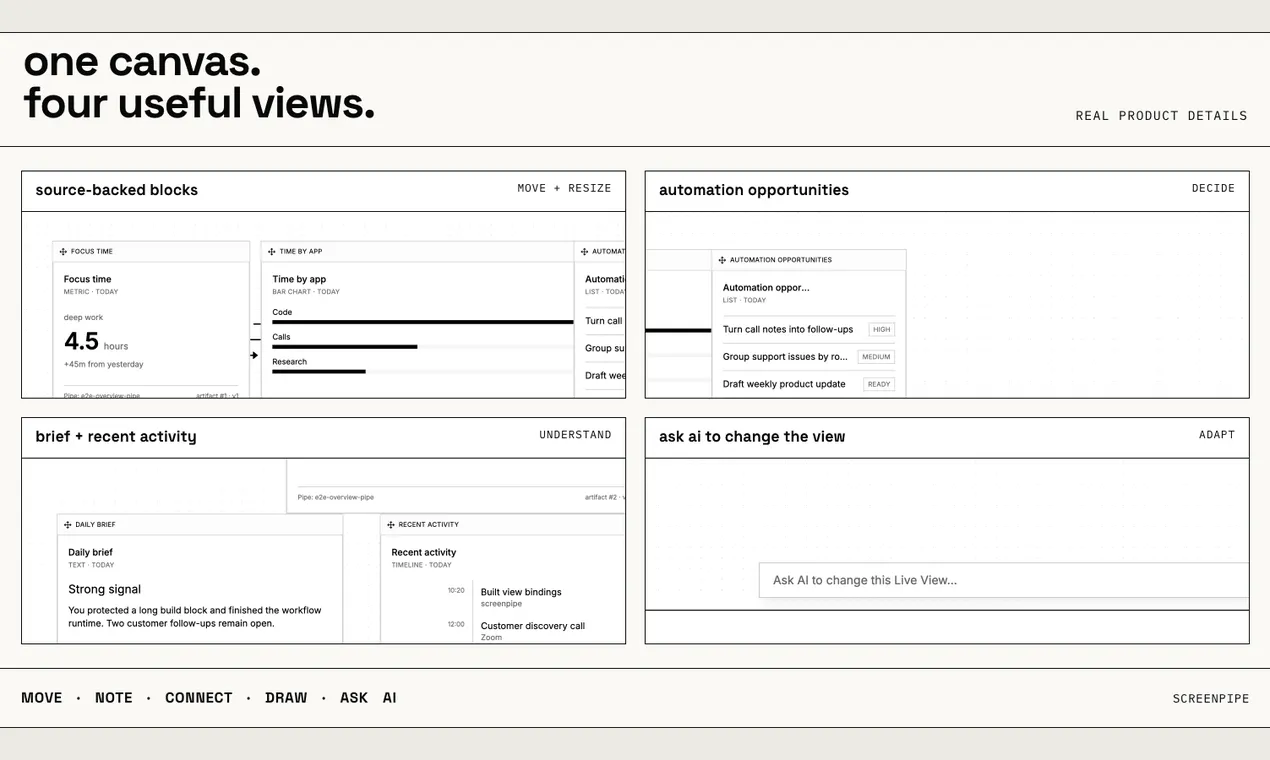
Pros
- ✓Local-first, source-available architecture enhances privacy and security
- ✓Cross-platform support for Mac, Windows, and Linux
- ✓Enables AI agents to access activity history for efficient querying
- ✓Automates recording of screen, audio, and user activity, saving time
- ✓Offers a promotional discount for early adopters
Cons
- ✗Limited information on pricing tiers and plans
- ✗No user reviews or ratings available yet on Product Hunt
- ✗Potential privacy concerns depending on the extent of recording
Use Cases
Pricing
Pricing not verified
Quick Info
Topics
Makers

Ezra Ellette
Alternatives
Similar Tools in AI Assistants




Embed Badge
Add this badge to your website to show that screenpipe is featured on Visalytica.
<a href="https://www.visalytica.com/tool/screenpipe" target="_blank" rel="noopener noreferrer" style="display:inline-flex;align-items:center;gap:6px;padding:6px 14px;background:#7c3aed;color:#fff;border-radius:8px;font-family:-apple-system,system-ui,sans-serif;font-size:13px;font-weight:600;text-decoration:none;transition:background .2s" onmouseover="this.style.background='#6d28d9'" onmouseout="this.style.background='#7c3aed'"><svg width="14" height="14" viewBox="0 0 24 24" fill="none" stroke="currentColor" stroke-width="2.5" stroke-linecap="round" stroke-linejoin="round"><path d="M12 20V10"/><path d="M18 20V4"/><path d="M6 20v-4"/></svg>Featured on Visalytica</a>