
Screenify Studio
Polished product demos on Mac recorded by an AI agent
About Screenify Studio
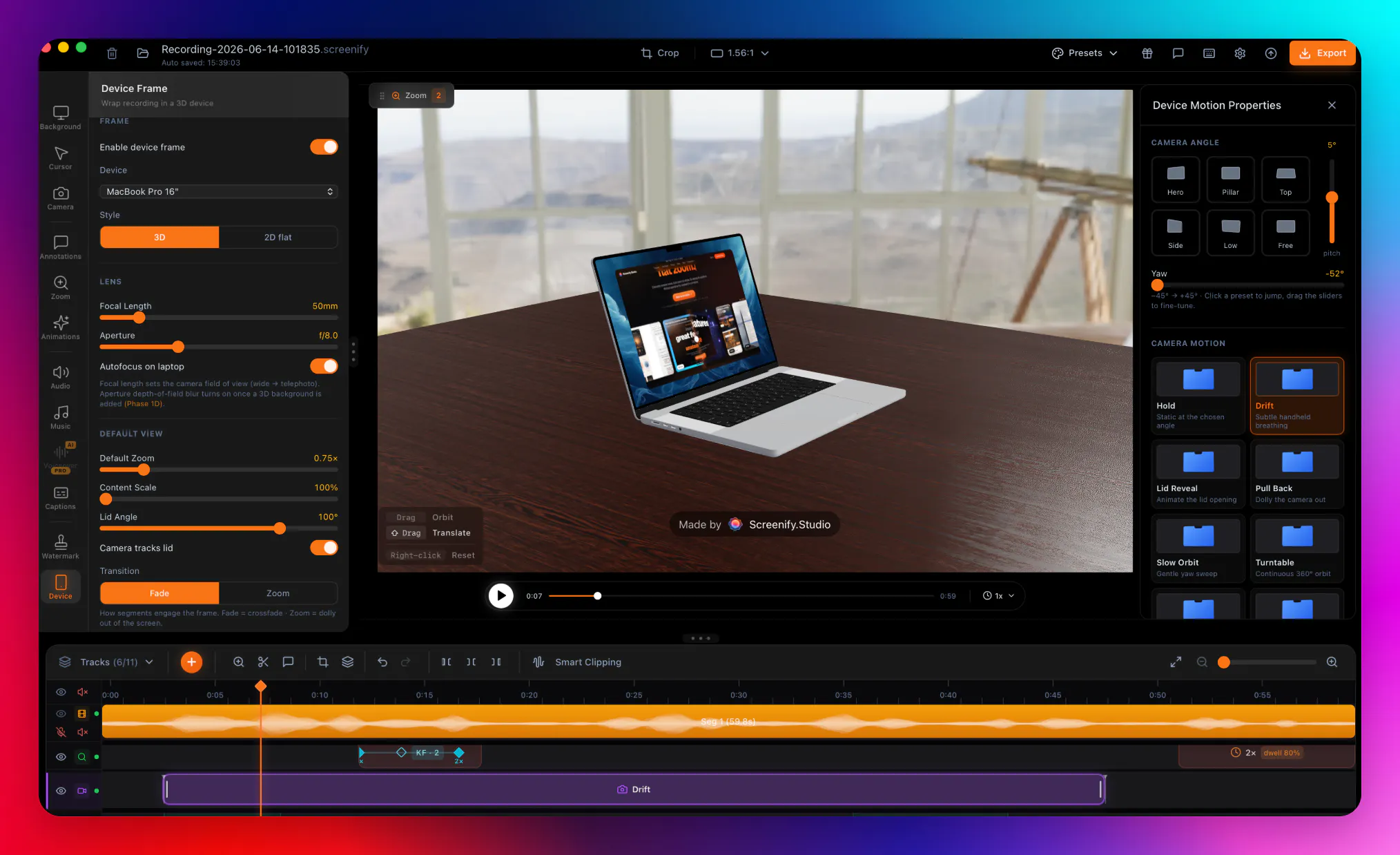
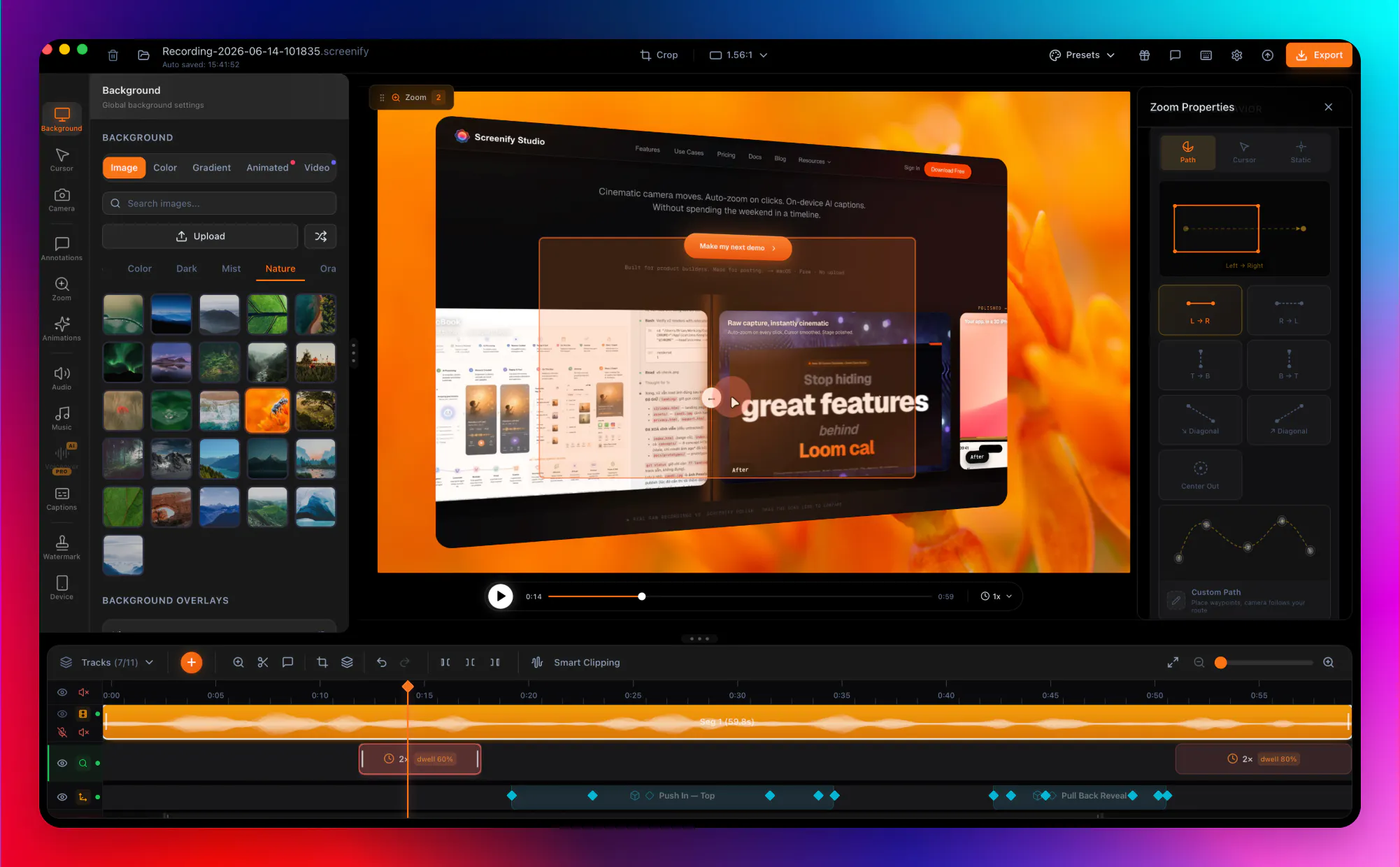
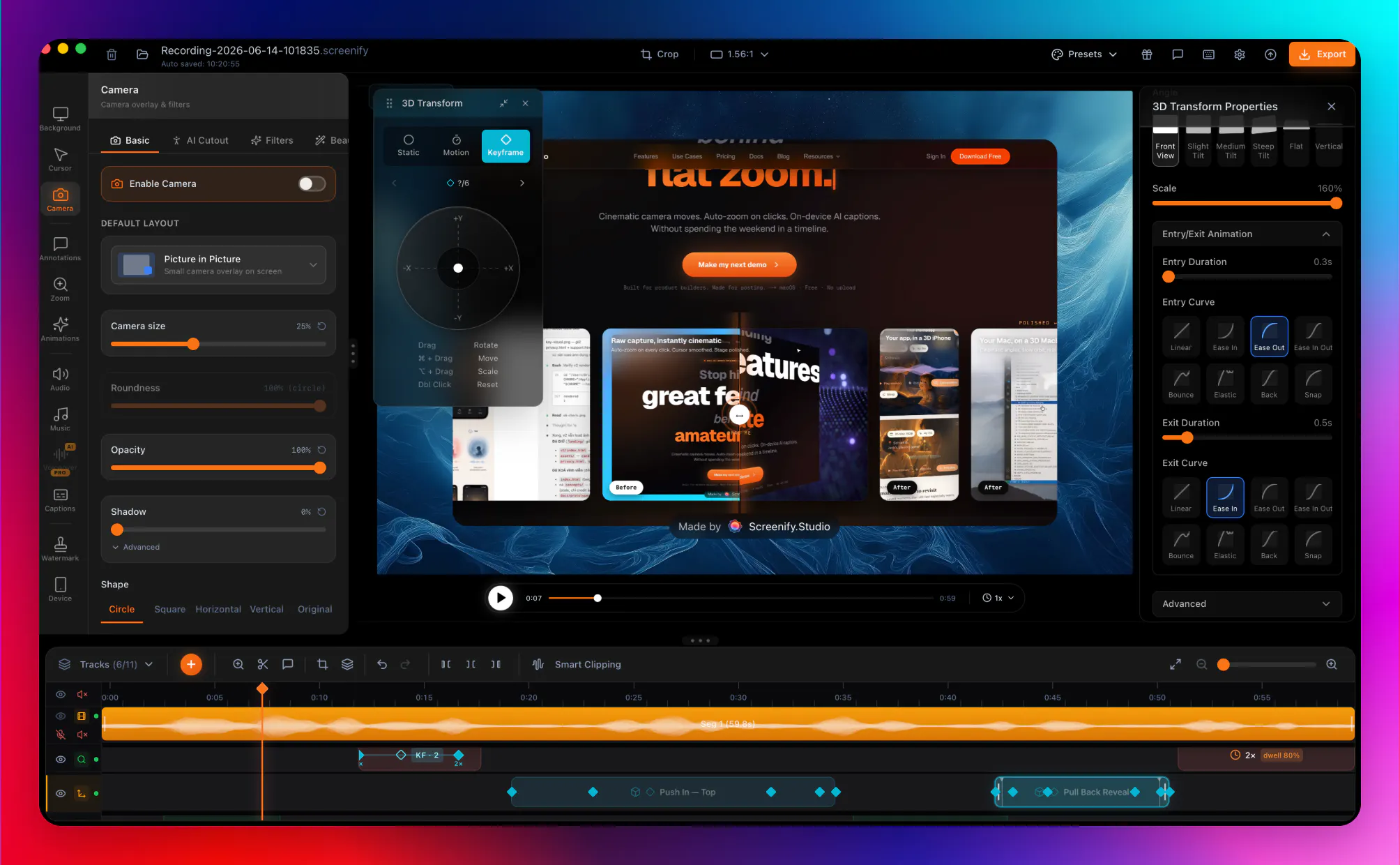
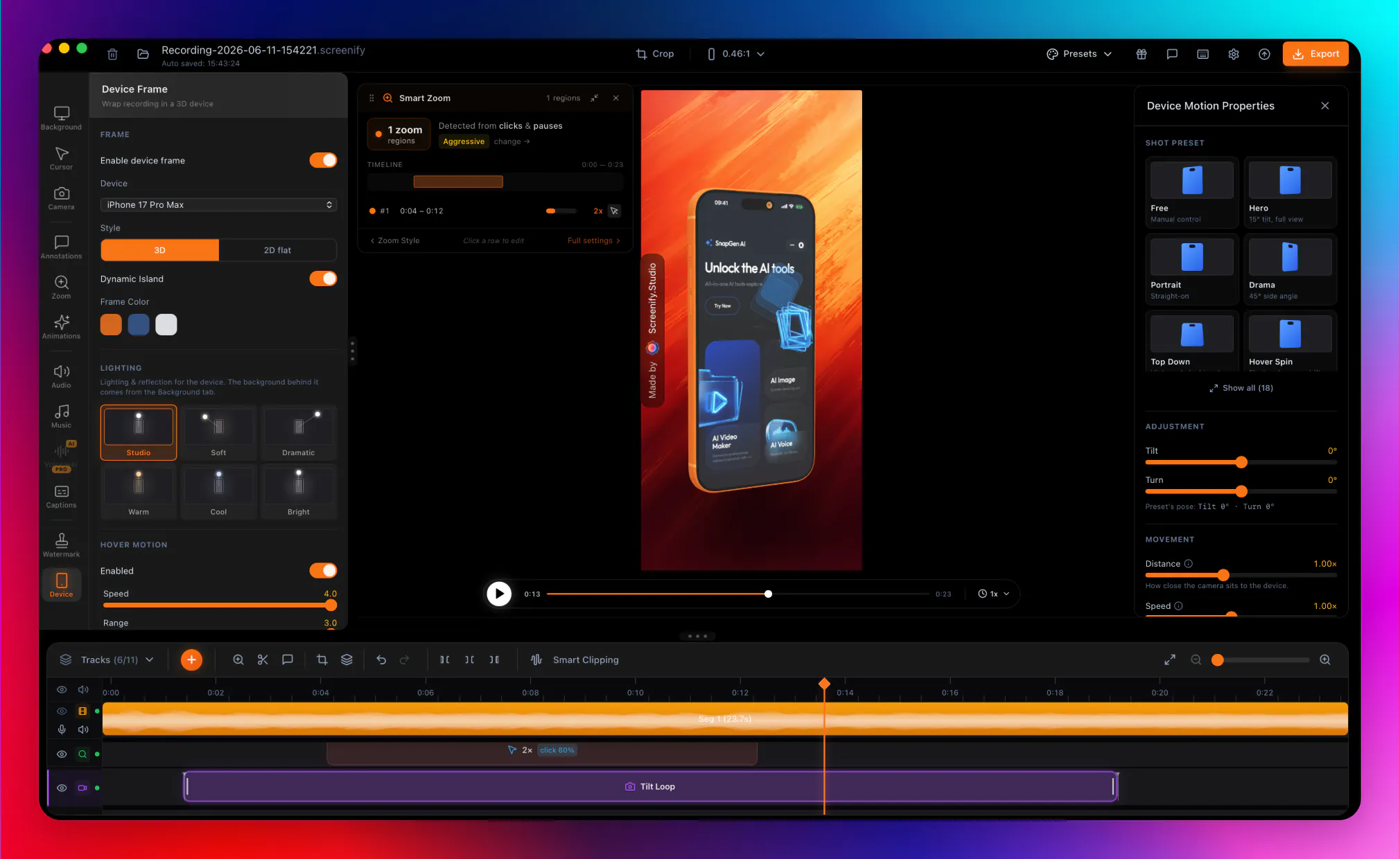
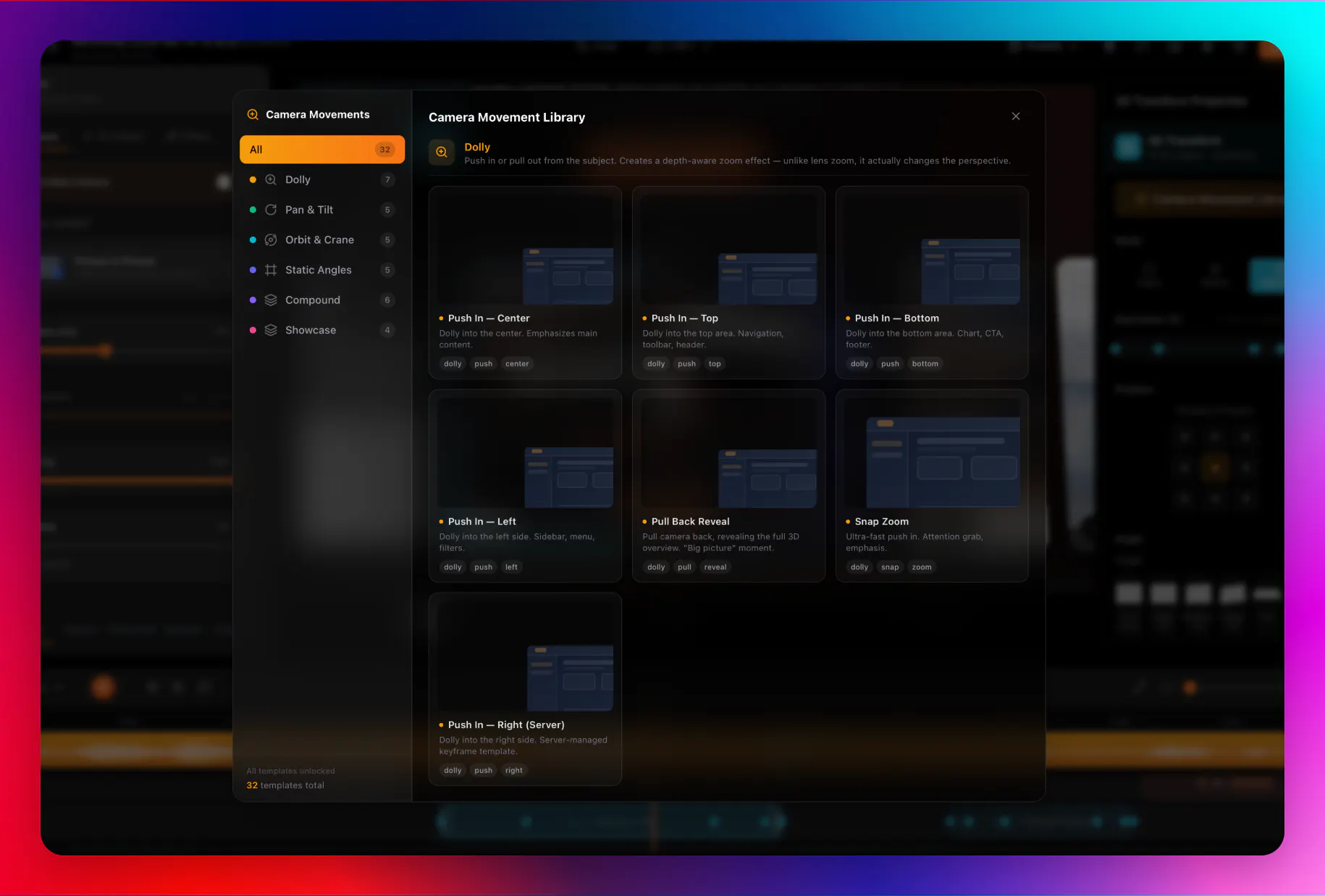
Screenify Studio is an innovative Mac-based screen recording tool designed for creating polished product demos effortlessly. Unlike traditional screen recorders, it leverages AI to transform rough recordings into cinematic presentations by interpreting plain English descriptions and automatically driving a real browser to record the demo. The tool enhances recordings with cinematic 3D camera moves, spotlights, and callouts, making demos more engaging and professional without requiring extensive editing skills. For users seeking full control, it offers a comprehensive editor with manual zoom keyframes, along with the ability to stage recordings on photorealistic 3D models of MacBooks, iPhones, or iPads. Additionally, on-device AI captions and CLI automation options provide further flexibility. Starting with a free tier, Screenify Studio aims to streamline the demo creation process for developers, marketers, and product teams who want high-quality visuals with minimal effort.
Screenshots
Pros
- ✓Automates complex editing with AI-driven cinematic effects
- ✓Supports staging on photorealistic 3D device models
- ✓Offers both automated and manual editing options
- ✓Enables CLI automation for advanced workflows
- ✓Includes AI captions for accessibility and clarity
Cons
- ✗Features and capabilities may still be evolving, with limited user reviews
- ✗Requires a Mac environment, limiting cross-platform use
- ✗Pricing details are not explicitly provided
Use Cases
Pricing
Pricing not verified
Quick Info
Topics
Makers

Brjan
@MrBrjanAlternatives
Similar Tools in AI Assistants




Embed Badge
Add this badge to your website to show that Screenify Studio is featured on Visalytica.
<a href="https://www.visalytica.com/tool/screenify-studio" target="_blank" rel="noopener noreferrer" style="display:inline-flex;align-items:center;gap:6px;padding:6px 14px;background:#7c3aed;color:#fff;border-radius:8px;font-family:-apple-system,system-ui,sans-serif;font-size:13px;font-weight:600;text-decoration:none;transition:background .2s" onmouseover="this.style.background='#6d28d9'" onmouseout="this.style.background='#7c3aed'"><svg width="14" height="14" viewBox="0 0 24 24" fill="none" stroke="currentColor" stroke-width="2.5" stroke-linecap="round" stroke-linejoin="round"><path d="M12 20V10"/><path d="M18 20V4"/><path d="M6 20v-4"/></svg>Featured on Visalytica</a>