
Screendrop
Opensource screenshot + screen recording tool
About Screendrop
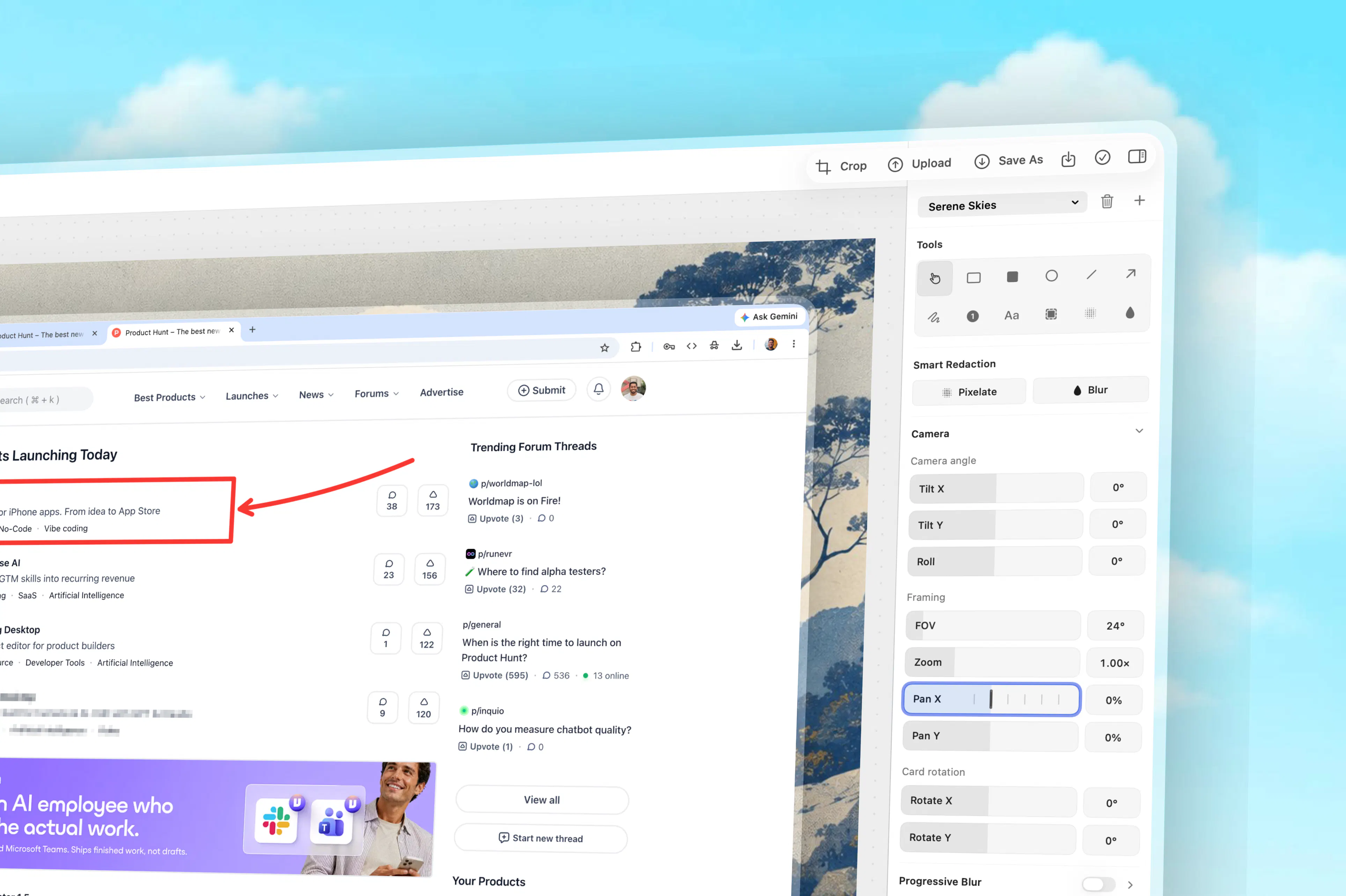
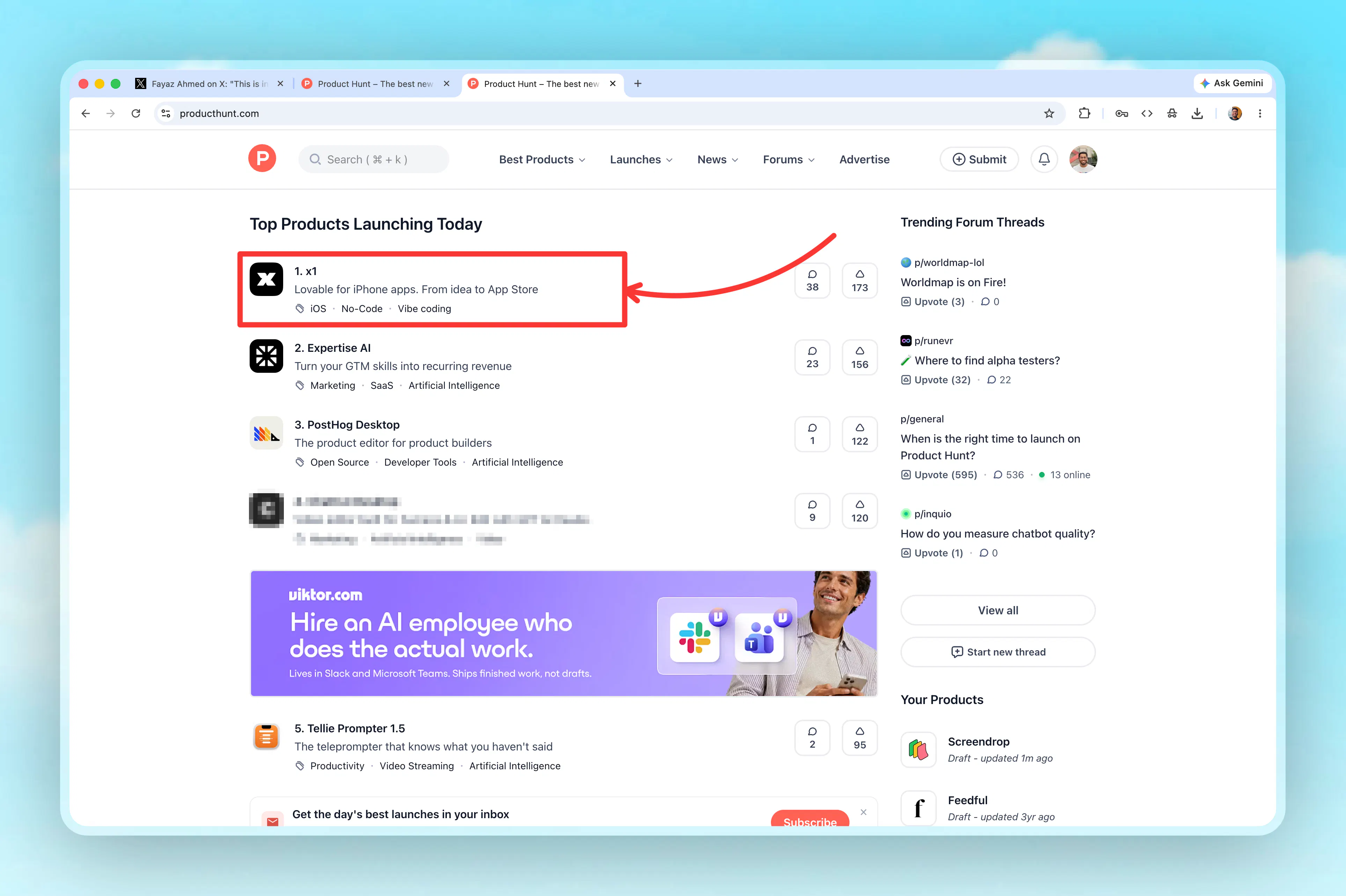
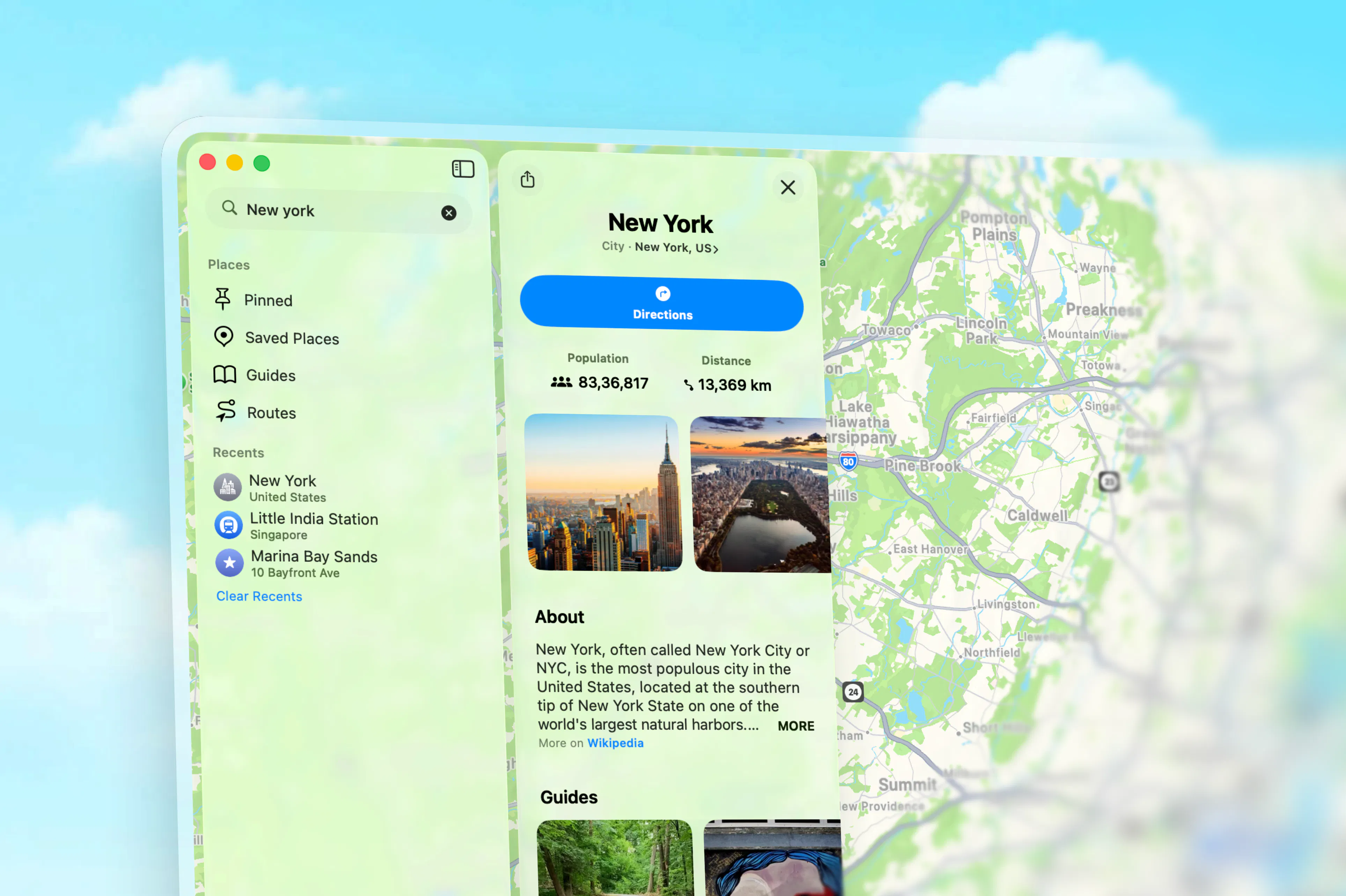
Screendrop is an open-source, self-hostable solution for capturing screenshots and recording screens, serving as a robust alternative to proprietary tools like Loom. Designed for developers, designers, and productivity enthusiasts, it combines aesthetic appeal with powerful functionality, allowing users to seamlessly create and manage visual content. Its native capabilities ensure smooth performance without reliance on external services, making it ideal for teams prioritizing privacy and customization. Whether for quick bug reports, tutorials, or collaborative feedback, Screendrop offers a flexible and cost-effective way to handle visual communication. Its open-source nature also encourages community-driven improvements, making it a versatile choice for those comfortable with self-hosted solutions.
Screenshots
Pros
- ✓Open-source and self-hostable, ensuring data privacy and customization
- ✓All-in-one solution for screenshots and screen recordings
- ✓Free to use, reducing costs for individuals and teams
- ✓Native application with a visually appealing interface
- ✓Suitable for various use cases from bug reporting to tutorials
Cons
- ✗Lacks built-in advanced editing features found in some commercial tools
- ✗Requires technical knowledge to self-host and maintain
- ✗Limited user interface polish compared to commercial alternatives
Use Cases
Pricing
Pricing not verified
Quick Info
Topics
Makers

Fayaz Ahmed
@fayazaraAlternatives
Similar Tools in AI Image & Design




Embed Badge
Add this badge to your website to show that Screendrop is featured on Visalytica.
<a href="https://www.visalytica.com/tool/screendrop" target="_blank" rel="noopener noreferrer" style="display:inline-flex;align-items:center;gap:6px;padding:6px 14px;background:#7c3aed;color:#fff;border-radius:8px;font-family:-apple-system,system-ui,sans-serif;font-size:13px;font-weight:600;text-decoration:none;transition:background .2s" onmouseover="this.style.background='#6d28d9'" onmouseout="this.style.background='#7c3aed'"><svg width="14" height="14" viewBox="0 0 24 24" fill="none" stroke="currentColor" stroke-width="2.5" stroke-linecap="round" stroke-linejoin="round"><path d="M12 20V10"/><path d="M18 20V4"/><path d="M6 20v-4"/></svg>Featured on Visalytica</a>