
ScreenCursor
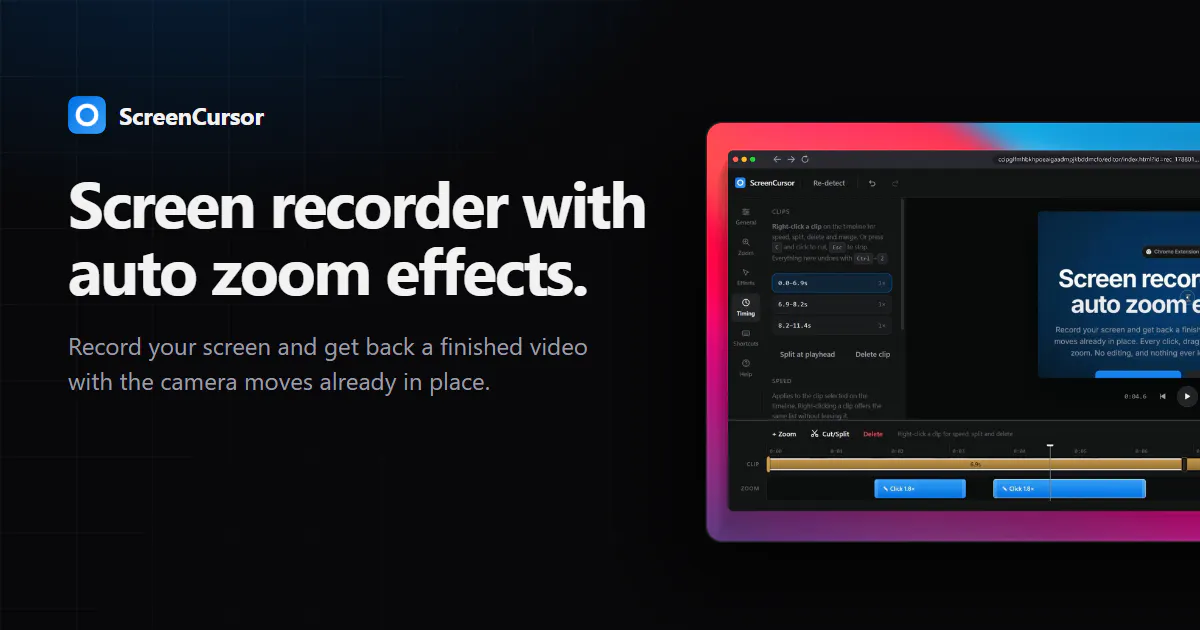
Screen recorder with auto zoom effects
About ScreenCursor
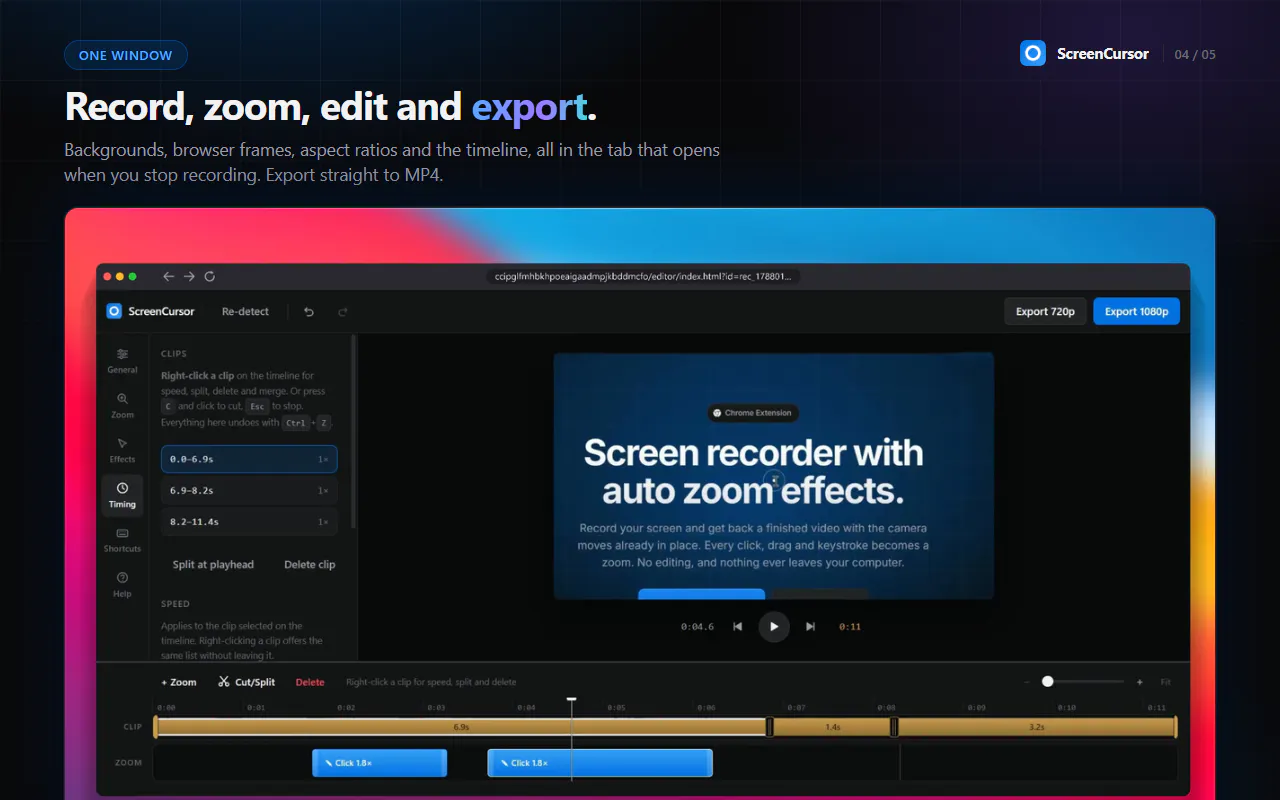
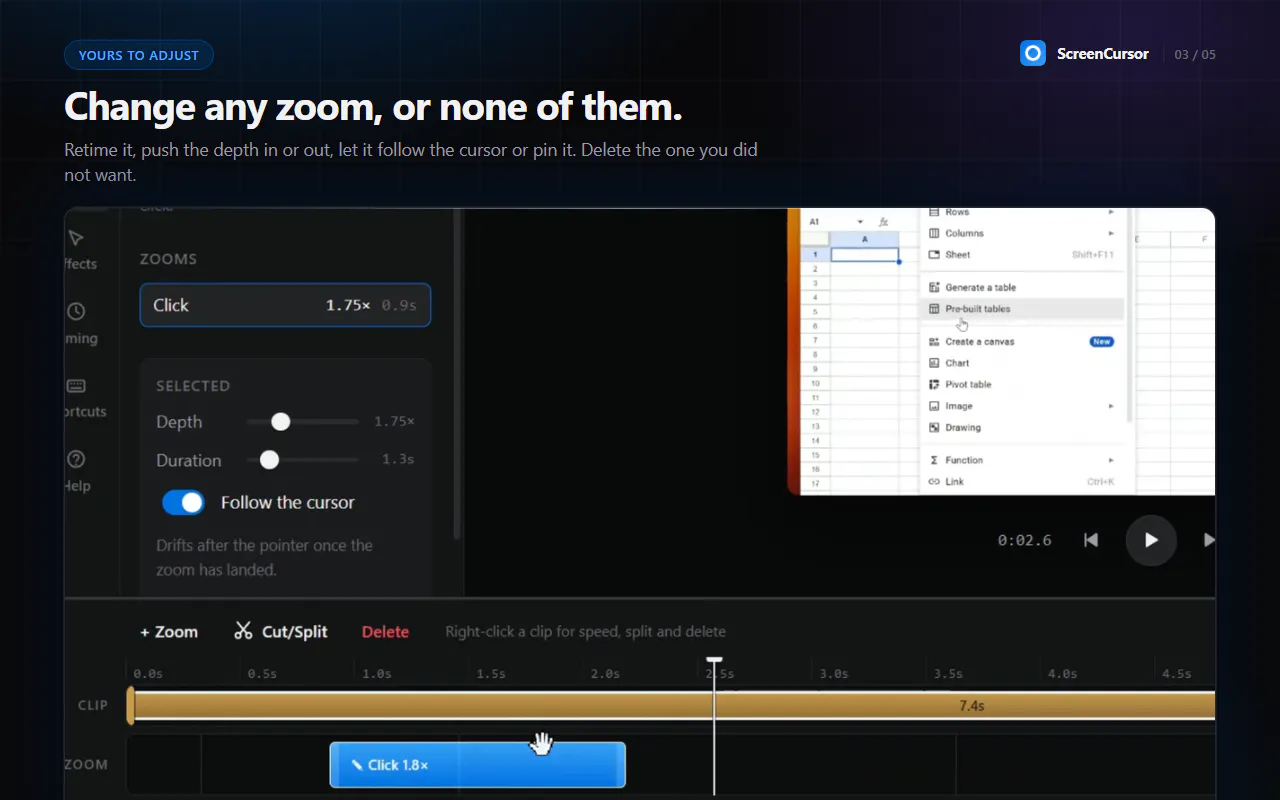
ScreenCursor is an innovative screen recording tool designed for content creators, educators, and professionals who need polished videos with minimal effort. Unlike traditional screen recorders, it automatically applies smooth zoom effects that follow your clicks, drags, and keystrokes, creating a dynamic and engaging viewer experience. This means users can produce professional-looking videos without any post-editing, as the camera movements are pre-embedded during recording. All operations are performed locally on the user's computer, ensuring privacy and security, with no data ever leaving the device. Its simple interface and automated effects make it ideal for those seeking quick, high-quality video content with minimal technical skill required.
Screenshots
Pros
- ✓Automatic zoom effects enhance viewer engagement without manual editing
- ✓No post-production required, saving time and effort
- ✓Data remains on your device, ensuring privacy and security
- ✓User-friendly interface suitable for non-technical users
- ✓Perfect for creating tutorial videos, presentations, and product demos
Cons
- ✗Limited customization options for zoom effects
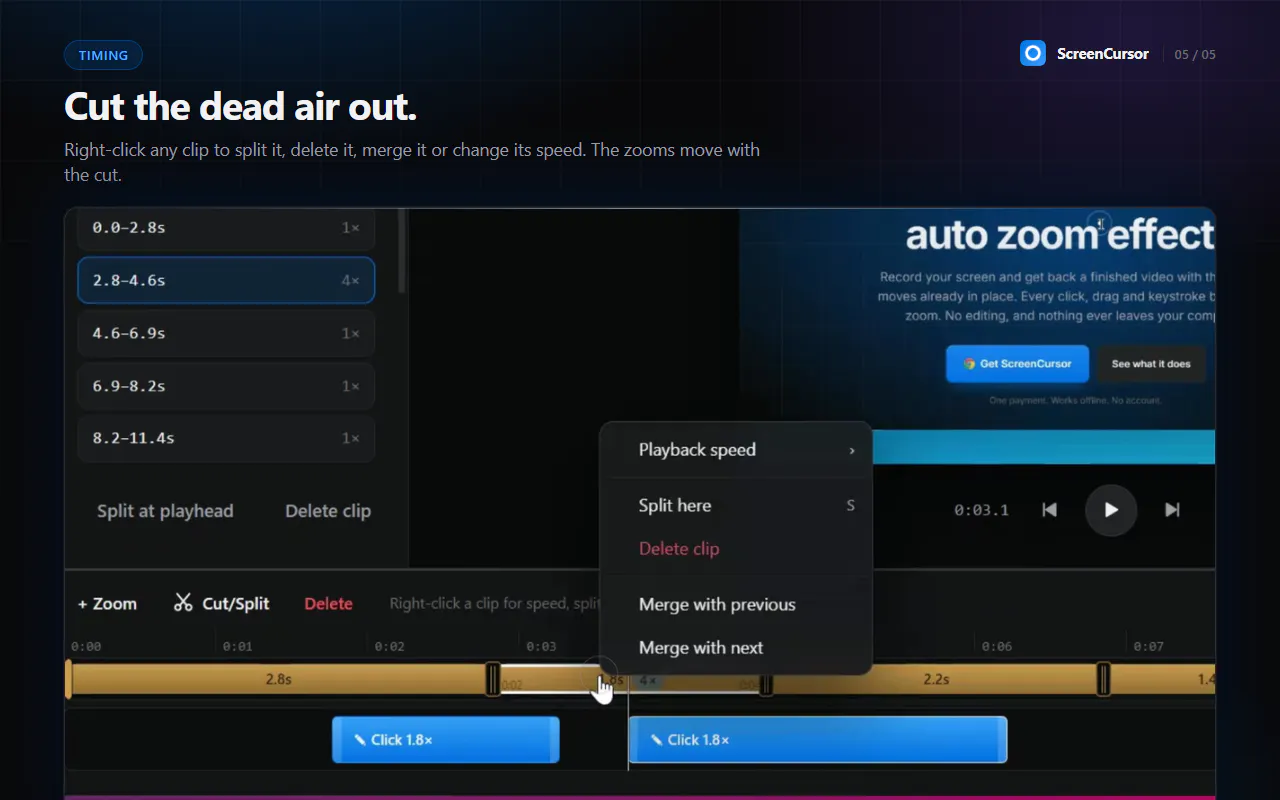
- ✗Potentially less control over detailed editing compared to traditional video editing tools
- ✗Features may be restricted to specific use cases; not suitable for complex video productions
Use Cases
Pricing
Pricing not verified
Quick Info
Topics
Makers

Phoenix
Alternatives
Similar Tools in Developer Tools




Embed Badge
Add this badge to your website to show that ScreenCursor is featured on Visalytica.
<a href="https://www.visalytica.com/tool/screencursor" target="_blank" rel="noopener noreferrer" style="display:inline-flex;align-items:center;gap:6px;padding:6px 14px;background:#7c3aed;color:#fff;border-radius:8px;font-family:-apple-system,system-ui,sans-serif;font-size:13px;font-weight:600;text-decoration:none;transition:background .2s" onmouseover="this.style.background='#6d28d9'" onmouseout="this.style.background='#7c3aed'"><svg width="14" height="14" viewBox="0 0 24 24" fill="none" stroke="currentColor" stroke-width="2.5" stroke-linecap="round" stroke-linejoin="round"><path d="M12 20V10"/><path d="M18 20V4"/><path d="M6 20v-4"/></svg>Featured on Visalytica</a>