
Screencap
Turn your team's real workflows into AI training data
About Screencap
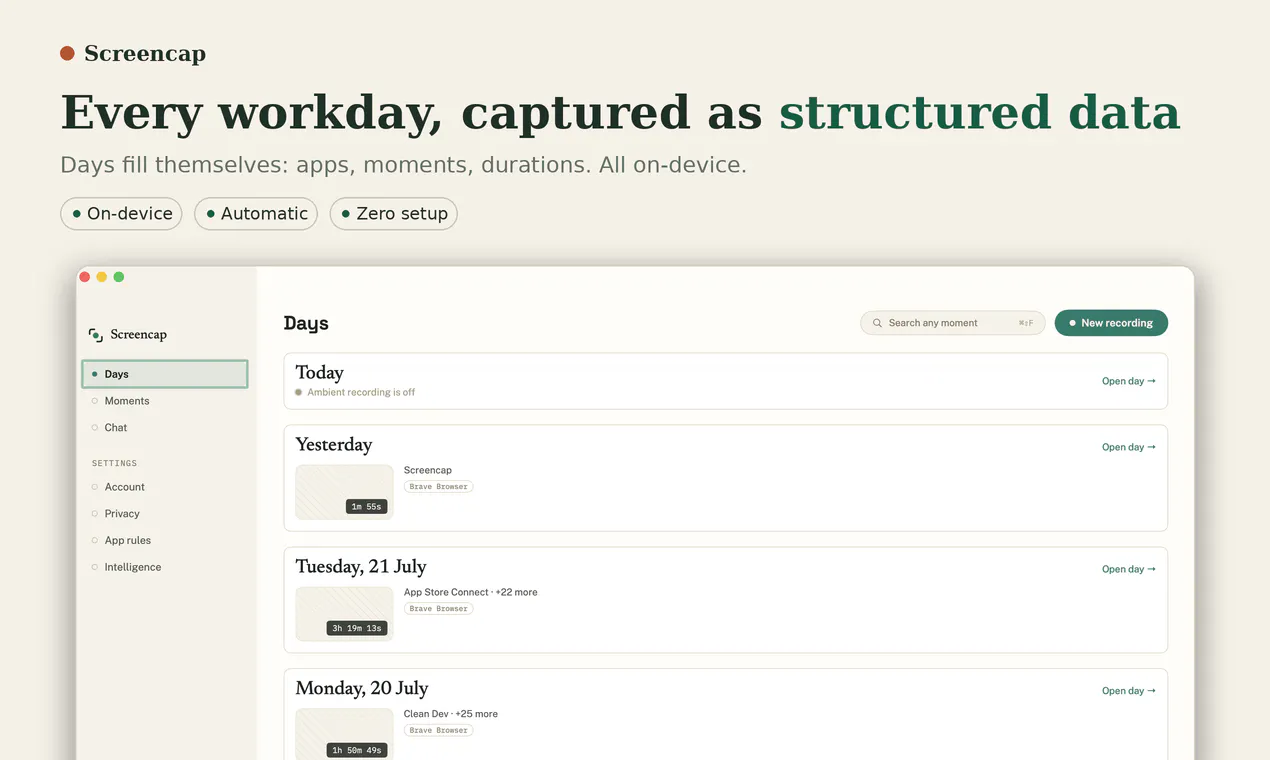
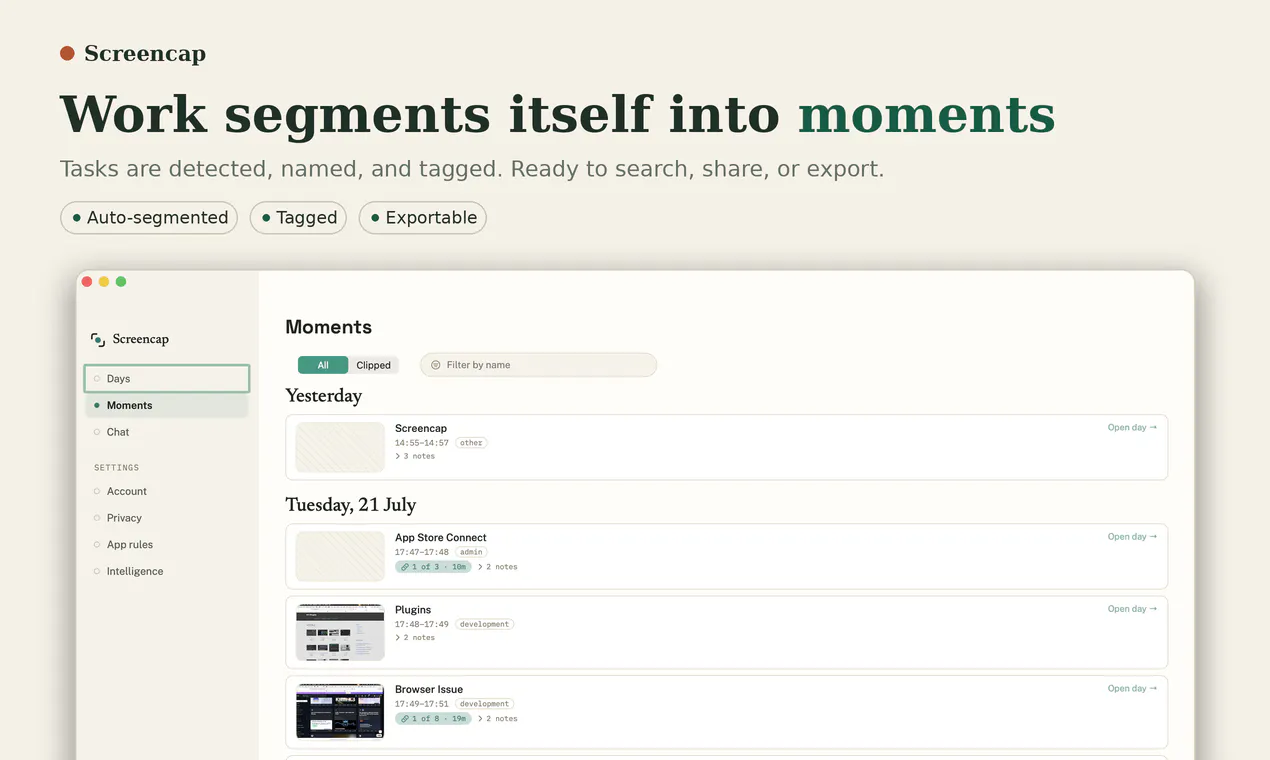
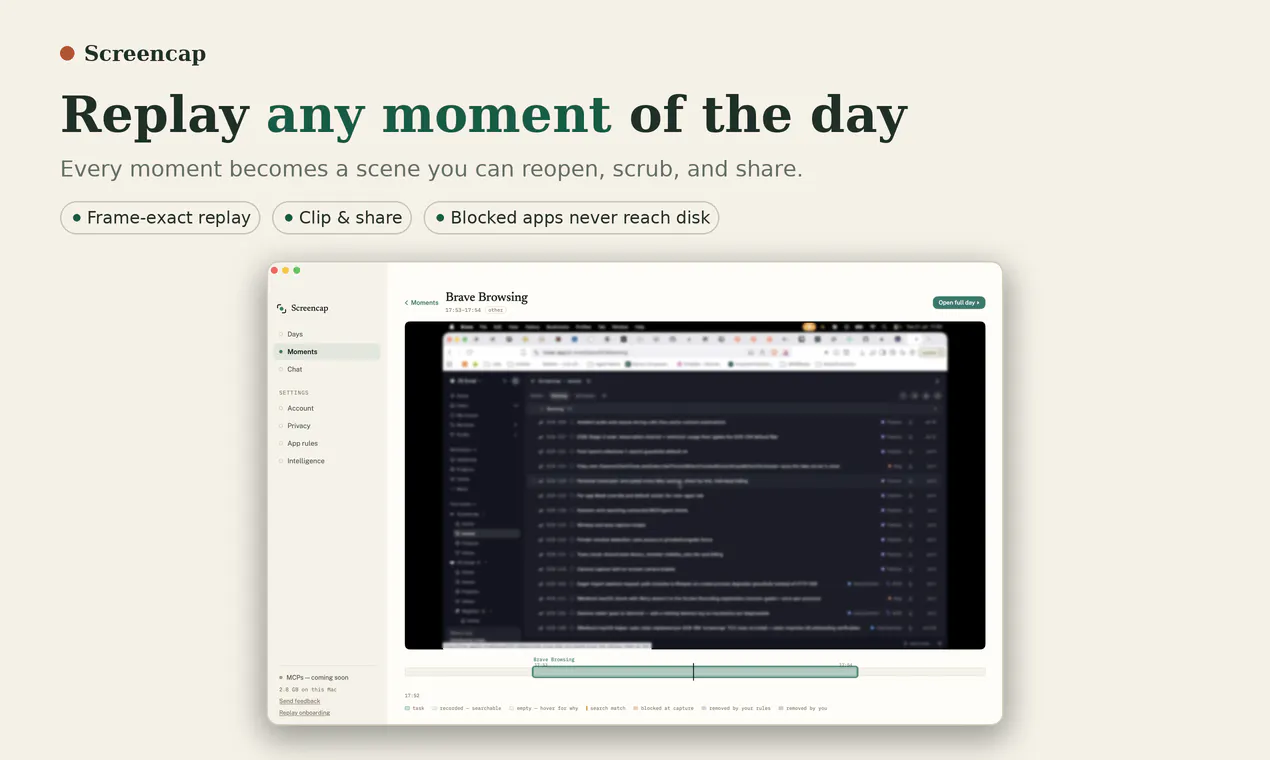
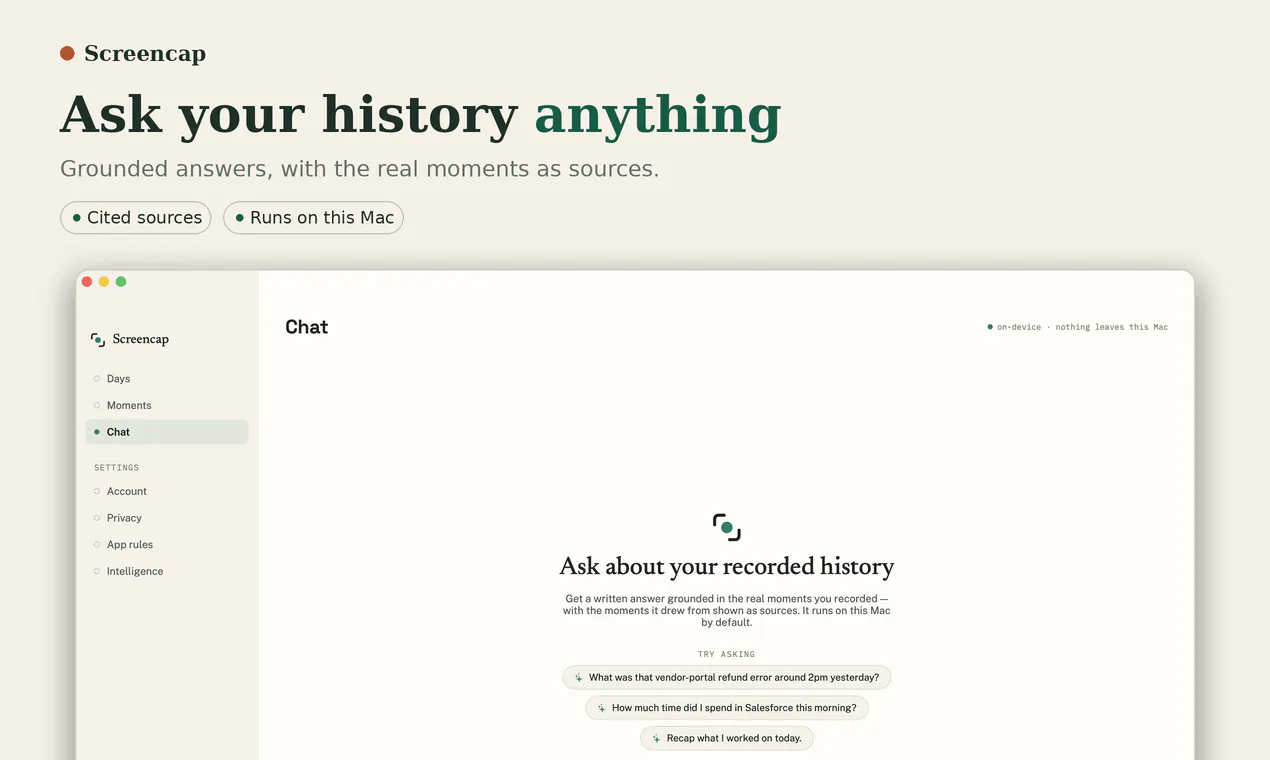
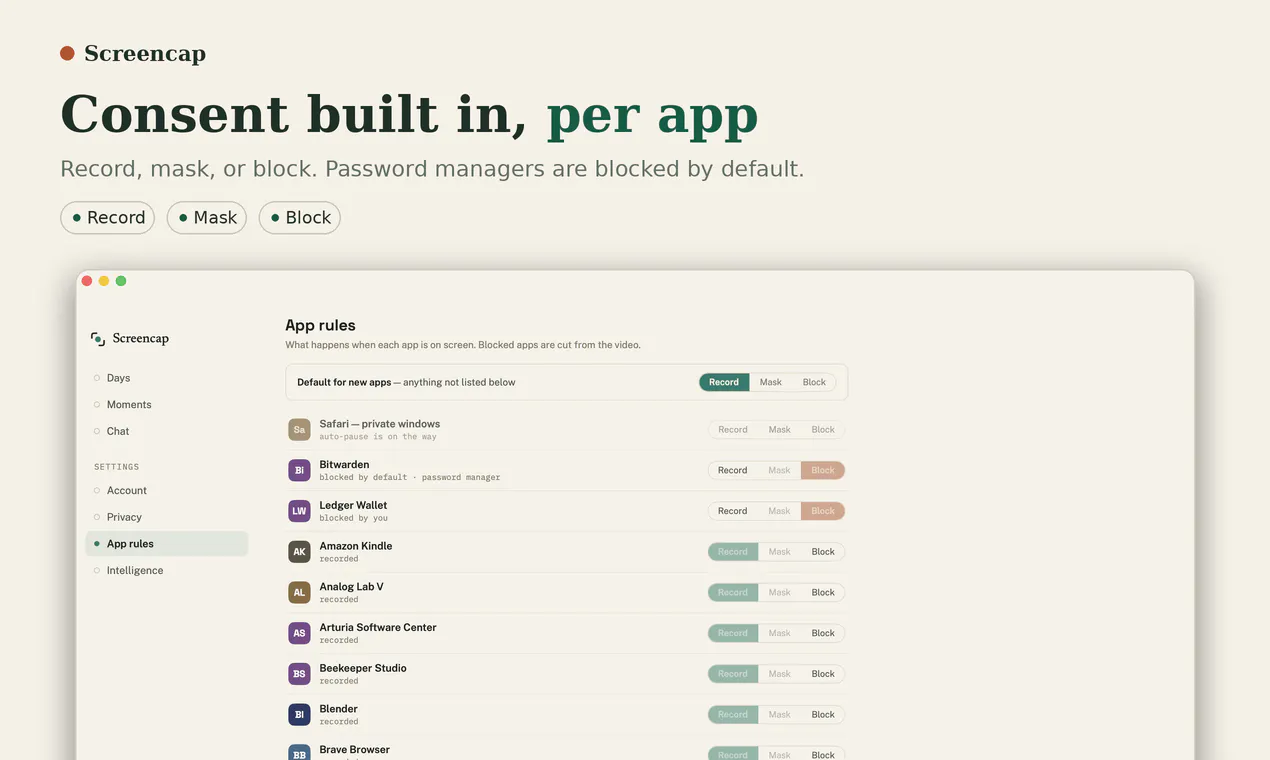
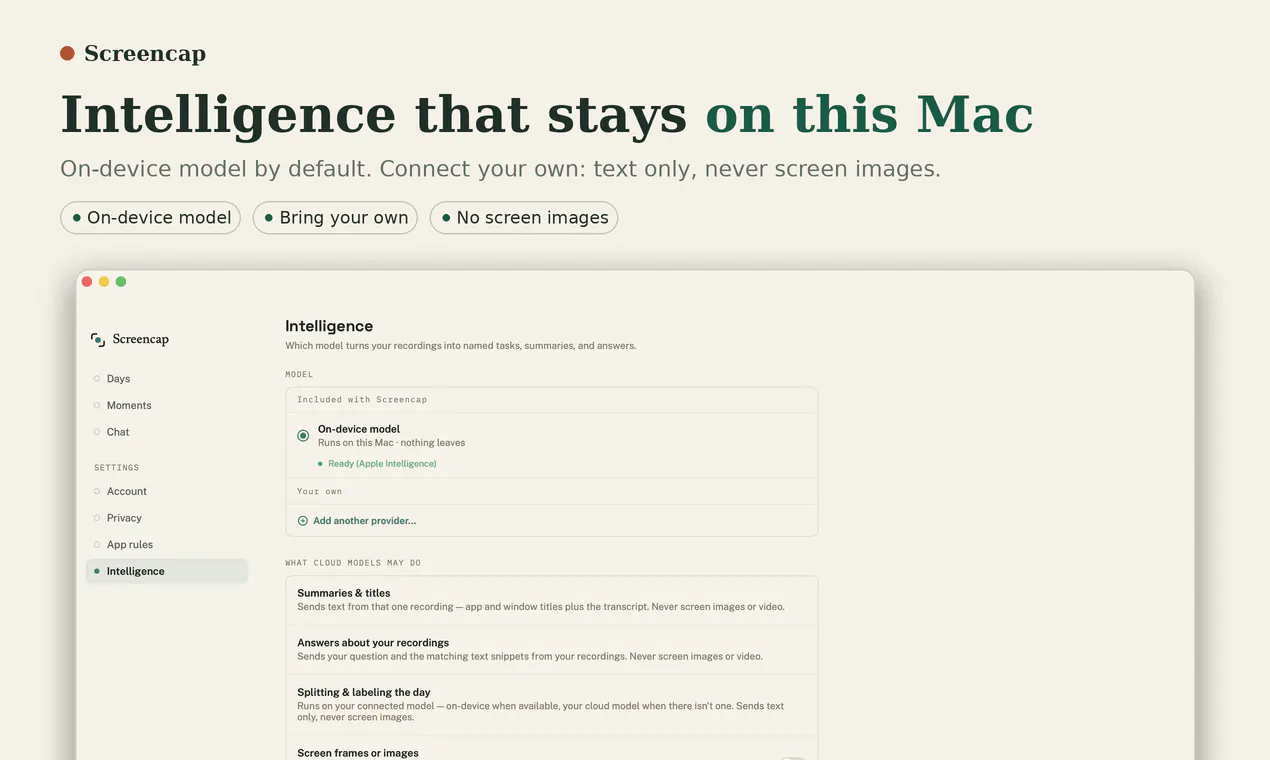
Screencap is an innovative open-source macOS tool designed for teams and developers looking to capture authentic workflow data to enhance automation and AI training. It records detailed interactions such as screen activity, clicks, keystrokes, and window contexts, providing a rich dataset that reflects real work processes. Its emphasis on privacy and consent ensures sensitive applications are blocked and data is scrubbed before leaving a machine, making it suitable for organizations concerned with data security. By transforming real workflows into structured datasets, Screencap enables more accurate training of AI models and the development of automation solutions tailored to actual user behaviors. Its open-source nature allows for customization and integration, appealing to technical teams seeking flexible, privacy-conscious recording tools. Whether used for solo projects or team pilots, Screencap offers a robust platform to turn everyday work into actionable AI data, fostering smarter automation and AI development.
Screenshots
Pros
- ✓Open-source and customizable for advanced users
- ✓Focus on privacy and consent, ensuring data security
- ✓Captures comprehensive user interactions including screen, clicks, and keystrokes
- ✓Suitable for both individual and team use with pilot programs
- ✓Helps generate high-quality, real-world datasets for AI training
Cons
- ✗Requires technical knowledge for optimal setup and customization
- ✗Limited user interface may not be ideal for non-technical users
- ✗Still in early stages with potentially limited support and documentation
Use Cases
Pricing
Screencap is open source and free to use. Additional enterprise features or team collaborations may require custom arrangements or pilot programs, but no standard paid plans are explicitly advertised.
Quick Info
Topics
Makers

yogesh shahi
Alternatives
Similar Tools in Productivity




Embed Badge
Add this badge to your website to show that Screencap is featured on Visalytica.
<a href="https://www.visalytica.com/tool/screencap" target="_blank" rel="noopener noreferrer" style="display:inline-flex;align-items:center;gap:6px;padding:6px 14px;background:#7c3aed;color:#fff;border-radius:8px;font-family:-apple-system,system-ui,sans-serif;font-size:13px;font-weight:600;text-decoration:none;transition:background .2s" onmouseover="this.style.background='#6d28d9'" onmouseout="this.style.background='#7c3aed'"><svg width="14" height="14" viewBox="0 0 24 24" fill="none" stroke="currentColor" stroke-width="2.5" stroke-linecap="round" stroke-linejoin="round"><path d="M12 20V10"/><path d="M18 20V4"/><path d="M6 20v-4"/></svg>Featured on Visalytica</a>