
ScreenBuddy
Screen recording with auto-zoom, spotlight, and lightbox
About ScreenBuddy
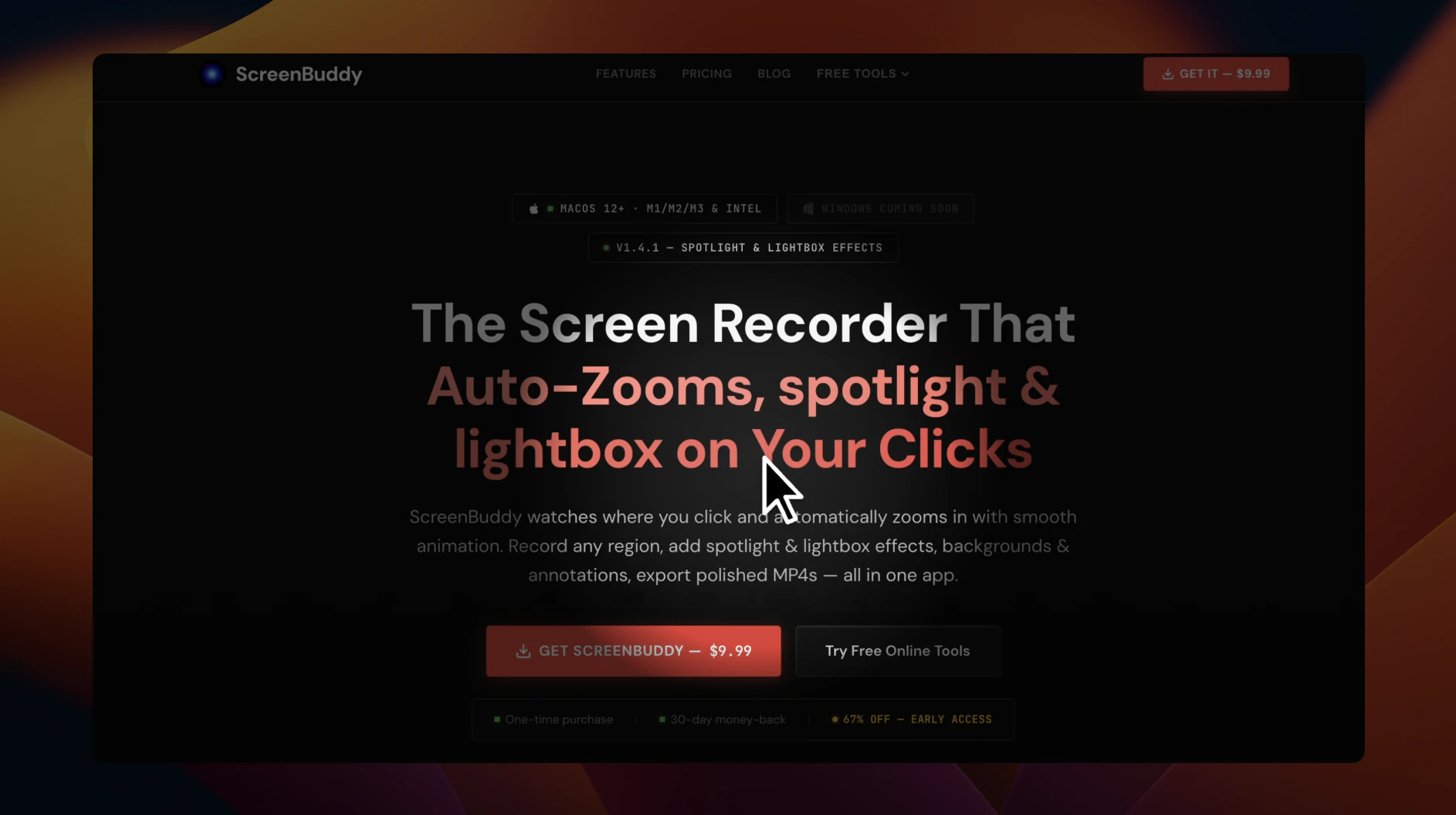
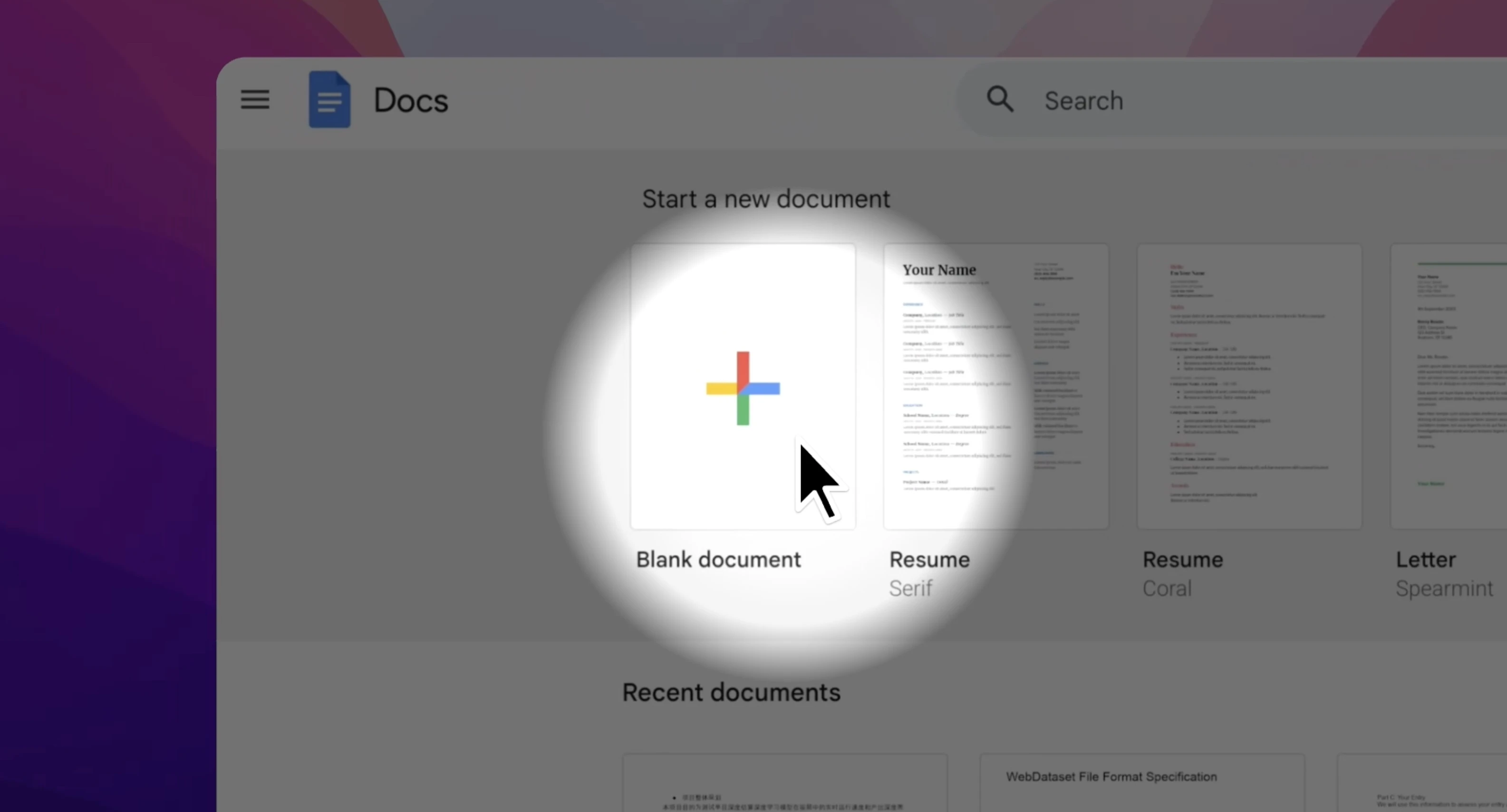
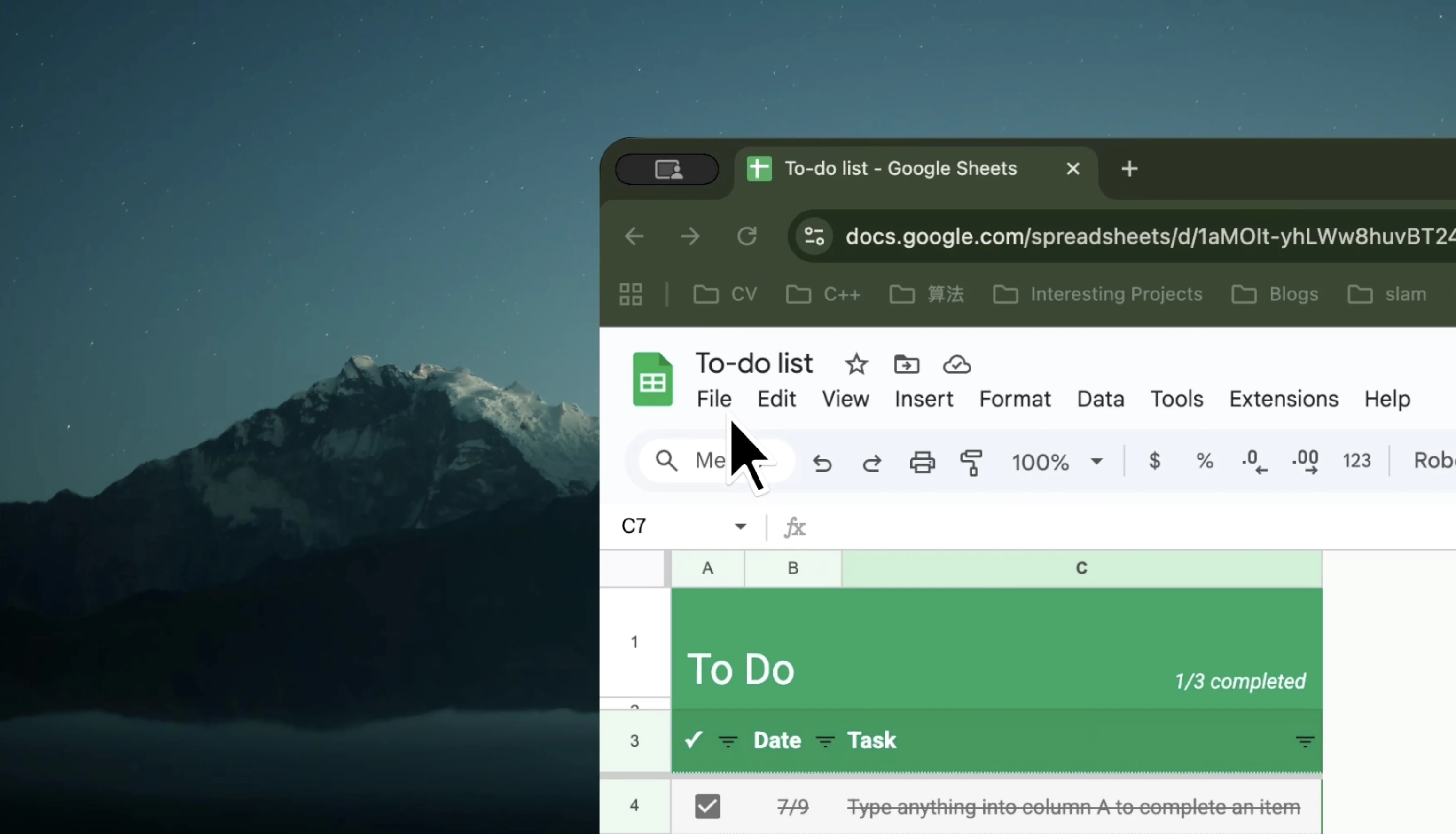
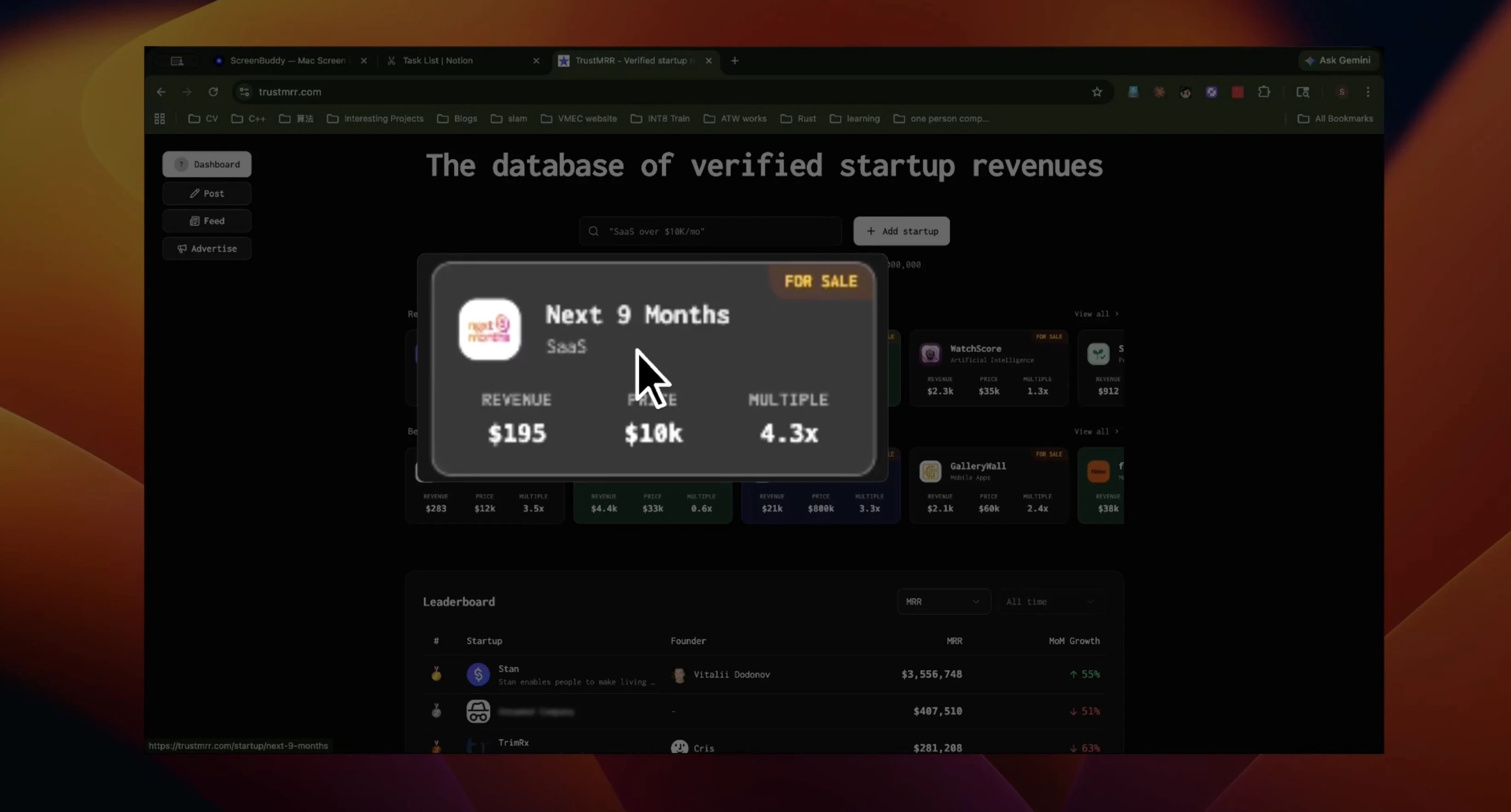
ScreenBuddy stands out as a dedicated screen recording tool for macOS and Windows, tailored specifically for creating engaging product demos and tutorials. Its hallmark features—auto-zoom, spotlight, and lightbox—allow users to easily focus viewer attention on specific areas of the screen, making demonstrations clearer and more professional. Unlike typical screen recorders, ScreenBuddy emphasizes attention management, ensuring viewers stay engaged with highlighted sections, which is particularly valuable for software walkthroughs, training videos, and technical presentations. Its intuitive interface combined with these advanced focus features makes it accessible for both novices and experienced content creators. The lifetime deal priced at $29.99 offers a compelling value proposition for anyone needing a specialized tool to elevate their screencasts.
Screenshots
Pros
- ✓Unique attention stack features: auto-zoom, spotlight, and lightbox
- ✓Designed specifically for product demos and tutorials
- ✓Simple and user-friendly interface
- ✓One-time lifetime purchase at $29.99
- ✓Available for both macOS and Windows
Cons
- ✗Limited information on advanced editing features
- ✗No mention of cloud storage or sharing options
- ✗Potentially fewer integrations compared to larger screen recording tools
Use Cases
Pricing
ScreenBuddy offers a lifetime deal for a one-time payment of $29.99, suggesting a single-purchase model without ongoing subscription fees. Additional details on tiered plans or free versions are not specified, but the lifetime deal provides a cost-effective option for users seeking long-term access.
Quick Info
Topics
Similar Tools in AI Image & Design




Embed Badge
Add this badge to your website to show that ScreenBuddy is featured on Visalytica.
<a href="https://www.visalytica.com/tool/screenbuddy" target="_blank" rel="noopener noreferrer" style="display:inline-flex;align-items:center;gap:6px;padding:6px 14px;background:#7c3aed;color:#fff;border-radius:8px;font-family:-apple-system,system-ui,sans-serif;font-size:13px;font-weight:600;text-decoration:none;transition:background .2s" onmouseover="this.style.background='#6d28d9'" onmouseout="this.style.background='#7c3aed'"><svg width="14" height="14" viewBox="0 0 24 24" fill="none" stroke="currentColor" stroke-width="2.5" stroke-linecap="round" stroke-linejoin="round"><path d="M12 20V10"/><path d="M18 20V4"/><path d="M6 20v-4"/></svg>Featured on Visalytica</a>