
Screen Charm
Give your screen recordings more charm
About Screen Charm
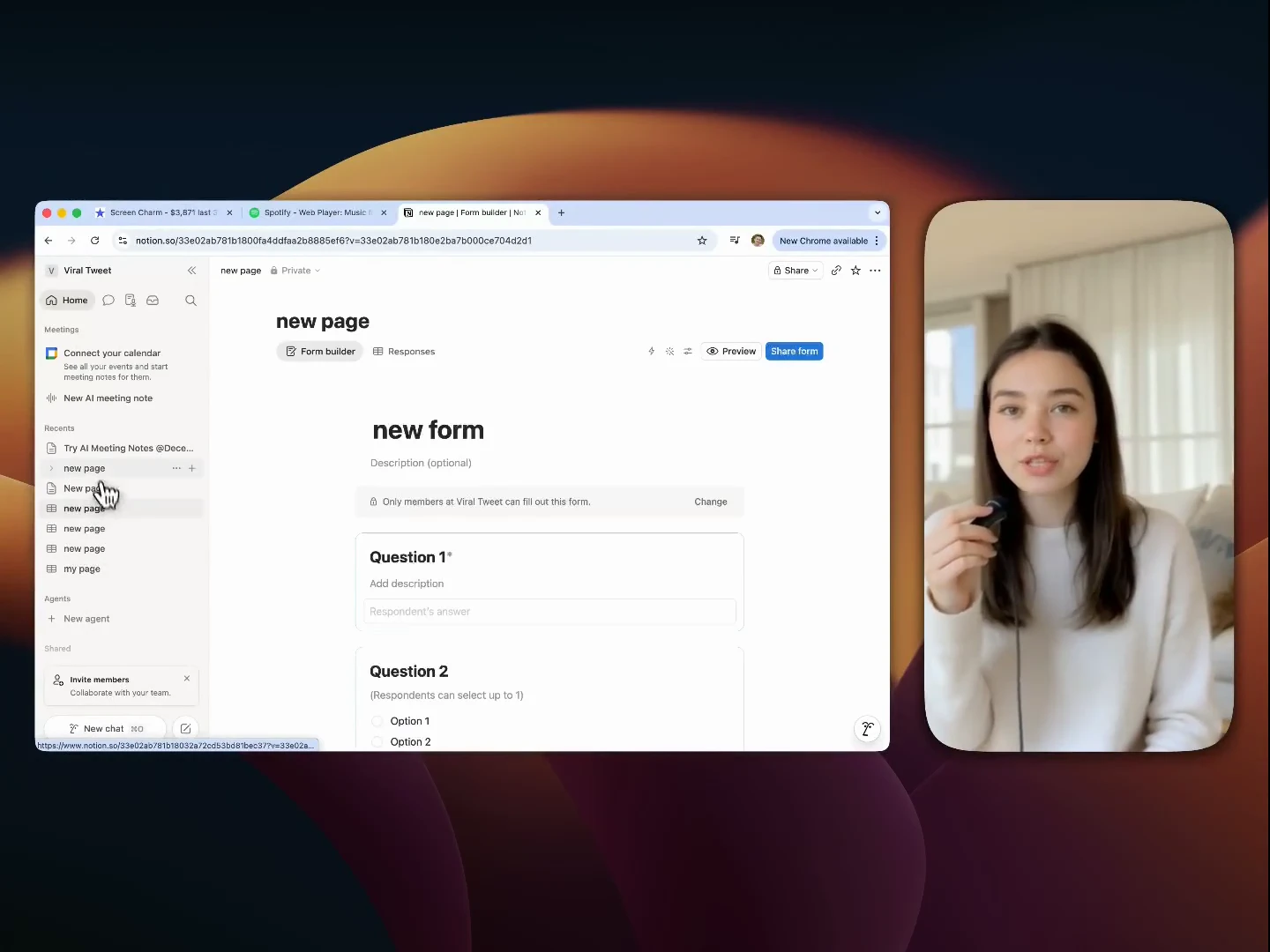
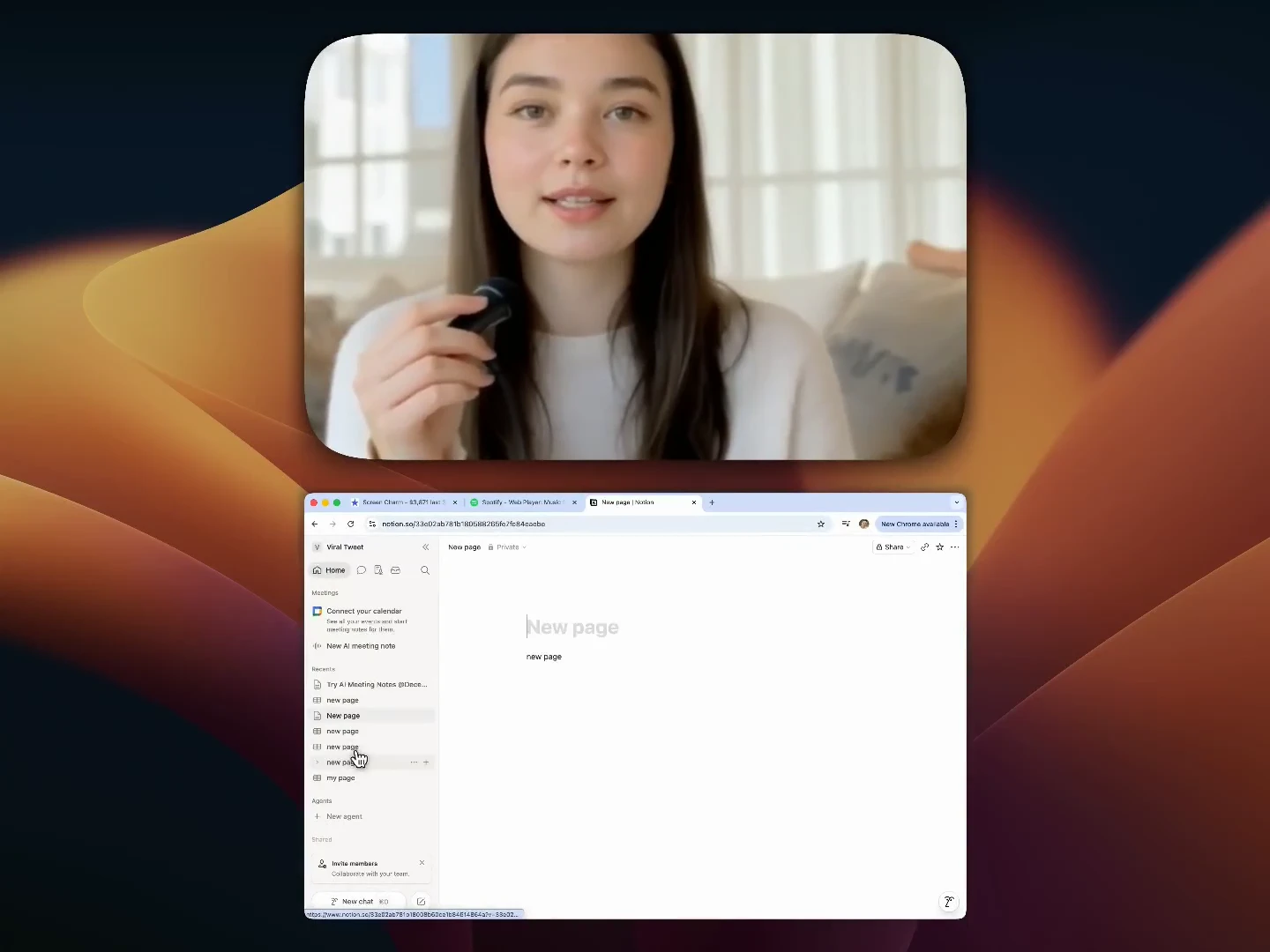
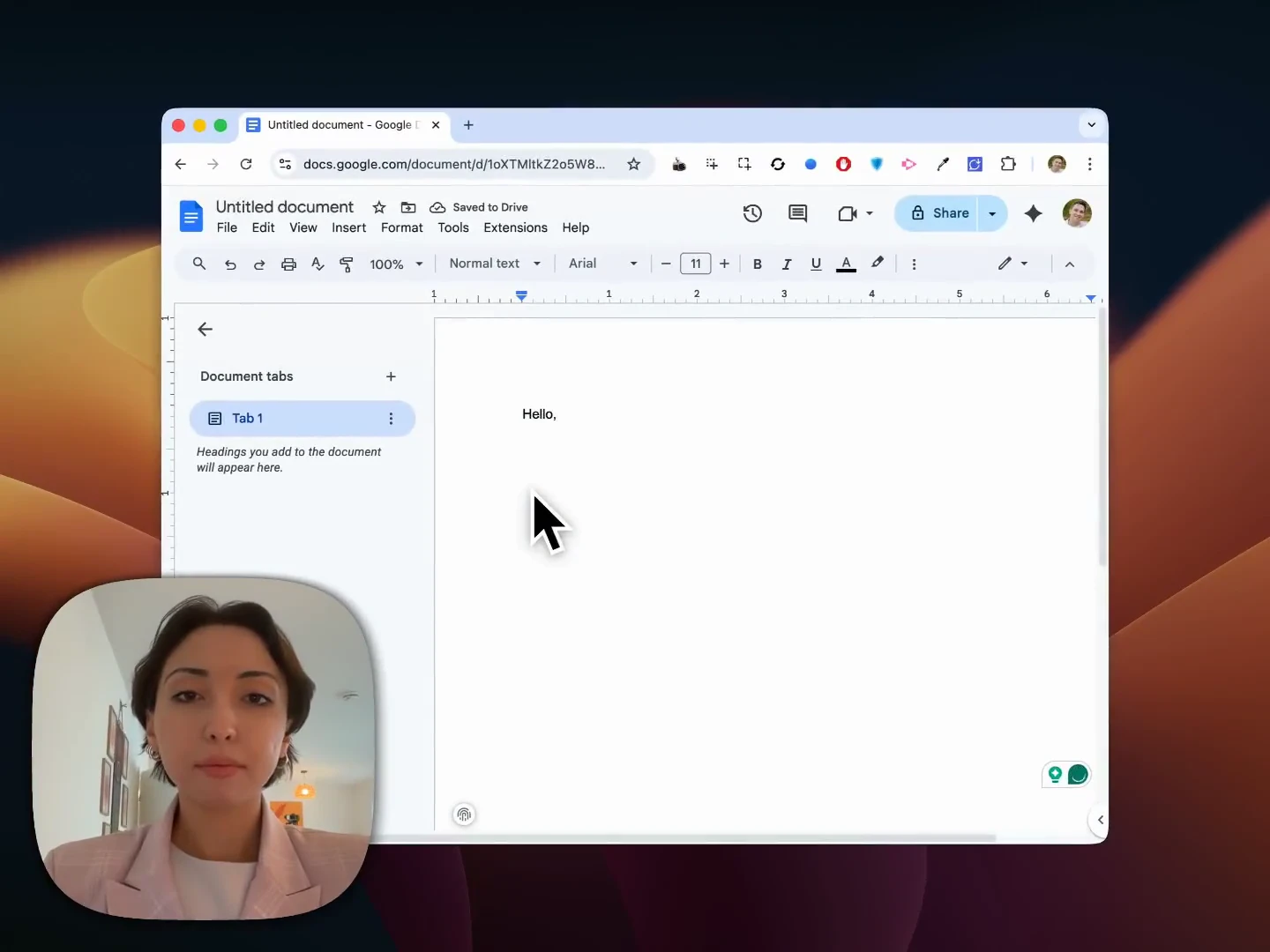
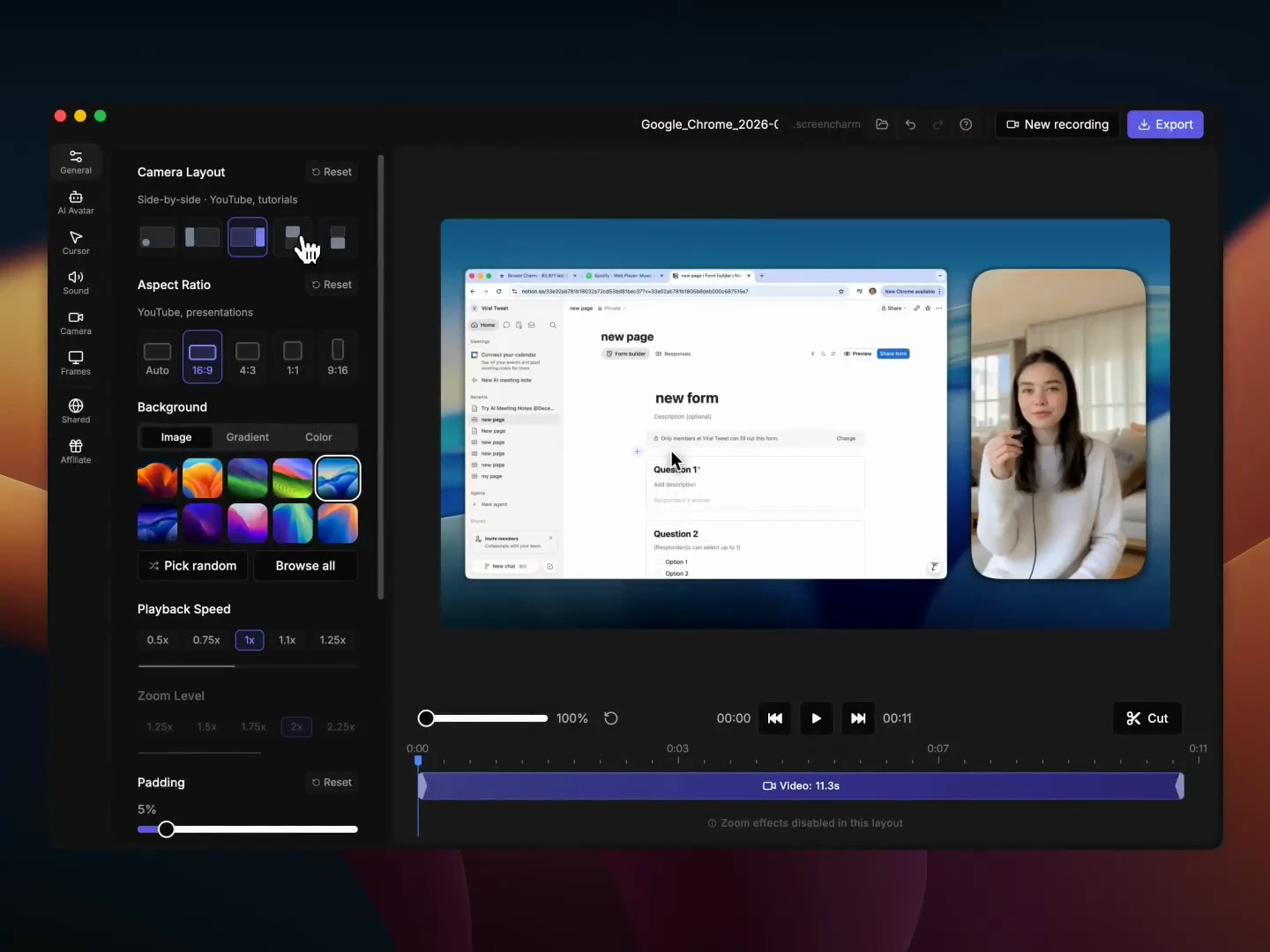
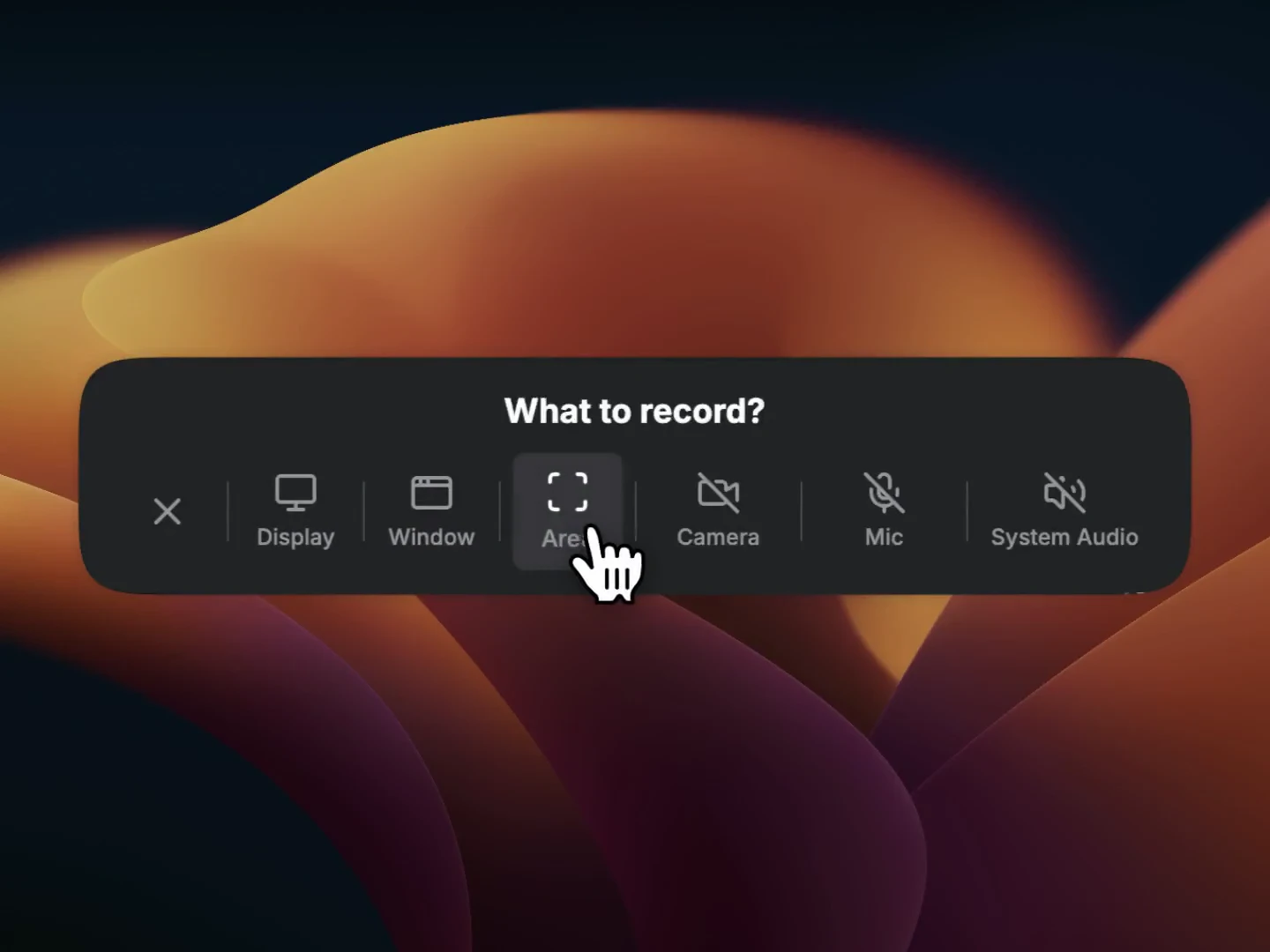
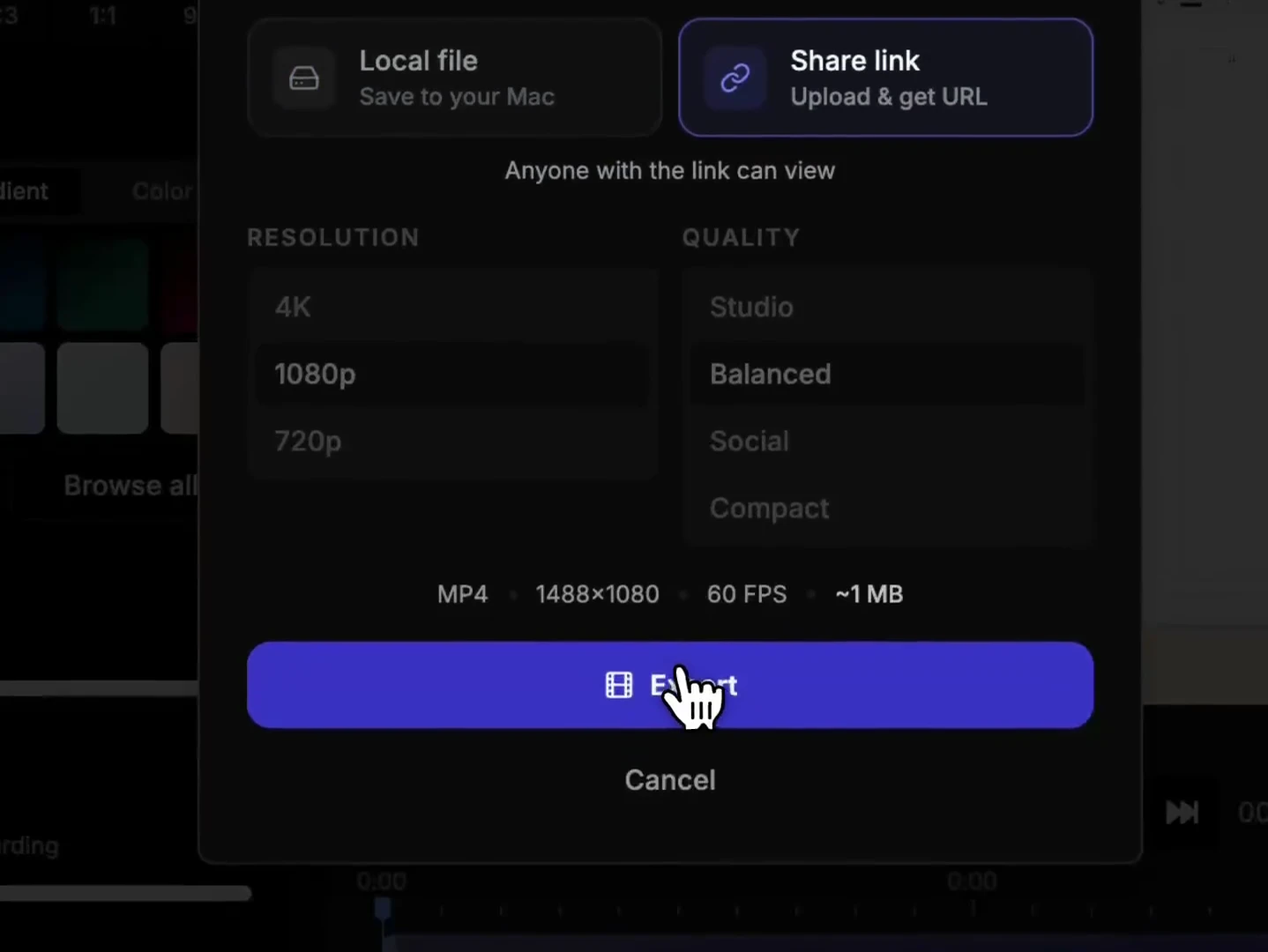
Screen Charm is a streamlined video creation tool designed for users who want to produce professional-quality screen recordings effortlessly. It allows users to capture their screen and instantly enhance the footage with smart zoom effects, motion blur, webcam overlays, background music, and a built-in editor—eliminating the need for complex editing software. Its focus on simplicity and high output quality makes it ideal for content creators, educators, product teams, and marketers seeking quick, polished demos without a steep learning curve or ongoing subscription costs. With support for exporting in up to 4K resolution, Screen Charm ensures videos look crisp and professional, perfect for showcasing products, onboarding users, or creating tutorials.
Screenshots
Pros
- ✓One-time purchase with no subscription fees
- ✓Built-in editing tools for quick enhancements
- ✓Smart zoom effects and motion blur add professional flair
- ✓Supports 4K exports for high-quality videos
- ✓User-friendly interface ideal for non-technical users
Cons
- ✗Limited advanced editing features compared to professional software
- ✗May lack some customization options for experienced editors
- ✗Currently only available for Mac (if applicable)
Use Cases
Pricing
Likely operates on a one-time purchase model, offering a straightforward alternative to subscription-based video editing tools. Exact pricing details are not specified but are expected to be affordable for individual creators and small teams.
Quick Info
Topics
Makers

Sergei Nazarov
Similar Tools in AI Image & Design




Embed Badge
Add this badge to your website to show that Screen Charm is featured on Visalytica.
<a href="https://www.visalytica.com/tool/screen-charm" target="_blank" rel="noopener noreferrer" style="display:inline-flex;align-items:center;gap:6px;padding:6px 14px;background:#7c3aed;color:#fff;border-radius:8px;font-family:-apple-system,system-ui,sans-serif;font-size:13px;font-weight:600;text-decoration:none;transition:background .2s" onmouseover="this.style.background='#6d28d9'" onmouseout="this.style.background='#7c3aed'"><svg width="14" height="14" viewBox="0 0 24 24" fill="none" stroke="currentColor" stroke-width="2.5" stroke-linecap="round" stroke-linejoin="round"><path d="M12 20V10"/><path d="M18 20V4"/><path d="M6 20v-4"/></svg>Featured on Visalytica</a>