
Screen Bolt
Record. Edit. Ship
About Screen Bolt
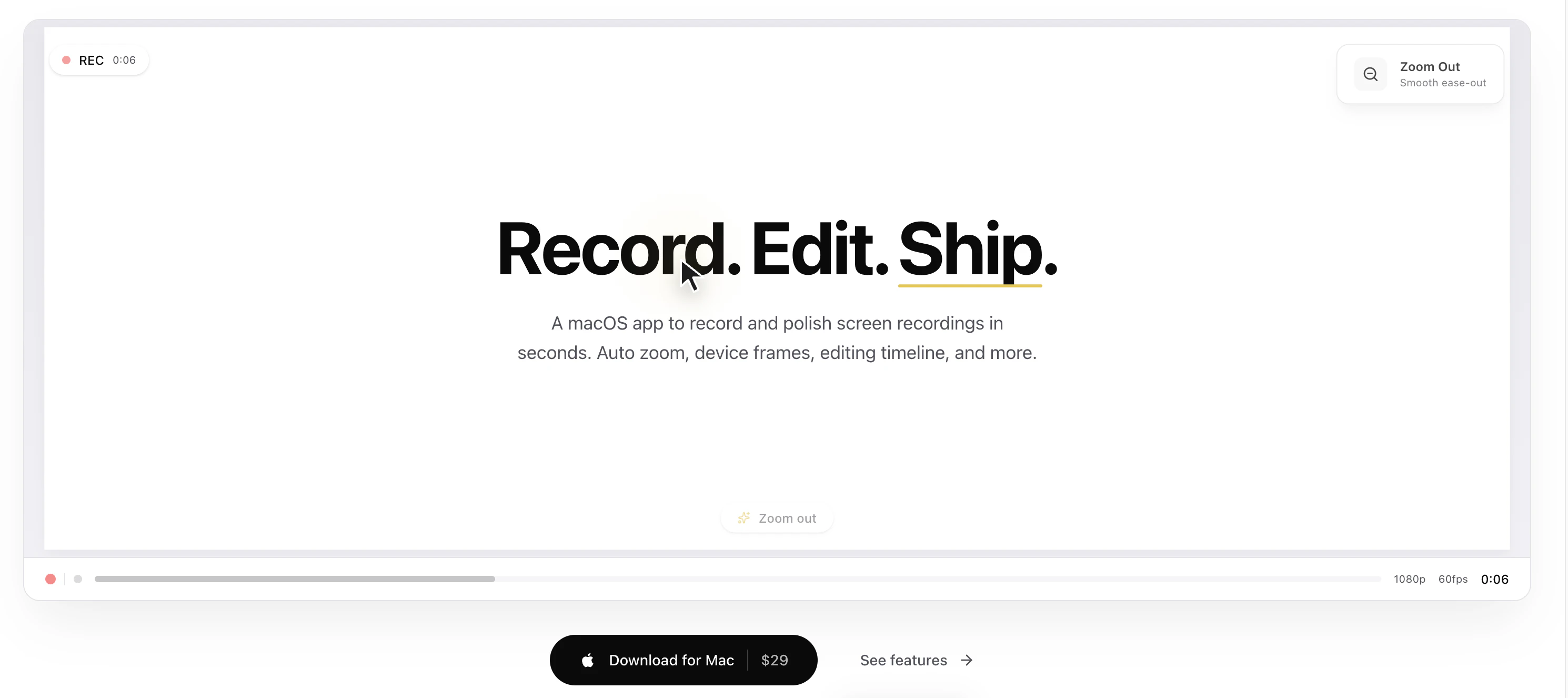
Screen Bolt is a native macOS application designed for creating high-quality screen recordings with ease. It offers a range of professional features such as auto zoom, device frames, and an integrated timeline editor, making it ideal for producing polished tutorials, product demos, and marketing videos. Its intuitive interface allows users to record, edit, and export videos seamlessly, reducing the need for external editing tools. What sets Screen Bolt apart is its focus on streamlining the content creation process for creators who want quick, professional results directly from their Mac. Whether you're a developer, educator, or marketer, Screen Bolt provides powerful tools to enhance your screen recordings with visual enhancements and precise editing capabilities.
Screenshots
Pros
- ✓Native macOS app optimized for performance and stability
- ✓Built-in editing tools including timeline, effects, and device frames
- ✓Auto zoom feature enhances focus during recordings
- ✓User-friendly interface suitable for both beginners and professionals
- ✓Supports exporting polished videos ready for sharing
Cons
- ✗Limited to macOS, excluding Windows and Linux users
- ✗Pricing details are not explicitly provided, which may affect decision-making
- ✗May lack some advanced editing features found in dedicated video editors
Use Cases
Pricing
Likely uses a freemium model with a free trial or basic version, followed by paid plans that unlock additional features. Exact pricing details are not specified but may start around $10-$20/month based on comparable tools.
Quick Info
Topics
Similar Tools in AI Writing




Embed Badge
Add this badge to your website to show that Screen Bolt is featured on Visalytica.
<a href="https://www.visalytica.com/tool/screen-bolt" target="_blank" rel="noopener noreferrer" style="display:inline-flex;align-items:center;gap:6px;padding:6px 14px;background:#7c3aed;color:#fff;border-radius:8px;font-family:-apple-system,system-ui,sans-serif;font-size:13px;font-weight:600;text-decoration:none;transition:background .2s" onmouseover="this.style.background='#6d28d9'" onmouseout="this.style.background='#7c3aed'"><svg width="14" height="14" viewBox="0 0 24 24" fill="none" stroke="currentColor" stroke-width="2.5" stroke-linecap="round" stroke-linejoin="round"><path d="M12 20V10"/><path d="M18 20V4"/><path d="M6 20v-4"/></svg>Featured on Visalytica</a>