
Screen Awesome
The free screen recorder that cannot upload your video
About Screen Awesome
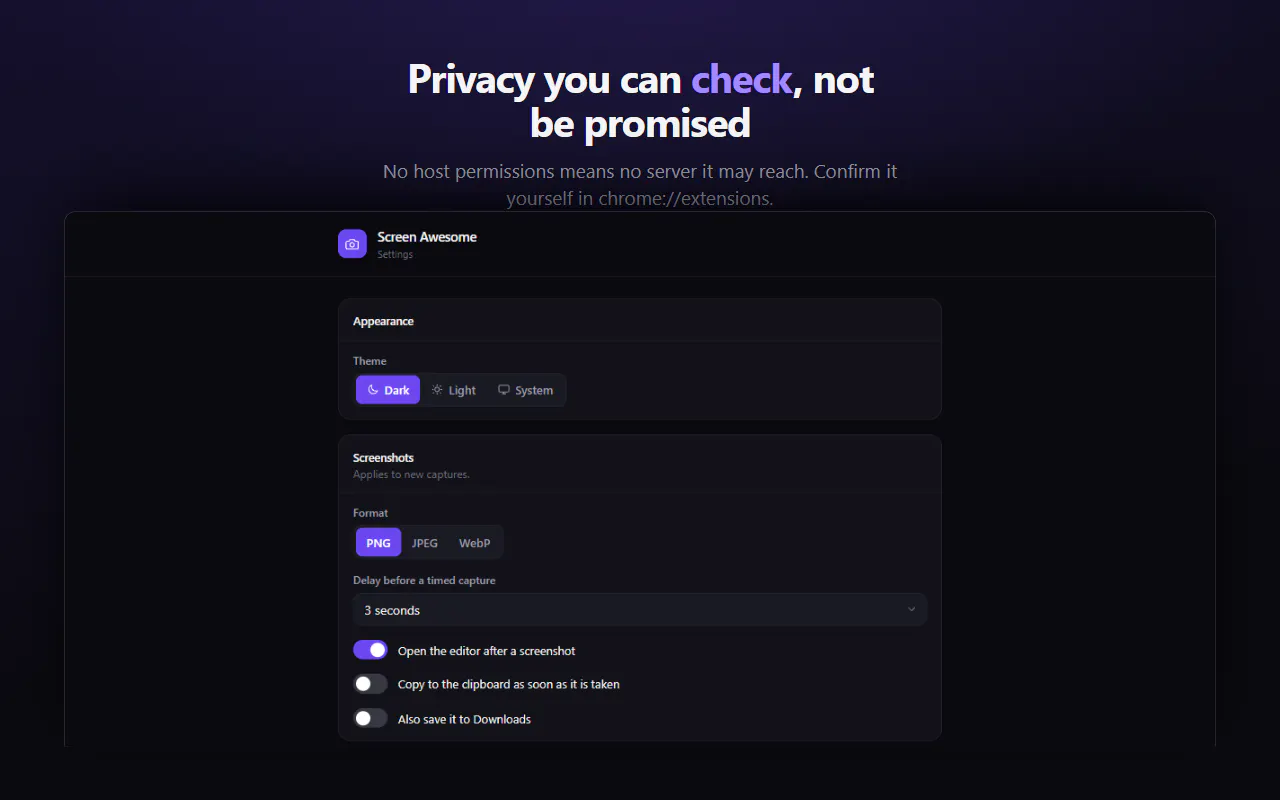
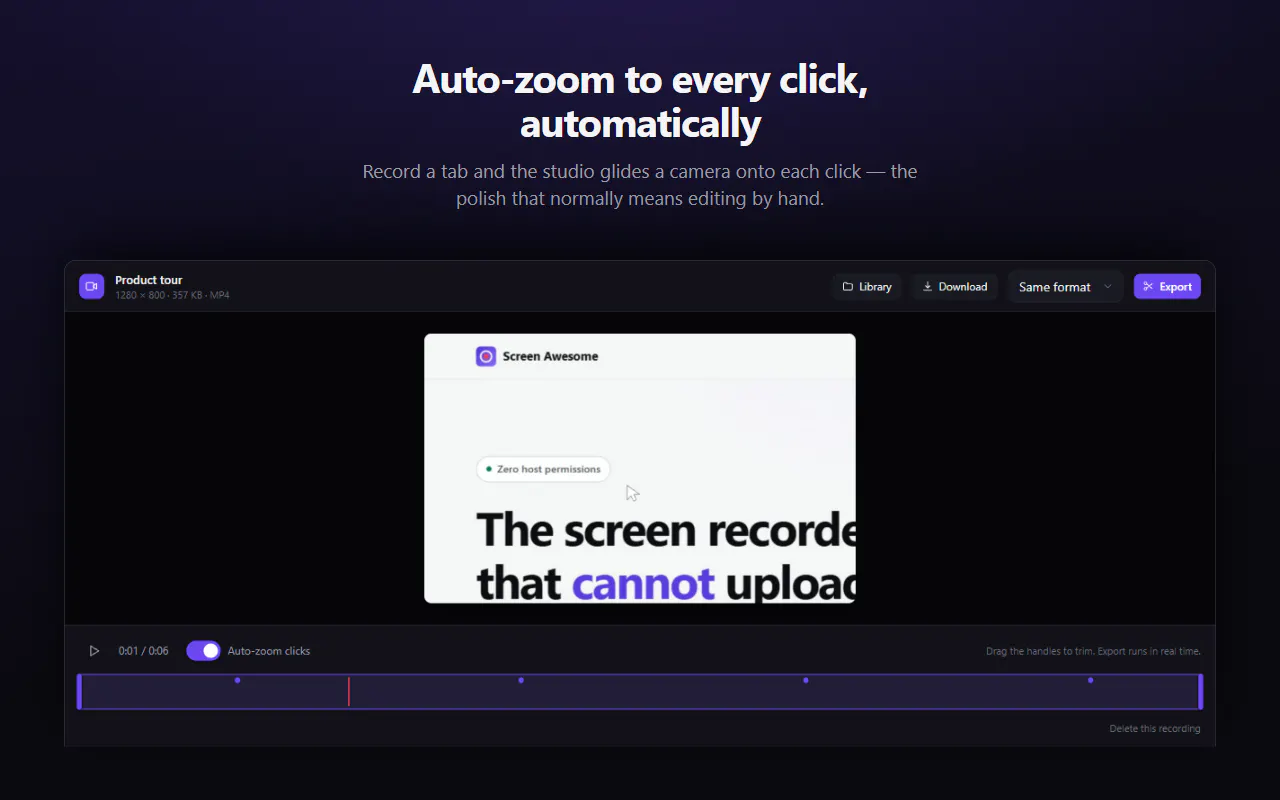
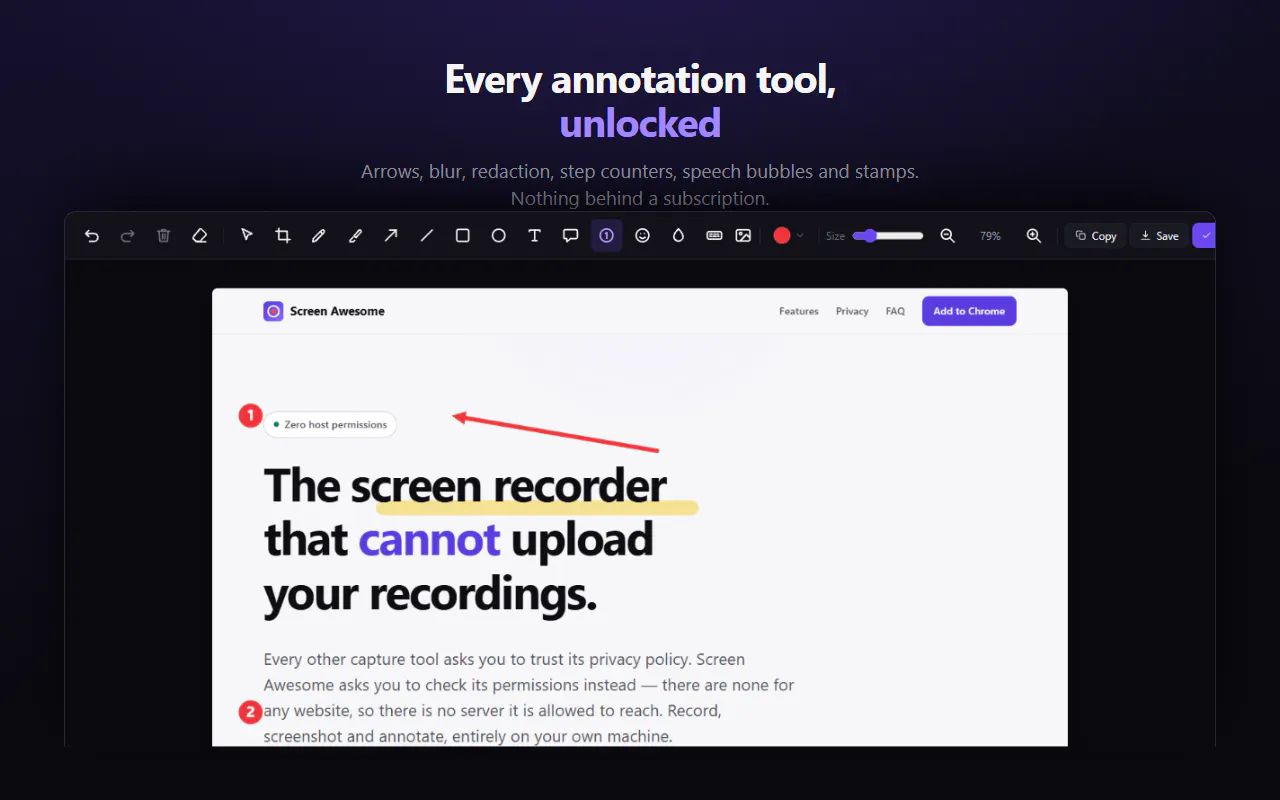
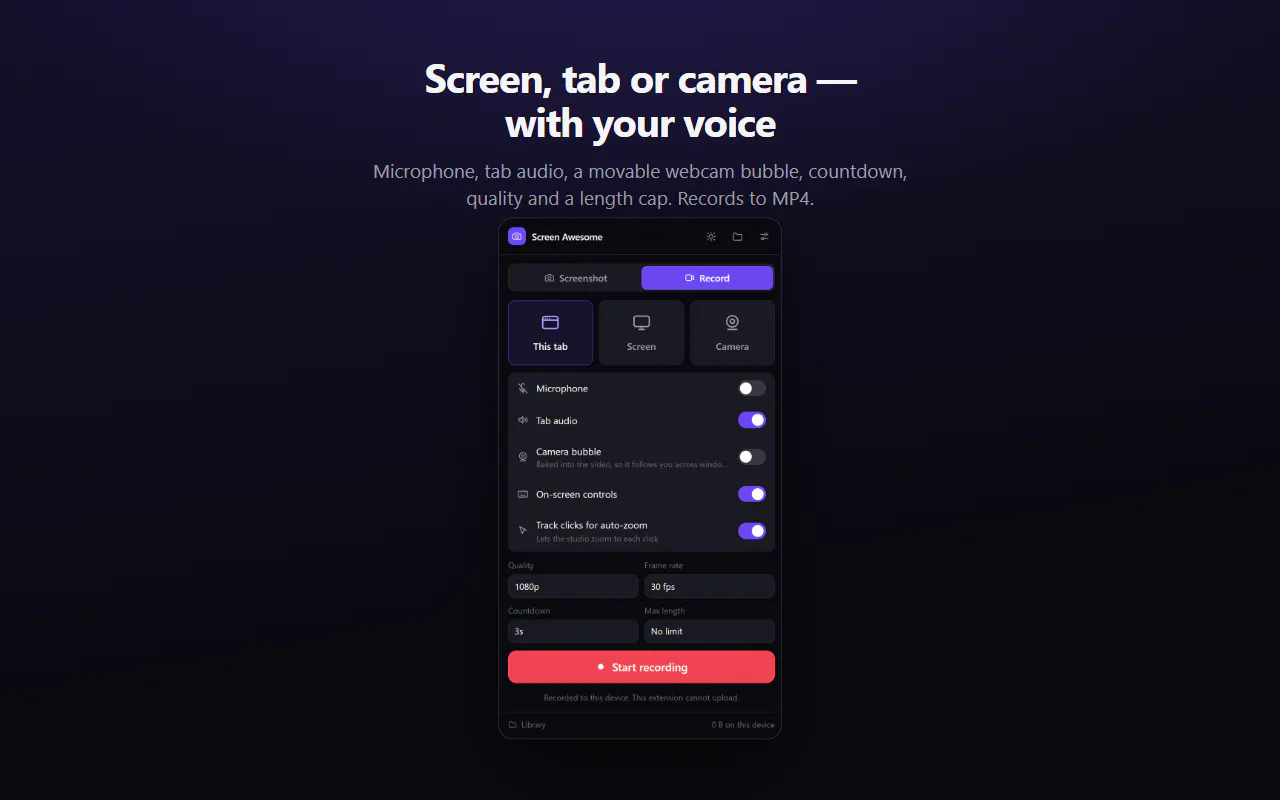
Screen Awesome is a versatile and privacy-focused screen recorder designed as a Chrome extension. Unlike many other screen recording tools, it emphasizes security by ensuring it cannot upload or transmit your recordings, thanks to Chrome's built-in restrictions. Users can record a browser tab, the entire screen, or camera footage directly into MP4 format, making it ideal for creating tutorials, presentations, or quick captures without the hassle of watermarking or accounts. Its standout feature is the auto-zoom function that smoothly follows your clicks, providing a dynamic viewing experience. Additionally, users can take scrolling page screenshots, annotate with arrows, blur sensitive information, redact, add step counters, and insert text—all with editable vector tools, making it a comprehensive recording and editing solution.
Screenshots

Pros
- ✓Zero permissions required, ensuring maximum privacy and security
- ✓No watermark, accounts, or login needed; completely free
- ✓Supports recording to MP4 with multiple modes (tab, screen, camera)
- ✓Built-in annotation and editing tools for comprehensive post-recording customization
- ✓Auto-zoom feature enhances instructional videos and tutorials
Cons
- ✗Limited to Chrome extension, may not support other browsers
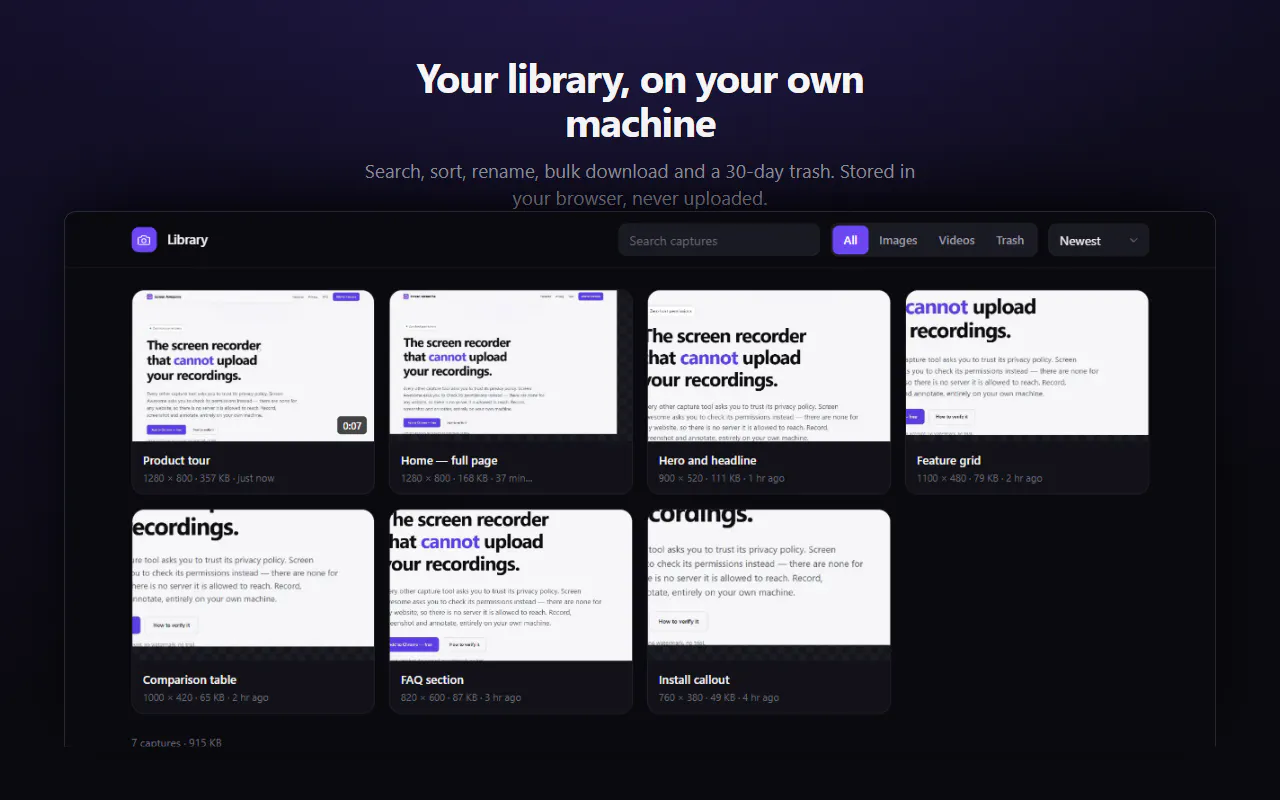
- ✗No cloud storage or direct upload options, requiring local saving
- ✗Advanced editing features are basic compared to dedicated editing software
Use Cases
Pricing
Free to use with no restrictions on features, watermark, or accounts. It functions as a fully unlocked, open tool supported by the developer’s privacy-centric approach.
Quick Info
Topics
Makers

Nitin Viras
Alternatives
Similar Tools in Developer Tools




Embed Badge
Add this badge to your website to show that Screen Awesome is featured on Visalytica.
<a href="https://www.visalytica.com/tool/screen-awesome" target="_blank" rel="noopener noreferrer" style="display:inline-flex;align-items:center;gap:6px;padding:6px 14px;background:#7c3aed;color:#fff;border-radius:8px;font-family:-apple-system,system-ui,sans-serif;font-size:13px;font-weight:600;text-decoration:none;transition:background .2s" onmouseover="this.style.background='#6d28d9'" onmouseout="this.style.background='#7c3aed'"><svg width="14" height="14" viewBox="0 0 24 24" fill="none" stroke="currentColor" stroke-width="2.5" stroke-linecap="round" stroke-linejoin="round"><path d="M12 20V10"/><path d="M18 20V4"/><path d="M6 20v-4"/></svg>Featured on Visalytica</a>