
Scanora: PDF Scanner & Reader
Scan, import, and read PDF document with OCR in one app.
About Scanora: PDF Scanner & Reader
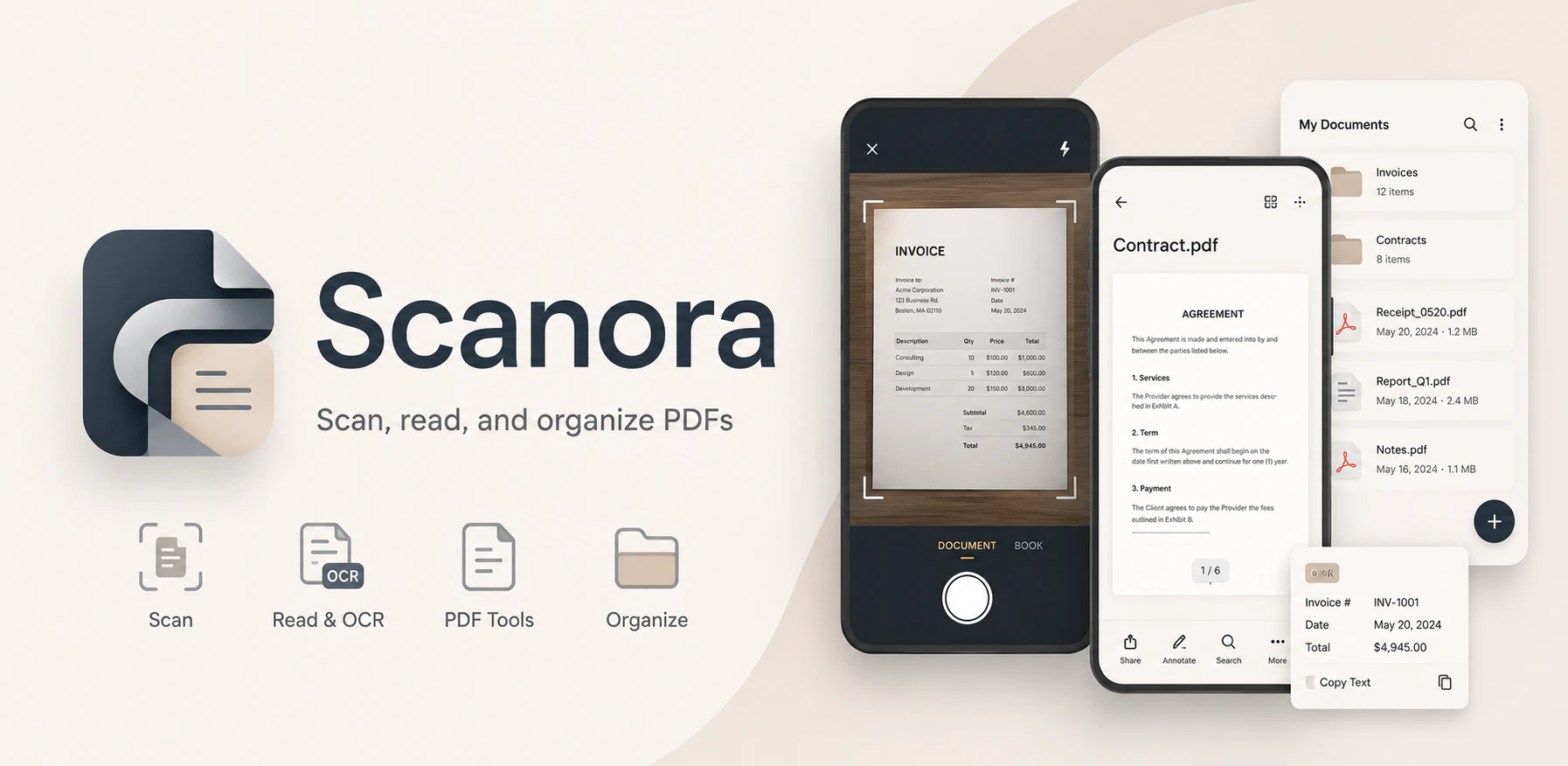
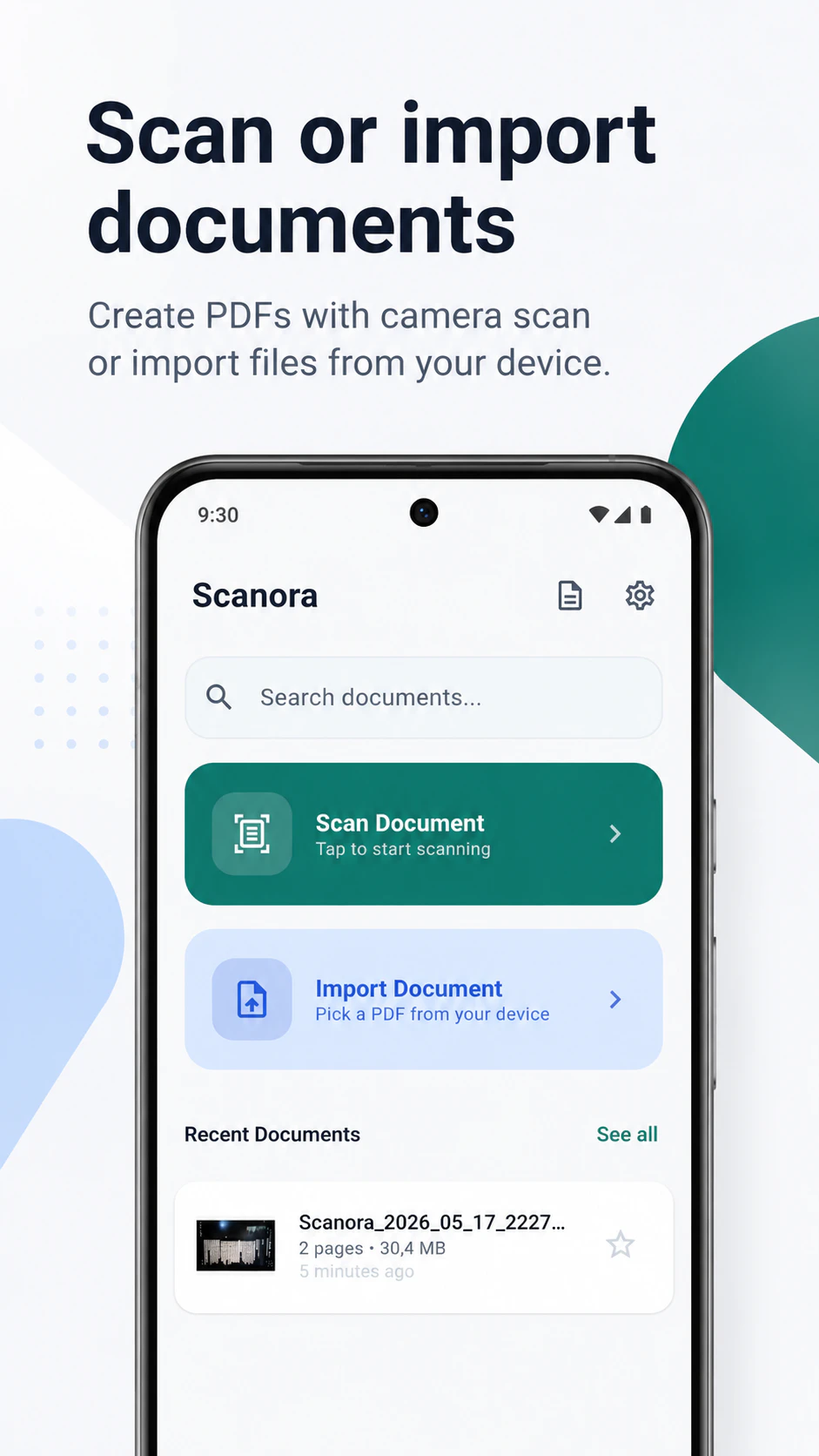
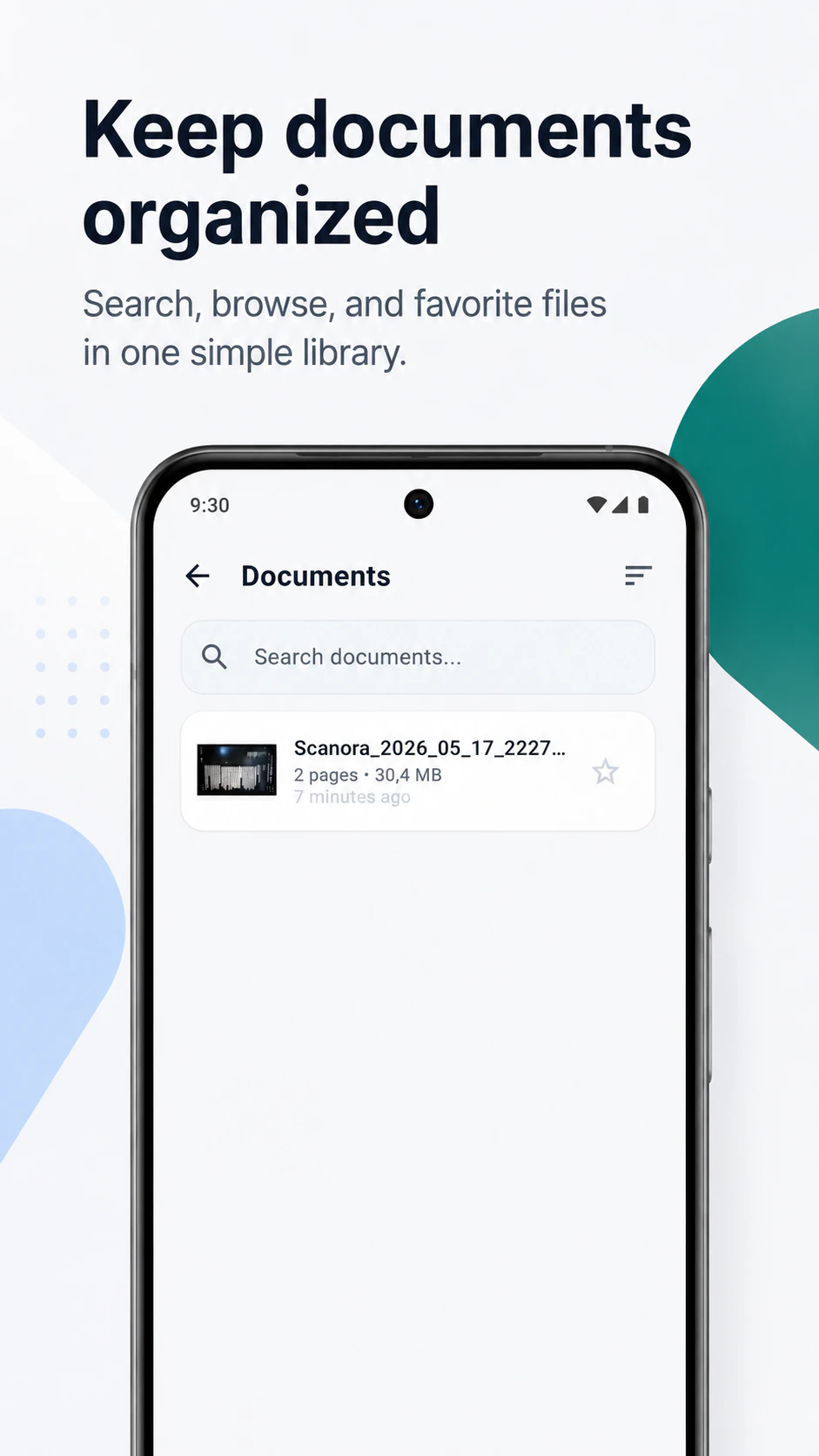
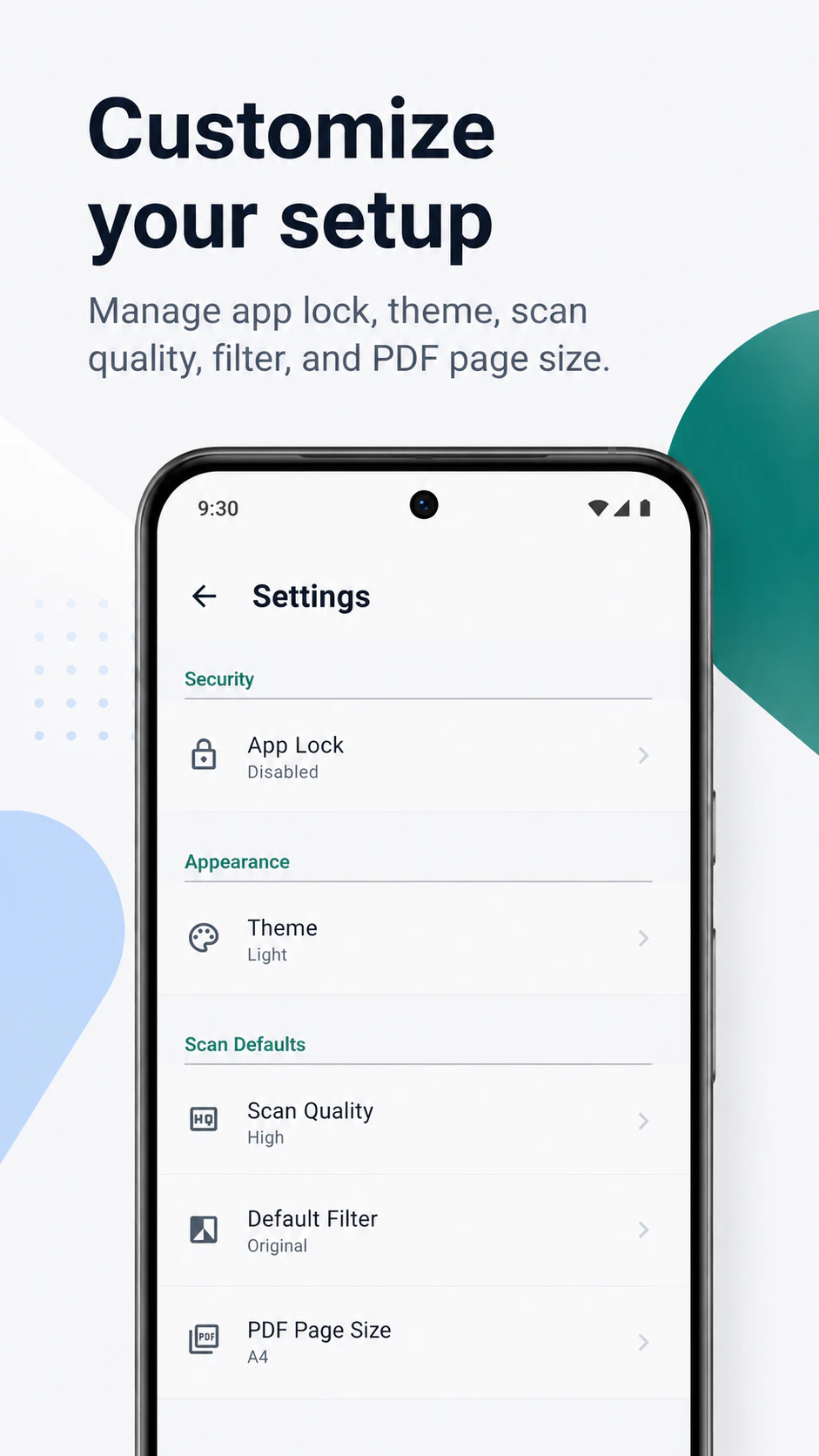
Scanora: PDF Scanner & Reader is a versatile Android app designed for seamless document management. It combines the core functionalities of scanning physical documents, converting them into OCR-enabled PDFs, and reading existing PDF files within a single, user-friendly interface. Ideal for students, professionals, and everyday users, the app simplifies tasks like capturing receipts, notes, invoices, business cards, and study materials without unnecessary complexity. Its ability to import, organize, and protect documents with features like favorites, renaming, sorting, sharing, exporting, and PIN lock enhances productivity and privacy. Unlike basic scanner apps, Scanora offers a holistic solution that streamlines document workflows, making it suitable for both casual and frequent users who need reliable, quick access to their digital documents on the go.
Screenshots
Pros
- ✓All-in-one app combining scanning, OCR, PDF reading, and file management
- ✓Supports importing and editing existing PDFs
- ✓User-friendly interface with straightforward workflow
- ✓Enhanced privacy features like PIN lock
- ✓Suitable for various document types and everyday use
Cons
- ✗Limited information on advanced editing features
- ✗Potentially fewer customization options compared to dedicated PDF editors
- ✗No details on subscription or pricing tiers available
Use Cases
Pricing
Likely operates on a freemium model, offering basic scanning and reading features for free, with optional premium plans for advanced OCR, file management, and security features. Specific pricing details are not provided but are typical for apps of this nature.
Quick Info
Topics
Alternatives
Similar Tools in Productivity




Embed Badge
Add this badge to your website to show that Scanora: PDF Scanner & Reader is featured on Visalytica.
<a href="https://www.visalytica.com/tool/scanora-pdf-scanner-reader" target="_blank" rel="noopener noreferrer" style="display:inline-flex;align-items:center;gap:6px;padding:6px 14px;background:#7c3aed;color:#fff;border-radius:8px;font-family:-apple-system,system-ui,sans-serif;font-size:13px;font-weight:600;text-decoration:none;transition:background .2s" onmouseover="this.style.background='#6d28d9'" onmouseout="this.style.background='#7c3aed'"><svg width="14" height="14" viewBox="0 0 24 24" fill="none" stroke="currentColor" stroke-width="2.5" stroke-linecap="round" stroke-linejoin="round"><path d="M12 20V10"/><path d="M18 20V4"/><path d="M6 20v-4"/></svg>Featured on Visalytica</a>