
Save Photo from a Website with One-Click
How to download images from all pages quickly and for free
About Save Photo from a Website with One-Click
Save Photo from a Website with One-Click is a powerful browser extension designed for anyone needing quick and efficient image extraction from web pages. Whether you're a developer, designer, data archivist, or e-commerce professional, this tool simplifies the process of downloading images, bulk saving visual content, and exporting entire galleries into ZIP files. Its streamlined interface and optimized performance make it easy to extract HD photos safely, even from complex web galleries, saving users significant time and effort. The extension is particularly valuable for those who regularly work with web media or need to archive visual content rapidly without manual downloads or complicated scraping scripts. Its focus on bulk operations and web scraping workflow integration makes it a standout choice for professional media extraction tasks.
Screenshots
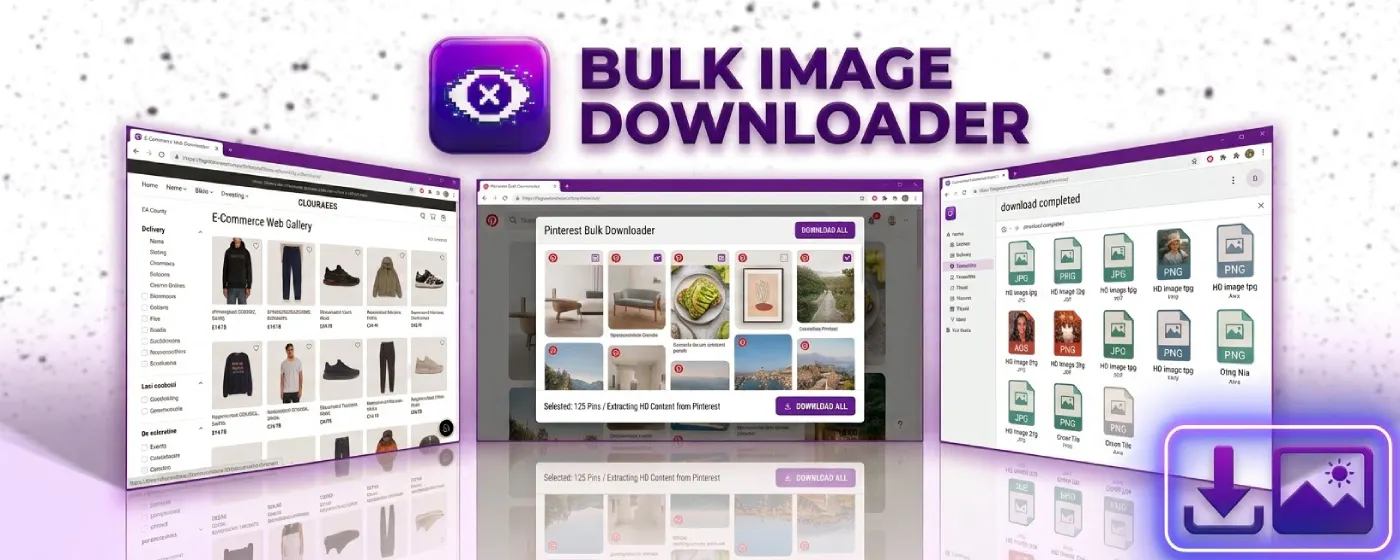
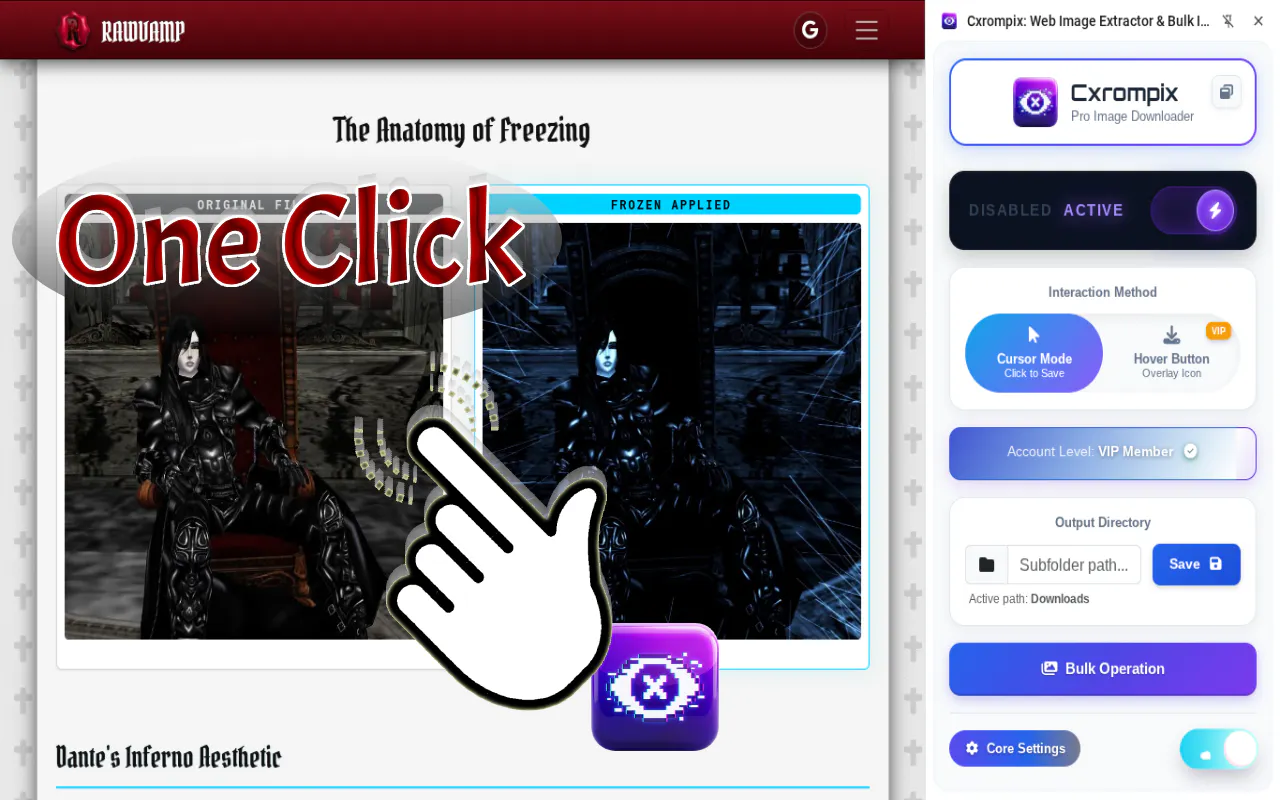
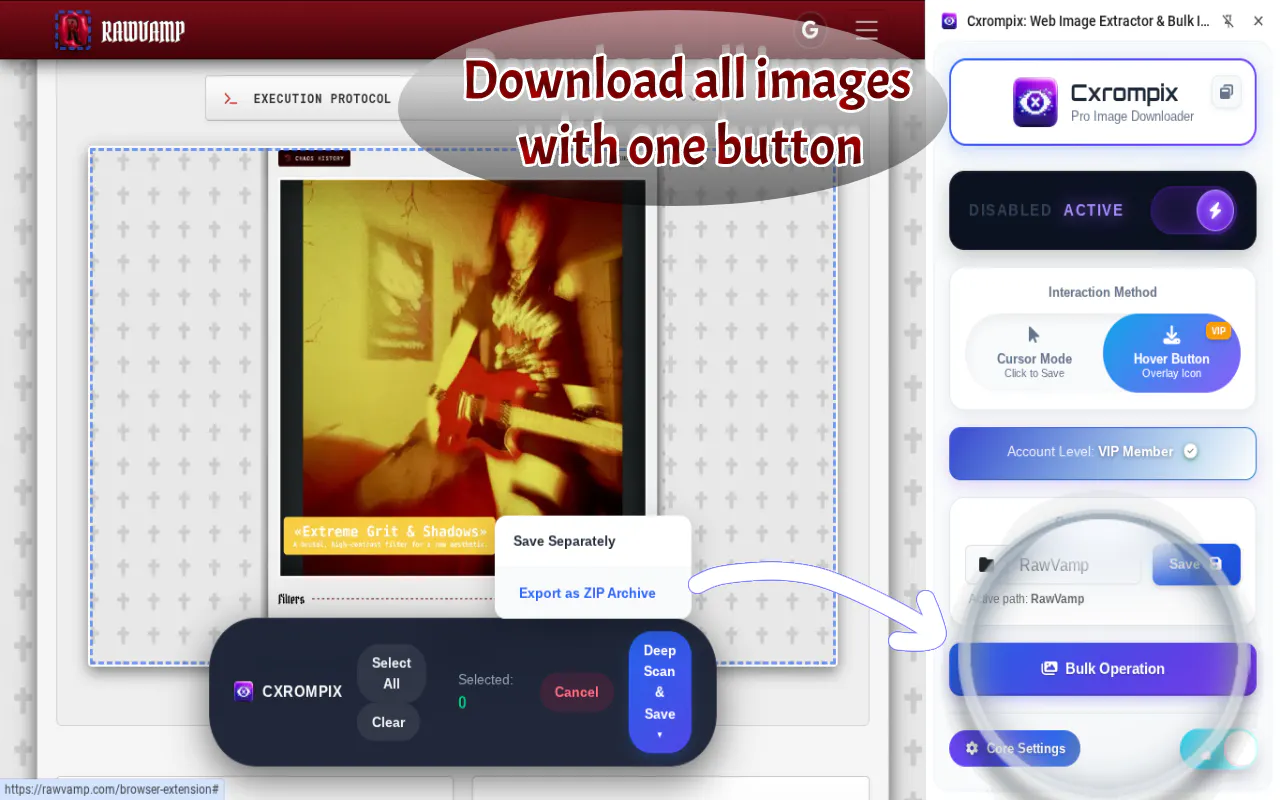
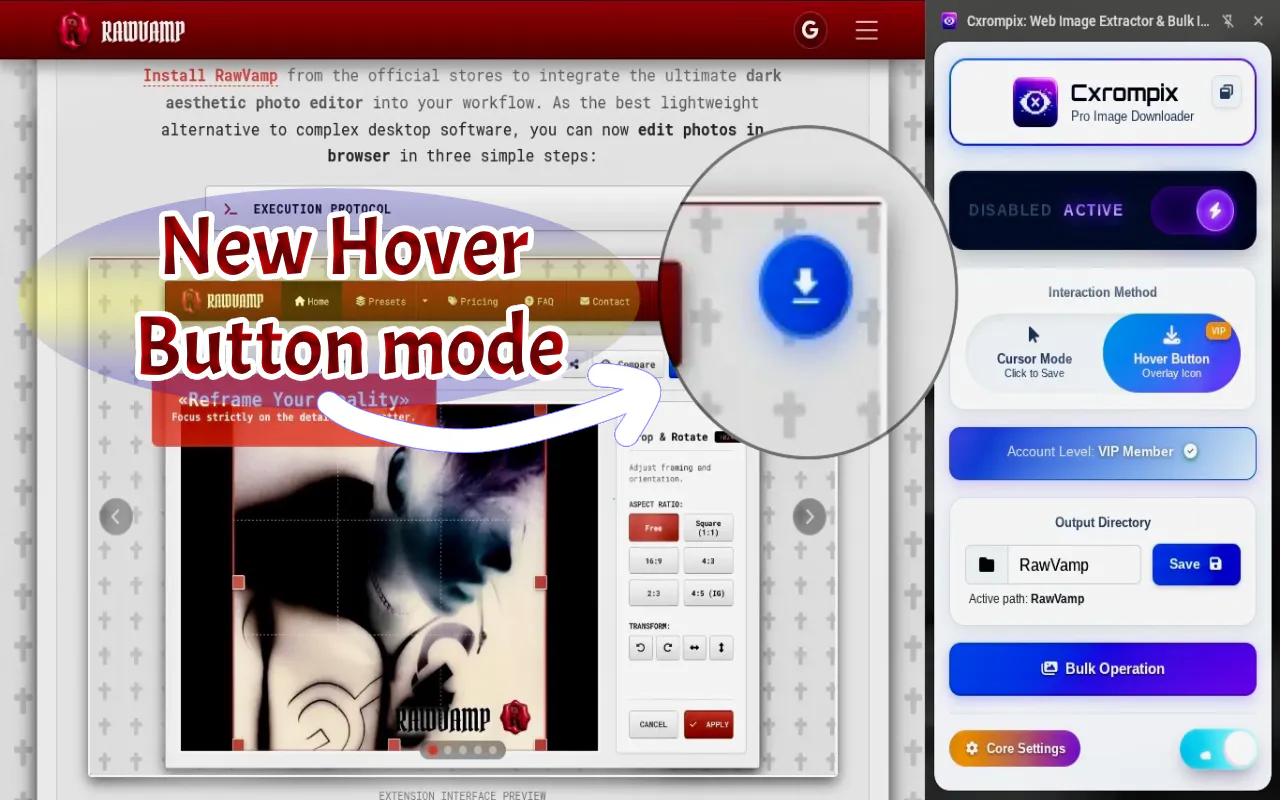
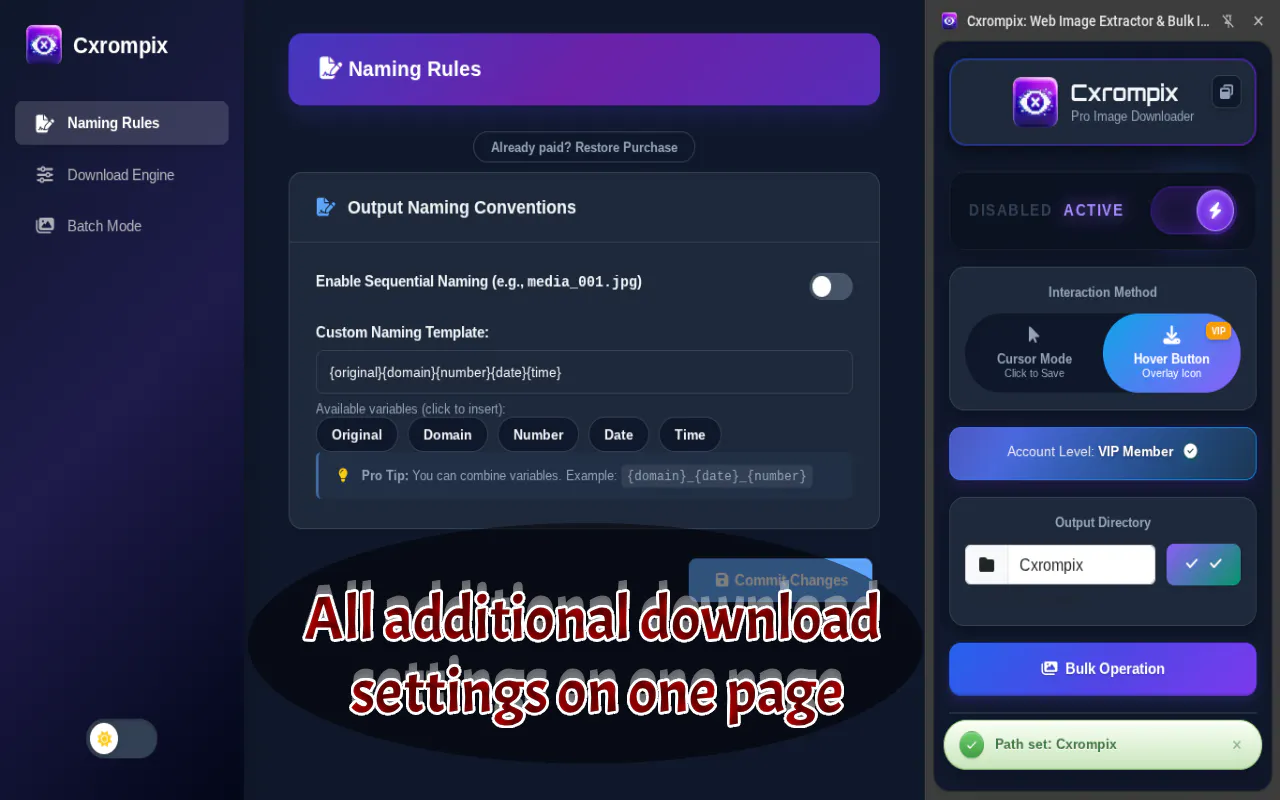
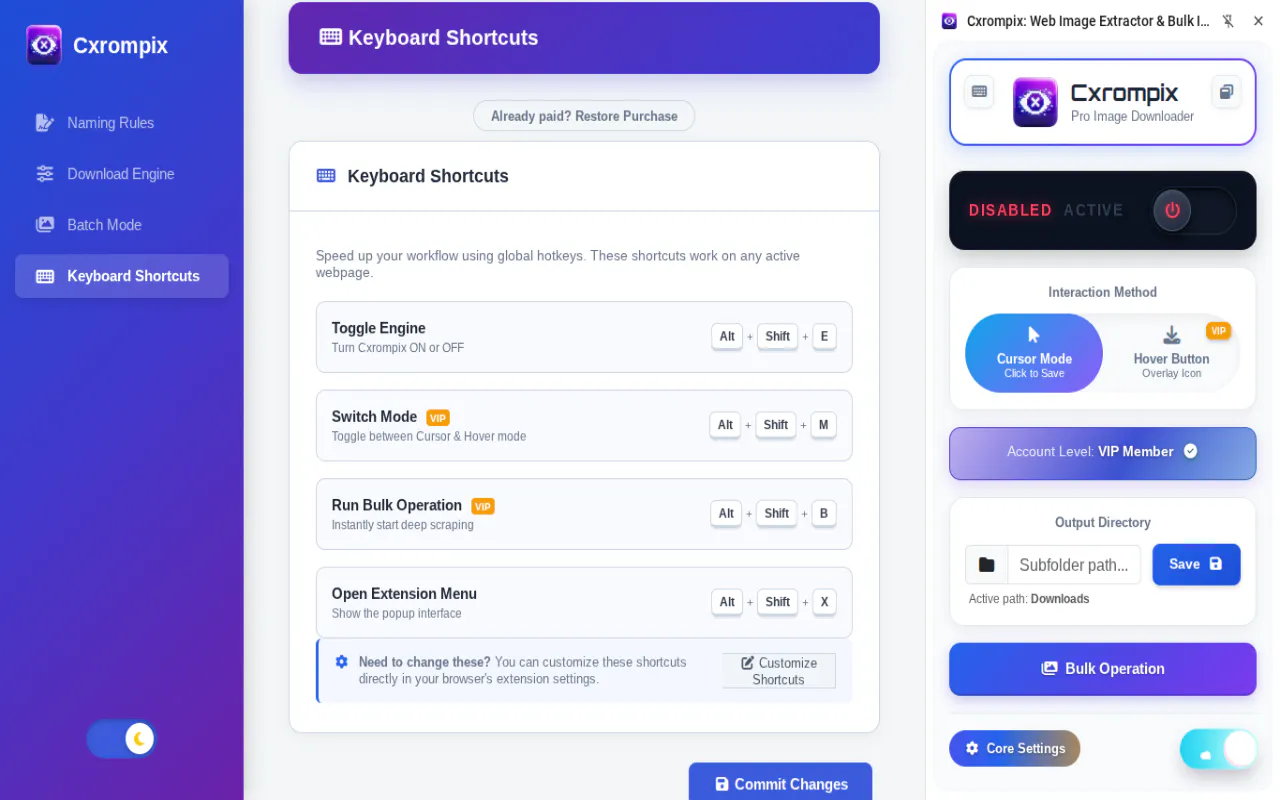
+2 more screenshots
Pros
- ✓Easy one-click download of images from any website
- ✓Supports bulk downloading and exporting galleries as ZIP files
- ✓Optimized for high-speed, large-scale media extraction
- ✓Suitable for developers, designers, and data professionals
- ✓Streamlines media scraping workflows
Cons
- ✗Limited information on pricing and subscription plans
- ✗Potential browser extension restrictions depending on the website's security policies
- ✗No user reviews or ratings available at the moment
Use Cases
Pricing
Pricing not verified
Quick Info
Topics
Makers

Vadym Cepesh
Alternatives
Similar Tools in AI Image & Design




Embed Badge
Add this badge to your website to show that Save Photo from a Website with One-Click is featured on Visalytica.
<a href="https://www.visalytica.com/tool/save-photo-from-a-website-with-one-click" target="_blank" rel="noopener noreferrer" style="display:inline-flex;align-items:center;gap:6px;padding:6px 14px;background:#7c3aed;color:#fff;border-radius:8px;font-family:-apple-system,system-ui,sans-serif;font-size:13px;font-weight:600;text-decoration:none;transition:background .2s" onmouseover="this.style.background='#6d28d9'" onmouseout="this.style.background='#7c3aed'"><svg width="14" height="14" viewBox="0 0 24 24" fill="none" stroke="currentColor" stroke-width="2.5" stroke-linecap="round" stroke-linejoin="round"><path d="M12 20V10"/><path d="M18 20V4"/><path d="M6 20v-4"/></svg>Featured on Visalytica</a>