
Sales Studio
Private studio for live demos on macOS
About Sales Studio
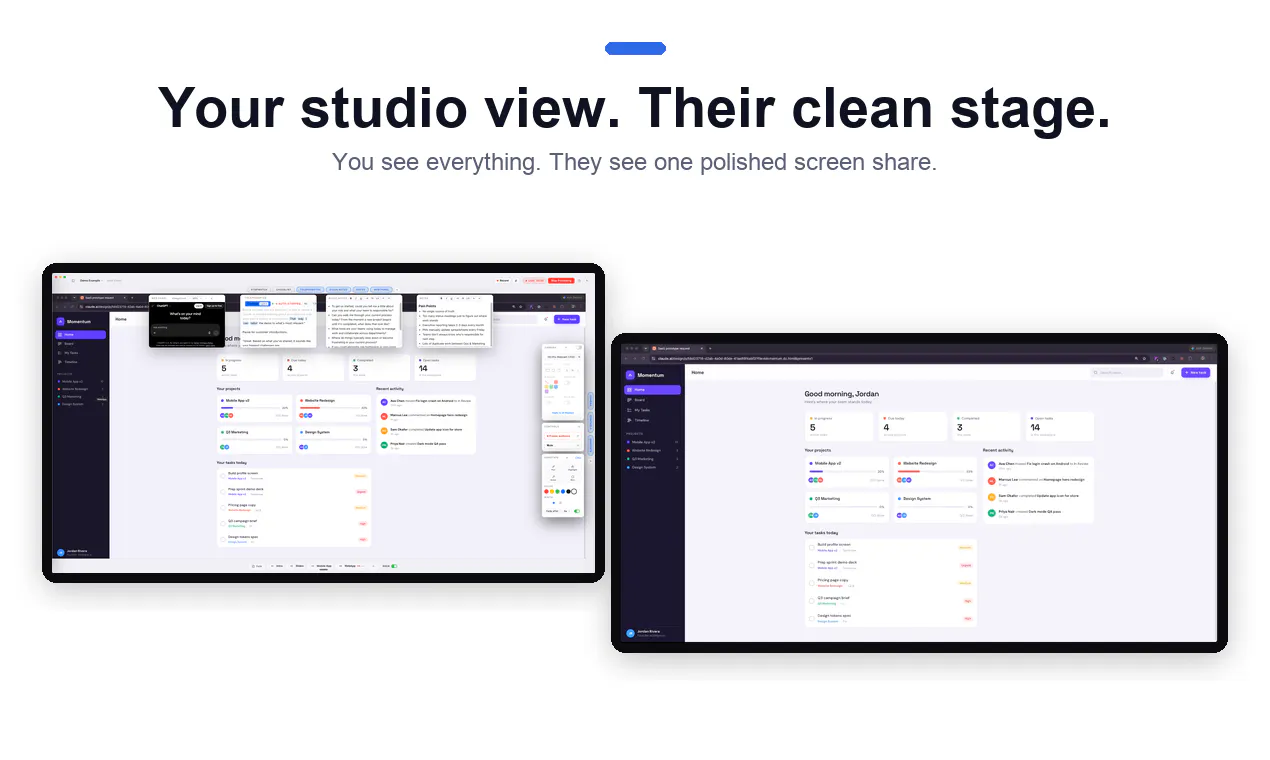
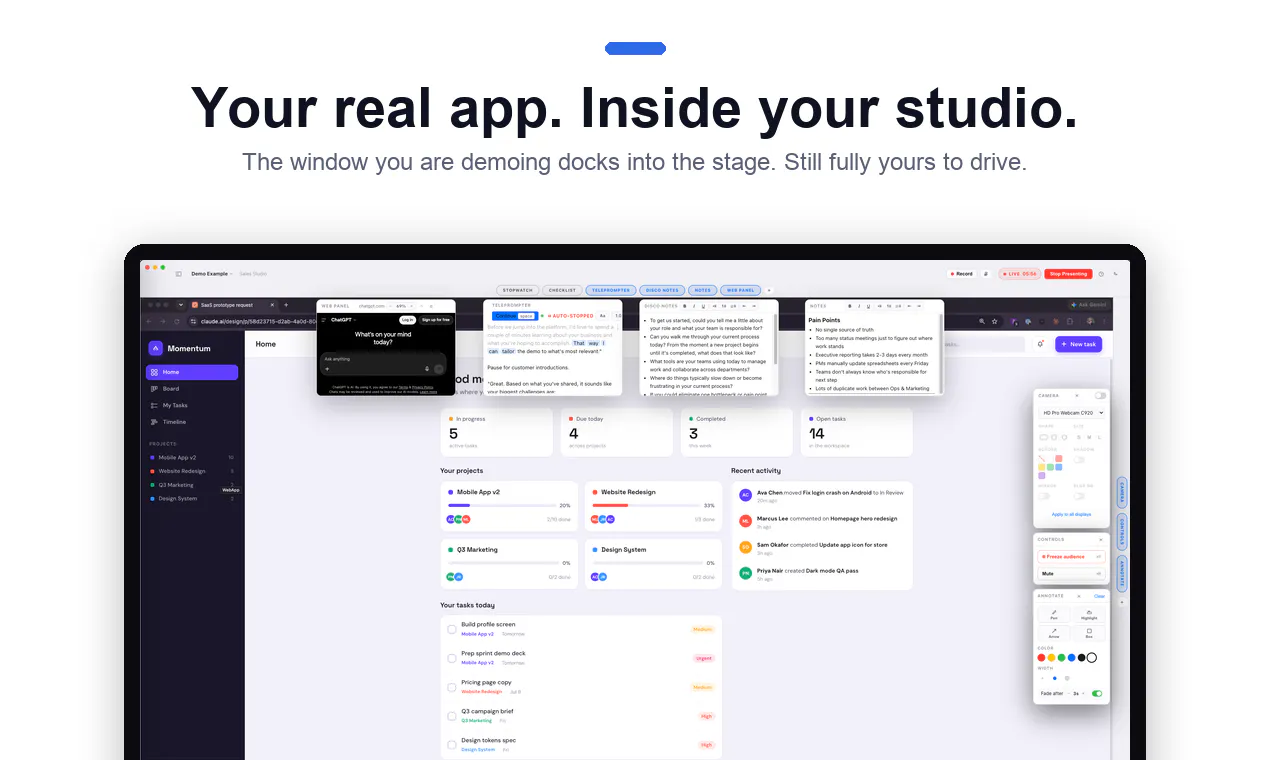
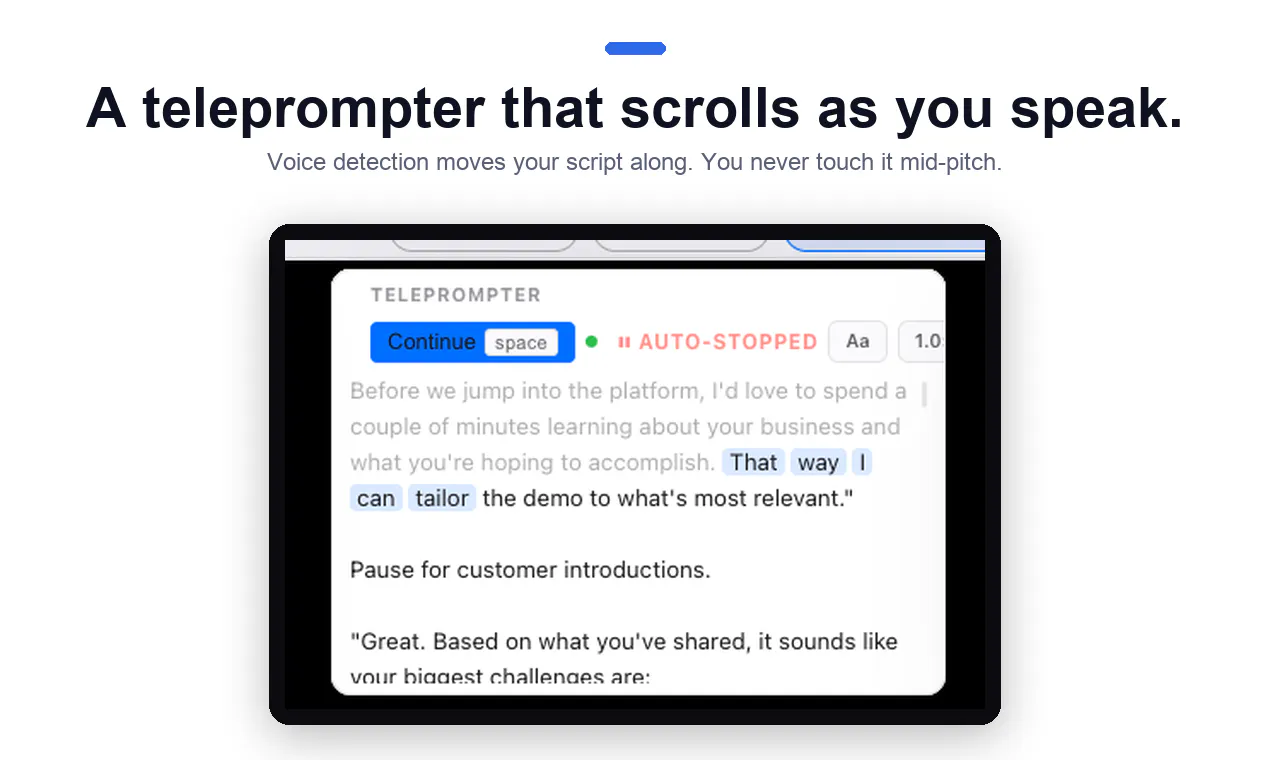
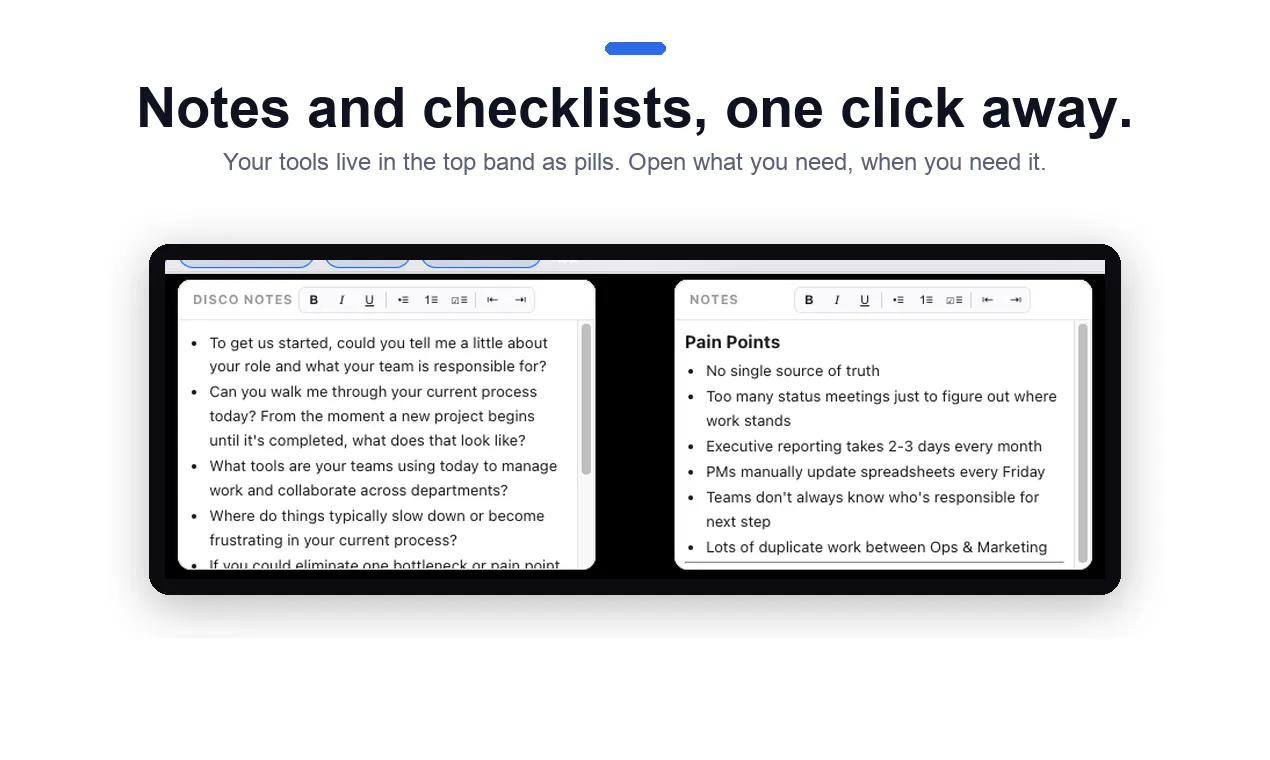
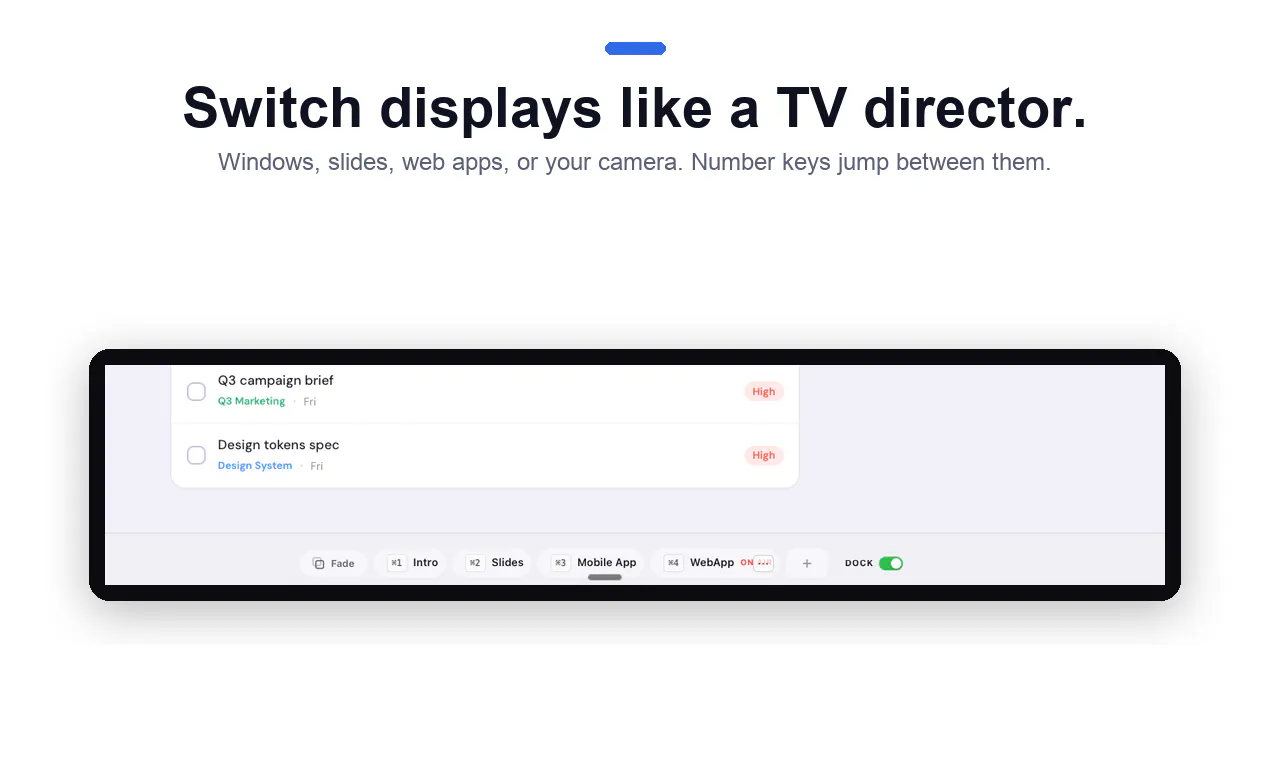
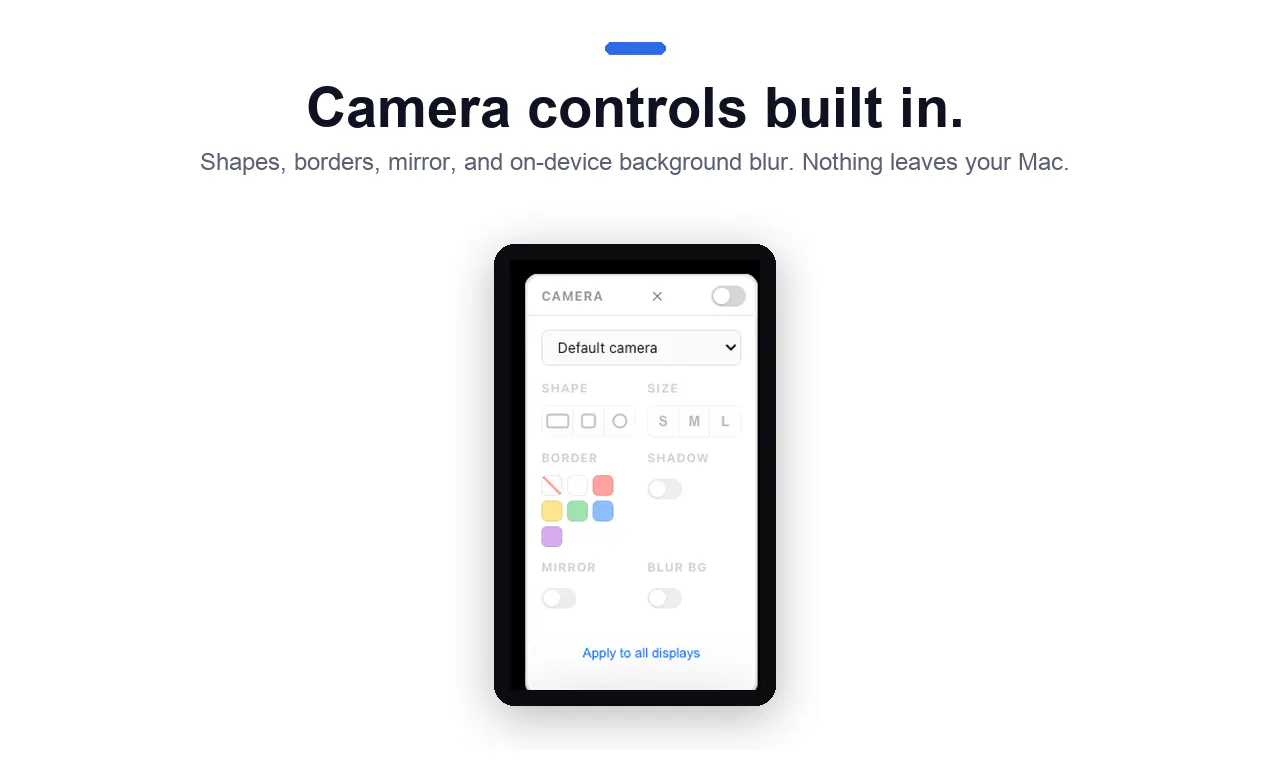
Sales Studio is a dedicated macOS application designed to enhance live demo presentations by providing a private, organized workspace. It allows sales professionals, educators, and product teams to prepare scripts, notes, talking points, and multiple display screens all in one interface. During a live session via Zoom, Meet, or Teams, the presenter shares a single clean screen, ensuring a professional and distraction-free experience while still maintaining full control over what the audience sees. Unlike traditional screen sharing that involves window juggling and potential accidental exposure of sensitive info, Sales Studio streamlines the process, making demos more polished and seamless. Its unique approach helps presenters focus on delivering compelling messages without technical distractions, elevating the quality of virtual demos and presentations.
Screenshots
Pros
- ✓Simplifies screen sharing by providing a single, polished view for audiences
- ✓Allows presenters to see scripts, notes, and multiple displays simultaneously
- ✓Reduces technical glitches and distractions during live demos
- ✓Supports popular video conferencing platforms like Zoom, Meet, and Teams
- ✓Enhances professionalism and organization in virtual presentations
Cons
- ✗Limited to macOS, restricting cross-platform use
- ✗May require some setup time to integrate with existing workflows
- ✗Lacks information on advanced features like recording or analytics
Use Cases
Pricing
Likely operates on a freemium model with a free tier offering basic functionalities, and paid plans starting around $10-$20/month for advanced features and additional screens. Exact pricing details are not publicly confirmed.
Quick Info
Topics
Makers

Jake Saffrin
Alternatives
Similar Tools in Sales & CRM




Embed Badge
Add this badge to your website to show that Sales Studio is featured on Visalytica.
<a href="https://www.visalytica.com/tool/sales-studio" target="_blank" rel="noopener noreferrer" style="display:inline-flex;align-items:center;gap:6px;padding:6px 14px;background:#7c3aed;color:#fff;border-radius:8px;font-family:-apple-system,system-ui,sans-serif;font-size:13px;font-weight:600;text-decoration:none;transition:background .2s" onmouseover="this.style.background='#6d28d9'" onmouseout="this.style.background='#7c3aed'"><svg width="14" height="14" viewBox="0 0 24 24" fill="none" stroke="currentColor" stroke-width="2.5" stroke-linecap="round" stroke-linejoin="round"><path d="M12 20V10"/><path d="M18 20V4"/><path d="M6 20v-4"/></svg>Featured on Visalytica</a>