
Sai
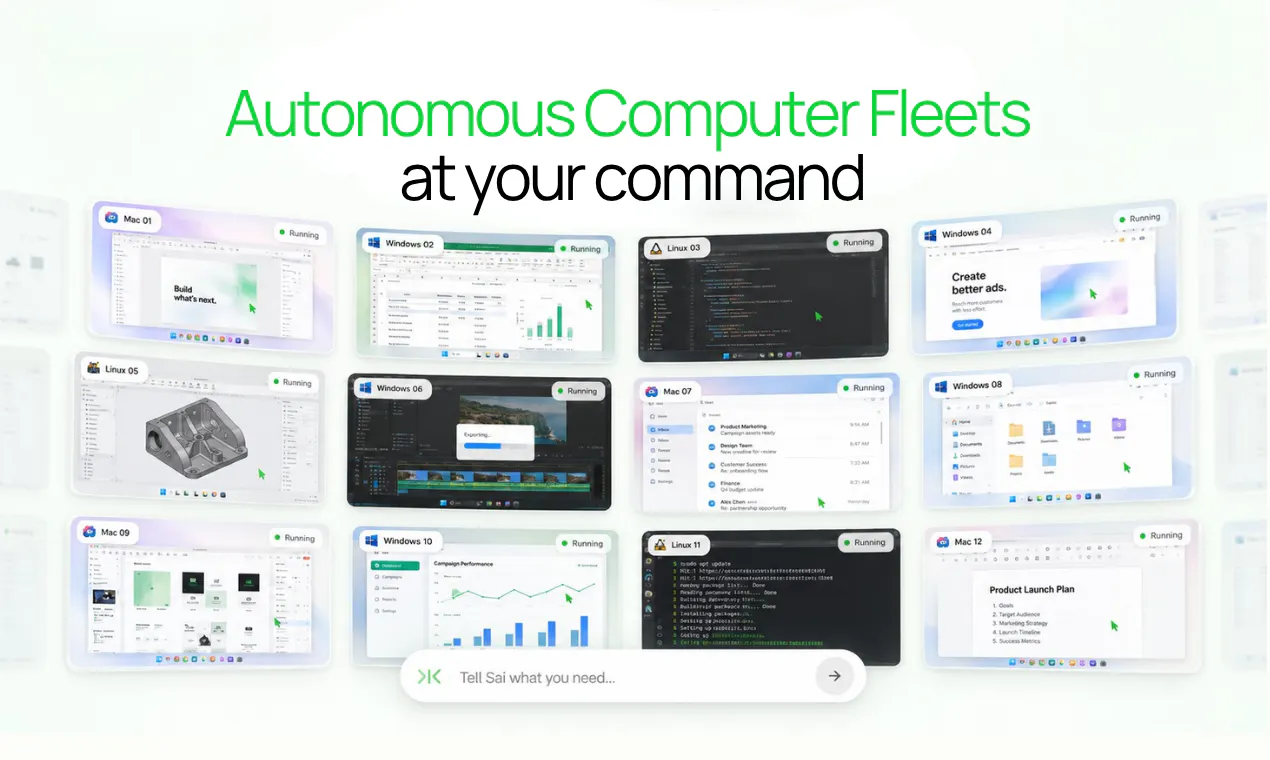
The autonomous computer fleet at your command
About Sai
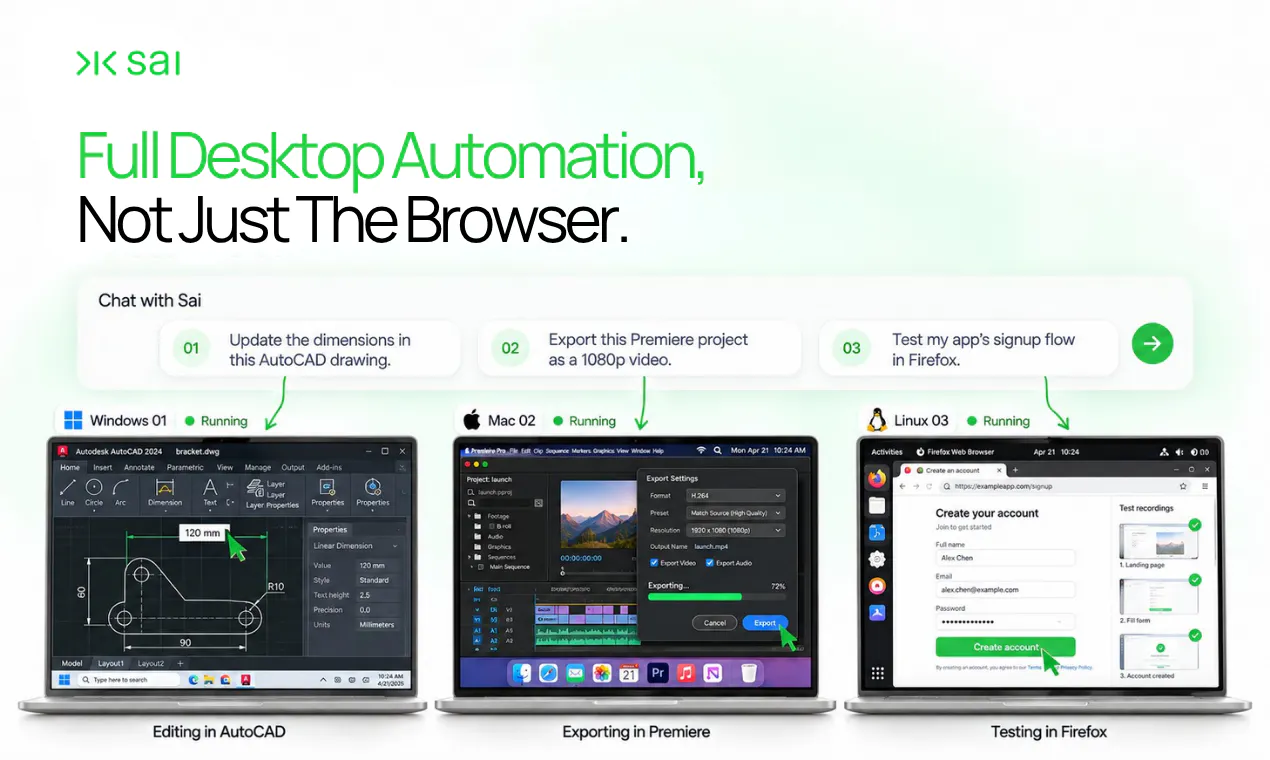
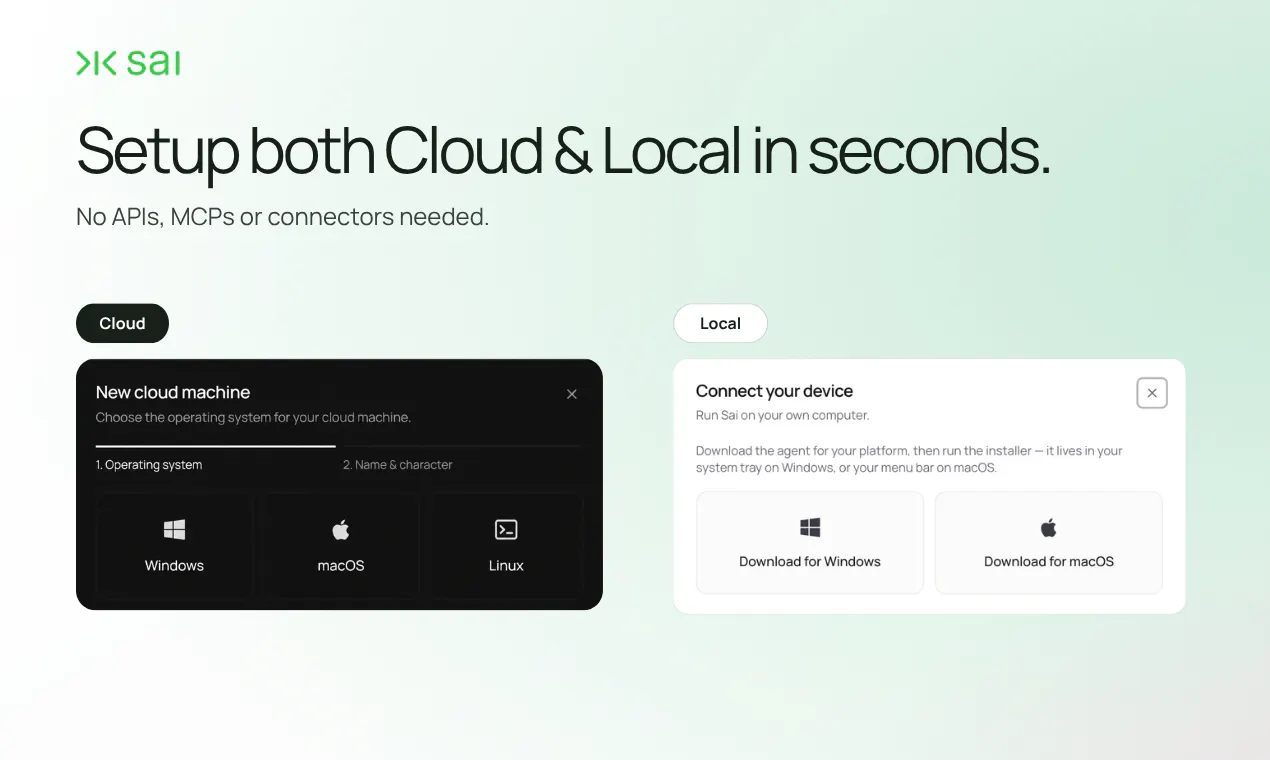
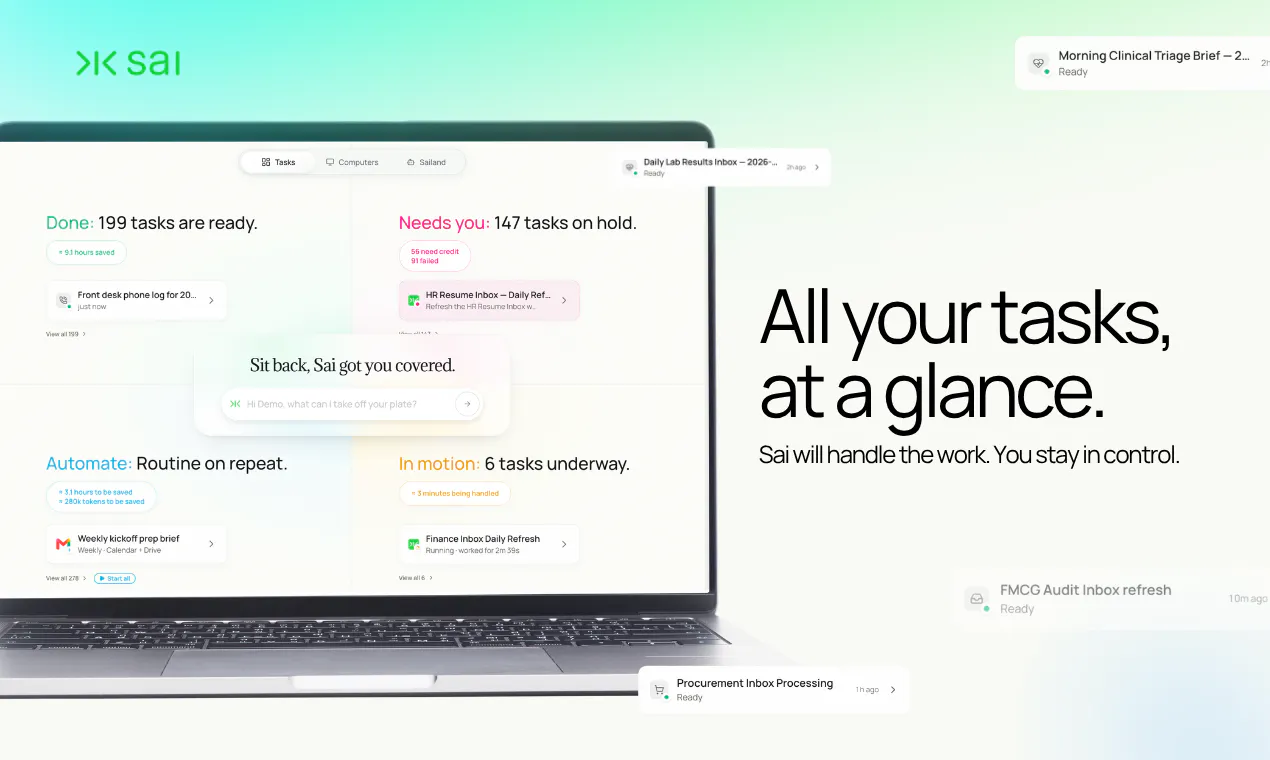
Sai is an innovative autonomous computer fleet management tool designed to handle repetitive and complex screen-based tasks with minimal human intervention. Acting as a robosecretary, Sai navigates various software environments—whether legacy desktop applications, internal portals, or even systems behind logins—by mimicking human interactions such as reading screens, clicking buttons, and typing into forms. Compatible across Windows, macOS, and Linux, Sai offers a versatile solution for businesses and individuals seeking to automate tasks that lack APIs or easy integration. Its unique approach to interface automation makes it especially valuable for automating legacy systems or bespoke workflows that traditional automation tools struggle to handle. With a focus on productivity enhancement and workflow efficiency, Sai stands out as an AI-powered fleet of autonomous computers capable of managing endless screen work seamlessly.
Screenshots
+1 more screenshots
Pros
- ✓Automates tasks on legacy and non-API systems effectively
- ✓Supports multiple operating systems (Windows, macOS, Linux)
- ✓Mimics human interactions for complex workflows
- ✓Reduces manual effort and increases productivity
- ✓Designed for continuous, autonomous operation
Cons
- ✗Limited information on pricing and subscription plans
- ✗May require initial setup and configuration for specific workflows
- ✗Potential learning curve for complex automation scenarios
Use Cases
Pricing
Pricing not verified
Quick Info
Topics
Makers

Yue
@ai_with_wyAlternatives
Similar Tools in AI Assistants




Embed Badge
Add this badge to your website to show that Sai is featured on Visalytica.
<a href="https://www.visalytica.com/tool/sai" target="_blank" rel="noopener noreferrer" style="display:inline-flex;align-items:center;gap:6px;padding:6px 14px;background:#7c3aed;color:#fff;border-radius:8px;font-family:-apple-system,system-ui,sans-serif;font-size:13px;font-weight:600;text-decoration:none;transition:background .2s" onmouseover="this.style.background='#6d28d9'" onmouseout="this.style.background='#7c3aed'"><svg width="14" height="14" viewBox="0 0 24 24" fill="none" stroke="currentColor" stroke-width="2.5" stroke-linecap="round" stroke-linejoin="round"><path d="M12 20V10"/><path d="M18 20V4"/><path d="M6 20v-4"/></svg>Featured on Visalytica</a>