
ruOS
A cloud desktop where AI agents do the work for you
About ruOS
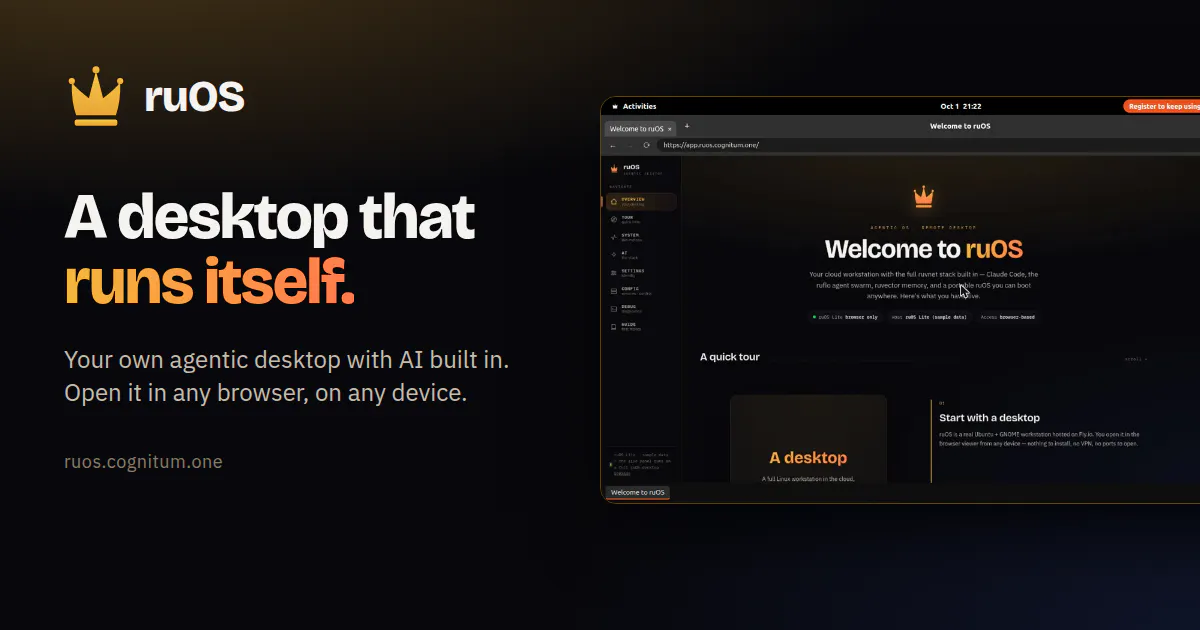
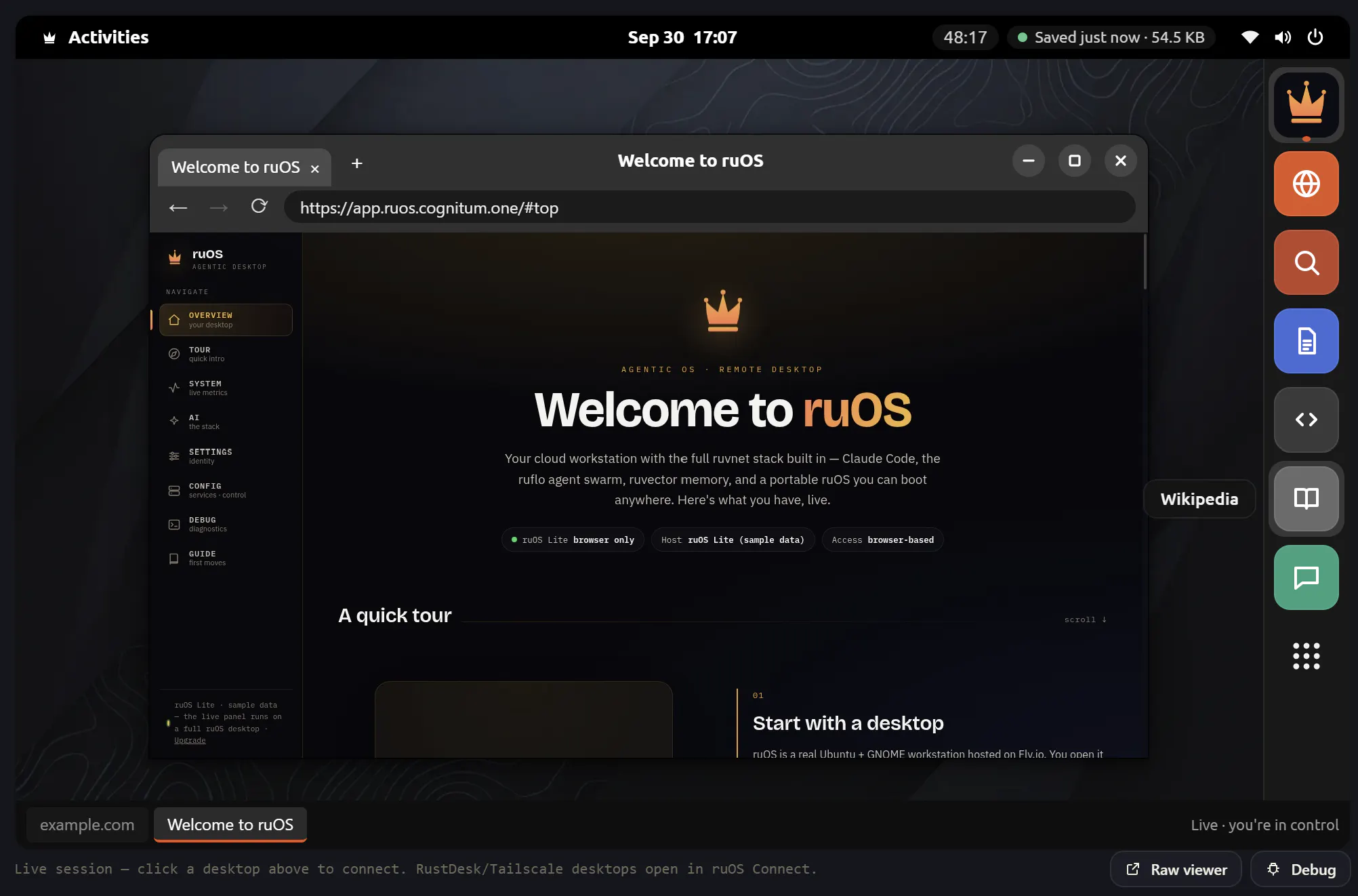
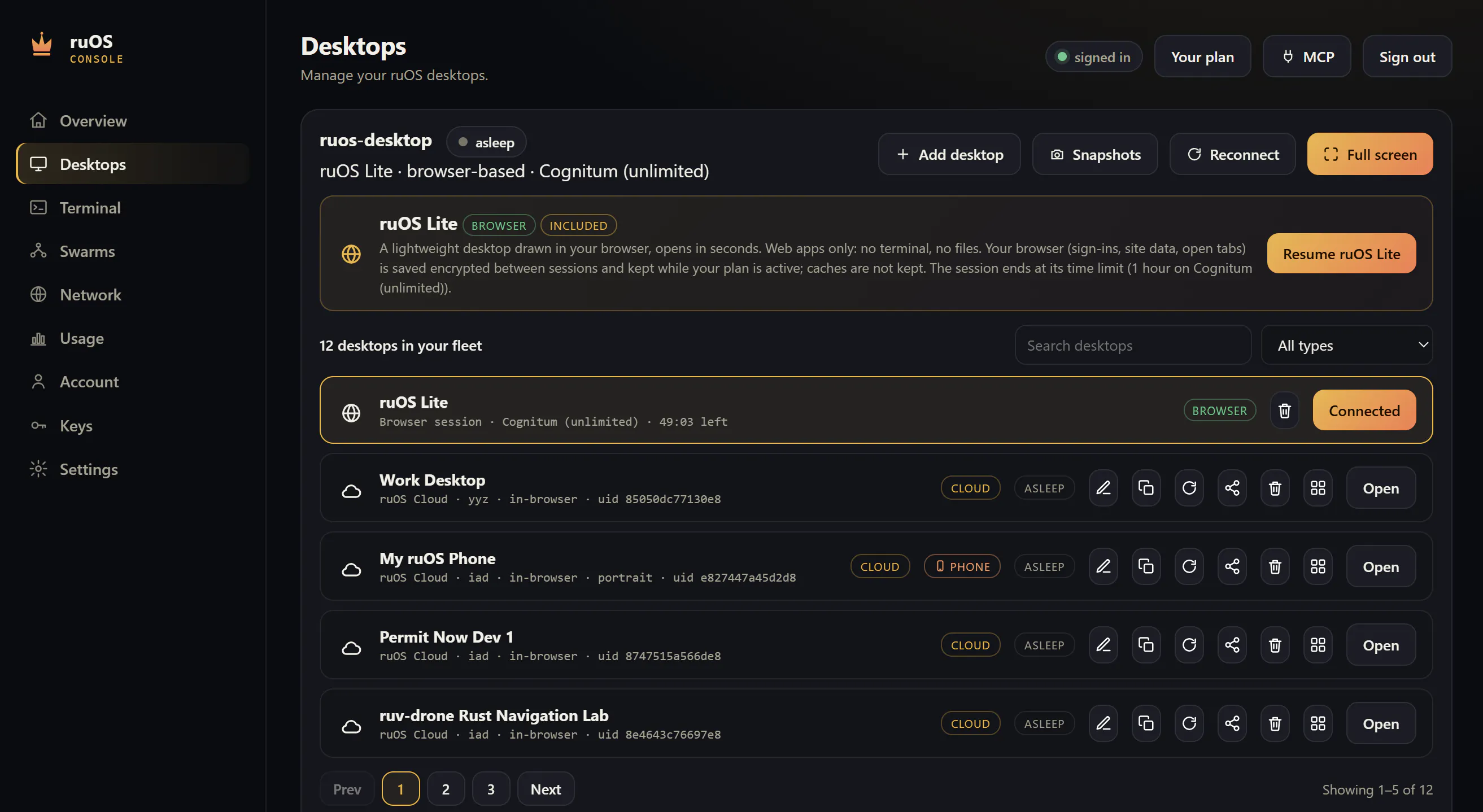
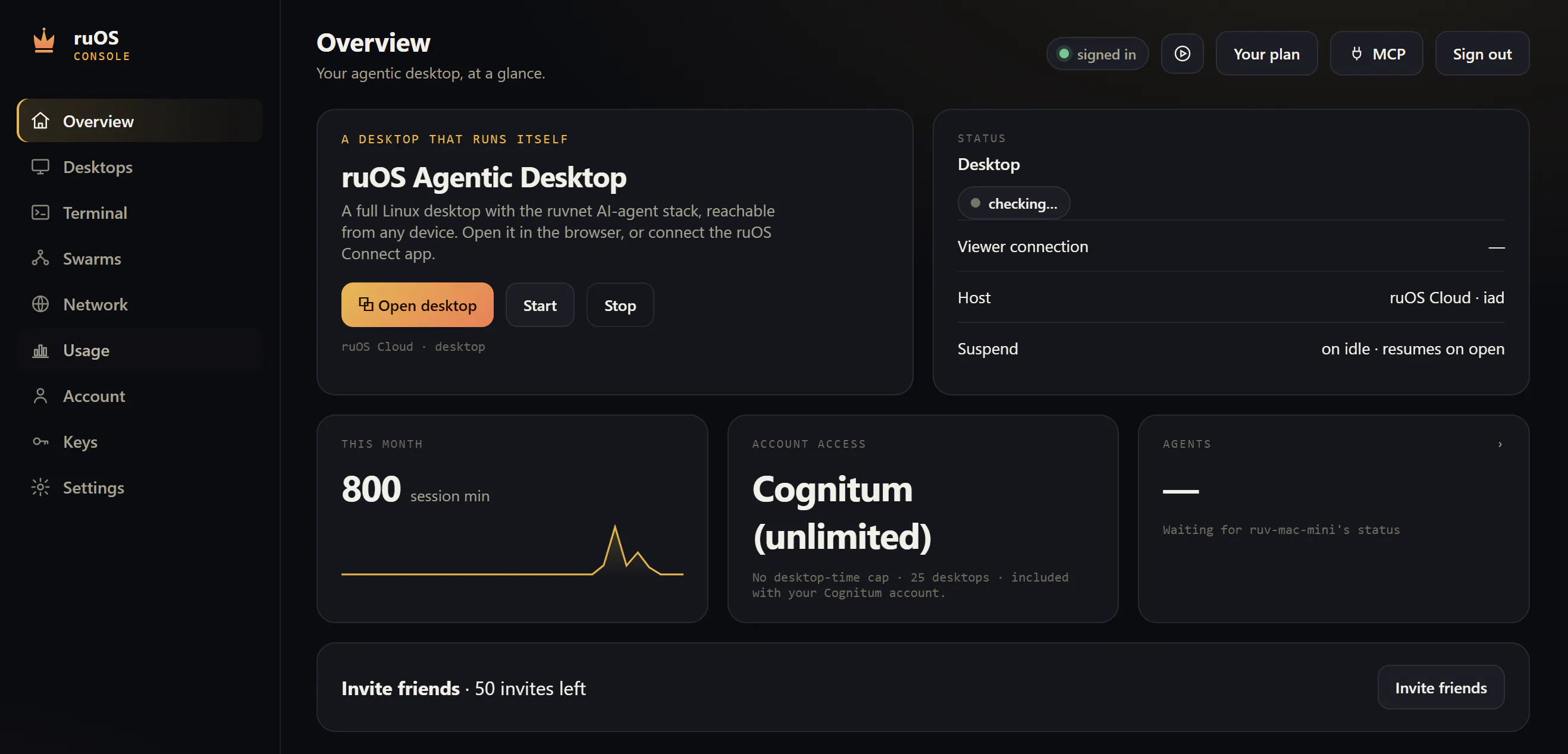
ruOS is a cloud-based desktop platform designed for productivity enthusiasts, developers, and AI aficionados seeking a seamless, AI-augmented workspace. It offers a private cloud desktop accessible via any browser on Mac, iPad, or Chromebook, eliminating the need for installations. The platform integrates an AI team composed of agents like Claude Code, Codex, and ruflo swarms, enabling users to delegate research, writing, or coding tasks while observing or stepping away. Files and AI memory are persistent across devices, ensuring continuity and convenience. Advanced users can leverage a full Linux environment and MCP server, allowing ChatGPT or Claude to operate directly within a robust, customizable setup. The platform also offers a free, no-sign-up trial with ruOS Lite, making it easy to explore its capabilities. Overall, ruOS combines cloud desktop convenience with powerful AI automation, making it ideal for professionals seeking to boost productivity through AI-driven workflows.
Screenshots
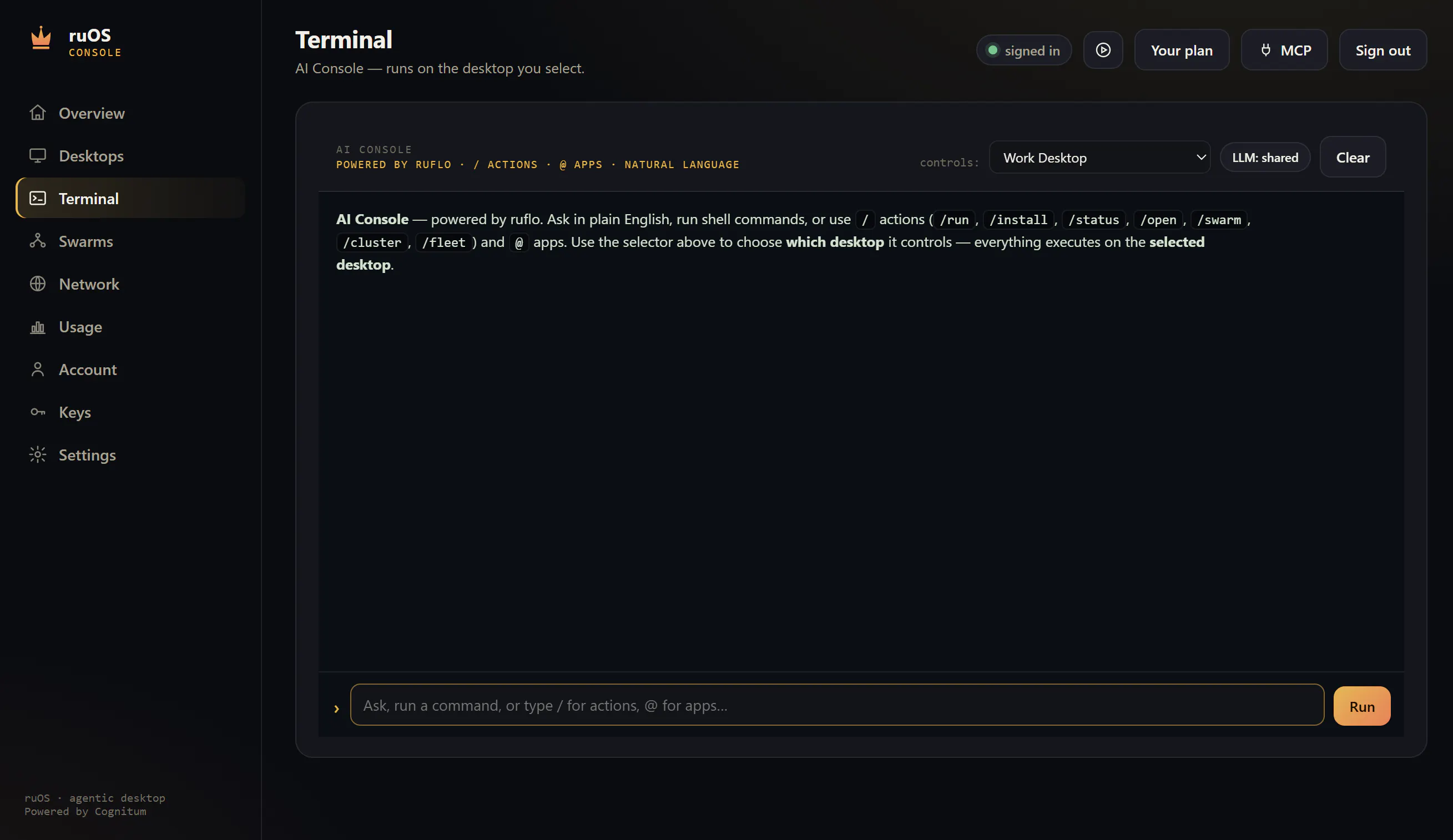
Pros
- ✓Accessible from any device via web browser with no installation required
- ✓Built-in AI agents for research, coding, and content creation
- ✓Persistent files and AI memory across devices
- ✓Option for a full Linux environment for power users
- ✓Free trial available for quick evaluation
Cons
- ✗Limited information on pricing and subscription plans
- ✗Potential learning curve for advanced features and Linux setup
- ✗No details on team collaboration or multi-user support
Use Cases
Pricing
Pricing not verified
Quick Info
Topics
Makers

Nicholas Ruest
Similar Tools in AI Assistants




Embed Badge
Add this badge to your website to show that ruOS is featured on Visalytica.
<a href="https://www.visalytica.com/tool/ruos" target="_blank" rel="noopener noreferrer" style="display:inline-flex;align-items:center;gap:6px;padding:6px 14px;background:#7c3aed;color:#fff;border-radius:8px;font-family:-apple-system,system-ui,sans-serif;font-size:13px;font-weight:600;text-decoration:none;transition:background .2s" onmouseover="this.style.background='#6d28d9'" onmouseout="this.style.background='#7c3aed'"><svg width="14" height="14" viewBox="0 0 24 24" fill="none" stroke="currentColor" stroke-width="2.5" stroke-linecap="round" stroke-linejoin="round"><path d="M12 20V10"/><path d="M18 20V4"/><path d="M6 20v-4"/></svg>Featured on Visalytica</a>