
Ruflo Console
Mission control for your AI agents inside Claude Code
About Ruflo Console
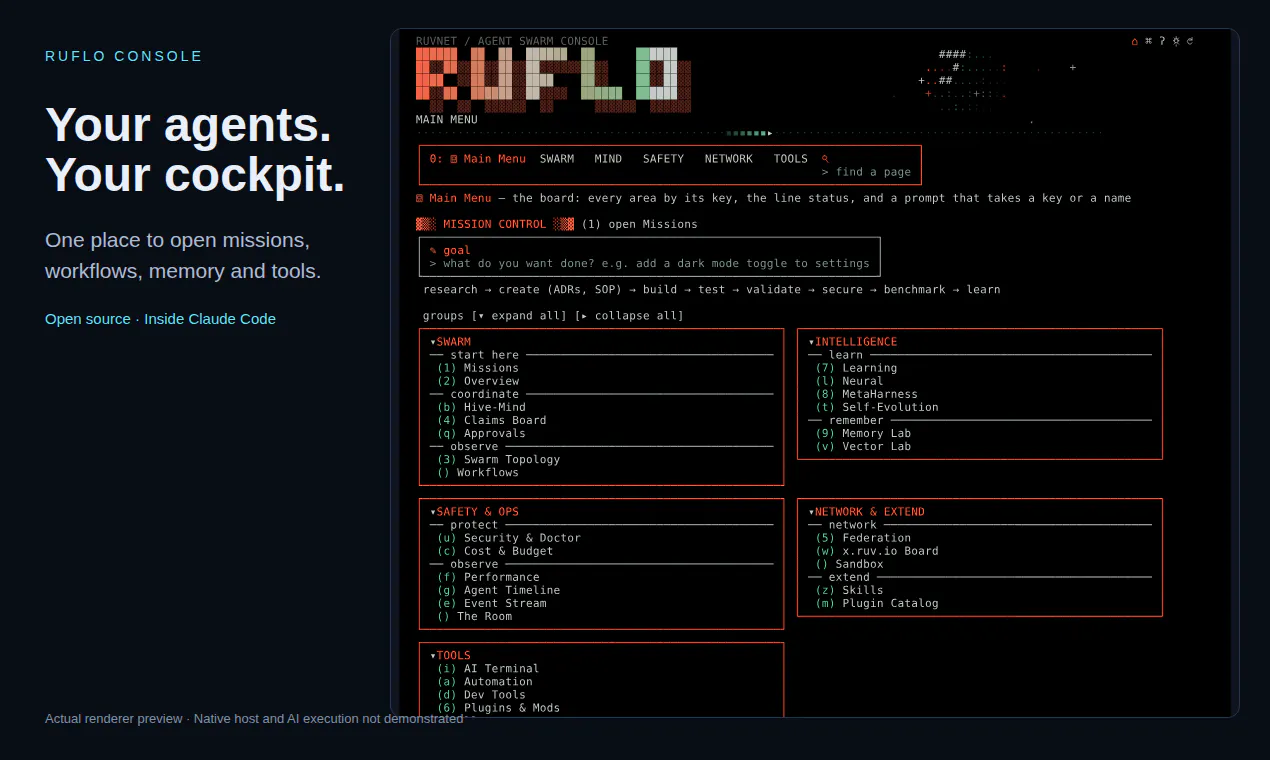
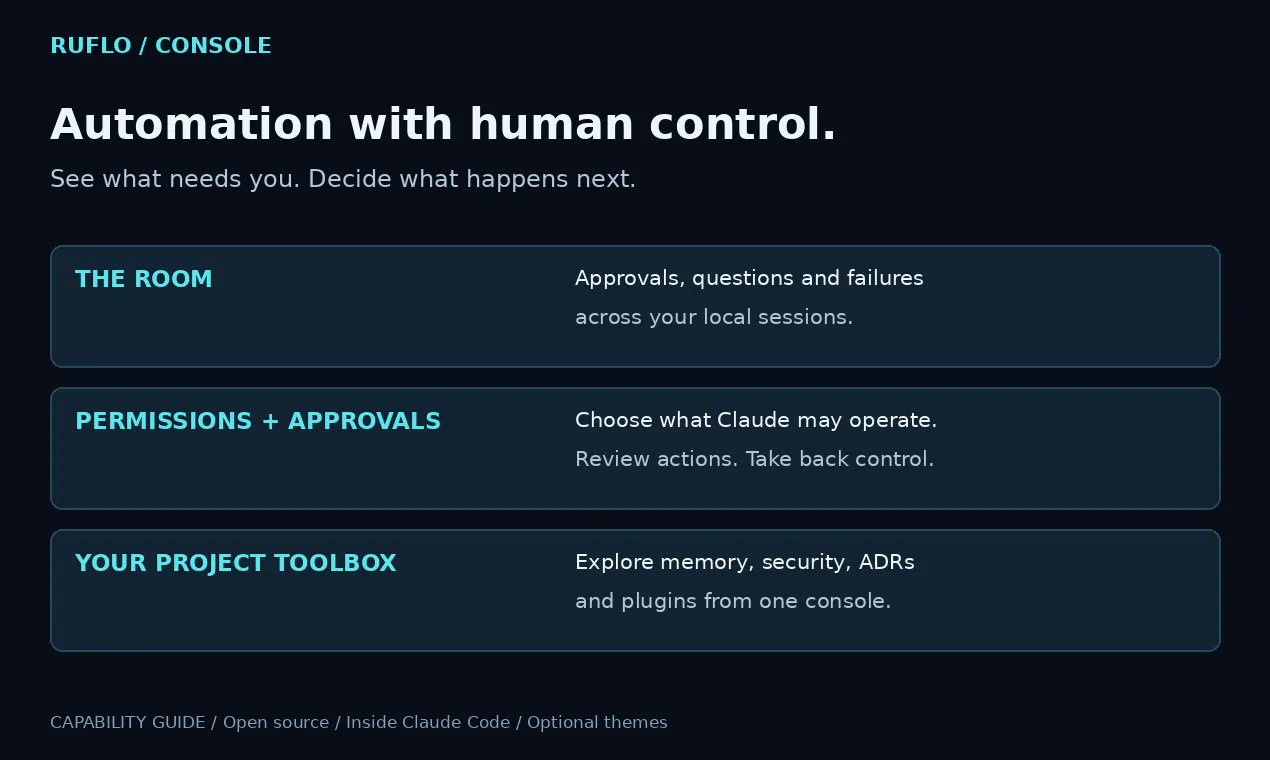
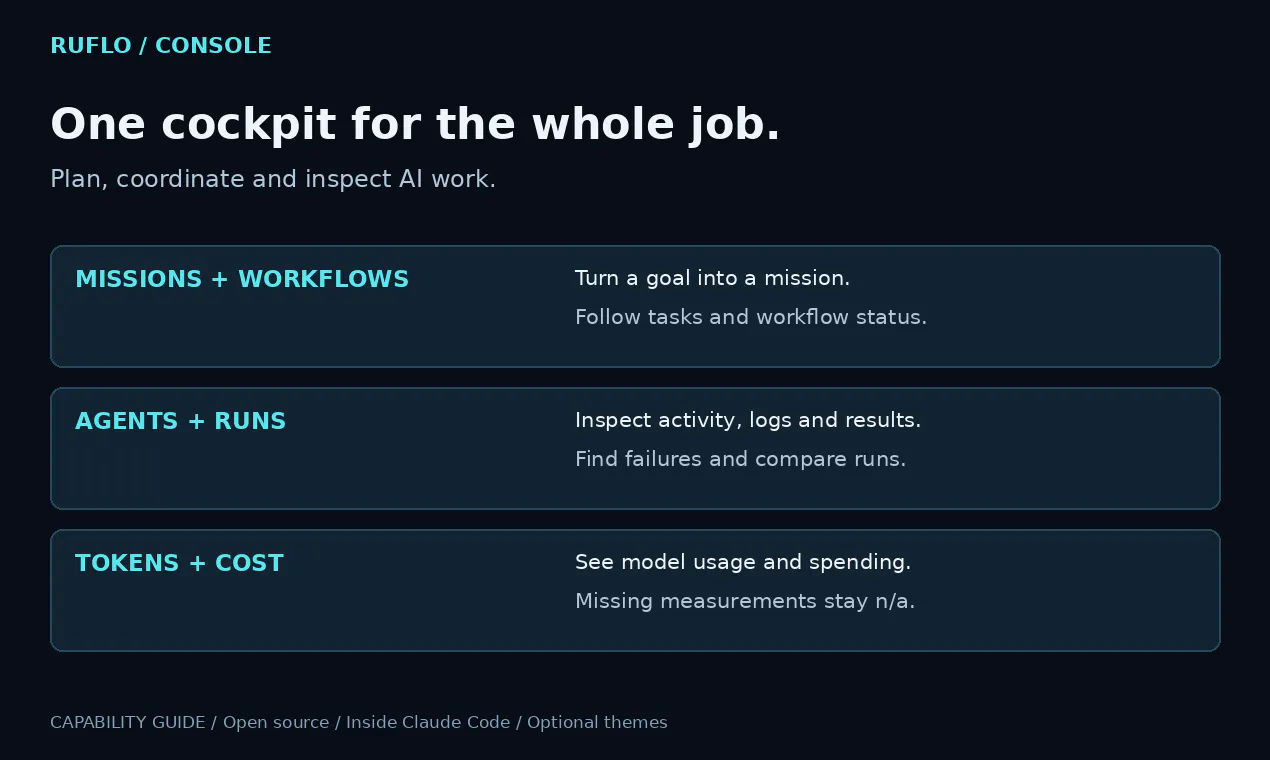


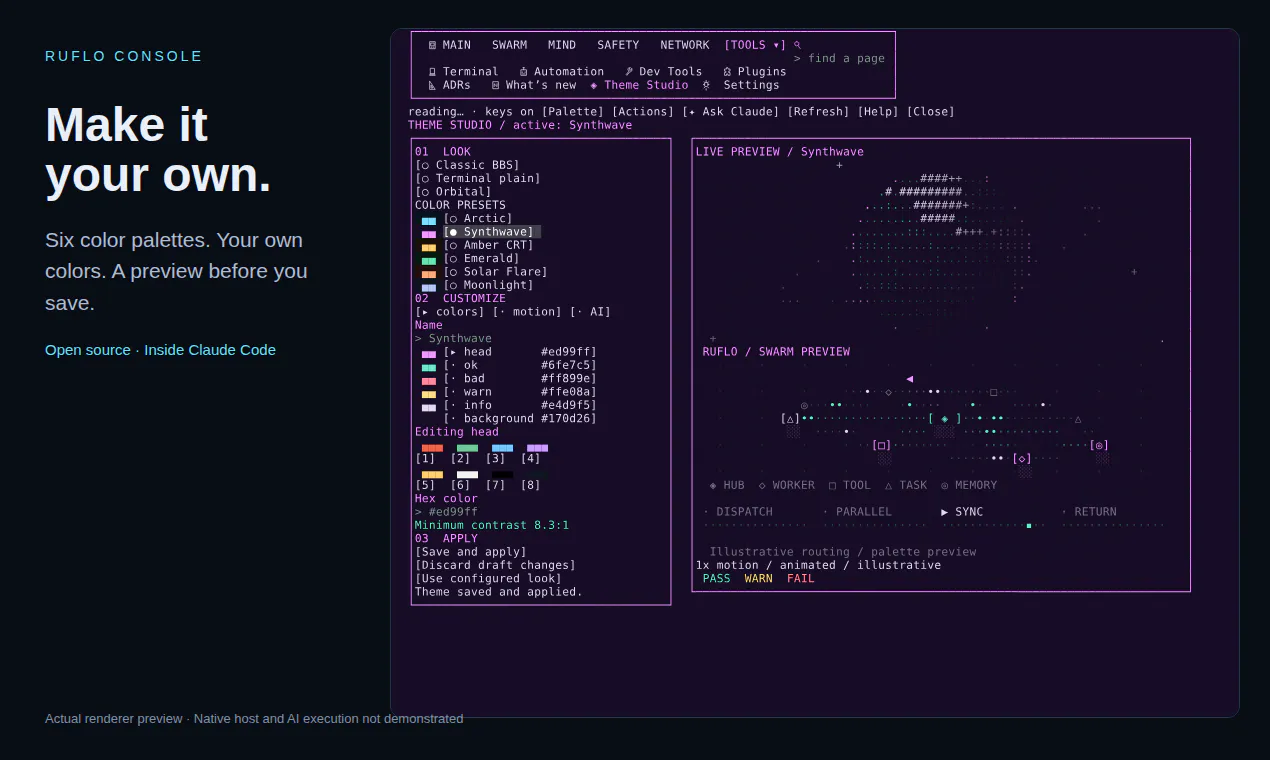
Ruflo Console is a comprehensive mission control dashboard designed specifically for managing AI workflows within Claude Code. It offers users a centralized interface to plan missions, monitor workflows, track agent activity, inspect logs, and review results, making complex AI operations more manageable. The tool emphasizes control and transparency, allowing users to oversee models, tokens, and costs while bringing approvals, questions, and failures into a single view. Its flexible permission system enables Claude to operate autonomously or under user supervision, providing a seamless balance between automation and control. Additionally, Ruflo Console integrates features like memory management, security settings, project decisions, and plugins, all accessible from an intuitive cockpit. Its open-source nature and optional animated themes make it adaptable and customizable for various developer needs, especially those working within the Claude ecosystem and seeking a unified AI management platform.
Screenshots
Pros
- ✓Centralized interface for managing complex AI workflows
- ✓Flexible permission controls for autonomous or supervised operation
- ✓Open source with customizable themes and features
- ✓Comprehensive insights into logs, models, tokens, and costs
- ✓Integrates approvals, questions, and failure management in one view
Cons
- ✗Limited information on pricing and deployment options
- ✗May require familiarity with Claude Code for optimal use
- ✗Currently lacks a large user community or extensive third-party integrations
Use Cases
Pricing
Pricing not verified
Quick Info
Topics
Makers

Martin
Alternatives
Similar Tools in Developer Tools




Embed Badge
Add this badge to your website to show that Ruflo Console is featured on Visalytica.
<a href="https://www.visalytica.com/tool/ruflo-console" target="_blank" rel="noopener noreferrer" style="display:inline-flex;align-items:center;gap:6px;padding:6px 14px;background:#7c3aed;color:#fff;border-radius:8px;font-family:-apple-system,system-ui,sans-serif;font-size:13px;font-weight:600;text-decoration:none;transition:background .2s" onmouseover="this.style.background='#6d28d9'" onmouseout="this.style.background='#7c3aed'"><svg width="14" height="14" viewBox="0 0 24 24" fill="none" stroke="currentColor" stroke-width="2.5" stroke-linecap="round" stroke-linejoin="round"><path d="M12 20V10"/><path d="M18 20V4"/><path d="M6 20v-4"/></svg>Featured on Visalytica</a>