
Rook
Notes app for code. Save directly from AI via MCP
About Rook
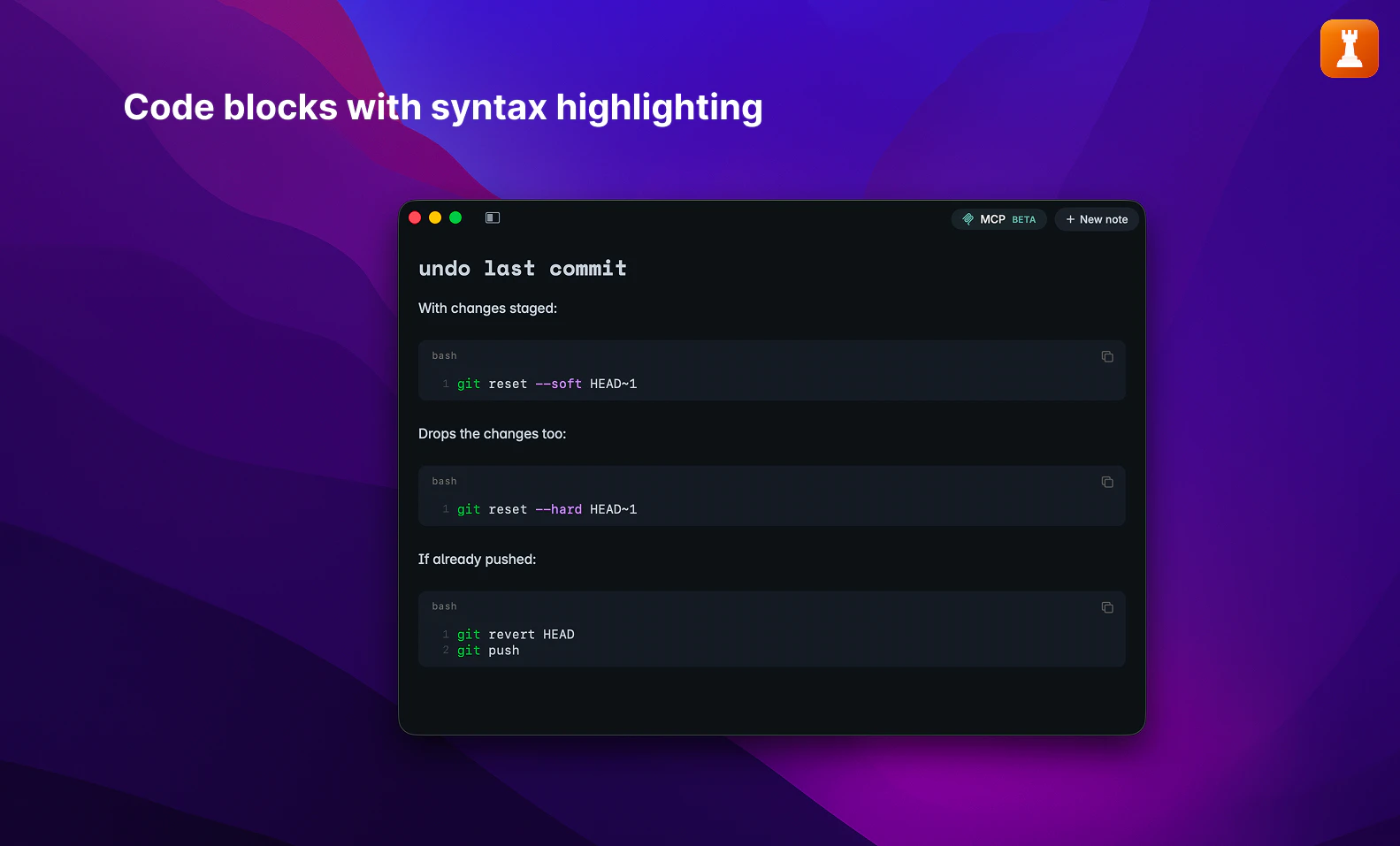
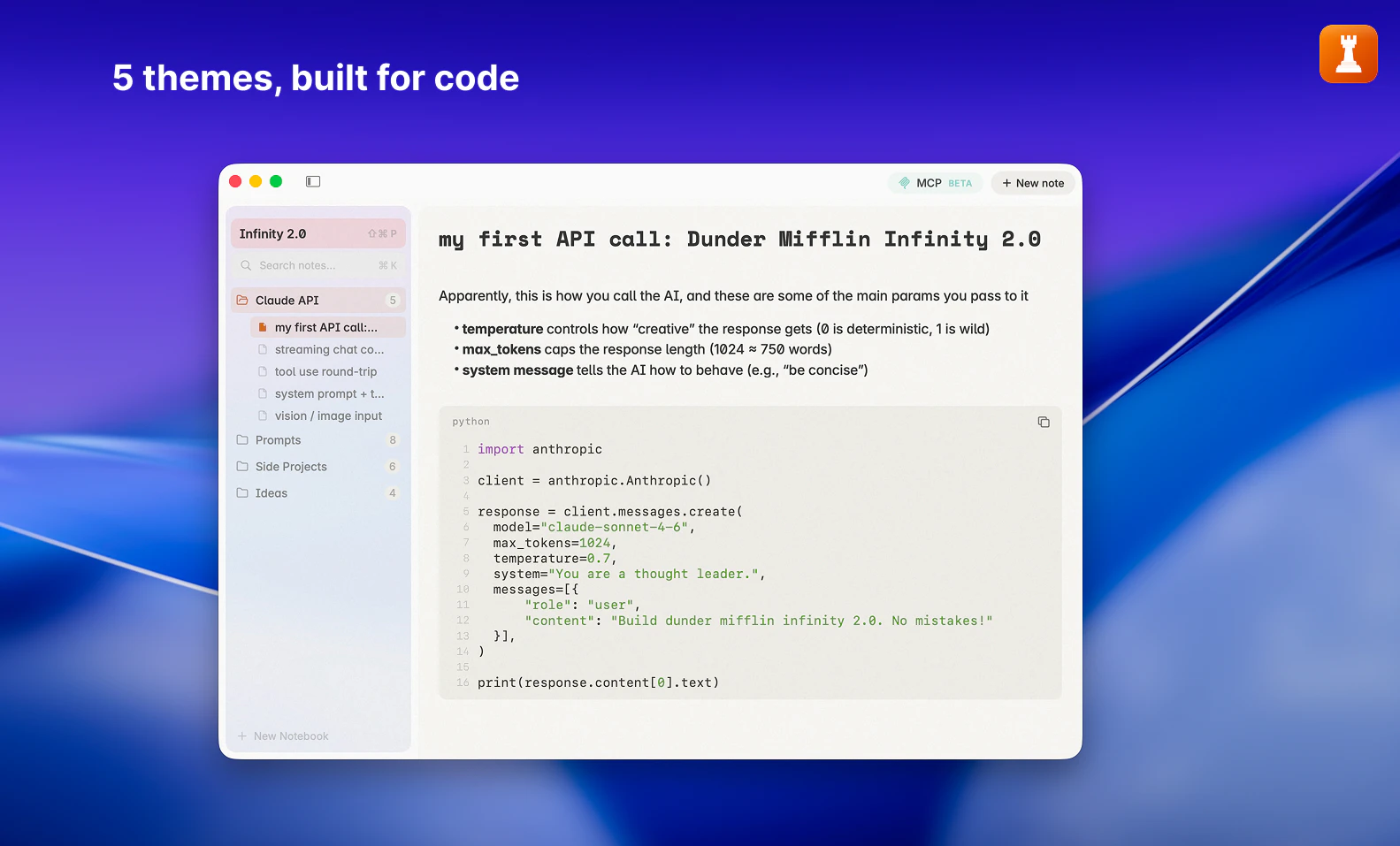
Rook is a native Mac notes application tailored for developers, programmers, and AI enthusiasts who frequently copy, paste, and manage code snippets, prompts, and AI outputs. Its core strength lies in seamlessly integrating with AI tools like Claude, Cursor, Gemini CLI, and others through an open-source MCP Server, allowing users to save content directly from these sources into Rook’s organized inboxes. Designed to prioritize privacy and speed, Rook runs locally on your Mac, eliminating the need for cloud storage or signups, ensuring that your sensitive code remains private. Its rich features include syntax highlighting for over 17 programming languages, markdown rendering, and support for rich text and code blocks, making it an ideal workspace for developers who value efficient, clutter-free note management for their coding projects and AI interactions.
Screenshots
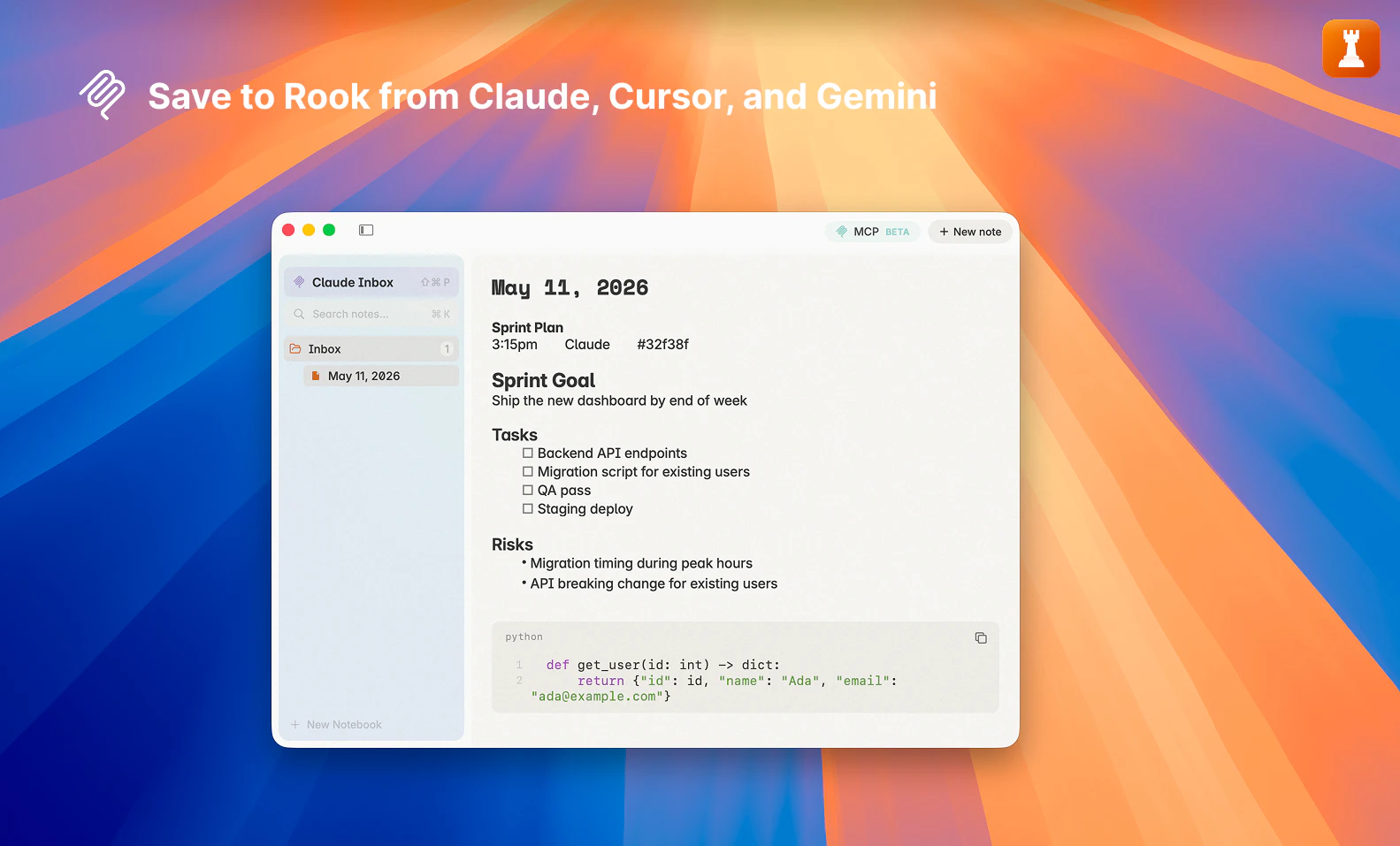
Pros
- ✓Local, private storage with no sign-up required
- ✓Supports syntax highlighting for 17+ languages
- ✓Seamless integration with popular AI tools via MCP Server
- ✓Fast and responsive performance on Mac
- ✓Rich text, markdown, and code block support
Cons
- ✗Limited to Mac, reducing cross-platform flexibility
- ✗Requires setup of MCP Server for AI integrations
- ✗No free cloud sync or collaboration features
Use Cases
Pricing
Likely follows a freemium model, offering basic features for free with optional paid upgrades for advanced integrations or additional functionalities. The app emphasizes local storage and privacy, with no mention of subscription tiers at this stage.
Quick Info
Topics
Alternatives
Similar Tools in Developer Tools




Embed Badge
Add this badge to your website to show that Rook is featured on Visalytica.
<a href="https://www.visalytica.com/tool/rook" target="_blank" rel="noopener noreferrer" style="display:inline-flex;align-items:center;gap:6px;padding:6px 14px;background:#7c3aed;color:#fff;border-radius:8px;font-family:-apple-system,system-ui,sans-serif;font-size:13px;font-weight:600;text-decoration:none;transition:background .2s" onmouseover="this.style.background='#6d28d9'" onmouseout="this.style.background='#7c3aed'"><svg width="14" height="14" viewBox="0 0 24 24" fill="none" stroke="currentColor" stroke-width="2.5" stroke-linecap="round" stroke-linejoin="round"><path d="M12 20V10"/><path d="M18 20V4"/><path d="M6 20v-4"/></svg>Featured on Visalytica</a>