
Robot Voice Bridge
Run ElevenLabs like a voiceover session, right on your Mac
About Robot Voice Bridge
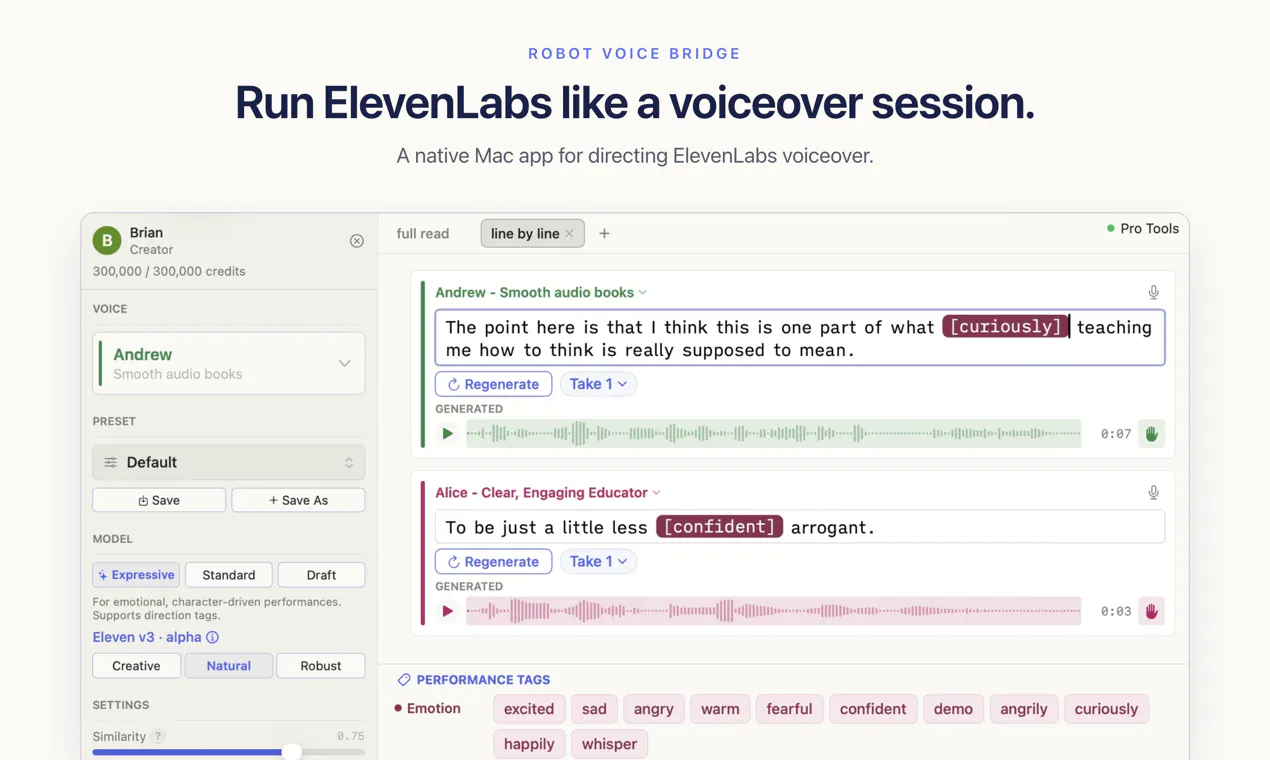
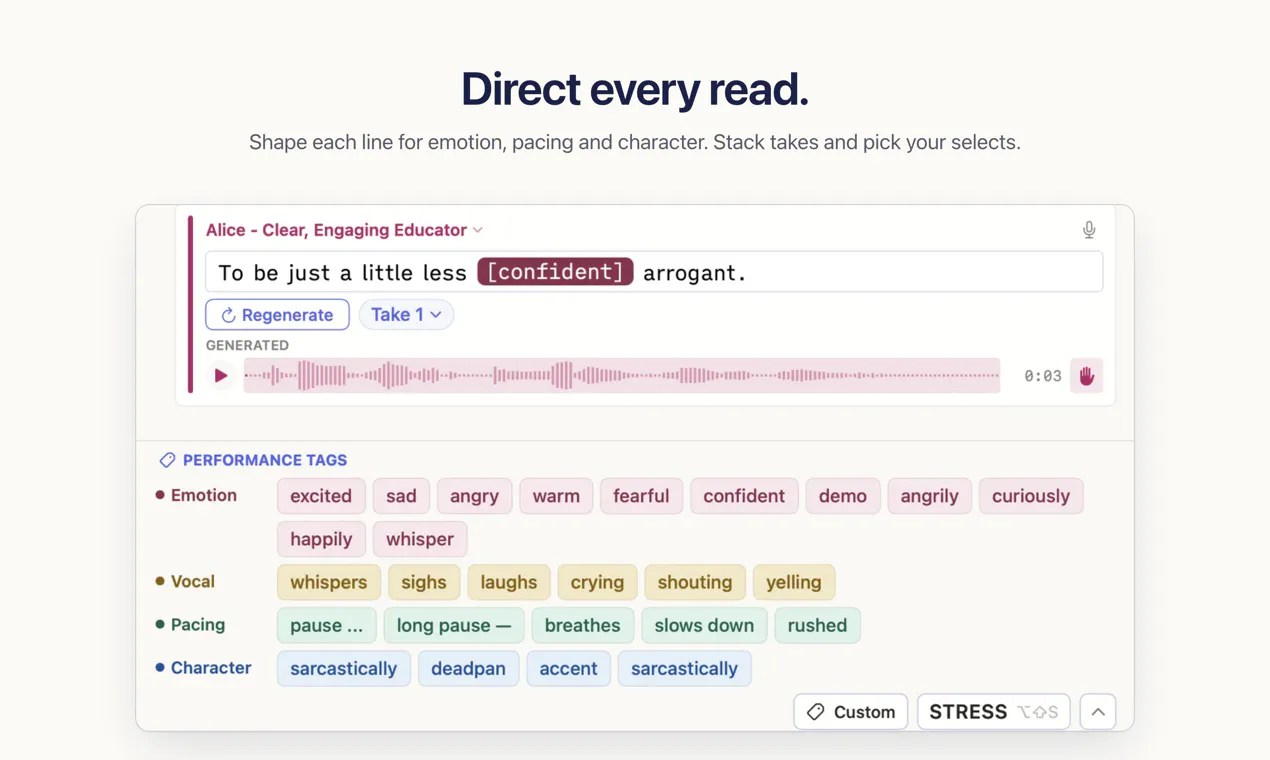
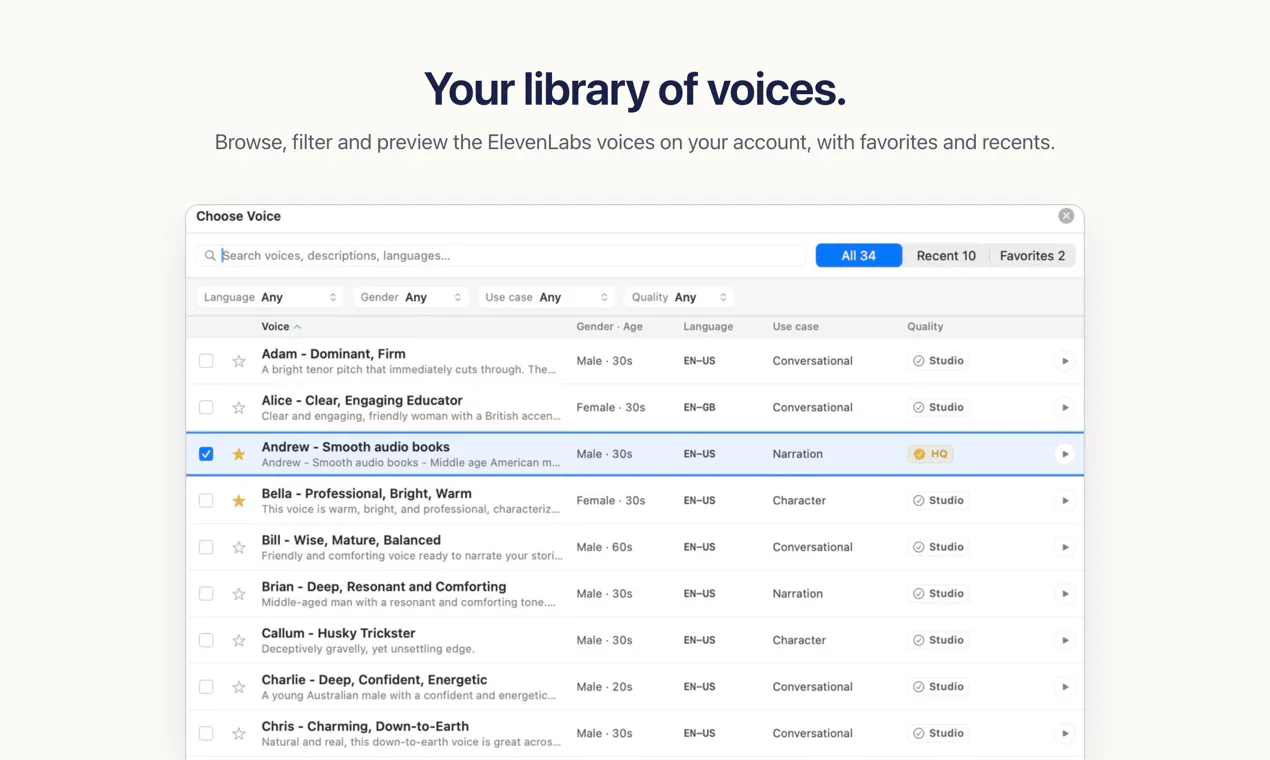
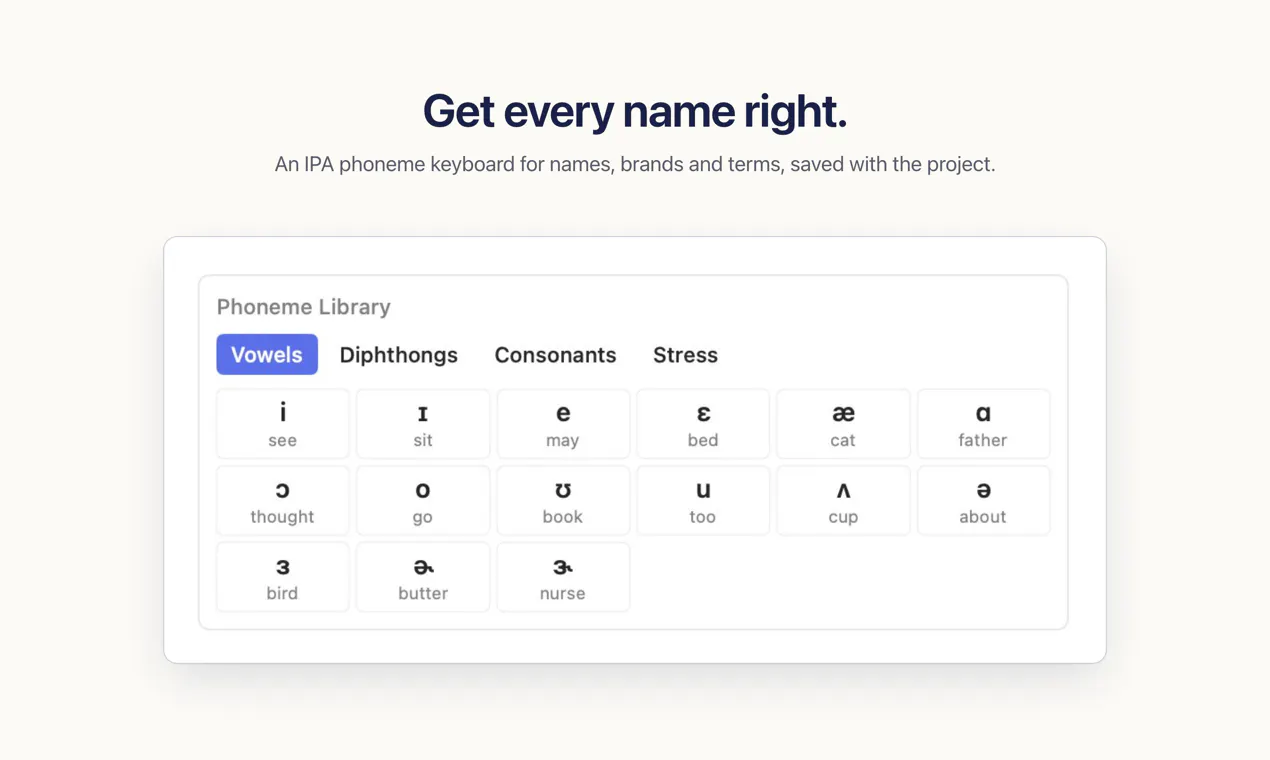
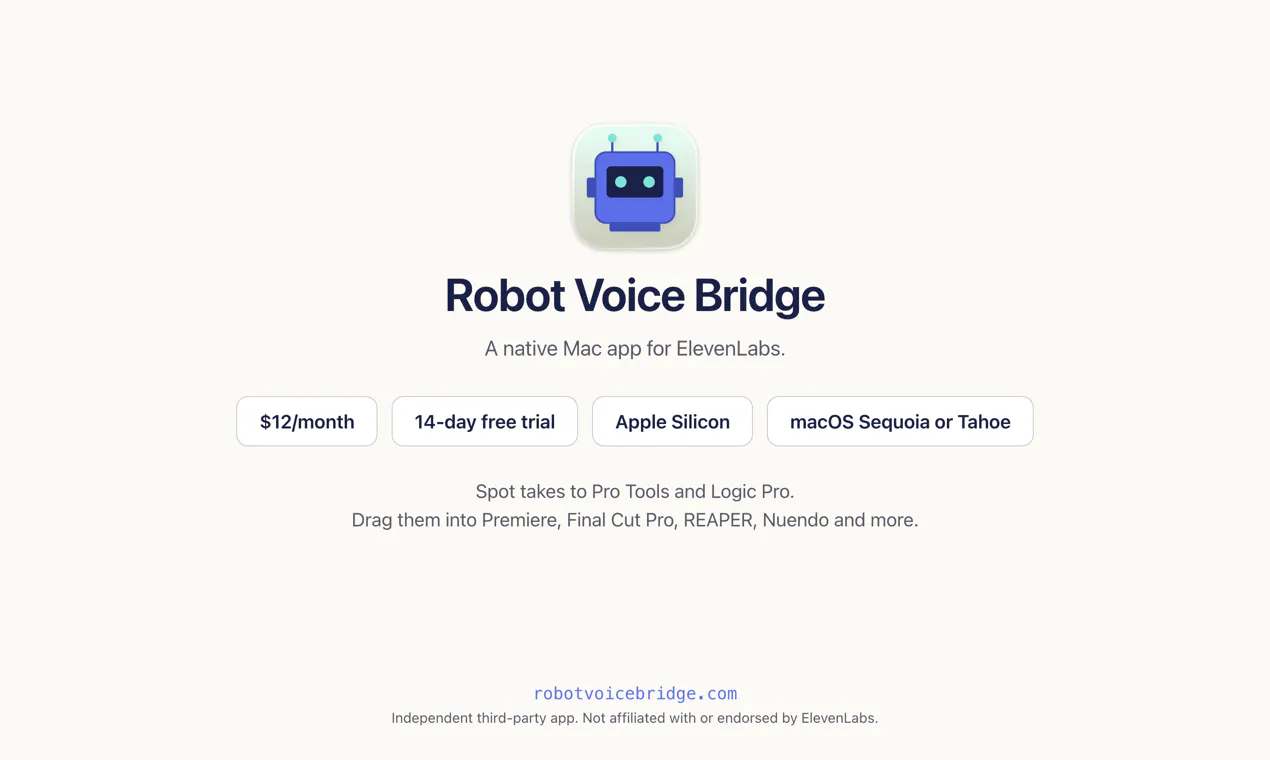
Robot Voice Bridge transforms the way audio professionals and content creators work with ElevenLabs’ AI voice synthesis by offering a native Mac application. Unlike the browser-based experience, this tool enables users to write, direct, and shape voiceover scripts within a single interface, streamlining the entire workflow. Users can fine-tune performance tags, correct pronunciations with an IPA editor, and seamlessly export takes directly into popular editing software like Pro Tools, Logic, Premiere, or Final Cut. Its integration simplifies the process of generating high-quality AI voices, making it ideal for voiceover artists, video editors, and audio producers who want efficiency and precision. By leveraging your existing ElevenLabs account, Robot Voice Bridge provides a more intuitive and integrated experience, saving time and reducing the hassle of manual file management.
Screenshots
Pros
- ✓Native Mac application offering a seamless workflow
- ✓Integrated script writing, direction, and pronunciation editing
- ✓Easy export of takes directly into popular editing tools
- ✓Uses your own ElevenLabs account for privacy and control
- ✓Simplifies and speeds up the voiceover creation process
Cons
- ✗Requires an ElevenLabs account to function
- ✗Limited information on advanced editing features
- ✗No pricing details provided
Use Cases
Pricing
Pricing not verified
Quick Info
Topics
Makers

Brian Naas
Alternatives
Similar Tools in AI Audio & Voice




Embed Badge
Add this badge to your website to show that Robot Voice Bridge is featured on Visalytica.
<a href="https://www.visalytica.com/tool/robot-voice-bridge" target="_blank" rel="noopener noreferrer" style="display:inline-flex;align-items:center;gap:6px;padding:6px 14px;background:#7c3aed;color:#fff;border-radius:8px;font-family:-apple-system,system-ui,sans-serif;font-size:13px;font-weight:600;text-decoration:none;transition:background .2s" onmouseover="this.style.background='#6d28d9'" onmouseout="this.style.background='#7c3aed'"><svg width="14" height="14" viewBox="0 0 24 24" fill="none" stroke="currentColor" stroke-width="2.5" stroke-linecap="round" stroke-linejoin="round"><path d="M12 20V10"/><path d="M18 20V4"/><path d="M6 20v-4"/></svg>Featured on Visalytica</a>