
Rimote
Control your Macbook from your iPhone.
About Rimote
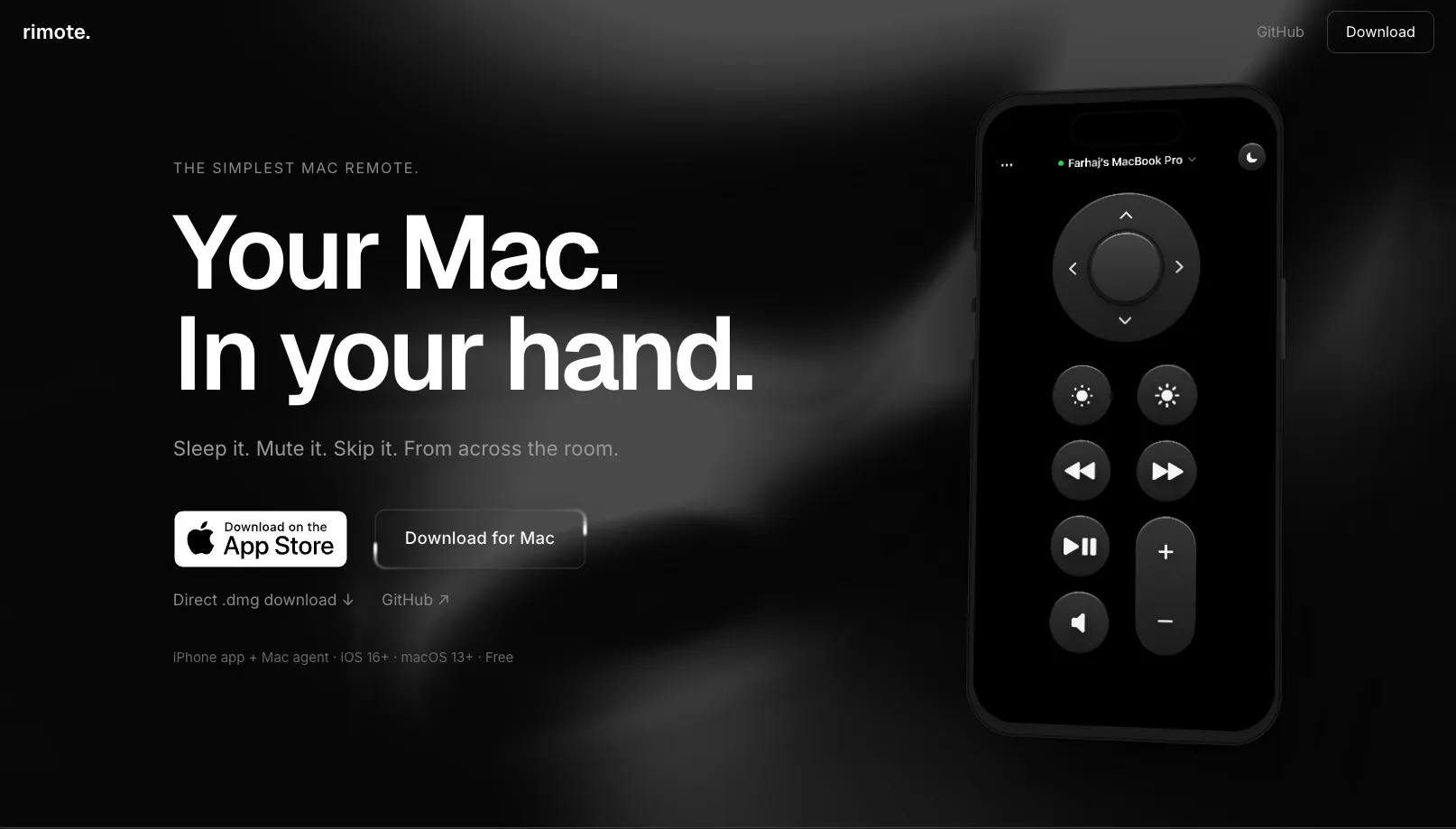
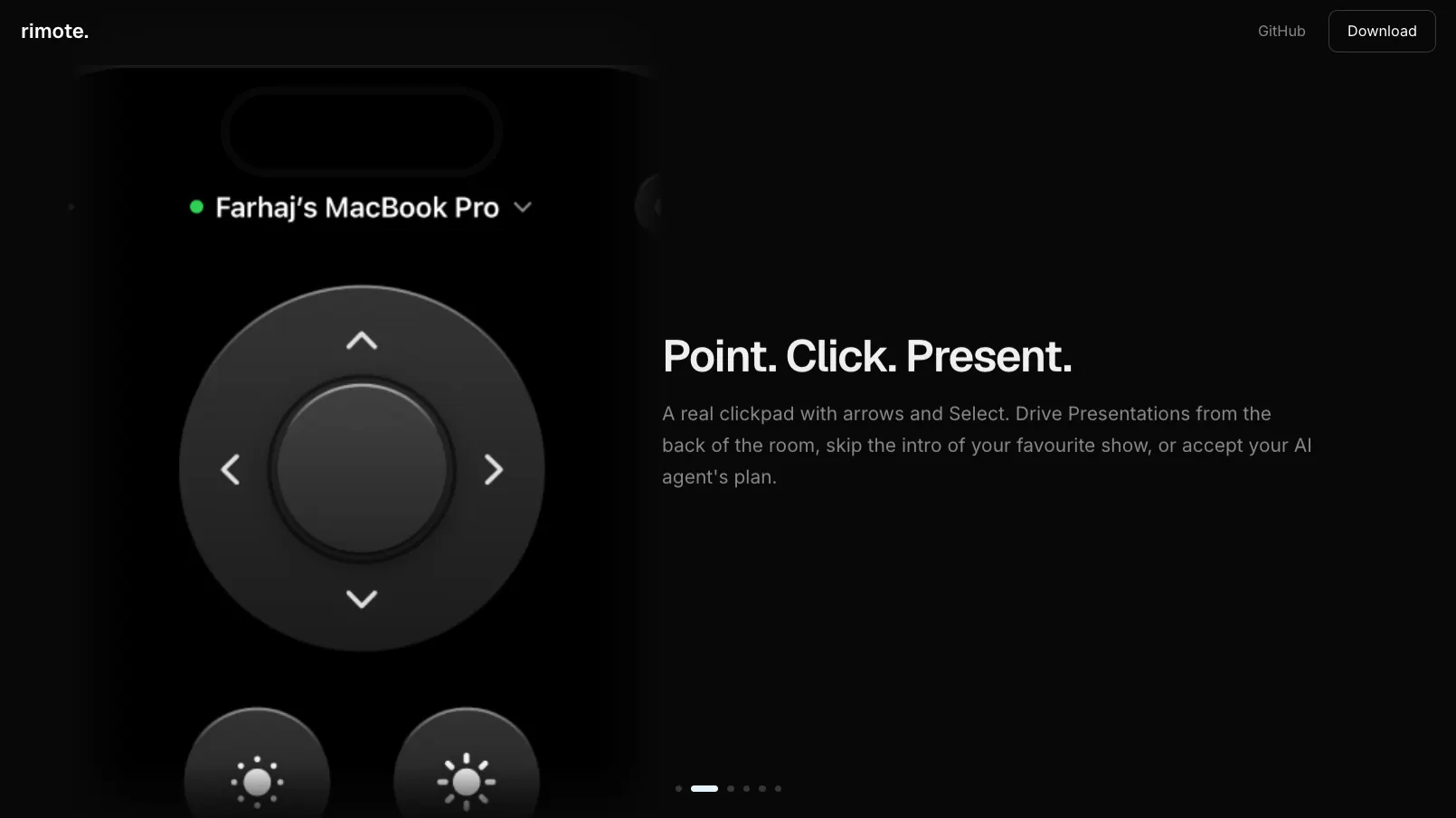
Rimote is a sleek and user-friendly app that transforms your iPhone into a remote control for your MacBook, offering a simple yet powerful way to manage your computer from across the room. Designed for anyone who wants quick access to essential functions without the complexity of traditional remote access tools, Rimote enables users to control sleep, mute, volume, and media playback with a single tap. Its intuitive interface and beautiful design make it accessible for casual users, students, professionals, and remote workers who need effortless control over their Mac without leaving their couch or workspace. Unlike complex SSH or remote desktop setups, Rimote provides a straightforward, free, and everyday solution, emphasizing convenience and ease of use while maintaining a clean aesthetic.
Screenshots
Pros
- ✓Simple and intuitive interface perfect for non-technical users
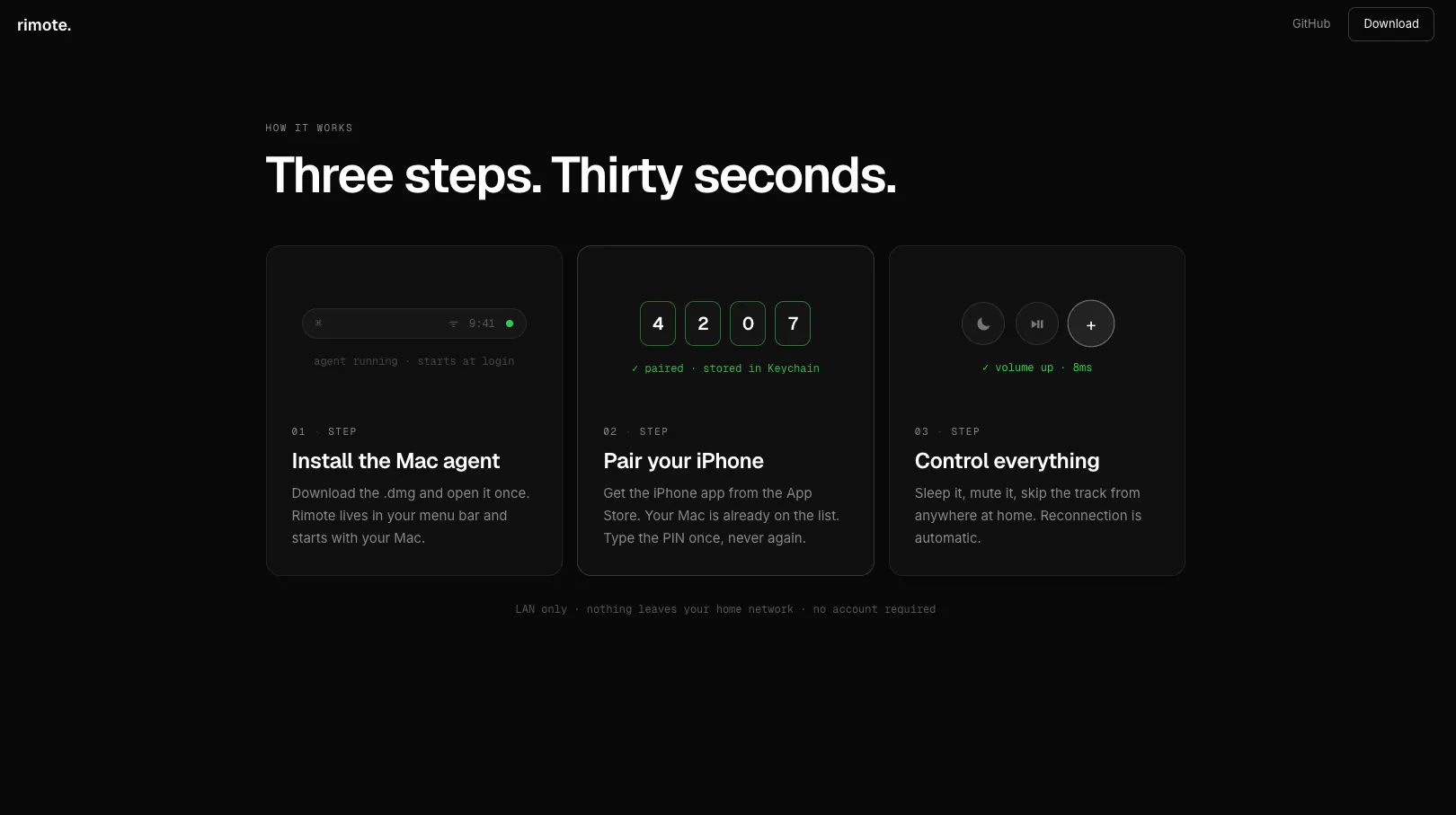
- ✓No need for complex setup or network configurations
- ✓Free to use, making it accessible to a broad audience
- ✓Supports essential remote functions like volume, sleep, and media control
- ✓Beautiful design enhances user experience
Cons
- ✗Limited to basic remote control functions, lacking advanced features
- ✗Requires both devices to be on the same Wi-Fi network
- ✗No support for remote file transfer or screen sharing
Use Cases
Pricing
Likely offers a free version with core functionalities; premium features or expanded controls may be available through in-app purchases or paid plans, though specific details are not confirmed.
Quick Info
Topics
Makers

Farhaj Shahid
@FARHAJSHAHlDAlternatives
Similar Tools in Developer Tools




Embed Badge
Add this badge to your website to show that Rimote is featured on Visalytica.
<a href="https://www.visalytica.com/tool/rimote" target="_blank" rel="noopener noreferrer" style="display:inline-flex;align-items:center;gap:6px;padding:6px 14px;background:#7c3aed;color:#fff;border-radius:8px;font-family:-apple-system,system-ui,sans-serif;font-size:13px;font-weight:600;text-decoration:none;transition:background .2s" onmouseover="this.style.background='#6d28d9'" onmouseout="this.style.background='#7c3aed'"><svg width="14" height="14" viewBox="0 0 24 24" fill="none" stroke="currentColor" stroke-width="2.5" stroke-linecap="round" stroke-linejoin="round"><path d="M12 20V10"/><path d="M18 20V4"/><path d="M6 20v-4"/></svg>Featured on Visalytica</a>