
rilio
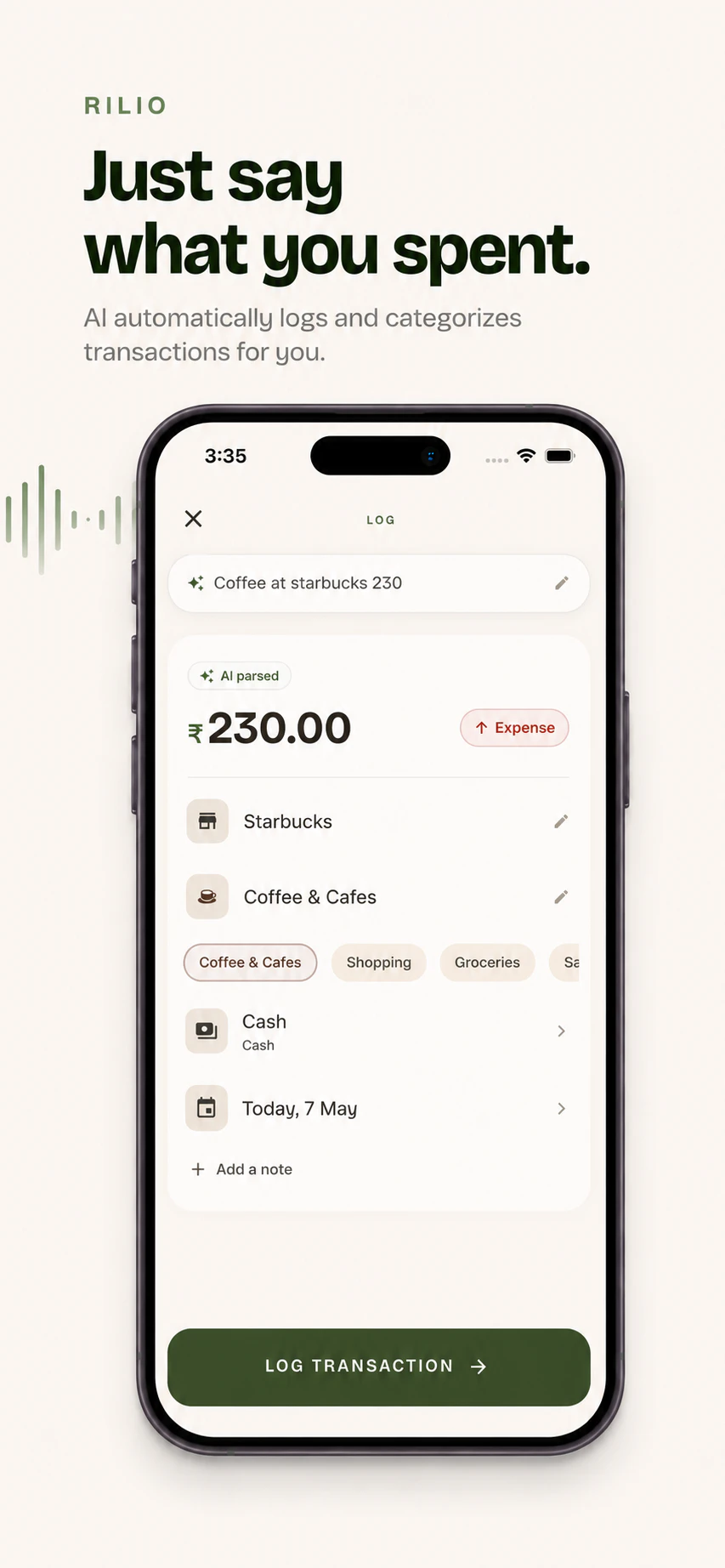
Type it, say it, upload the statement - it logs perfectly.
About rilio
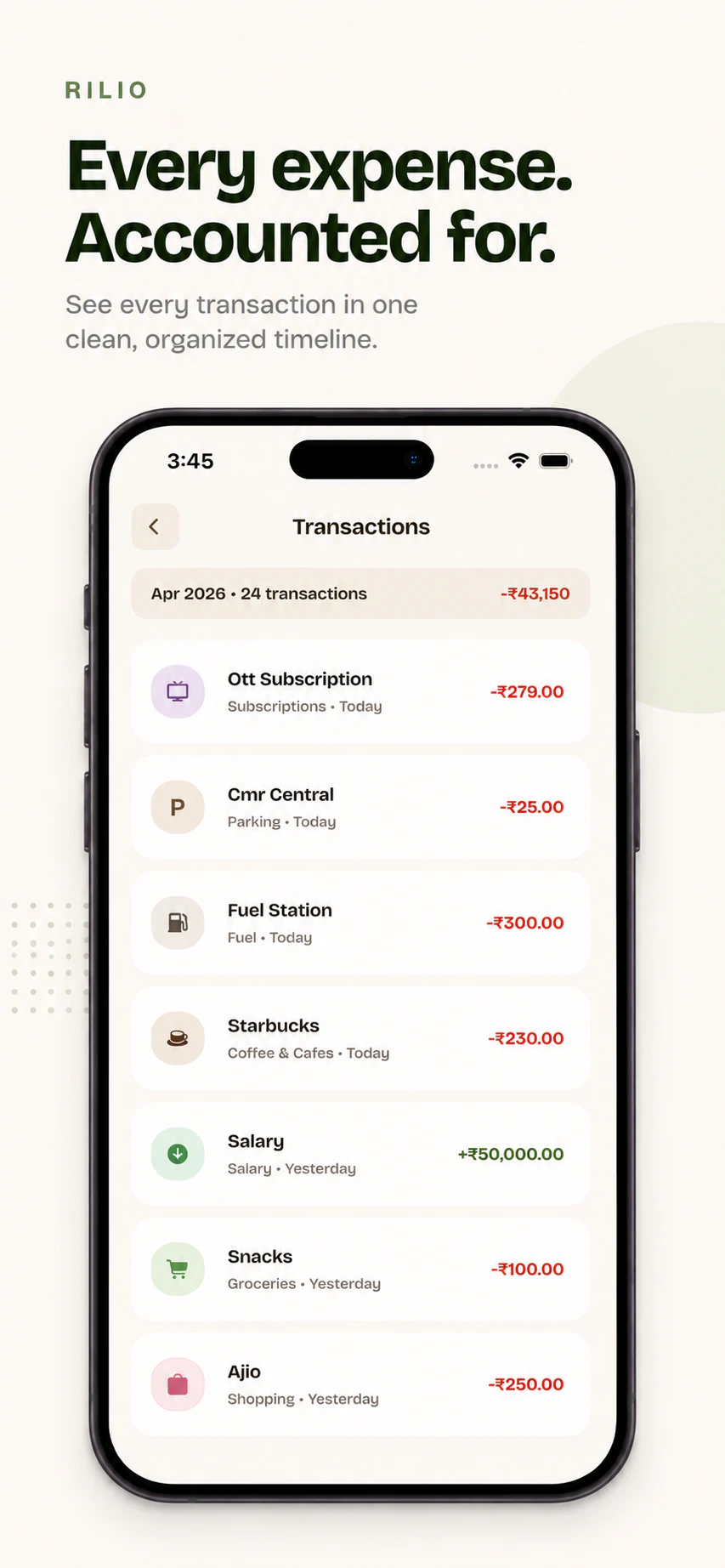
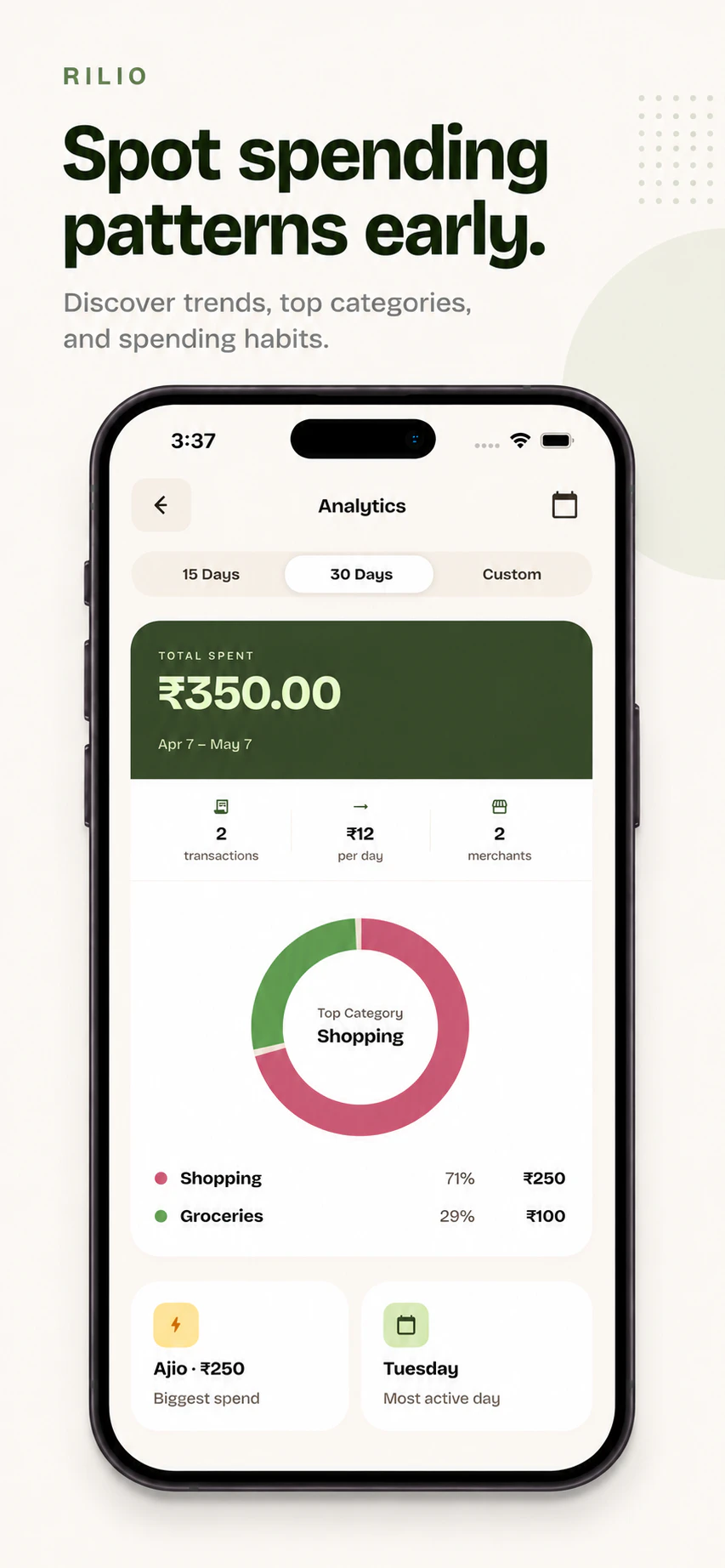
Rilio is an innovative financial logging tool designed to simplify the way users track their expenses. Tailored for individuals seeking quick and effortless ways to monitor where their money goes, Rilio allows users to log spending in just five seconds by typing, speaking, or pasting a bank statement. Its AI-driven system automatically categorizes and organizes transactions, eliminating the tedious manual entry typically associated with personal finance management. The app's intuitive interface and versatile input options make it suitable for busy professionals, students, or anyone looking to gain better control over their budget without the hassle of complex financial software. What sets Rilio apart is its seamless integration of speech, text, and document input, providing a flexible experience that adapts to different preferences and scenarios, ultimately making expense tracking more accessible and less time-consuming.
Screenshots


Pros
- ✓Fast and effortless expense logging in under five seconds
- ✓Multiple input methods: typing, speaking, or pasting bank statements
- ✓AI-powered automatic categorization of transactions
- ✓User-friendly interface suitable for non-technical users
- ✓Suitable for on-the-go expense tracking
Cons
- ✗Limited information on advanced features or integrations
- ✗Potential accuracy concerns with AI categorization depending on input quality
- ✗Currently, no details about free or premium pricing tiers
Use Cases
Pricing
Likely follows a freemium model, offering basic expense logging features for free with optional paid plans that unlock additional functionalities or integrations. Exact pricing details are not specified.
Quick Info
Topics
Makers

Niketh
Alternatives
Similar Tools in AI Assistants




Embed Badge
Add this badge to your website to show that rilio is featured on Visalytica.
<a href="https://www.visalytica.com/tool/rilio" target="_blank" rel="noopener noreferrer" style="display:inline-flex;align-items:center;gap:6px;padding:6px 14px;background:#7c3aed;color:#fff;border-radius:8px;font-family:-apple-system,system-ui,sans-serif;font-size:13px;font-weight:600;text-decoration:none;transition:background .2s" onmouseover="this.style.background='#6d28d9'" onmouseout="this.style.background='#7c3aed'"><svg width="14" height="14" viewBox="0 0 24 24" fill="none" stroke="currentColor" stroke-width="2.5" stroke-linecap="round" stroke-linejoin="round"><path d="M12 20V10"/><path d="M18 20V4"/><path d="M6 20v-4"/></svg>Featured on Visalytica</a>