
RetroMac
Turn your Mac into a time machine.
About RetroMac
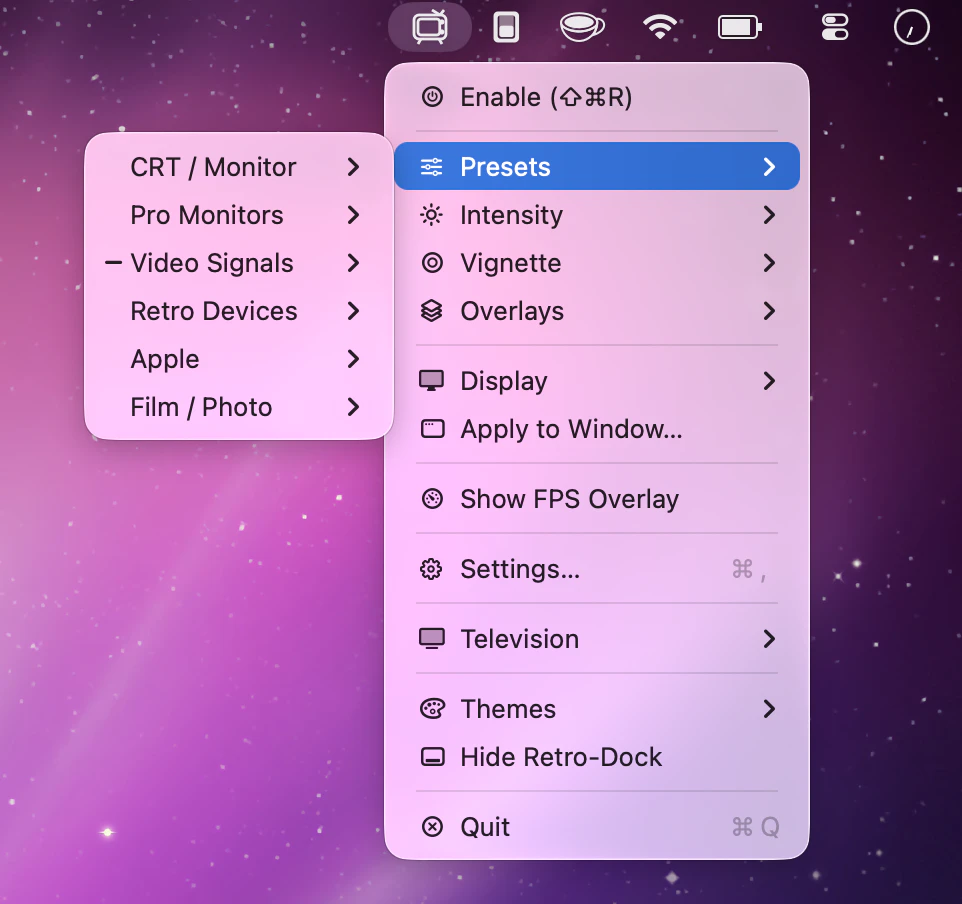
RetroMac is a fun and innovative macOS application that transforms your modern Mac into a nostalgic retro computing experience. By applying over 30 shader presets, users can simulate the look of CRT monitors, classic Macintosh interfaces, VHS tapes, Game Boy screens, and more, either across the entire screen or within individual windows. The app also allows users to swap their Dock for vintage styles reminiscent of old-school Macs and Windows setups, and capture themed screenshots for social sharing or creative projects. Designed for tech enthusiasts, designers, or anyone who appreciates a touch of nostalgia, RetroMac offers a playful way to customize and relive the aesthetics of bygone eras. Its ease of use and variety of presets make it accessible for both casual users and professionals seeking a unique visual effect.
Screenshots
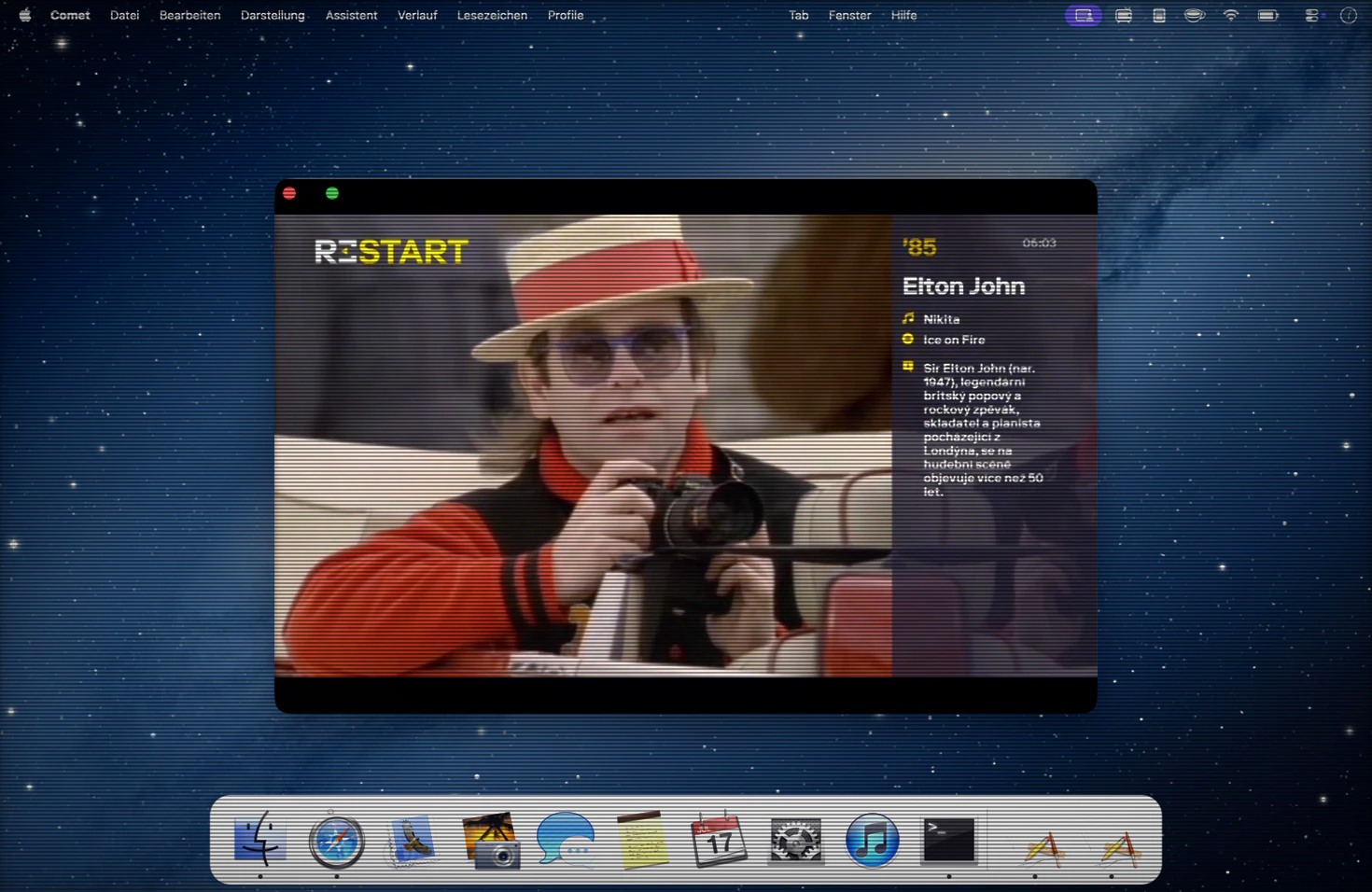
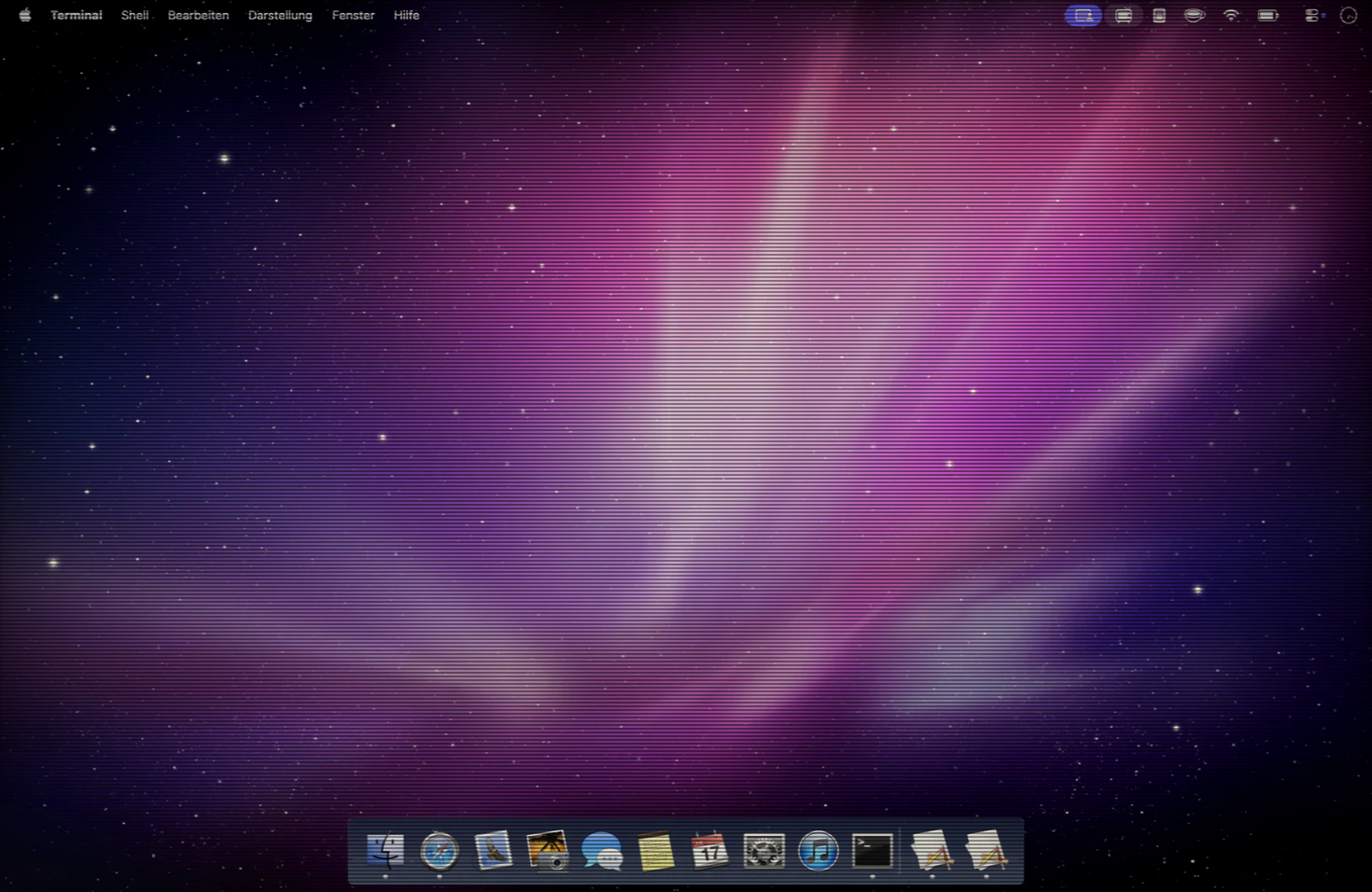
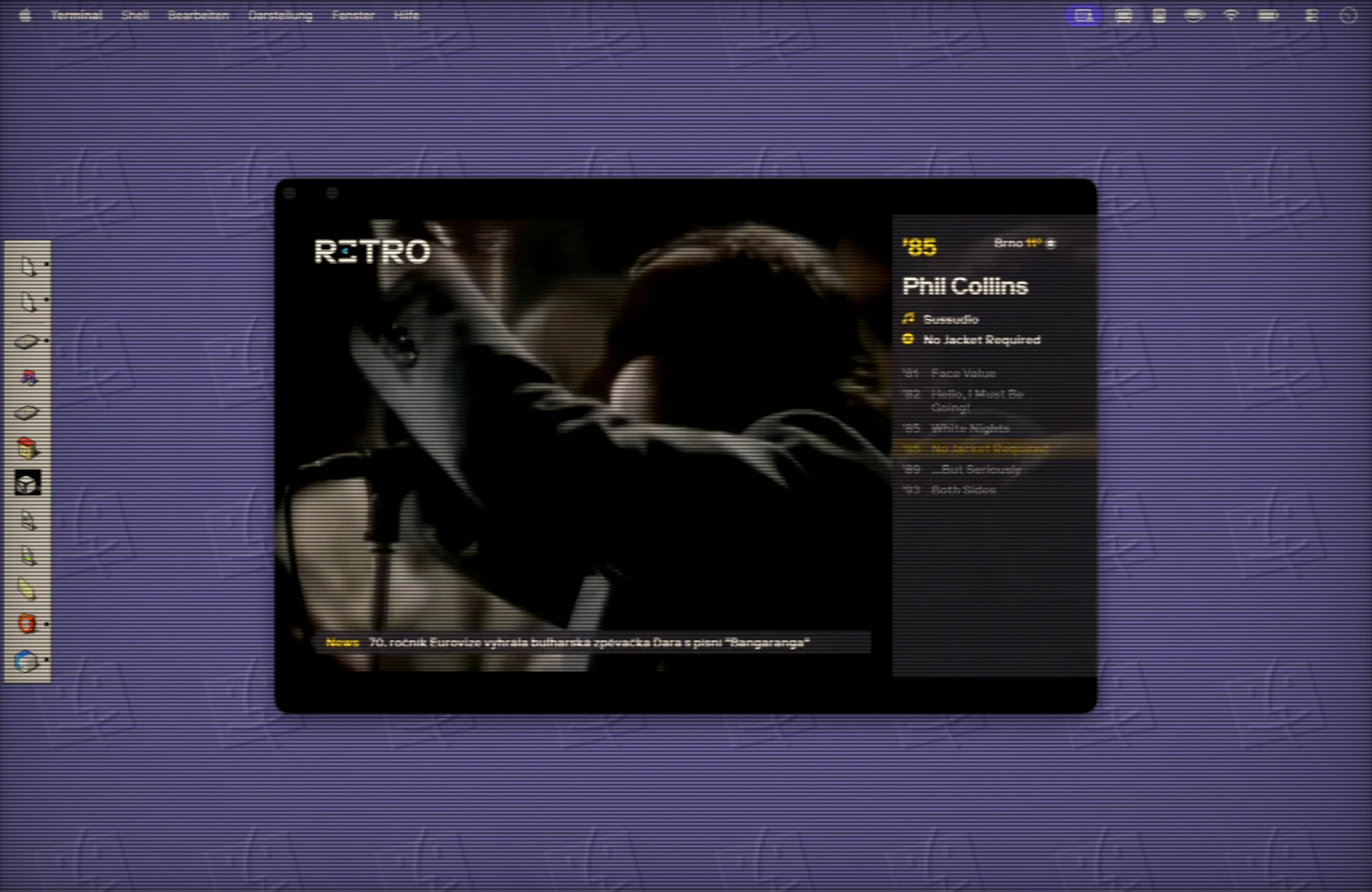
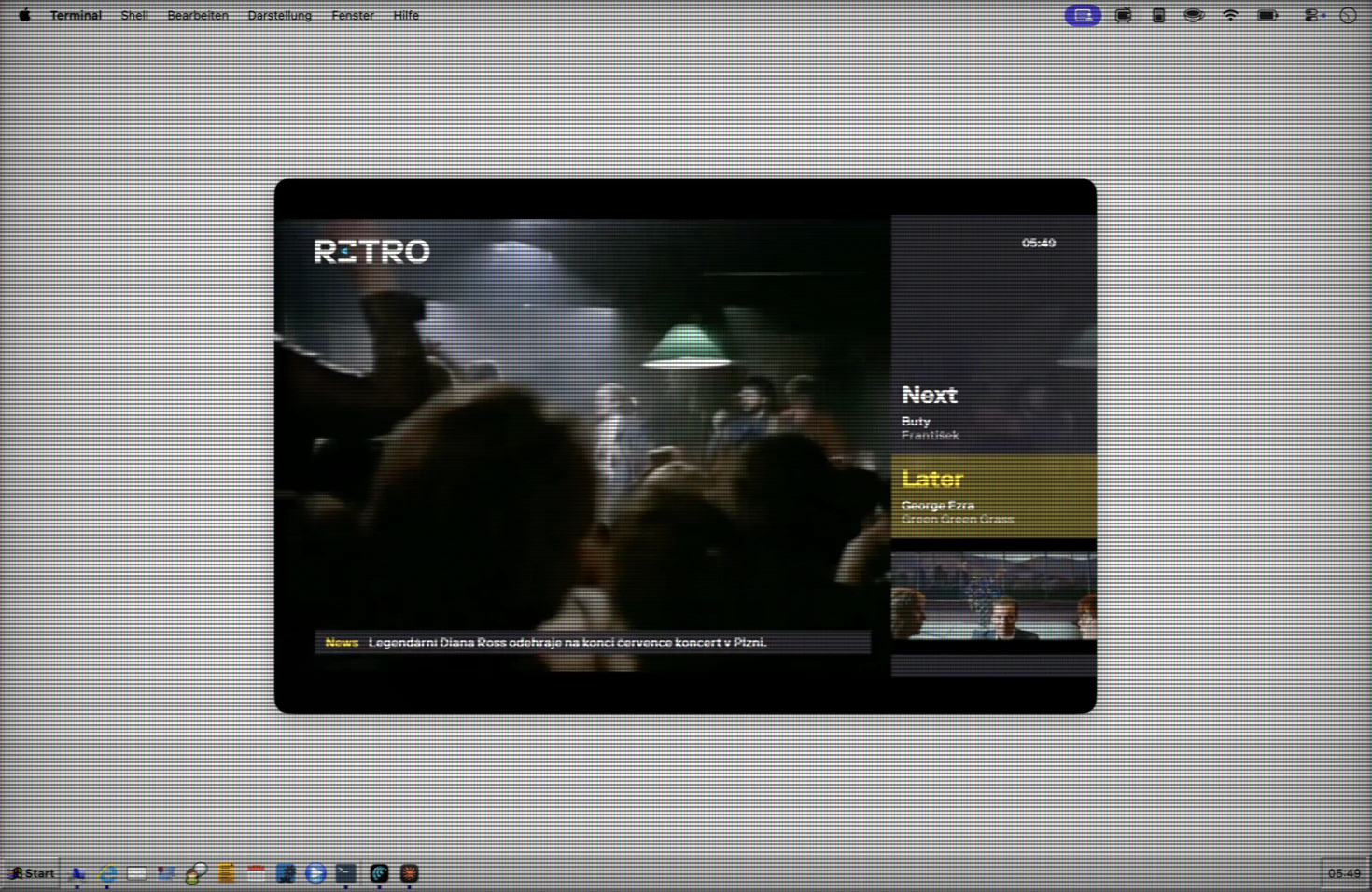
Pros
- ✓Extensive collection of over 30 shader presets for diverse retro effects
- ✓Flexible customization options, including applying effects to entire screen or individual windows
- ✓Easy to toggle and switch between modern and retro interfaces
- ✓Supports themed screenshot capture for creative projects
- ✓Free to use with optional paid presets for additional styles
Cons
- ✗Limited to visual effects; does not alter system functionality
- ✗May impact system performance depending on the complexity of shaders
- ✗Primarily a fun and aesthetic tool, not suitable for professional retro emulation or accurate vintage computing
Use Cases
Pricing
Likely operates on a freemium model, offering core features for free with optional paid presets or themes for additional customization, though specific pricing details are not publicly confirmed.
Quick Info
Topics
Alternatives
Similar Tools in Productivity




Embed Badge
Add this badge to your website to show that RetroMac is featured on Visalytica.
<a href="https://www.visalytica.com/tool/retromac" target="_blank" rel="noopener noreferrer" style="display:inline-flex;align-items:center;gap:6px;padding:6px 14px;background:#7c3aed;color:#fff;border-radius:8px;font-family:-apple-system,system-ui,sans-serif;font-size:13px;font-weight:600;text-decoration:none;transition:background .2s" onmouseover="this.style.background='#6d28d9'" onmouseout="this.style.background='#7c3aed'"><svg width="14" height="14" viewBox="0 0 24 24" fill="none" stroke="currentColor" stroke-width="2.5" stroke-linecap="round" stroke-linejoin="round"><path d="M12 20V10"/><path d="M18 20V4"/><path d="M6 20v-4"/></svg>Featured on Visalytica</a>