
Retina
Screen recorder w/ auto-zoom, smooth cursors, + AI graphics
About Retina
Retina by BlendPixel is a powerful Mac screen recording tool designed to create polished, professional-quality demos with minimal effort. It features automatic zoom-in during key moments, smooth cursor paths, and AI-enhanced graphics that elevate the visual appeal of recordings. The tool supports 4K exports with optimized file sizes, ensuring high-quality output suitable for presentations, tutorials, and product walkthroughs. Its out-of-the-box cinematic look means users don’t need extensive post-production editing, making it ideal for creators, educators, and product teams aiming for sleek demonstrations without investing hours in editing. Currently in beta, Retina is freely available with no watermarks, making it accessible for a wide range of users seeking a simple yet sophisticated screen recording solution that emphasizes quality and ease of use.
Screenshots
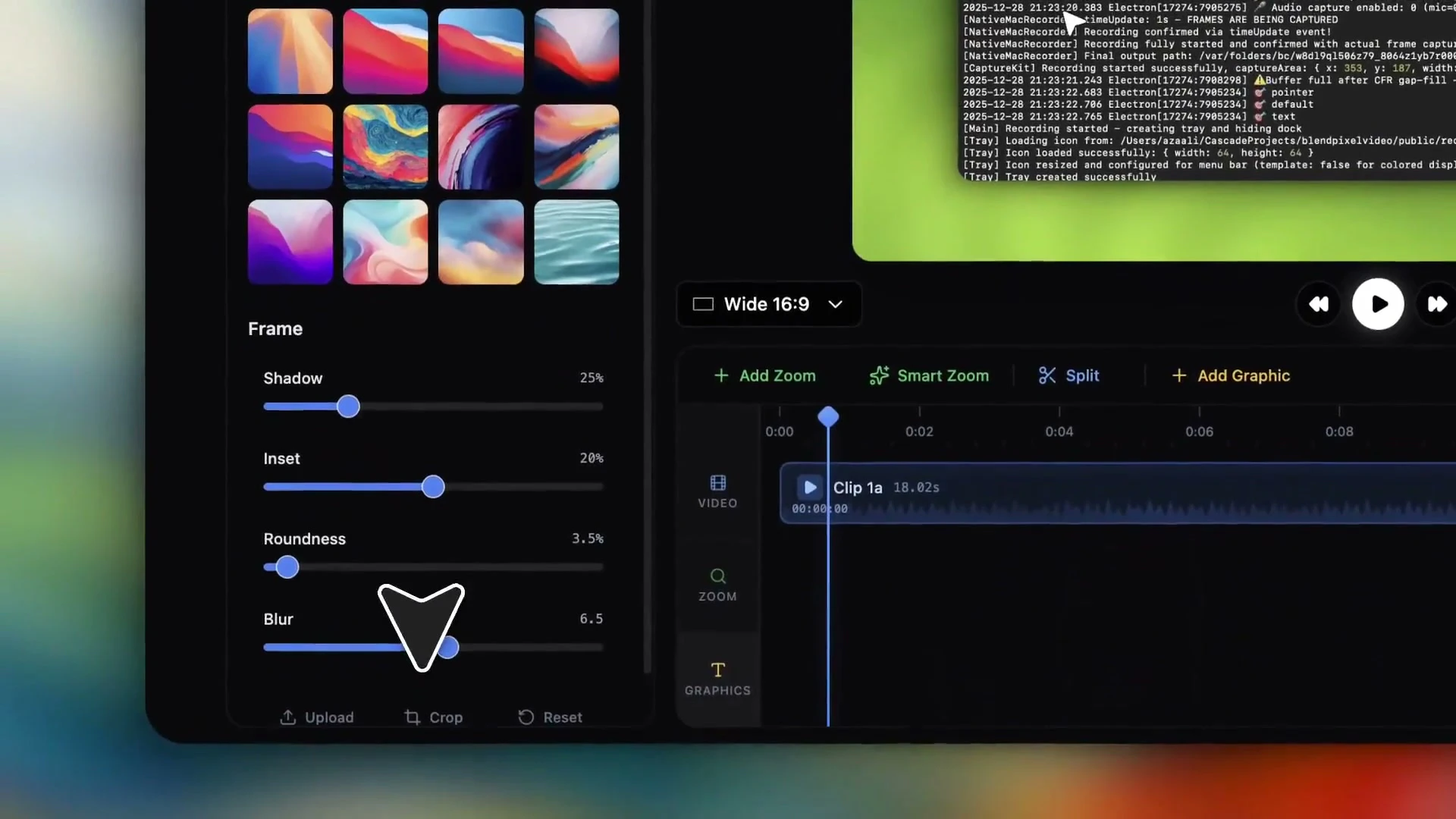
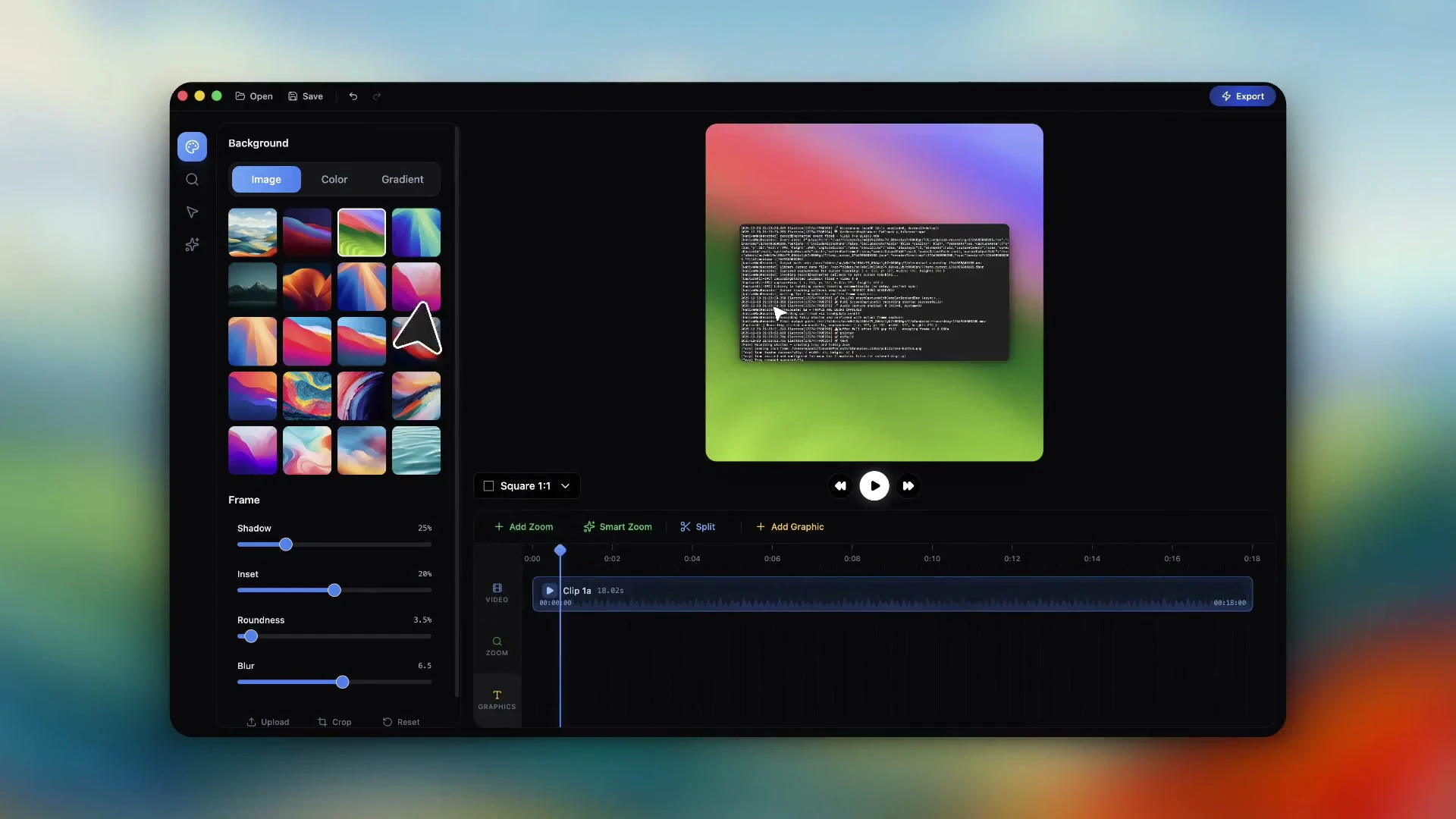
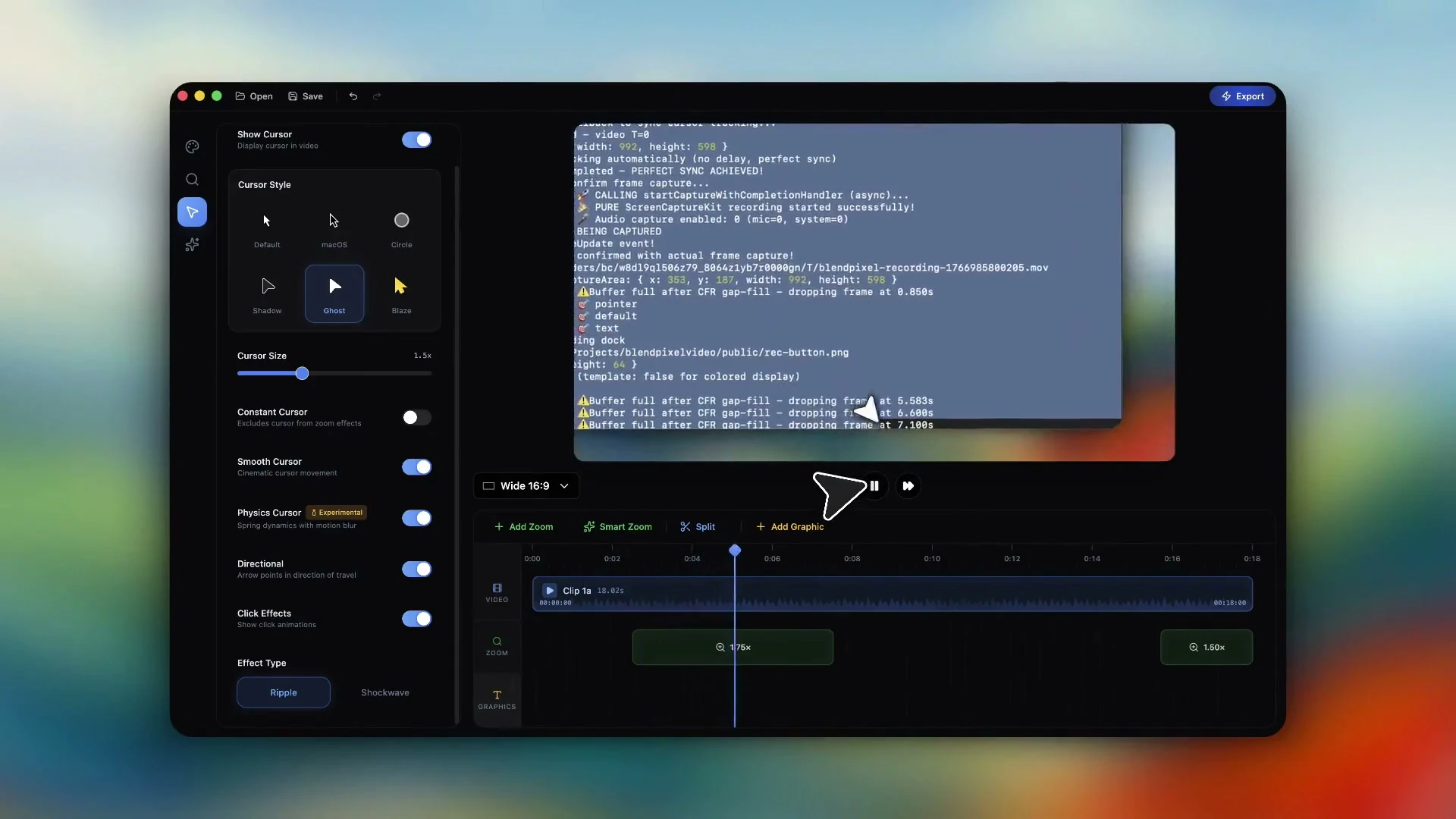
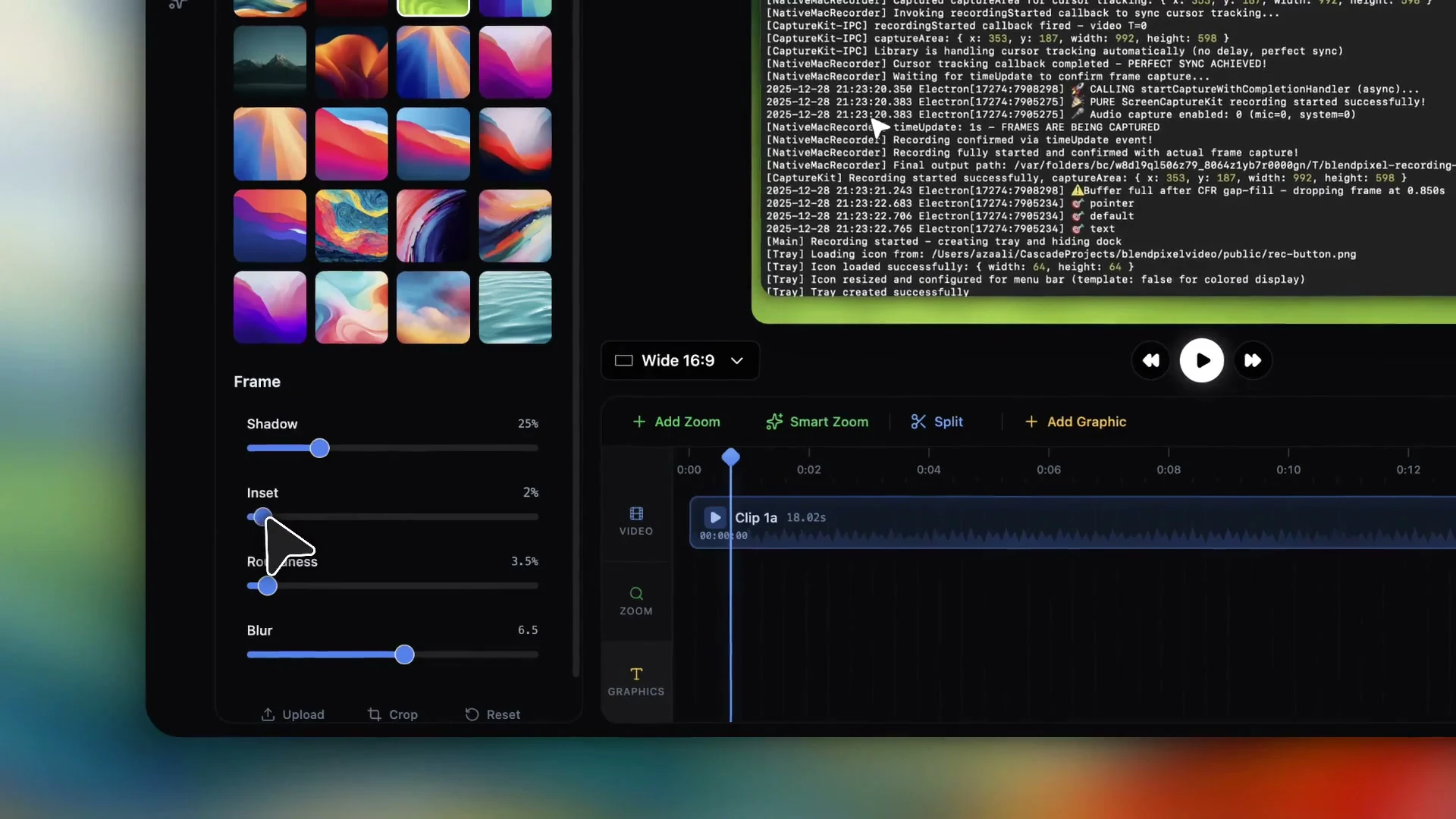
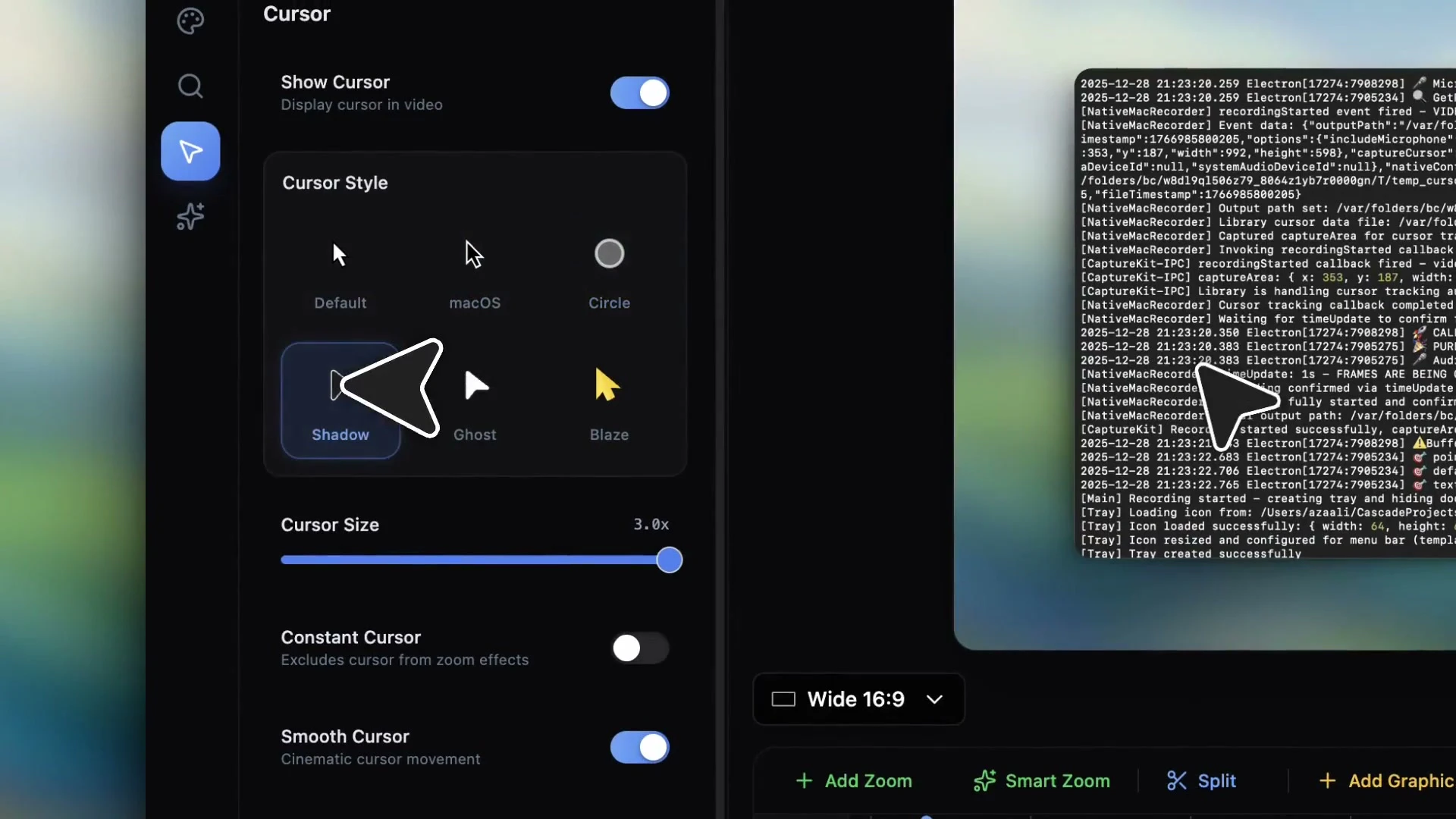
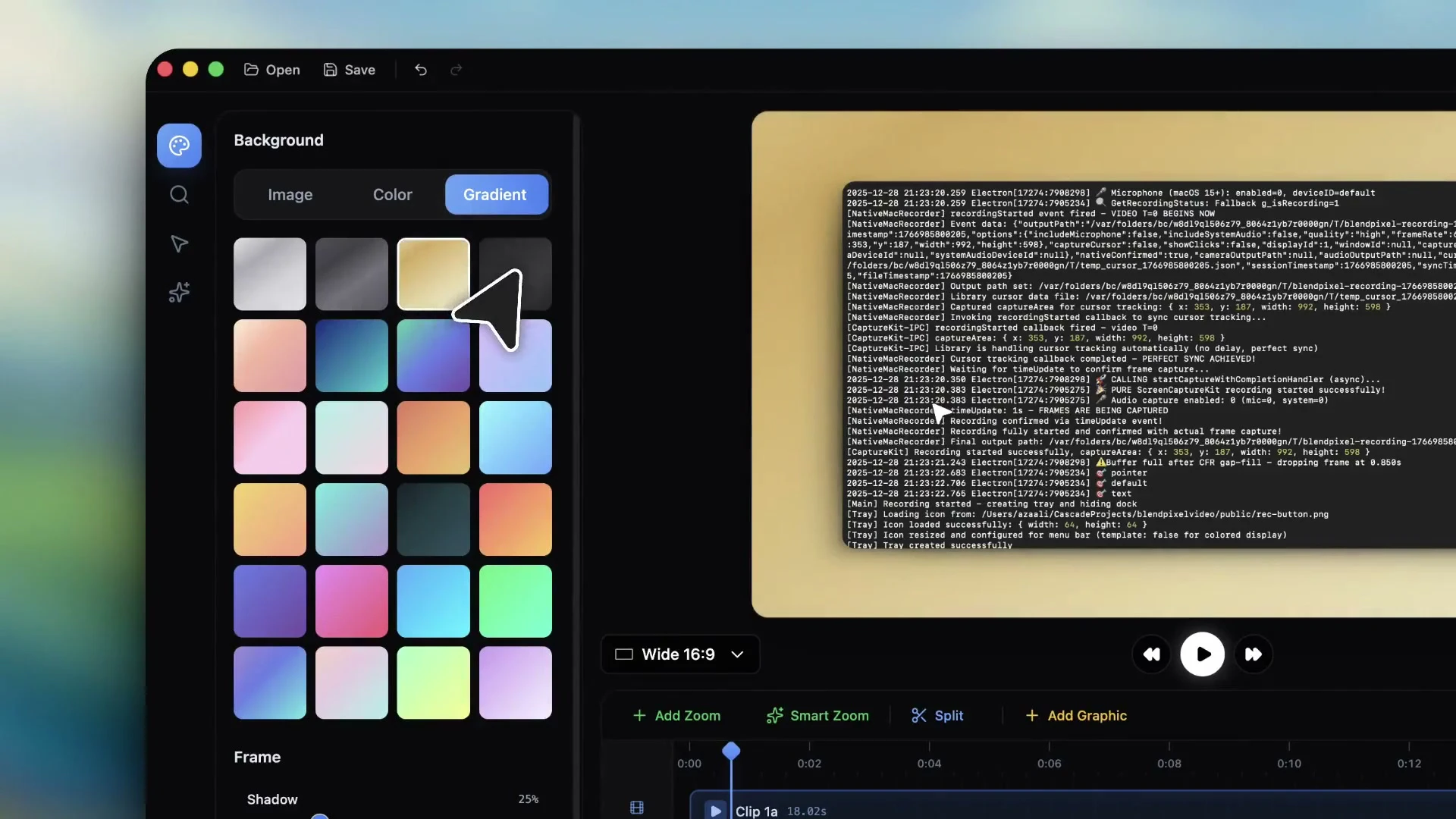
+1 more screenshots
Pros
- ✓Automatic zoom and cursor smoothing for professional-looking recordings
- ✓Supports 4K exports with optimized file sizes
- ✓Built-in AI graphics for enhanced visual appeal
- ✓No watermark and free to use in beta
- ✓Easy to produce cinematic-quality demos without post-production
Cons
- ✗Currently in beta, which may mean occasional bugs or limited features
- ✗Mac-only, limiting cross-platform users
- ✗Lacks advanced editing features found in dedicated video editing tools
Use Cases
Pricing
Retina appears to be free during its beta phase with no watermark, likely adopting a freemium model once officially launched. Paid plans may introduce additional features or longer recording durations, but details are not yet confirmed.
Quick Info
Topics
Similar Tools in AI Image & Design




Embed Badge
Add this badge to your website to show that Retina is featured on Visalytica.
<a href="https://www.visalytica.com/tool/retina" target="_blank" rel="noopener noreferrer" style="display:inline-flex;align-items:center;gap:6px;padding:6px 14px;background:#7c3aed;color:#fff;border-radius:8px;font-family:-apple-system,system-ui,sans-serif;font-size:13px;font-weight:600;text-decoration:none;transition:background .2s" onmouseover="this.style.background='#6d28d9'" onmouseout="this.style.background='#7c3aed'"><svg width="14" height="14" viewBox="0 0 24 24" fill="none" stroke="currentColor" stroke-width="2.5" stroke-linecap="round" stroke-linejoin="round"><path d="M12 20V10"/><path d="M18 20V4"/><path d="M6 20v-4"/></svg>Featured on Visalytica</a>