
Resizeify
Resize, compress, and reduce image size directly in browser
About Resizeify
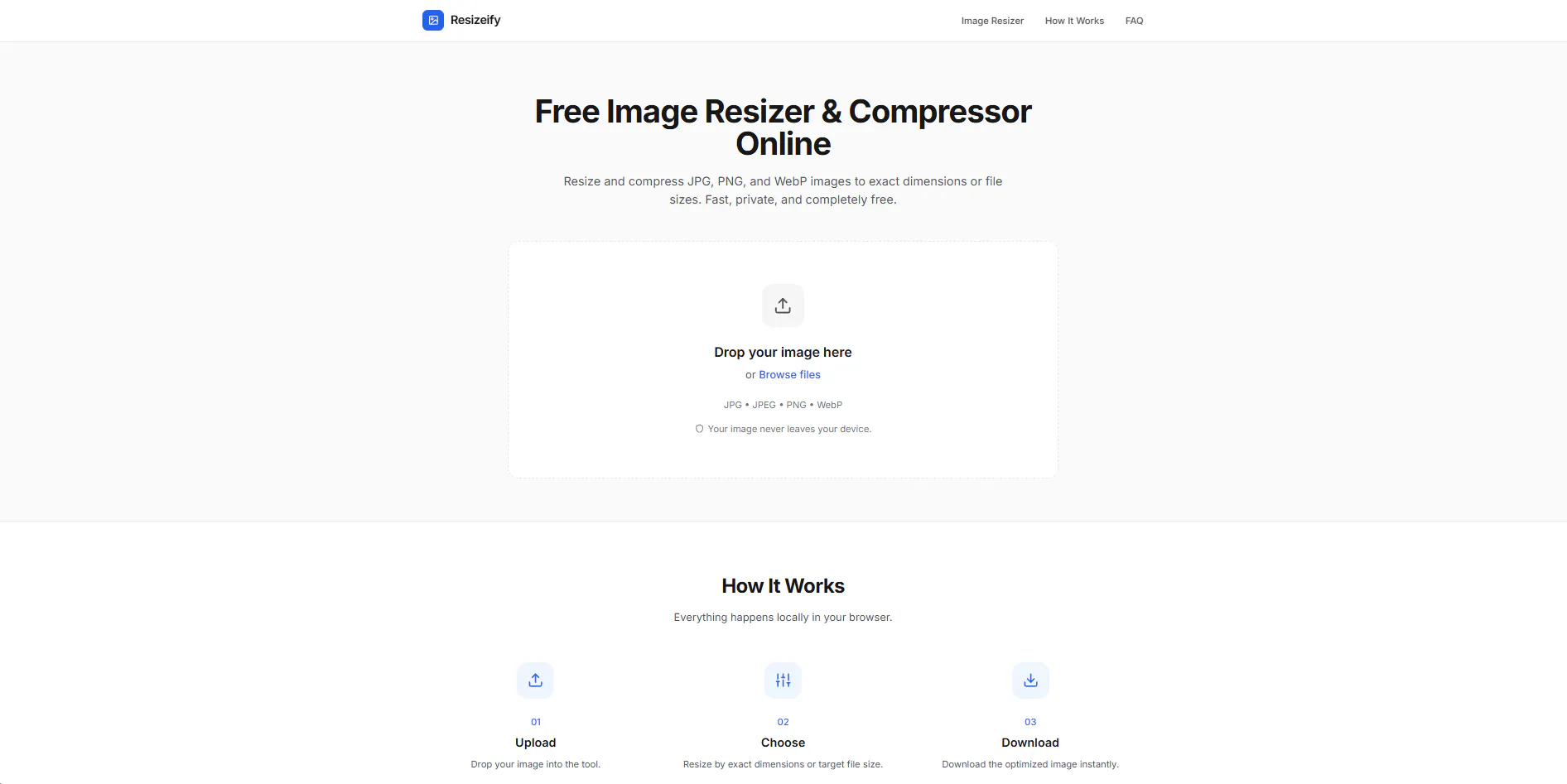
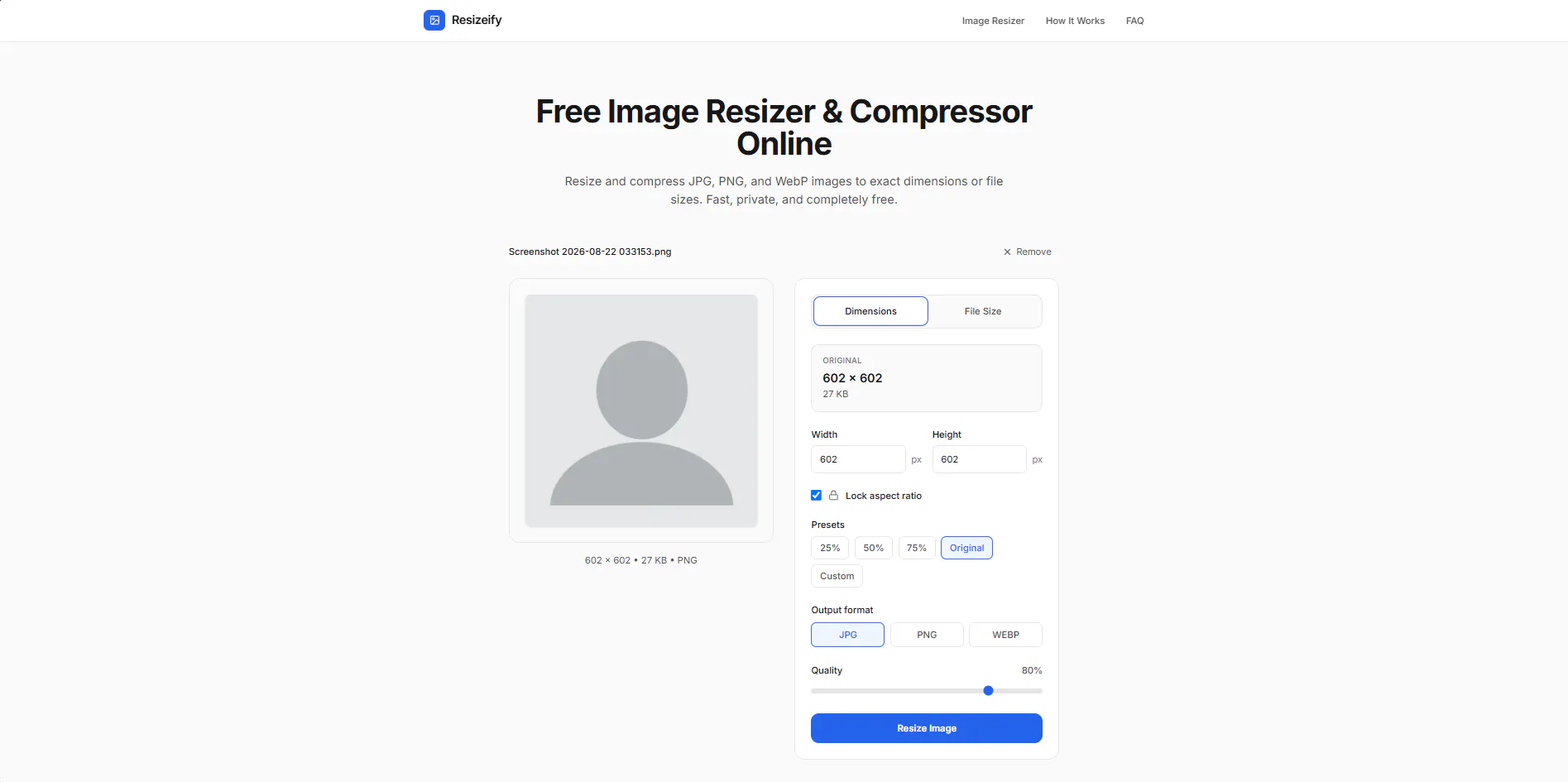
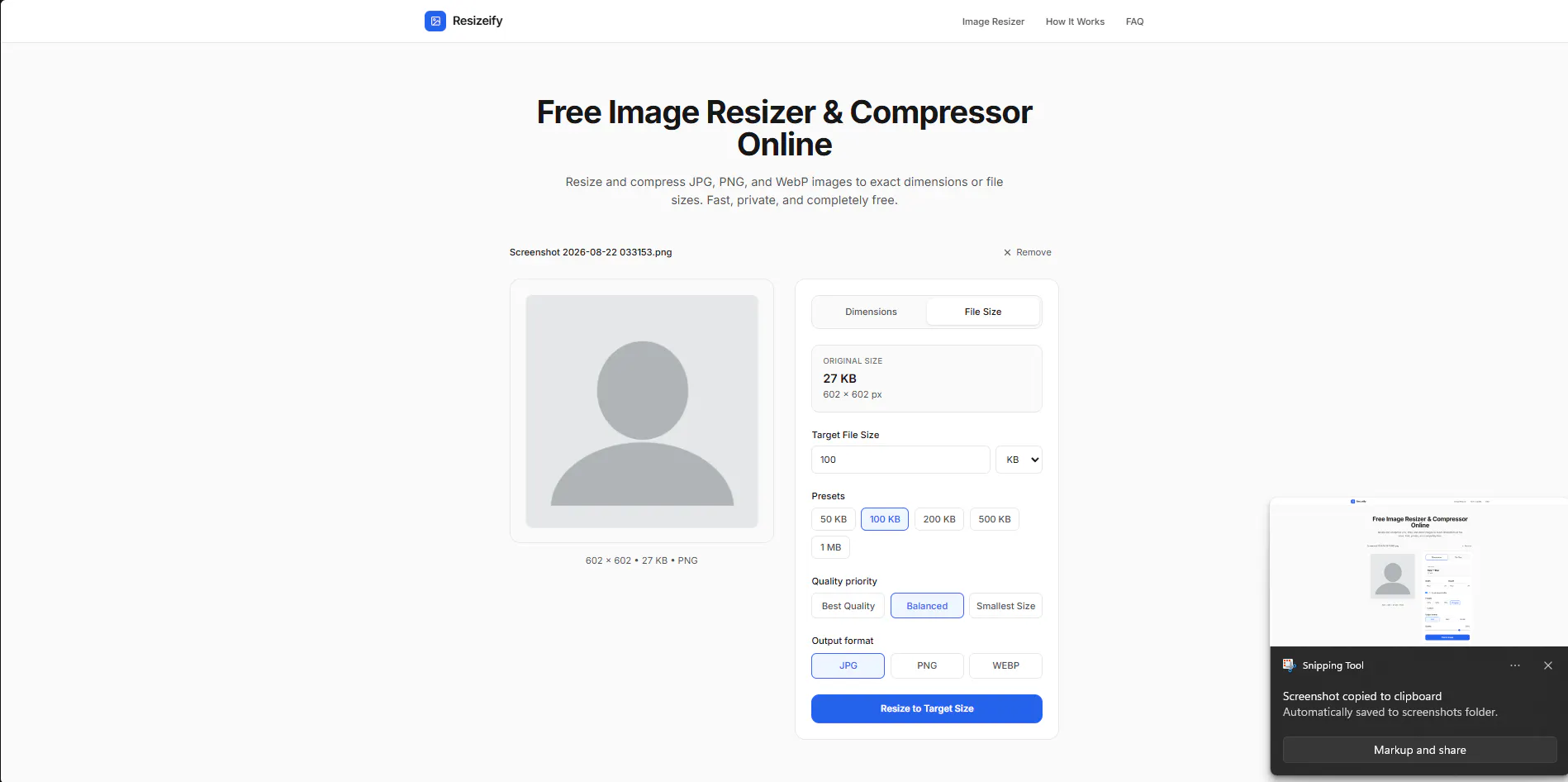
Resizeify is a fast and secure online image resizing and compression tool designed for users who need quick, reliable, and privacy-conscious image edits directly in their browser. Its standout feature is that all processing happens client-side, ensuring that images are never uploaded or stored on external servers—ideal for privacy-sensitive tasks. Users can easily resize images by specifying dimensions in pixels or centimeters, or compress images to meet exact file size requirements, such as under 50KB or 100KB, making it perfect for web optimization, social media, or email attachments. Its intuitive interface and speed make it suitable for designers, developers, marketers, and anyone needing efficient image management without complex software or subscriptions. Whether you're preparing images for a website, reducing file size for faster uploads, or resizing images on the fly, Resizeify offers a straightforward, privacy-first solution that works entirely in your browser, eliminating dependencies on external services.
Screenshots
Pros
- ✓Client-side processing ensures data privacy and security
- ✓Easy to use with quick resizing and compression options
- ✓Supports precise control over dimensions and file sizes
- ✓No installation required; operates directly in the browser
- ✓Free to use with no account or signup needed
Cons
- ✗Limited to image resizing and compression—no advanced editing features
- ✗Performance may vary with very large images or slow browsers
- ✗Lacks batch processing capabilities for multiple images simultaneously
Use Cases
Pricing
Likely free to use with no subscription required, as it is a browser-based, privacy-focused tool. There is no mention of premium features or paid plans, suggesting a free model aimed at casual and professional users alike.
Quick Info
Topics
Makers

Ritvikk
Alternatives
Similar Tools in AI Image & Design




Embed Badge
Add this badge to your website to show that Resizeify is featured on Visalytica.
<a href="https://www.visalytica.com/tool/resizeify" target="_blank" rel="noopener noreferrer" style="display:inline-flex;align-items:center;gap:6px;padding:6px 14px;background:#7c3aed;color:#fff;border-radius:8px;font-family:-apple-system,system-ui,sans-serif;font-size:13px;font-weight:600;text-decoration:none;transition:background .2s" onmouseover="this.style.background='#6d28d9'" onmouseout="this.style.background='#7c3aed'"><svg width="14" height="14" viewBox="0 0 24 24" fill="none" stroke="currentColor" stroke-width="2.5" stroke-linecap="round" stroke-linejoin="round"><path d="M12 20V10"/><path d="M18 20V4"/><path d="M6 20v-4"/></svg>Featured on Visalytica</a>