
RescueTime for iOS & Android
Automatic time tracking, now better than ever in your pocket
About RescueTime for iOS & Android
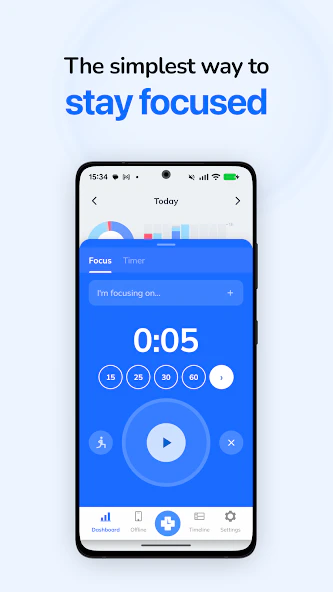
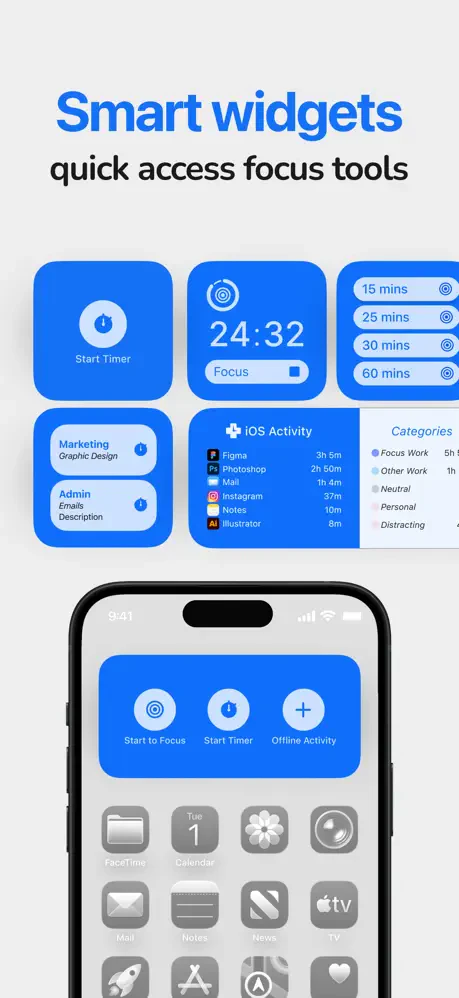
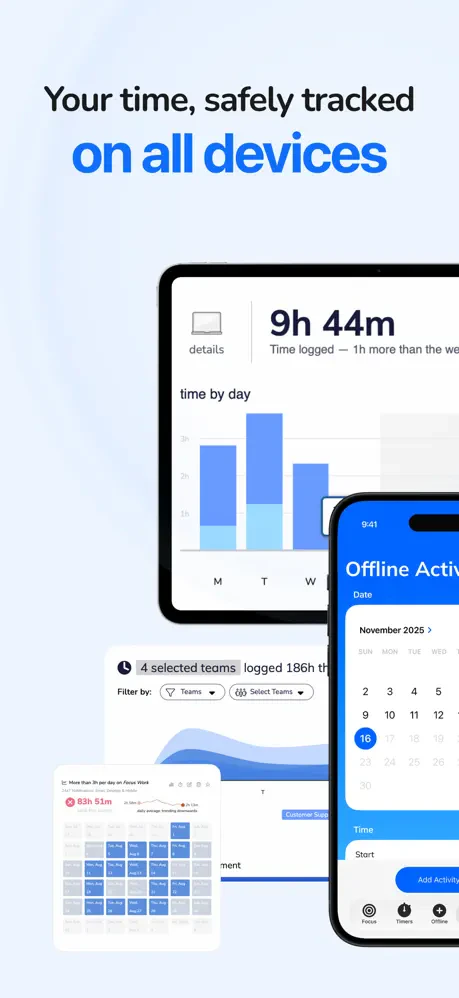
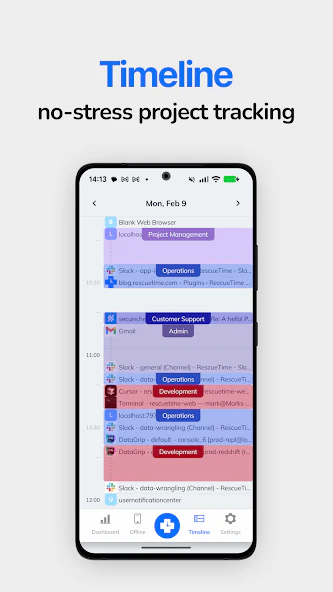
RescueTime for iOS and Android brings its renowned automatic time tracking to mobile devices, making it easier than ever to understand how users spend their day on the go. The app seamlessly runs in the background, monitoring app usage and website activity without manual input, providing users with detailed insights into their productivity patterns. Its sleek, updated interface ensures a smooth experience, helping individuals identify distractions and optimize their time effectively. Perfect for professionals, students, and anyone looking to enhance their self-awareness around digital habits, RescueTime’s mobile version extends its powerful analytics beyond desktops, making productivity management more accessible and convenient. The app also offers distraction blocking and goal-setting features to help users stay focused and achieve their daily objectives.
Screenshots
Pros
- ✓Automatic tracking eliminates manual entry, saving time
- ✓Sleek, user-friendly interface with an improved mobile experience
- ✓Provides detailed insights into app and website usage
- ✓Includes distraction blocking and goal-setting features
- ✓Accessible on both iOS and Android devices
Cons
- ✗Limited customization options compared to desktop version
- ✗Battery consumption may increase with continuous background tracking
- ✗Some advanced features may require a paid plan
Use Cases
Pricing
RescueTime offers a freemium model, providing core features for free with optional premium plans that unlock advanced analytics, distraction blocking, and goal setting, typically starting around $12/month or a comparable annual fee.
Quick Info
Topics
Alternatives
Similar Tools in Productivity




Embed Badge
Add this badge to your website to show that RescueTime for iOS & Android is featured on Visalytica.
<a href="https://www.visalytica.com/tool/rescuetime-for-ios-android" target="_blank" rel="noopener noreferrer" style="display:inline-flex;align-items:center;gap:6px;padding:6px 14px;background:#7c3aed;color:#fff;border-radius:8px;font-family:-apple-system,system-ui,sans-serif;font-size:13px;font-weight:600;text-decoration:none;transition:background .2s" onmouseover="this.style.background='#6d28d9'" onmouseout="this.style.background='#7c3aed'"><svg width="14" height="14" viewBox="0 0 24 24" fill="none" stroke="currentColor" stroke-width="2.5" stroke-linecap="round" stroke-linejoin="round"><path d="M12 20V10"/><path d="M18 20V4"/><path d="M6 20v-4"/></svg>Featured on Visalytica</a>