
Rescript for Desktop
A free, open source, Descript alternative. Runs on-device.
About Rescript for Desktop
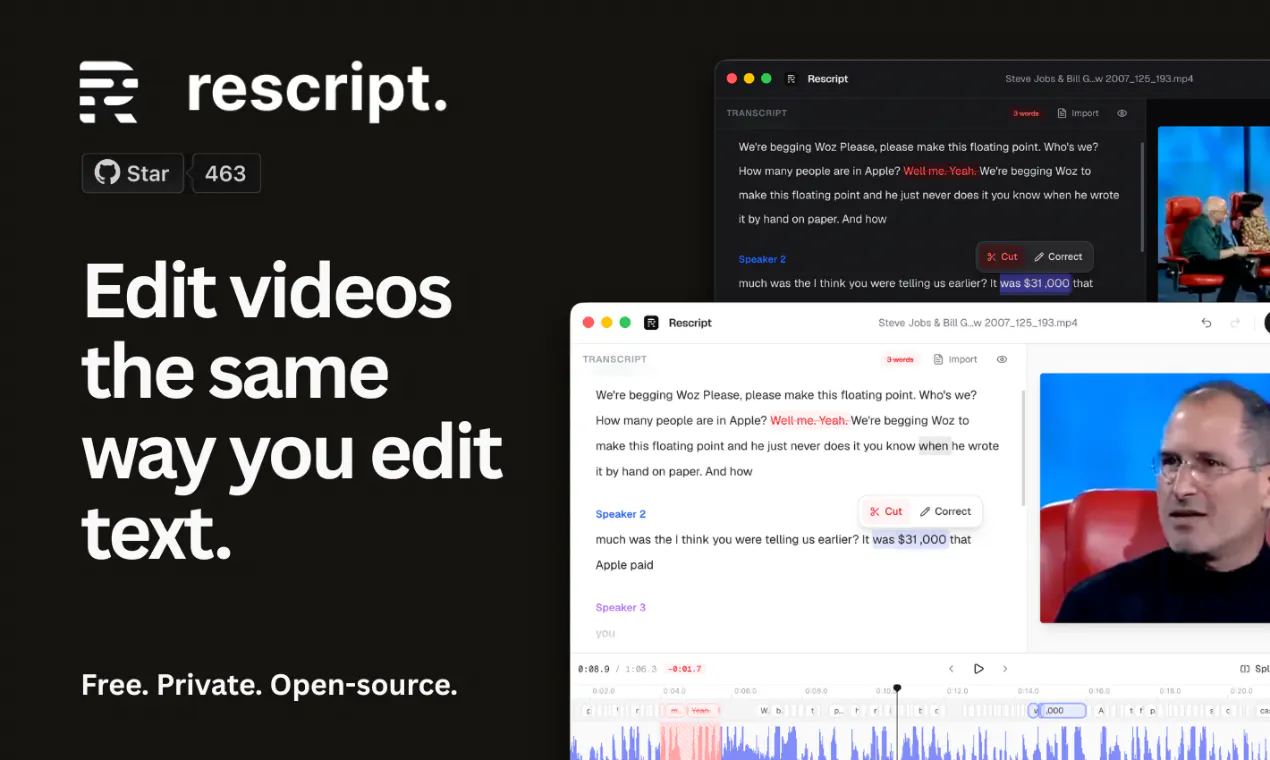
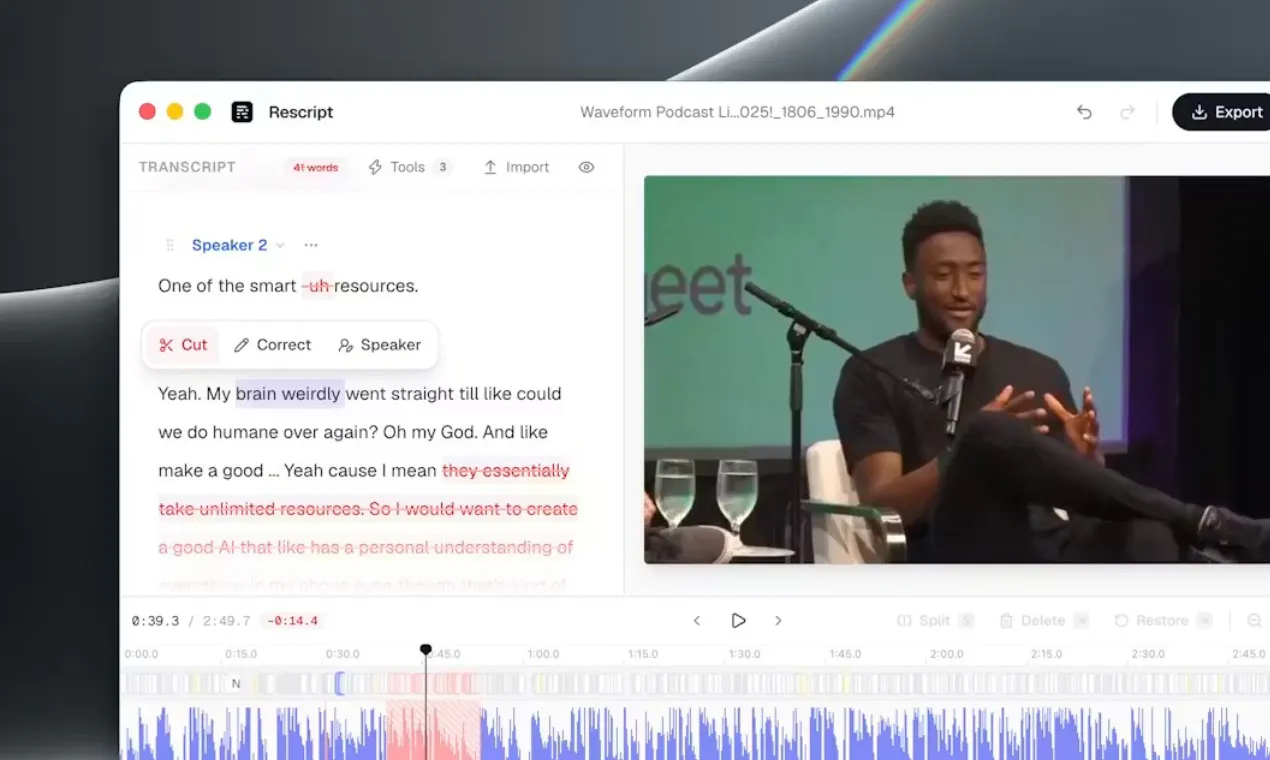
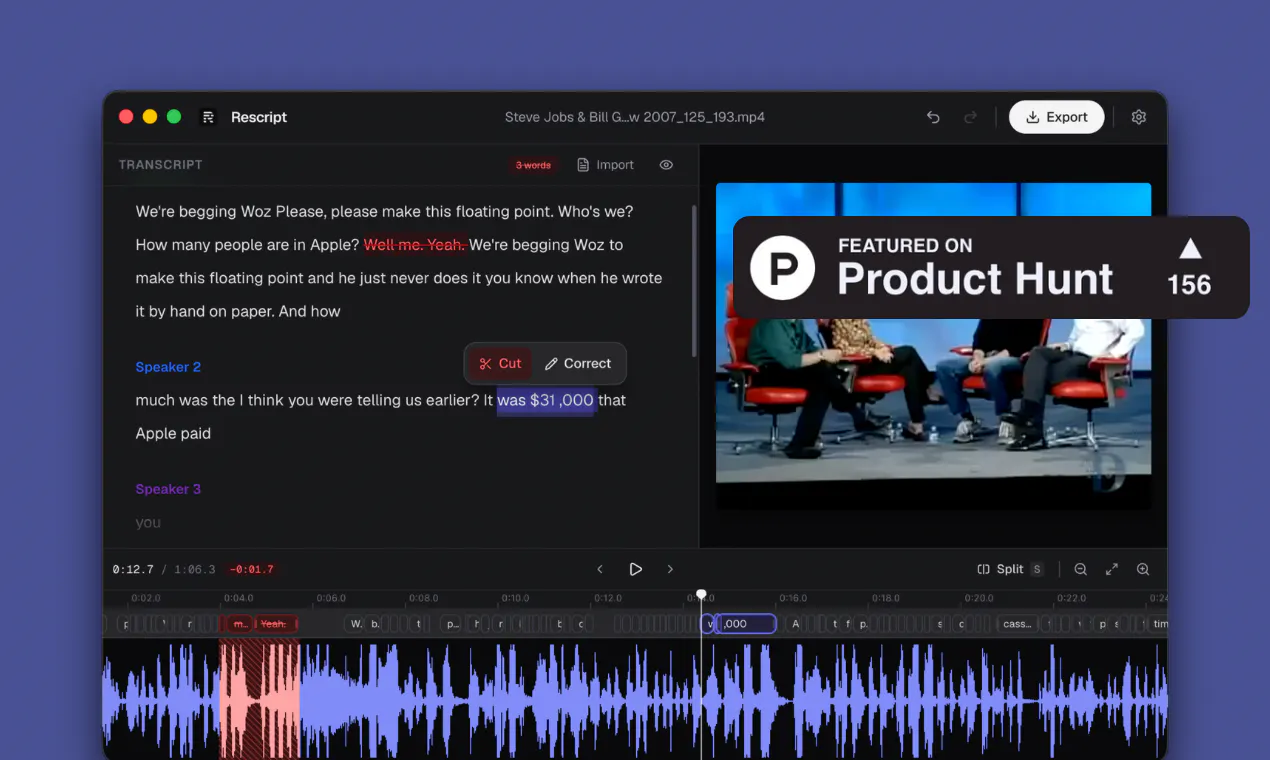
Rescript for Desktop is a powerful open-source video editing tool that leverages transcript-based editing to simplify the content creation process. Designed for creators, educators, and professionals who work with video content, it offers a unique approach by allowing users to edit videos directly through text manipulation of transcripts. Running fully on-device or in the browser, Rescript prioritizes privacy, offline access, and cost-effectiveness, making it ideal for users seeking a free, open-source alternative to commercial solutions like Descript. Its recent updates, including improved transcription accuracy, support for multiple languages, and export options for audio and captions, enhance its versatility and user experience. With a user-friendly interface and robust features, Rescript is well-suited for those looking to streamline video editing workflows without relying on cloud-based services or expensive software.
Screenshots
Pros
- ✓Open-source and free, ensuring accessibility and customization
- ✓Runs locally on desktop or in-browser, offering privacy and offline capabilities
- ✓User-friendly transcript-based editing simplifies video modifications
- ✓Supports multiple languages and export formats, including audio and captions
- ✓Regular updates with improved transcription accuracy and features
Cons
- ✗Still evolving; may lack some advanced editing features found in commercial tools
- ✗Limited integrations with other software or cloud services
- ✗Performance may vary depending on hardware specifications
Use Cases
Pricing
Rescript for Desktop is free and open-source, with no associated cost. It is available as a downloadable desktop application and runs locally, providing a cost-effective alternative to proprietary video editors.
Quick Info
Topics
Makers

Wassim Gharbi
Similar Tools in AI Writing




Embed Badge
Add this badge to your website to show that Rescript for Desktop is featured on Visalytica.
<a href="https://www.visalytica.com/tool/rescript-for-desktop" target="_blank" rel="noopener noreferrer" style="display:inline-flex;align-items:center;gap:6px;padding:6px 14px;background:#7c3aed;color:#fff;border-radius:8px;font-family:-apple-system,system-ui,sans-serif;font-size:13px;font-weight:600;text-decoration:none;transition:background .2s" onmouseover="this.style.background='#6d28d9'" onmouseout="this.style.background='#7c3aed'"><svg width="14" height="14" viewBox="0 0 24 24" fill="none" stroke="currentColor" stroke-width="2.5" stroke-linecap="round" stroke-linejoin="round"><path d="M12 20V10"/><path d="M18 20V4"/><path d="M6 20v-4"/></svg>Featured on Visalytica</a>