
ReplyME: AI Dating Replies
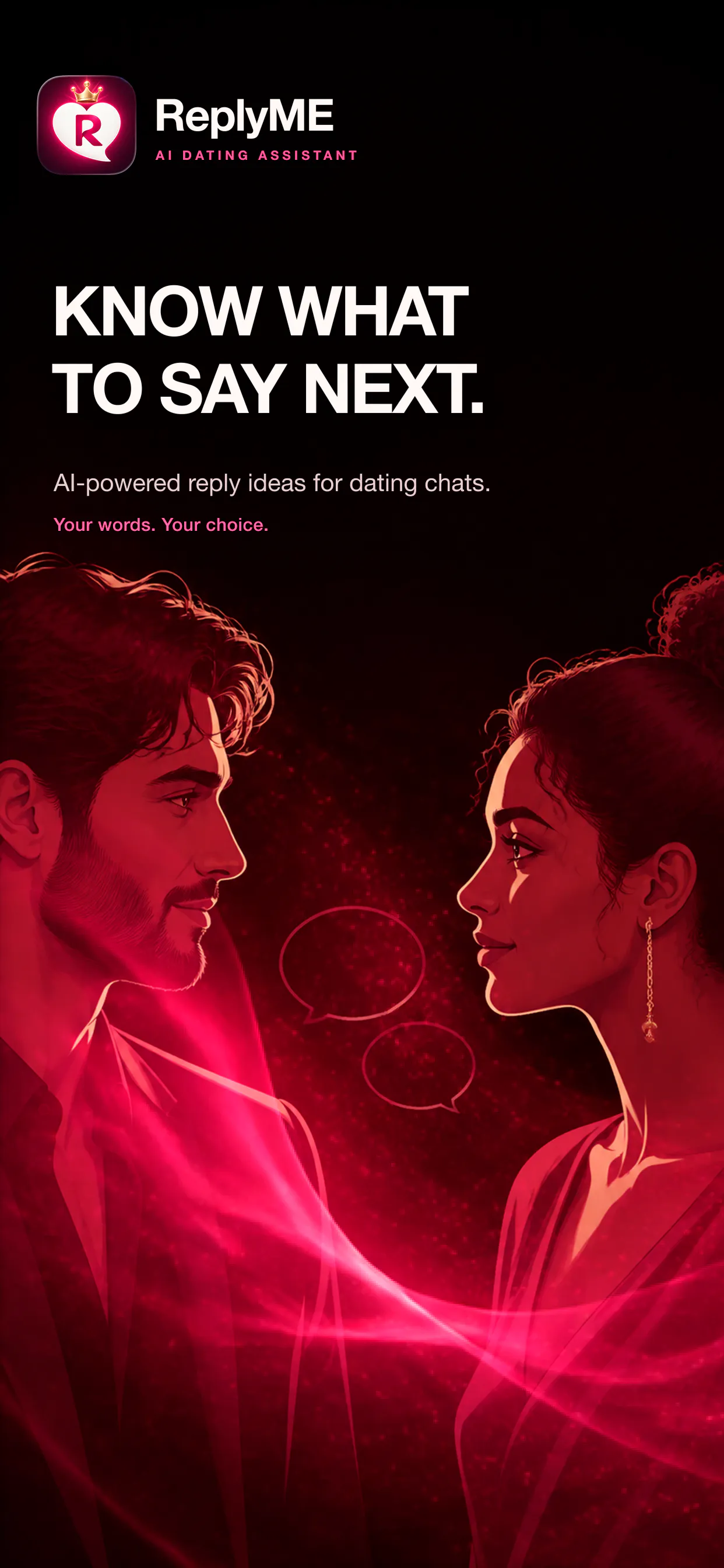
Turn chat screenshots into replies that sound like you
About ReplyME: AI Dating Replies
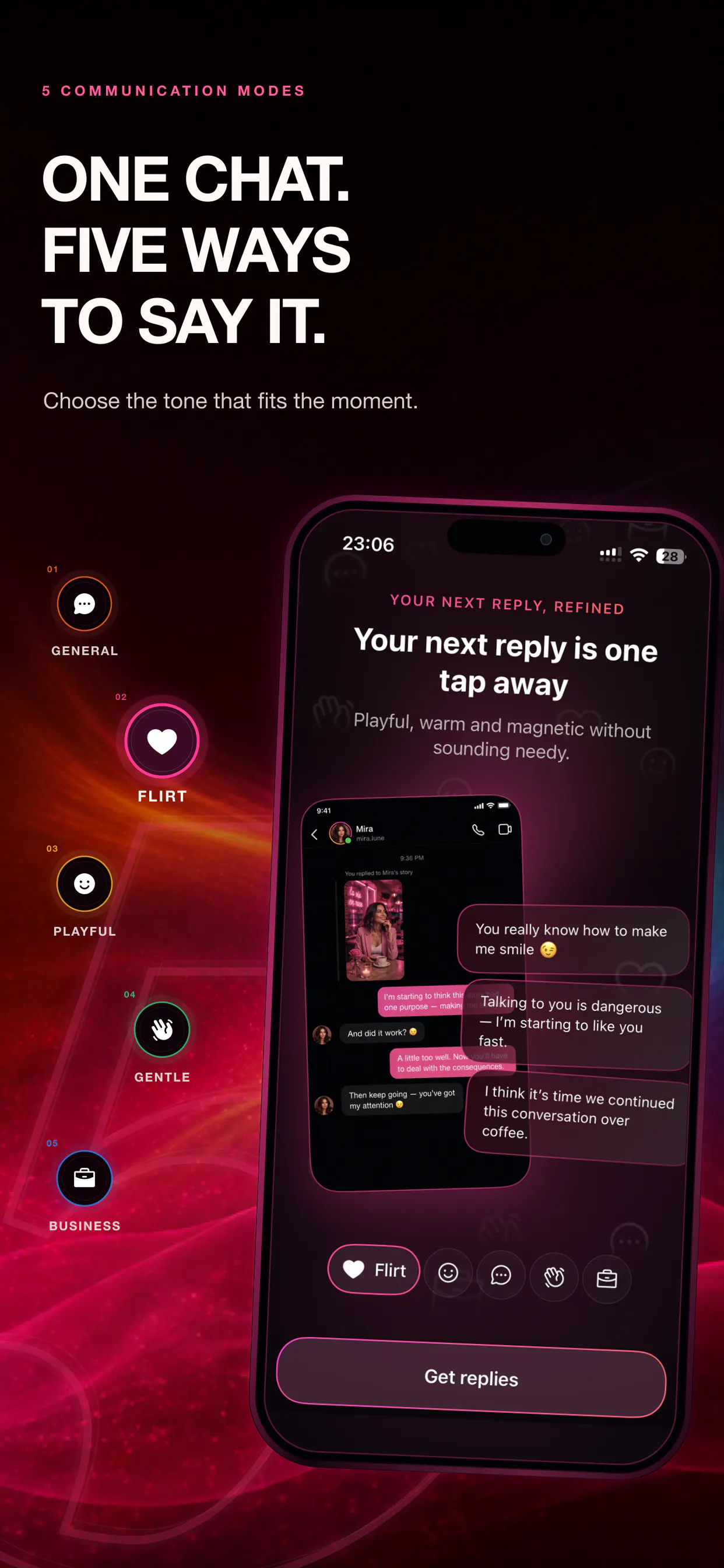
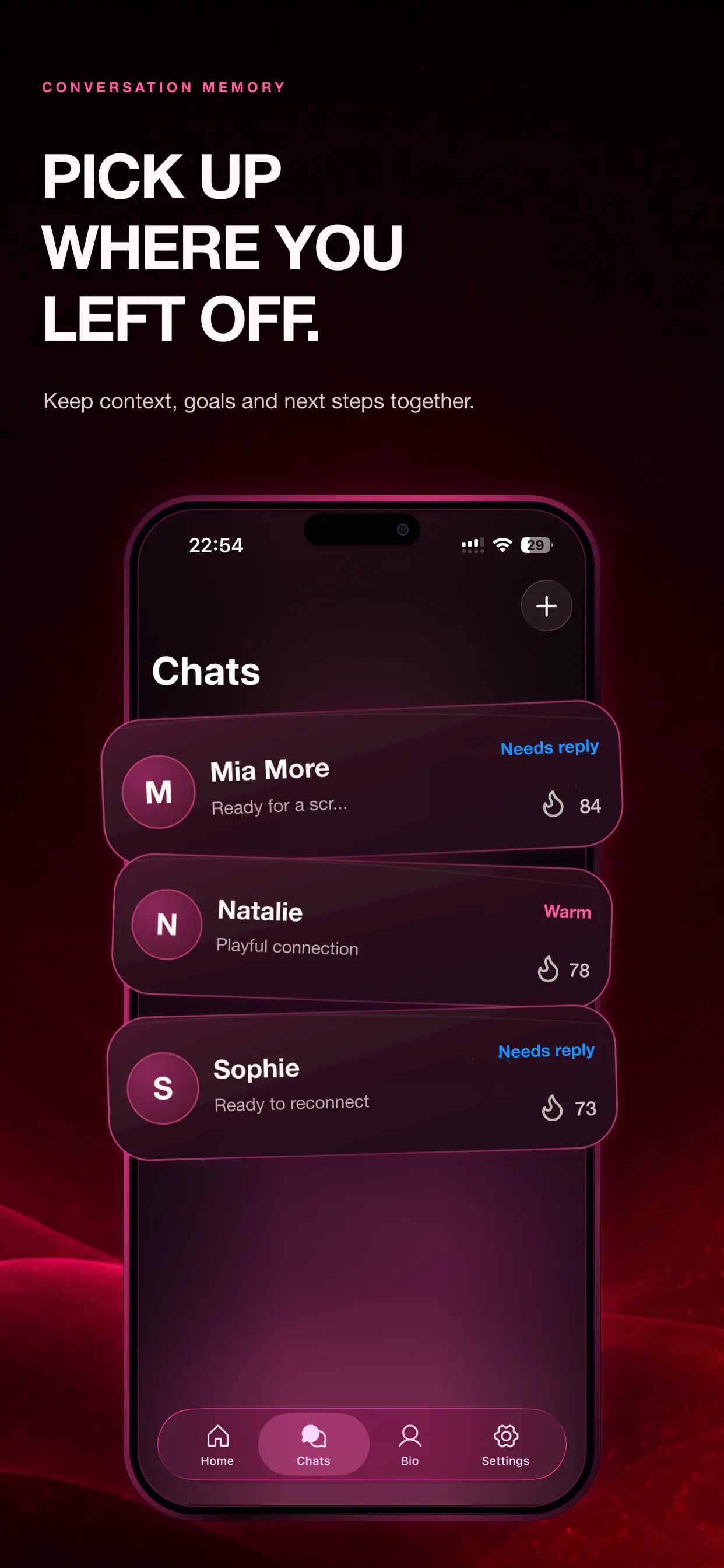
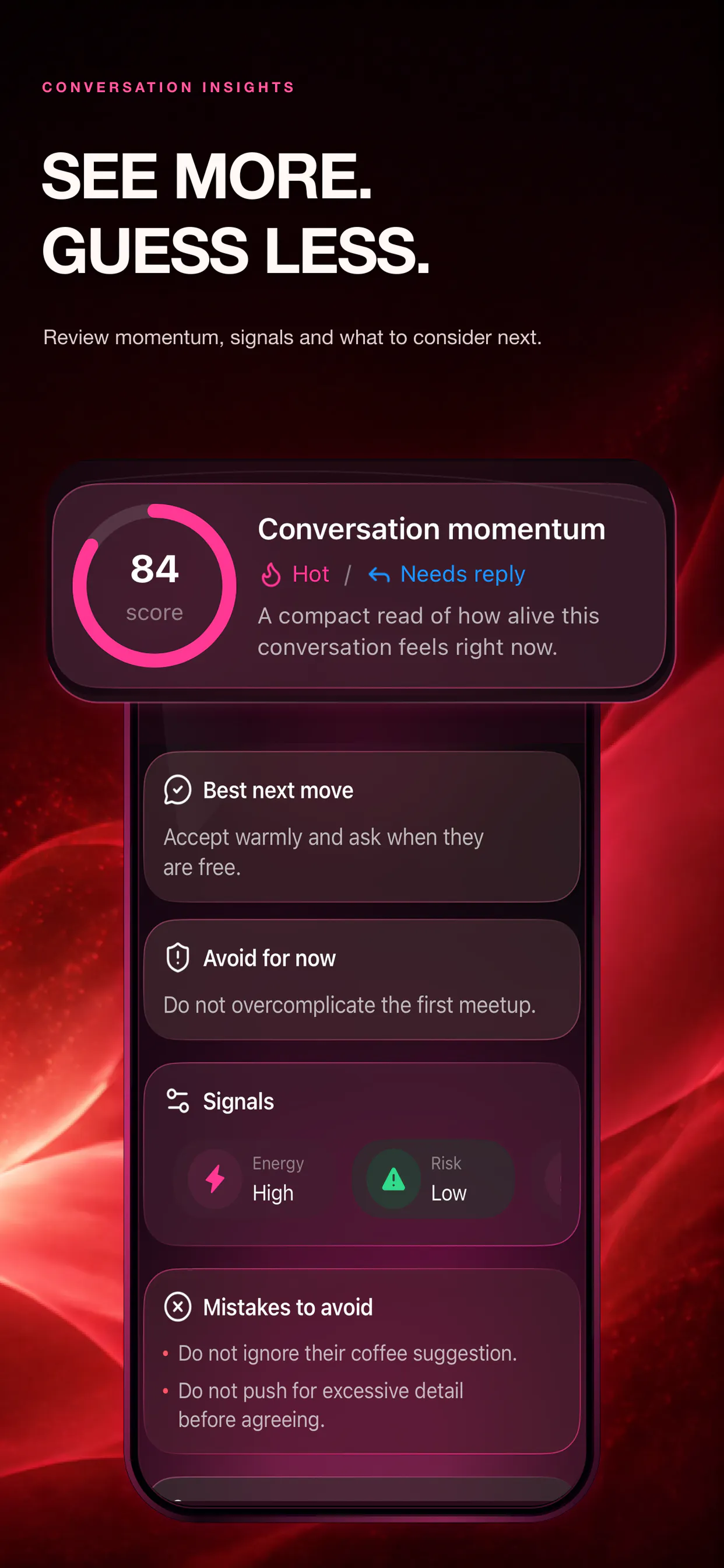
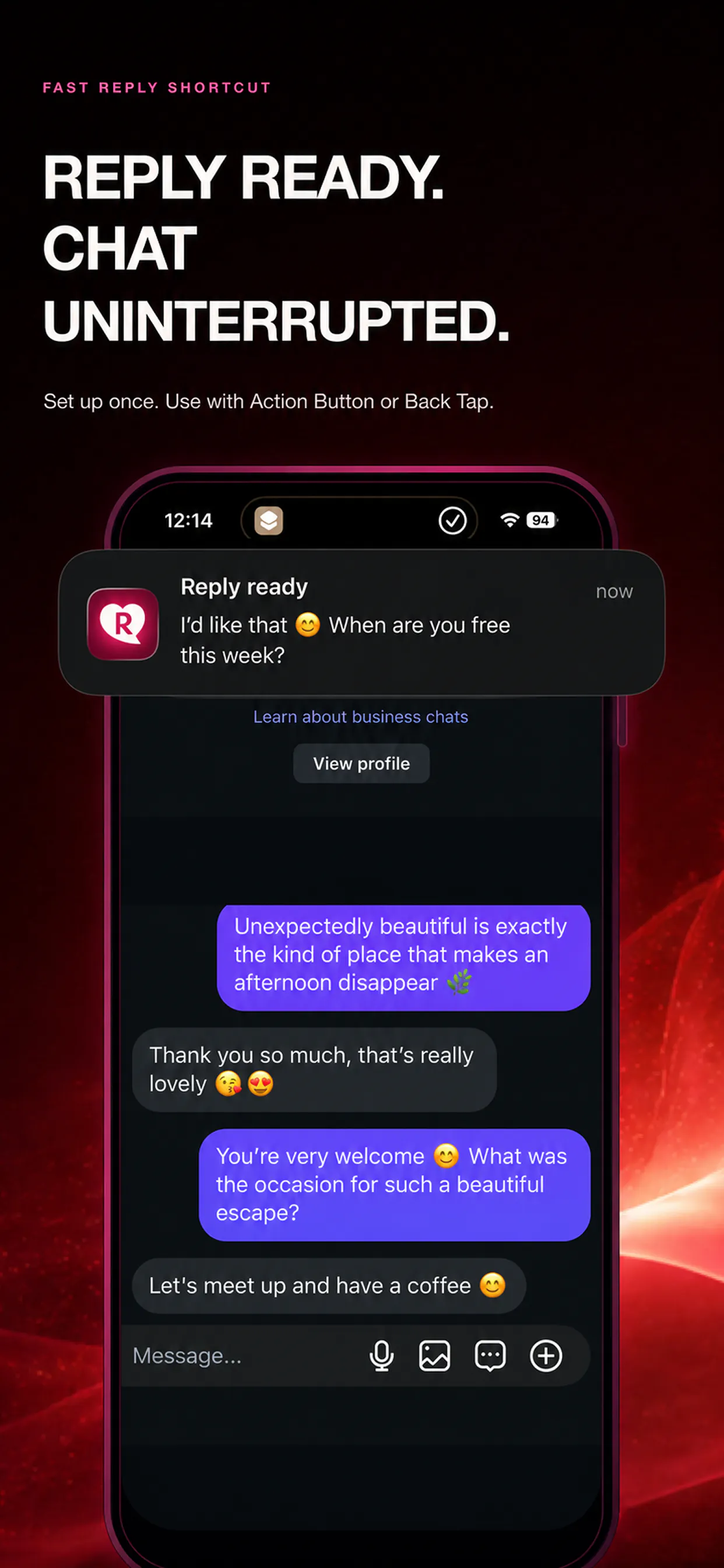
ReplyME: AI Dating Replies is a smart iOS tool designed to help users craft natural and engaging responses for dating conversations and everyday messages. By analyzing chat screenshots, pasted conversations, or user-described situations, it generates multiple reply options that match various tones—playful, professional, or custom. This enables users to explore different conversational styles and choose the one that best fits their personality and message context. The tool emphasizes user control, allowing editing and copying of messages to ensure they sound authentic. Built specifically for iPhone and iPad, ReplyME aims to ease the often stressful process of replying in digital conversations, especially in dating scenarios where timing and tone are crucial. Its AI features require a Premium subscription, making it suitable for those who want more personalized and refined message suggestions, ultimately enhancing their messaging confidence and effectiveness.
Screenshots
Pros
- ✓Generates tailored reply ideas based on chat context
- ✓Offers multiple tones and styles for personalized messaging
- ✓User can easily edit, select, and copy responses
- ✓Designed specifically for iOS devices, ensuring seamless integration
- ✓Helps reduce message anxiety and improve engagement
Cons
- ✗AI features require a Premium subscription, adding cost
- ✗Performance depends on the quality of input screenshots or descriptions
- ✗Limited to iOS devices, restricting access for Android users
Use Cases
Pricing
Pricing not verified
Quick Info
Topics
Makers

Alexandr Surovtev
Alternatives
Similar Tools in AI Assistants




Embed Badge
Add this badge to your website to show that ReplyME: AI Dating Replies is featured on Visalytica.
<a href="https://www.visalytica.com/tool/replyme-ai-dating-replies" target="_blank" rel="noopener noreferrer" style="display:inline-flex;align-items:center;gap:6px;padding:6px 14px;background:#7c3aed;color:#fff;border-radius:8px;font-family:-apple-system,system-ui,sans-serif;font-size:13px;font-weight:600;text-decoration:none;transition:background .2s" onmouseover="this.style.background='#6d28d9'" onmouseout="this.style.background='#7c3aed'"><svg width="14" height="14" viewBox="0 0 24 24" fill="none" stroke="currentColor" stroke-width="2.5" stroke-linecap="round" stroke-linejoin="round"><path d="M12 20V10"/><path d="M18 20V4"/><path d="M6 20v-4"/></svg>Featured on Visalytica</a>