
Replay QA
Replay QA tells you what is broken before your users do
About Replay QA
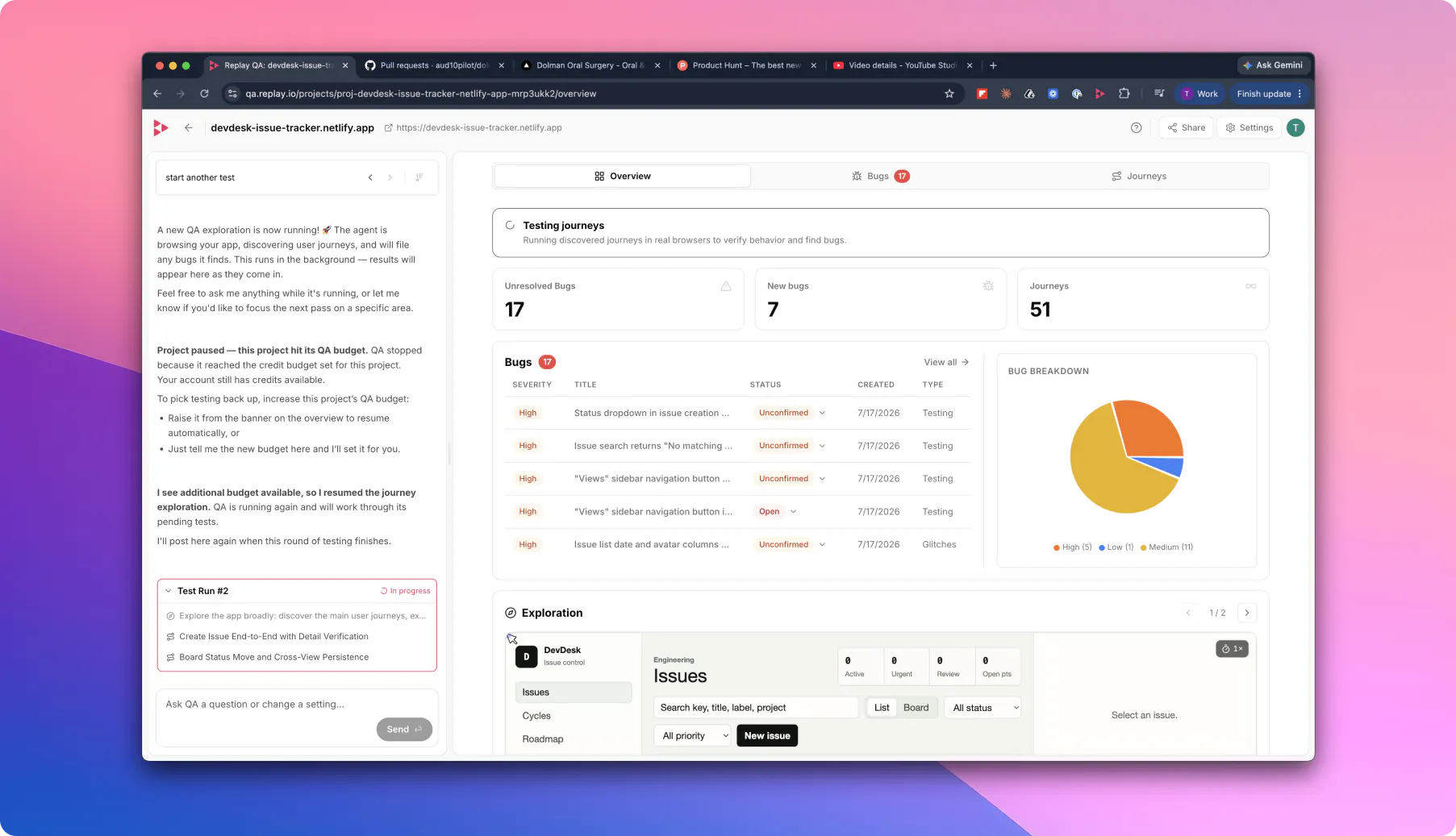
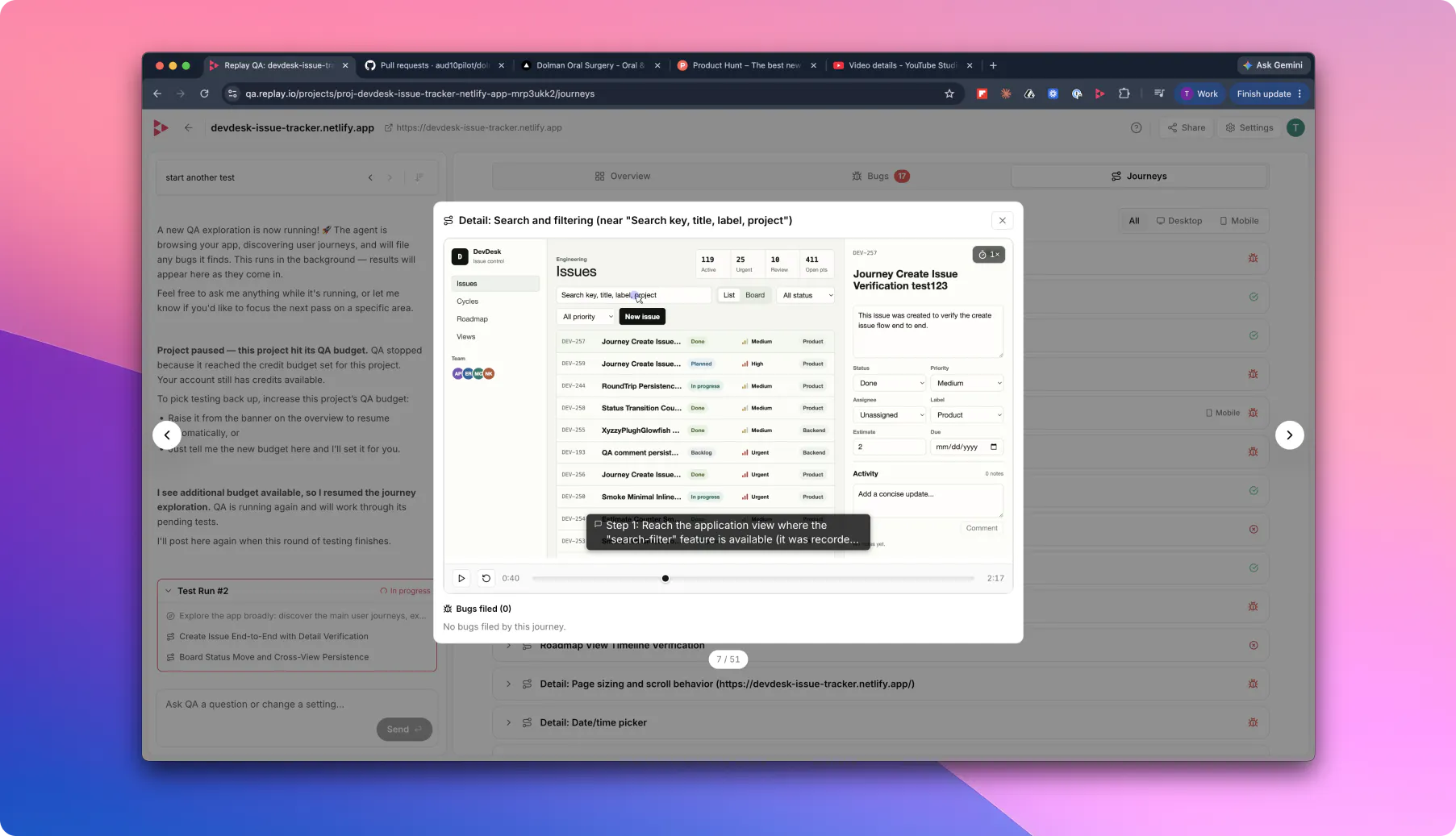
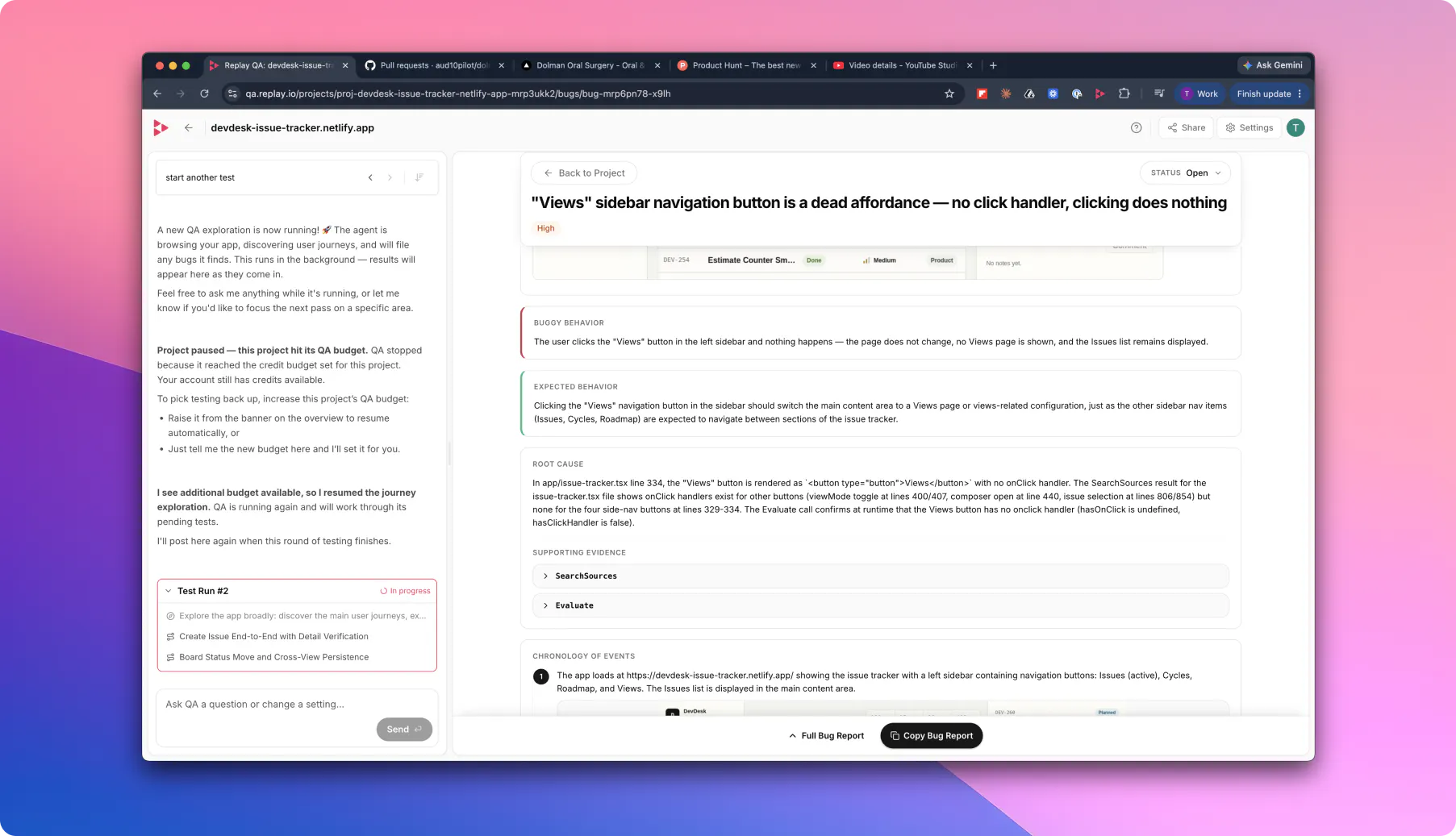
Replay QA is an innovative testing tool designed for developers and quality assurance teams seeking to proactively identify bugs before they impact users. By integrating with GitHub or allowing one-time URL checks, Replay QA continuously explores applications, recording user sessions to detect real issues. Its unique approach combines session replay with intelligent bug detection, providing detailed root cause analysis and suggested fixes, thereby streamlining the debugging process. Ideal for teams focused on enhancing application reliability and user experience, Replay QA leverages artificial intelligence to automate testing and reduce manual effort. Its ability to deliver insights through session recordings sets it apart in the crowded landscape of testing tools, making it a valuable asset for modern development workflows.
Screenshots
Pros
- ✓Automates session replay and bug detection, saving time
- ✓Integrates seamlessly with GitHub for continuous testing
- ✓Provides detailed root cause analysis and suggested fixes
- ✓Supports both ongoing and one-time testing scenarios
- ✓AI-powered insights enhance debugging accuracy
Cons
- ✗Limited information on pricing structure and tiers
- ✗May require technical expertise to set up and interpret results
- ✗Currently has no user reviews or ratings publicly available
Use Cases
Pricing
Likely operates on a freemium model with a free tier for basic usage and paid plans offering advanced features, higher usage limits, or enterprise options. Specific pricing details are not publicly disclosed.
Quick Info
Topics
Makers

Mark Erikson
Similar Tools in Developer Tools




Embed Badge
Add this badge to your website to show that Replay QA is featured on Visalytica.
<a href="https://www.visalytica.com/tool/replay-qa" target="_blank" rel="noopener noreferrer" style="display:inline-flex;align-items:center;gap:6px;padding:6px 14px;background:#7c3aed;color:#fff;border-radius:8px;font-family:-apple-system,system-ui,sans-serif;font-size:13px;font-weight:600;text-decoration:none;transition:background .2s" onmouseover="this.style.background='#6d28d9'" onmouseout="this.style.background='#7c3aed'"><svg width="14" height="14" viewBox="0 0 24 24" fill="none" stroke="currentColor" stroke-width="2.5" stroke-linecap="round" stroke-linejoin="round"><path d="M12 20V10"/><path d="M18 20V4"/><path d="M6 20v-4"/></svg>Featured on Visalytica</a>