
Render Room
Convert, trim, crop, and export videos and GIFs on Mac
About Render Room
Render Room is a native Mac application designed for quick and efficient video and GIF conversion, tailored specifically for Apple Silicon Macs. Its streamlined interface allows users to effortlessly drop in media files, preview, trim, crop, and adjust quality settings—all without the clutter of complex encoders. This focus on simplicity and speed makes it ideal for content creators, marketers, and casual users who need reliable media processing on their Mac. The tool supports multiple export formats including MP4, MOV, GIF, and MP3, with advanced features like batch processing, WebM, MKV, ProRes, LUT support, HDR-aware exports, and visual adjustments. Render Room stands out by combining professional-level controls with a user-friendly workspace, making media editing accessible for both beginners and experienced editors alike.
Screenshots
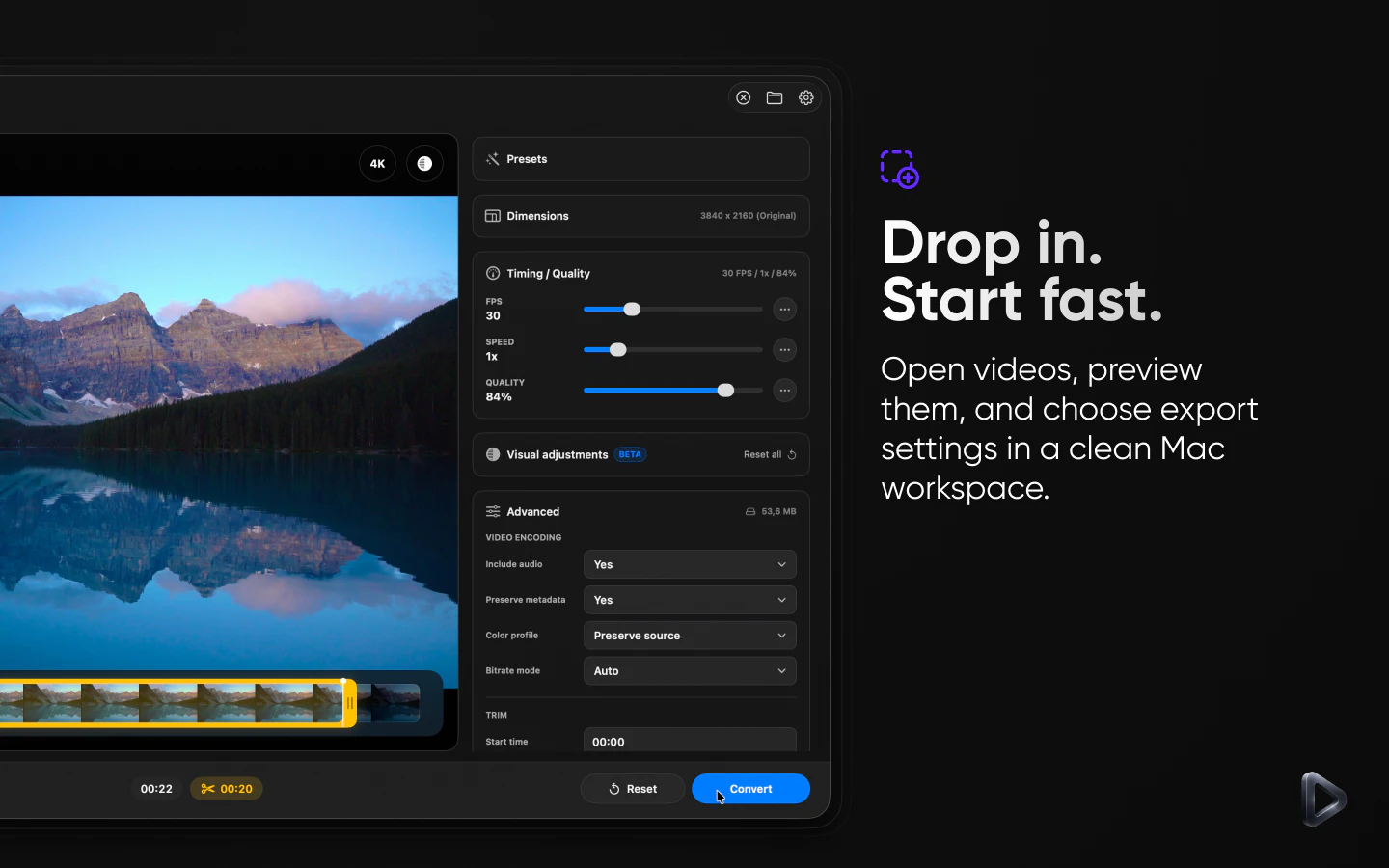
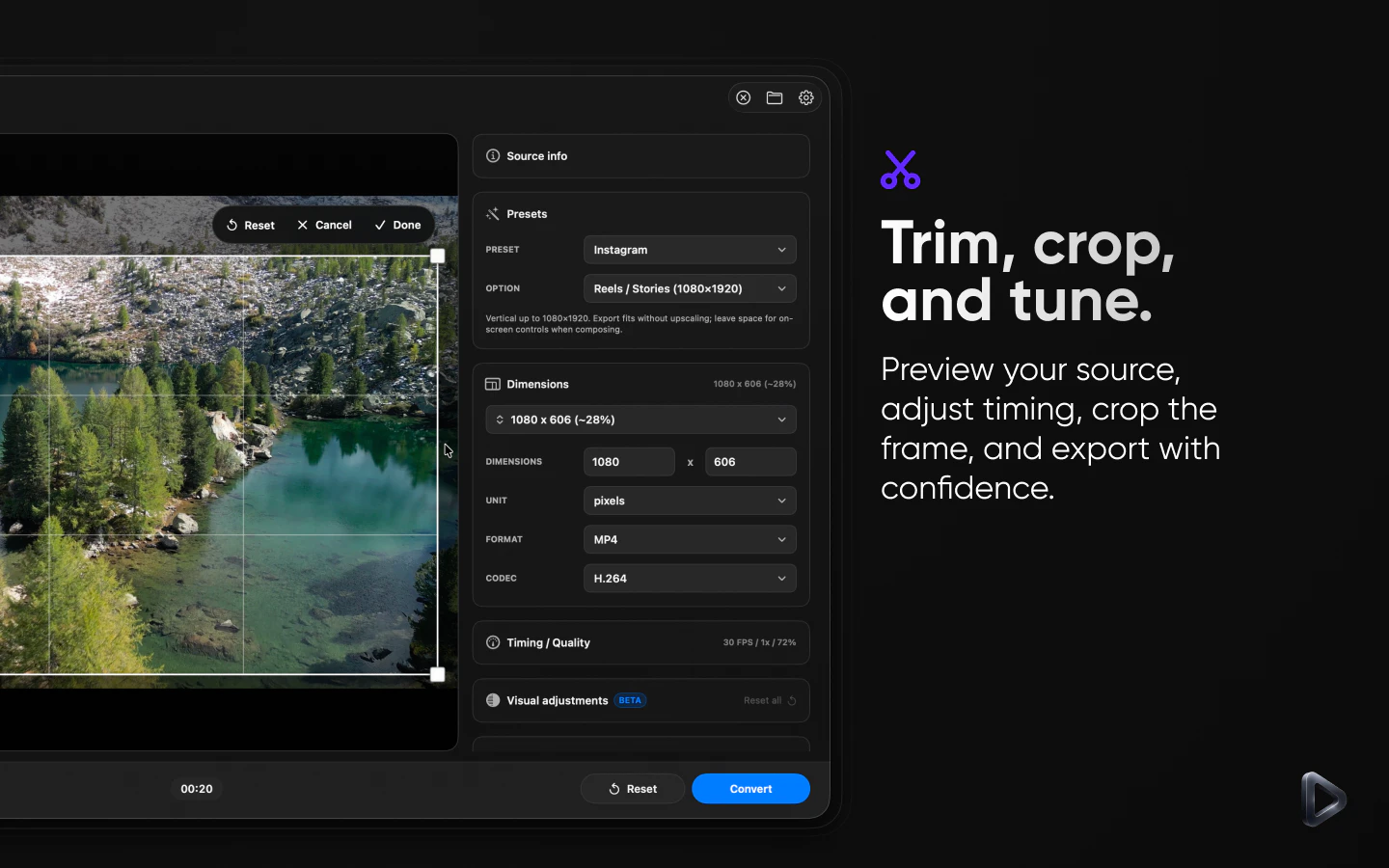
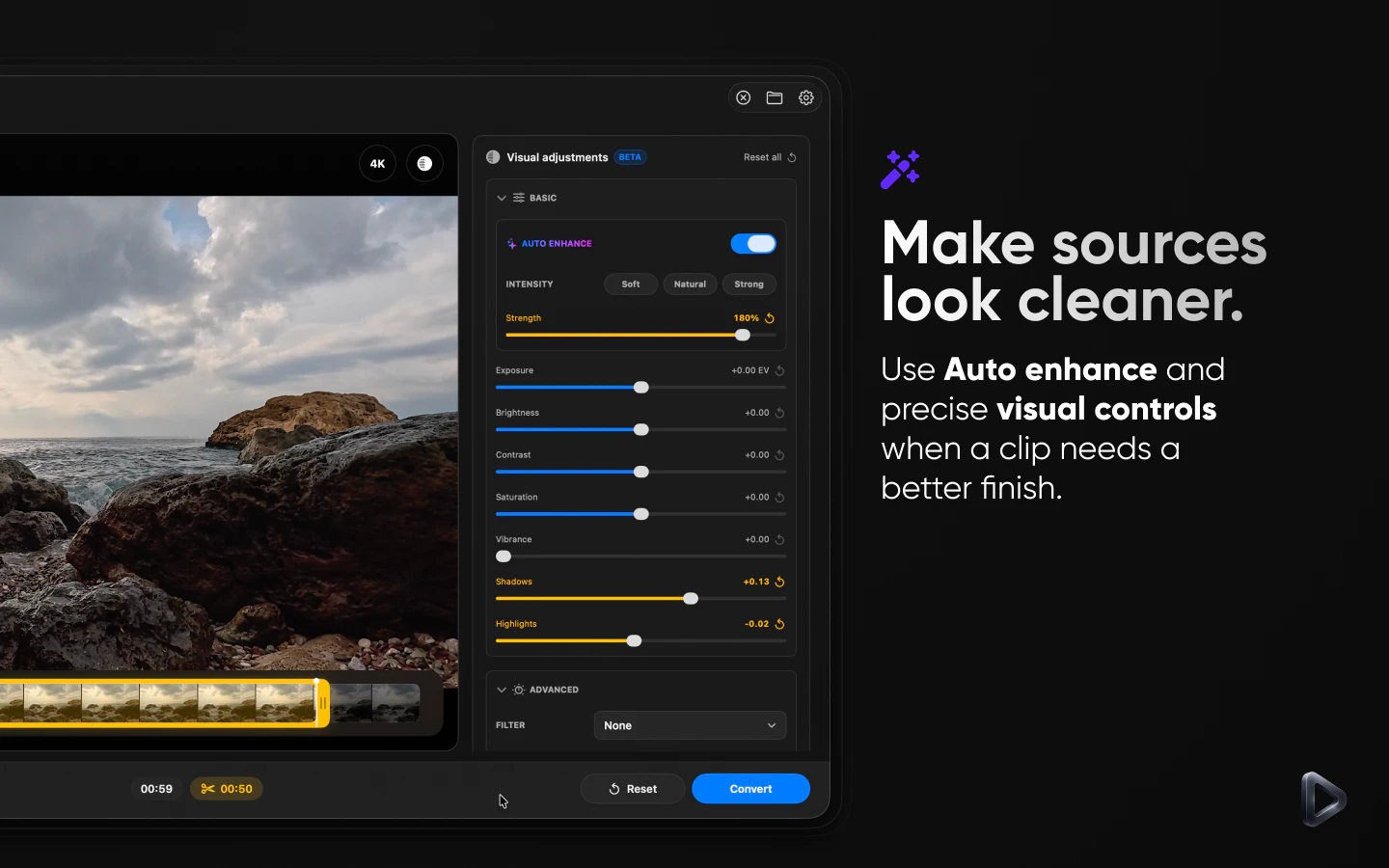
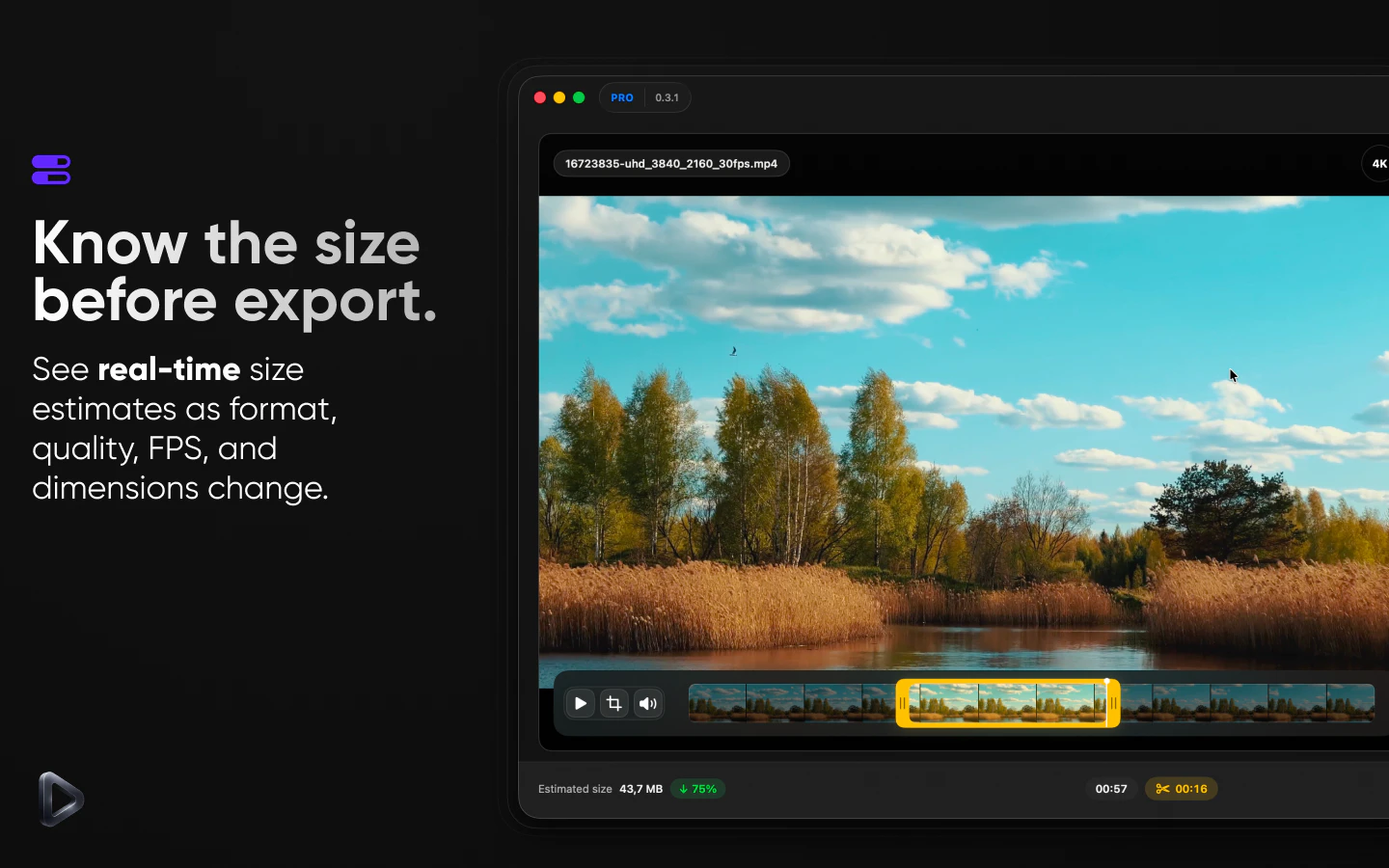
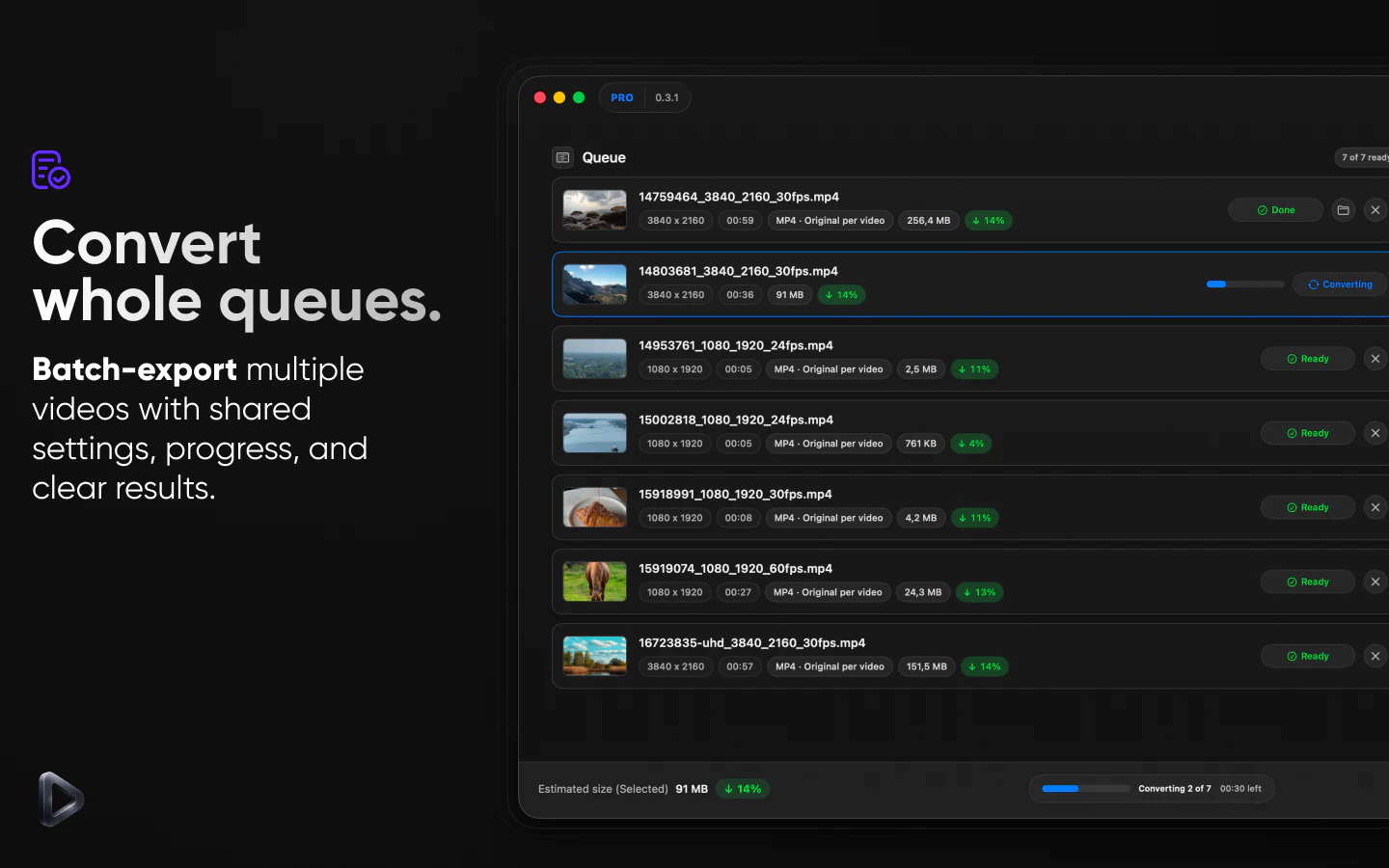
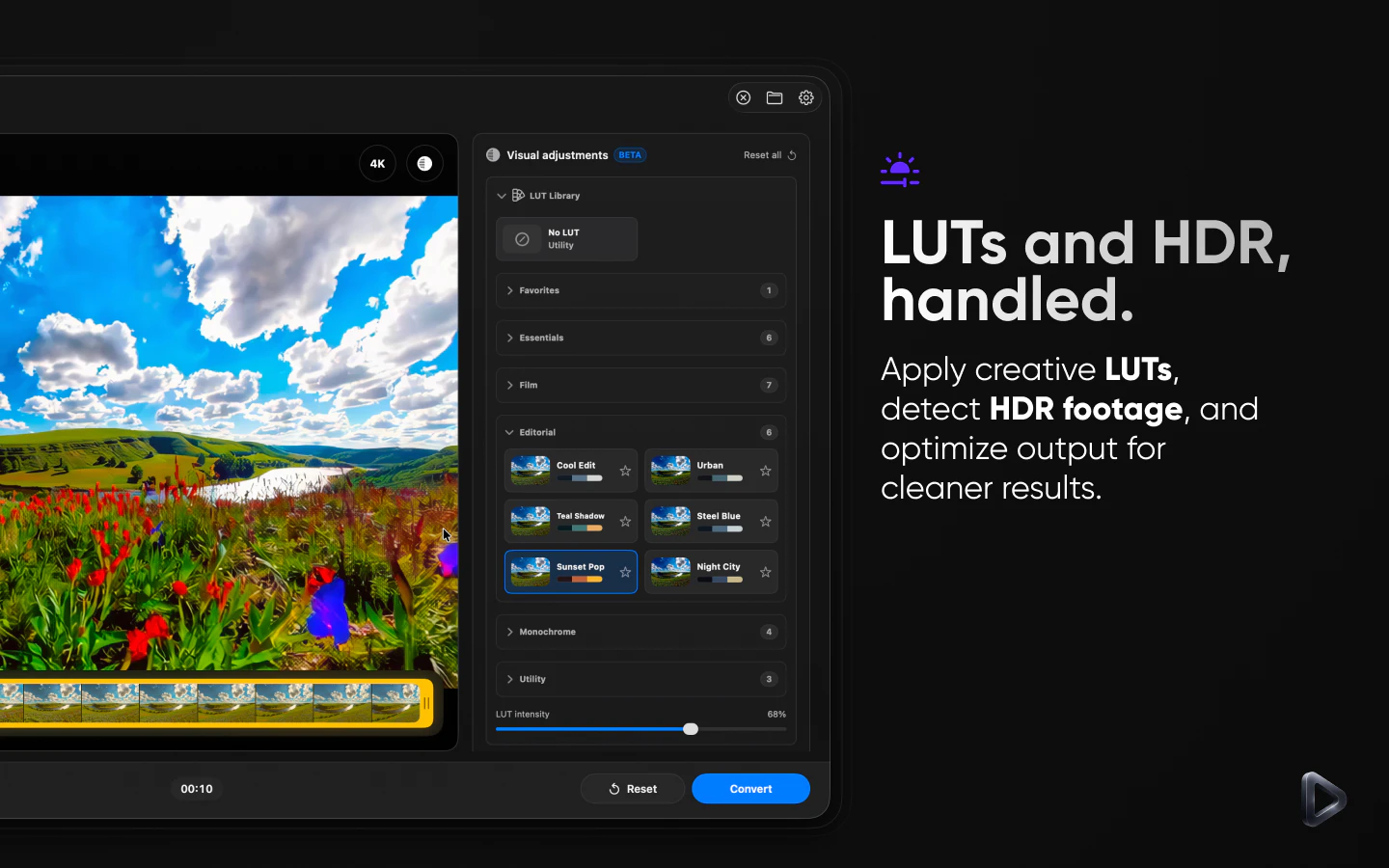
+1 more screenshots
Pros
- ✓Fast, native Mac performance optimized for Apple Silicon
- ✓User-friendly interface with streamlined workflow
- ✓Supports a wide range of export formats and advanced controls
- ✓Batch processing capabilities for efficiency
- ✓HDR-aware and LUT support for professional quality
Cons
- ✗May lack some advanced editing features found in full-fledged video editors
- ✗Pricing details are not explicitly provided, potentially affecting budget planning
- ✗Limited integrations with other editing or cloud storage platforms
Use Cases
Pricing
Likely follows a freemium model with a free trial or basic version, with paid plans starting around $X/month, offering access to advanced features and batch processing.
Quick Info
Topics
Alternatives
Similar Tools in AI Image & Design




Embed Badge
Add this badge to your website to show that Render Room is featured on Visalytica.
<a href="https://www.visalytica.com/tool/render-room" target="_blank" rel="noopener noreferrer" style="display:inline-flex;align-items:center;gap:6px;padding:6px 14px;background:#7c3aed;color:#fff;border-radius:8px;font-family:-apple-system,system-ui,sans-serif;font-size:13px;font-weight:600;text-decoration:none;transition:background .2s" onmouseover="this.style.background='#6d28d9'" onmouseout="this.style.background='#7c3aed'"><svg width="14" height="14" viewBox="0 0 24 24" fill="none" stroke="currentColor" stroke-width="2.5" stroke-linecap="round" stroke-linejoin="round"><path d="M12 20V10"/><path d="M18 20V4"/><path d="M6 20v-4"/></svg>Featured on Visalytica</a>