
RenameClick
Rename audio and automate filing with local AI
About RenameClick
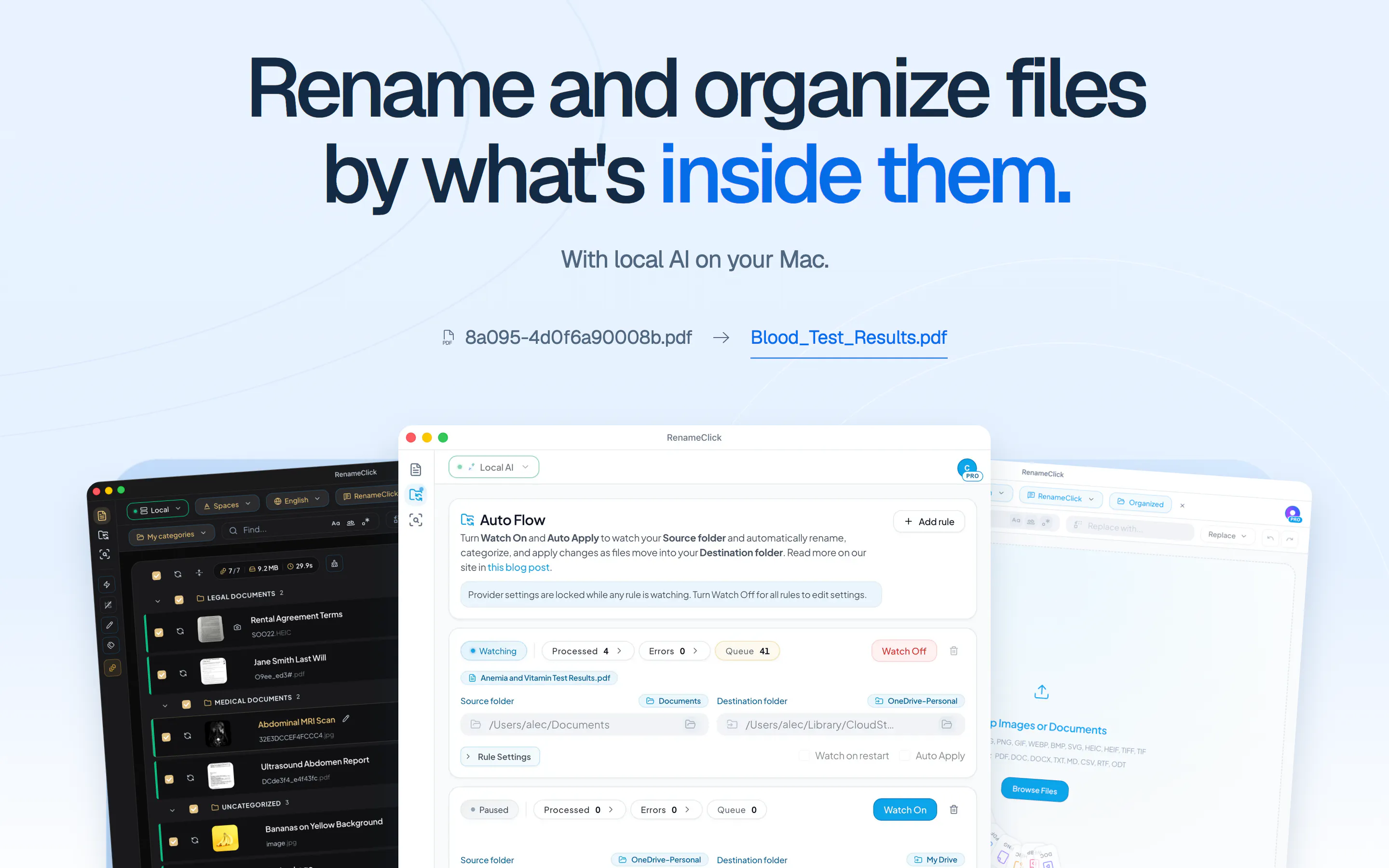
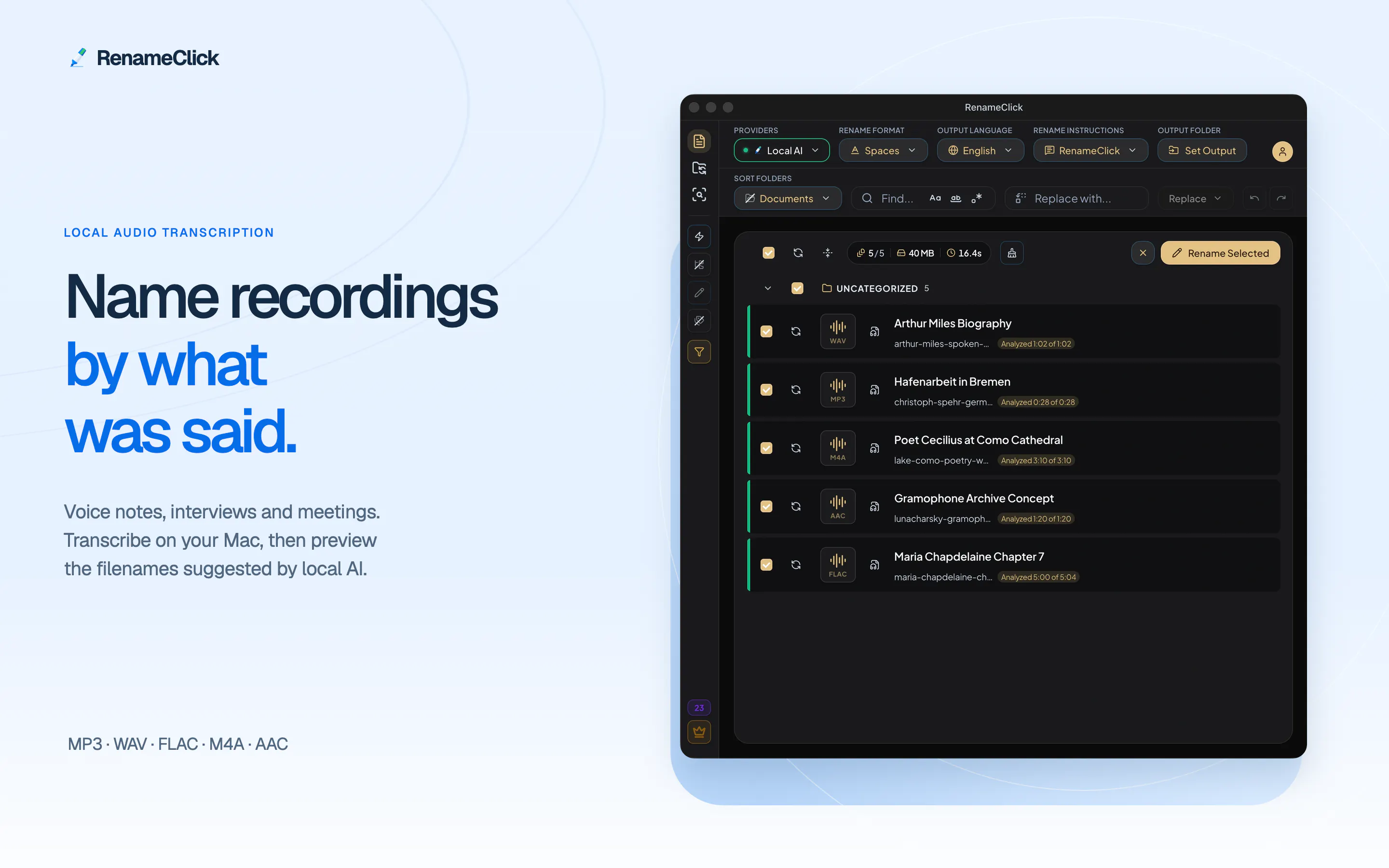
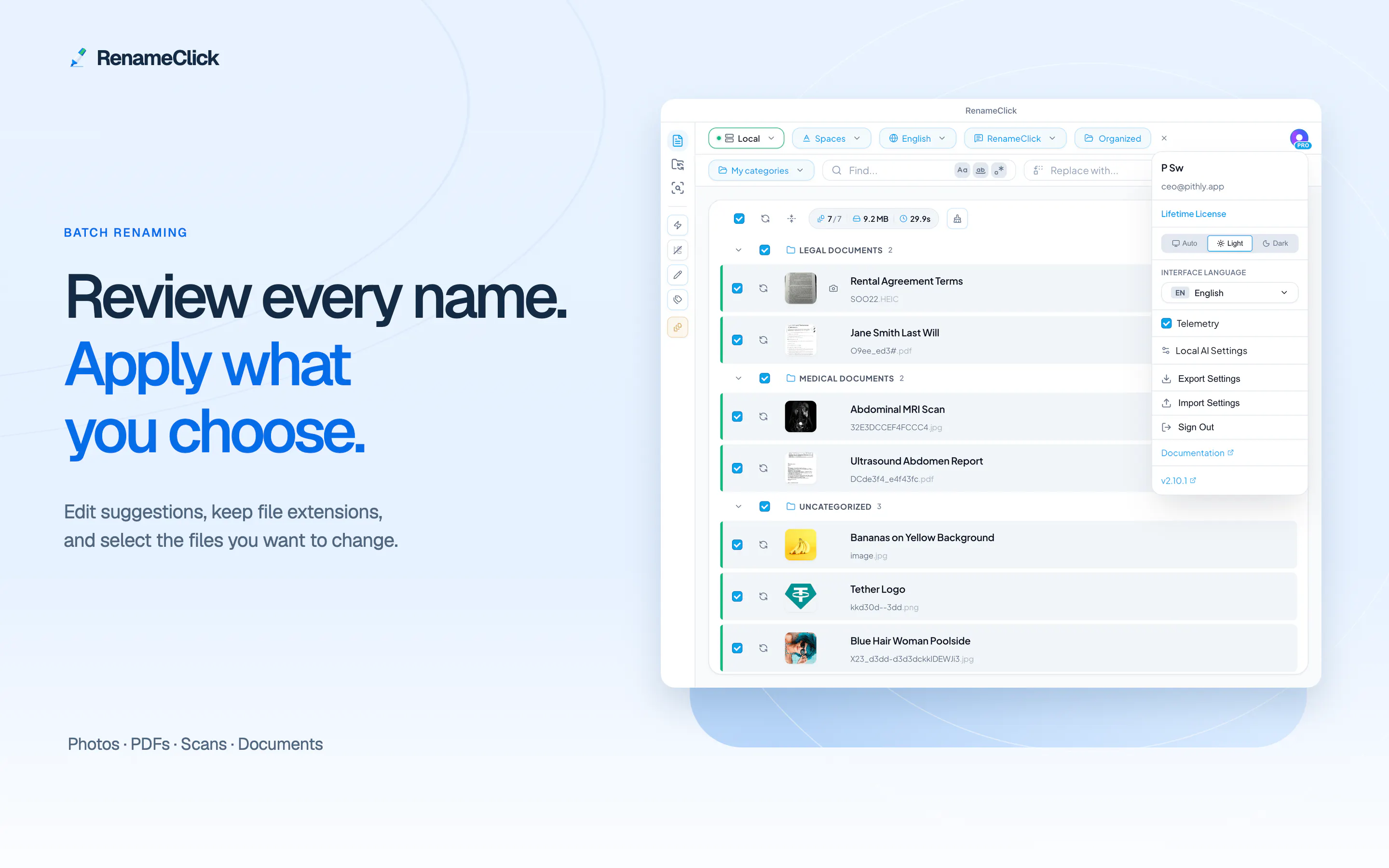
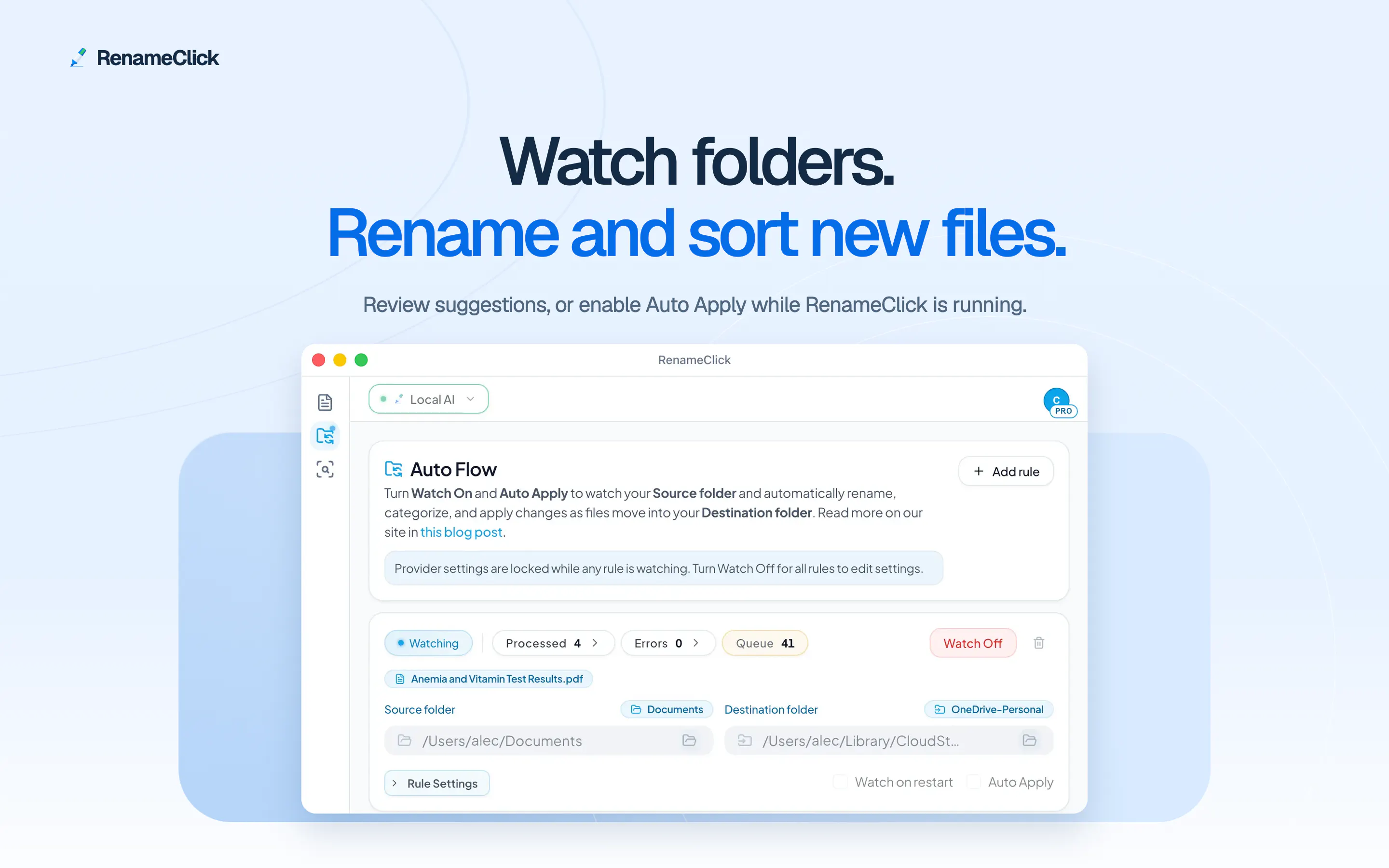
RenameClick is an innovative productivity tool designed for Mac and Windows users who need to efficiently manage and organize audio recordings, images, and documents. It extends beyond basic batch renaming by leveraging local AI to transcribe speech and automatically generate meaningful filenames from recordings. Additionally, it offers powerful Auto Flow workflows that connect watched folders, enabling automated sorting into existing or dynamically created nested folders based on dates or EXIF data. The tool's AI Search feature allows users to quickly locate images and documents by content, making file retrieval more intuitive. Its focus on local AI processing ensures user privacy and data security, as all analysis stays on the device. With a user-friendly interface, preview and editing options, and customizable automation, RenameClick streamlines file management for content creators, researchers, and professionals handling large volumes of media files.
Screenshots
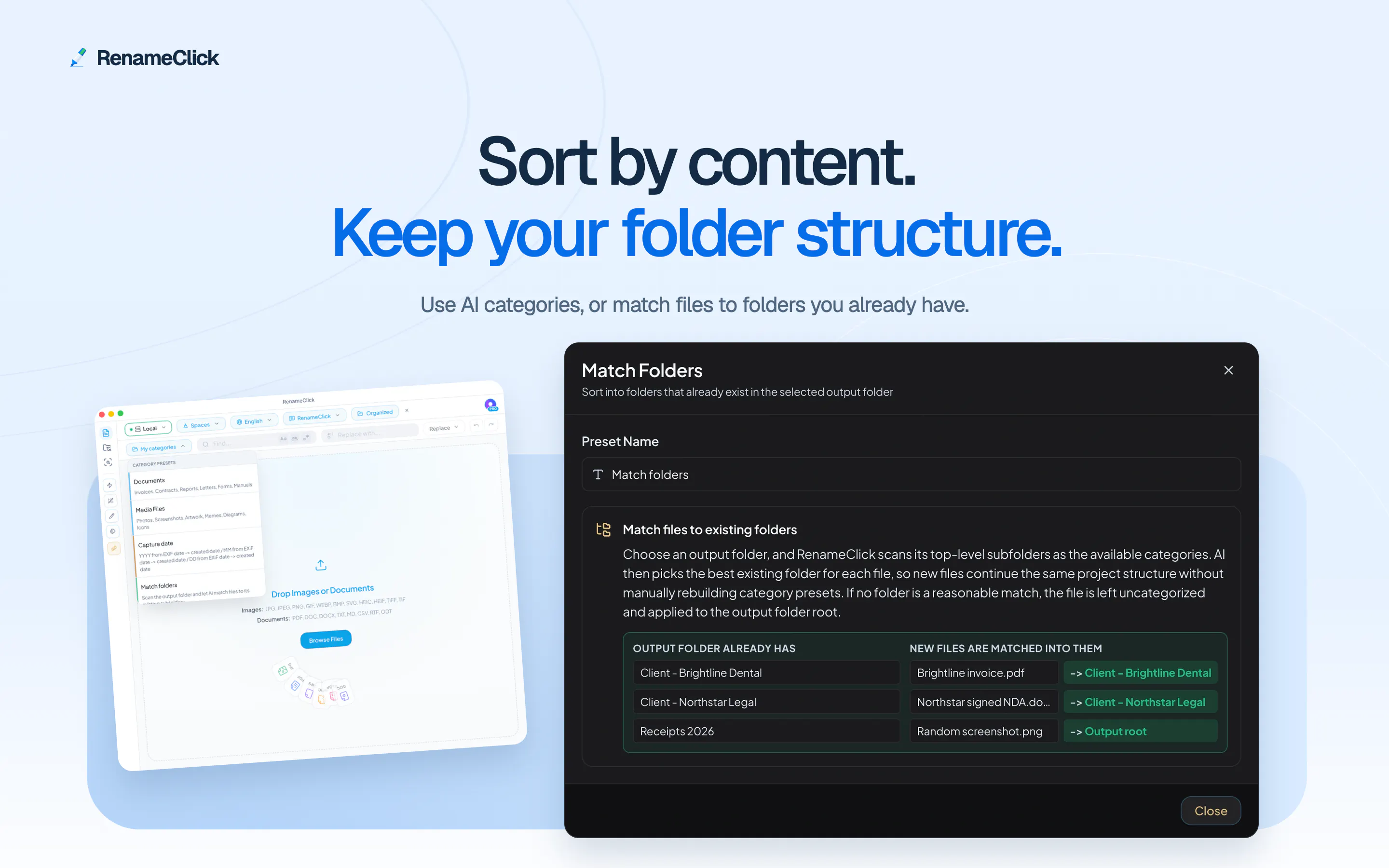
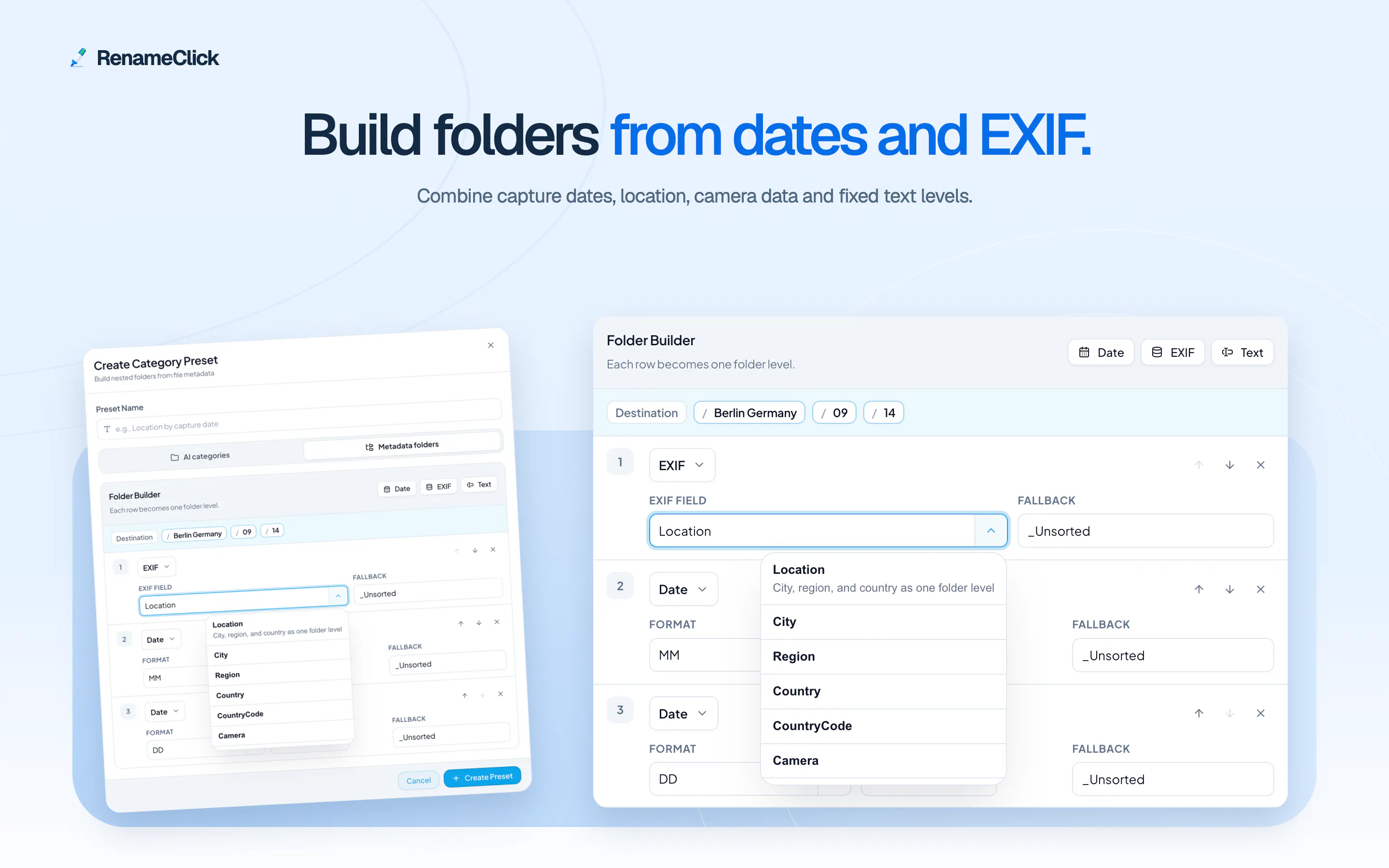
+2 more screenshots
Pros
- ✓Supports local AI processing for enhanced privacy and security
- ✓Automated workflows for batch renaming, sorting, and file management
- ✓Speech-to-text transcription for meaningful file naming
- ✓Powerful AI Search for content-based file retrieval
- ✓Flexible preview and editing before applying changes
Cons
- ✗Limited free usage with only 30 successful renames/moves per month
- ✗Features may require a learning curve for new users
- ✗No information on pricing plans or subscription details
Use Cases
Pricing
Pricing not verified
Quick Info
Topics
Makers

Alex
Alternatives
Similar Tools in AI Audio & Voice




Embed Badge
Add this badge to your website to show that RenameClick is featured on Visalytica.
<a href="https://www.visalytica.com/tool/renameclick" target="_blank" rel="noopener noreferrer" style="display:inline-flex;align-items:center;gap:6px;padding:6px 14px;background:#7c3aed;color:#fff;border-radius:8px;font-family:-apple-system,system-ui,sans-serif;font-size:13px;font-weight:600;text-decoration:none;transition:background .2s" onmouseover="this.style.background='#6d28d9'" onmouseout="this.style.background='#7c3aed'"><svg width="14" height="14" viewBox="0 0 24 24" fill="none" stroke="currentColor" stroke-width="2.5" stroke-linecap="round" stroke-linejoin="round"><path d="M12 20V10"/><path d="M18 20V4"/><path d="M6 20v-4"/></svg>Featured on Visalytica</a>