
RemovePDFPages
Free PDF tools in your browser. No signup, no watermark.
About RemovePDFPages
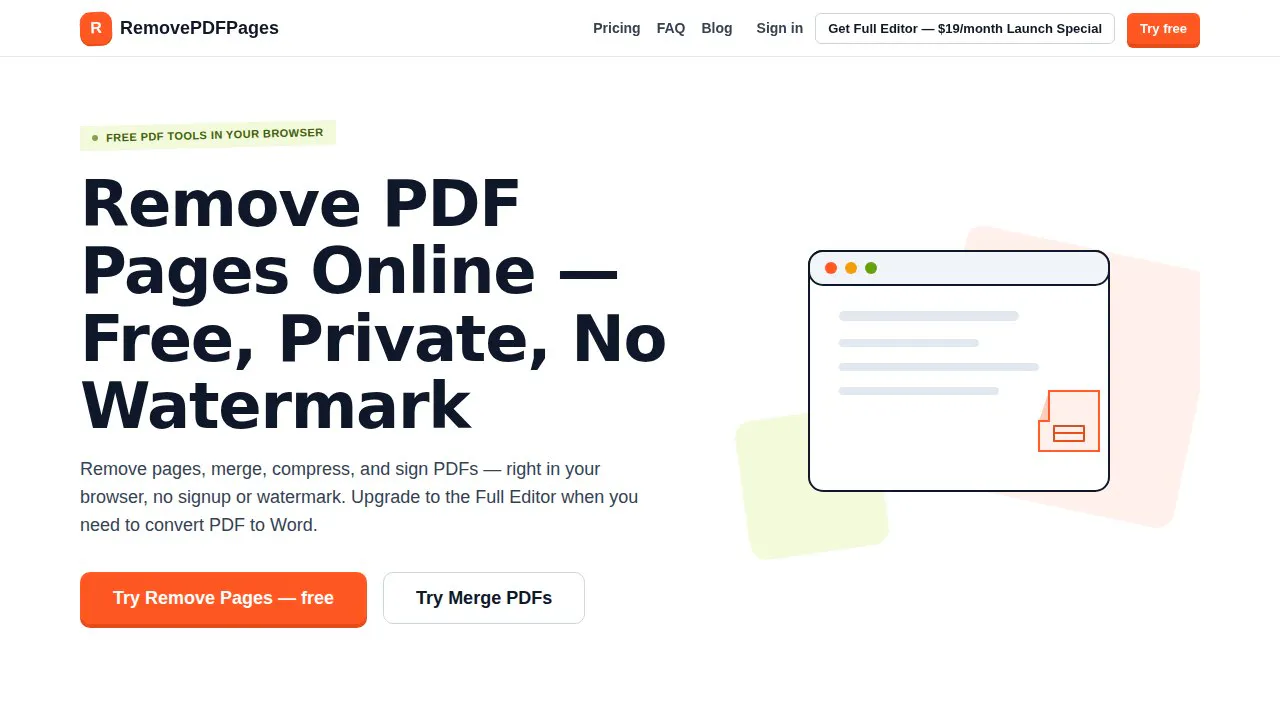
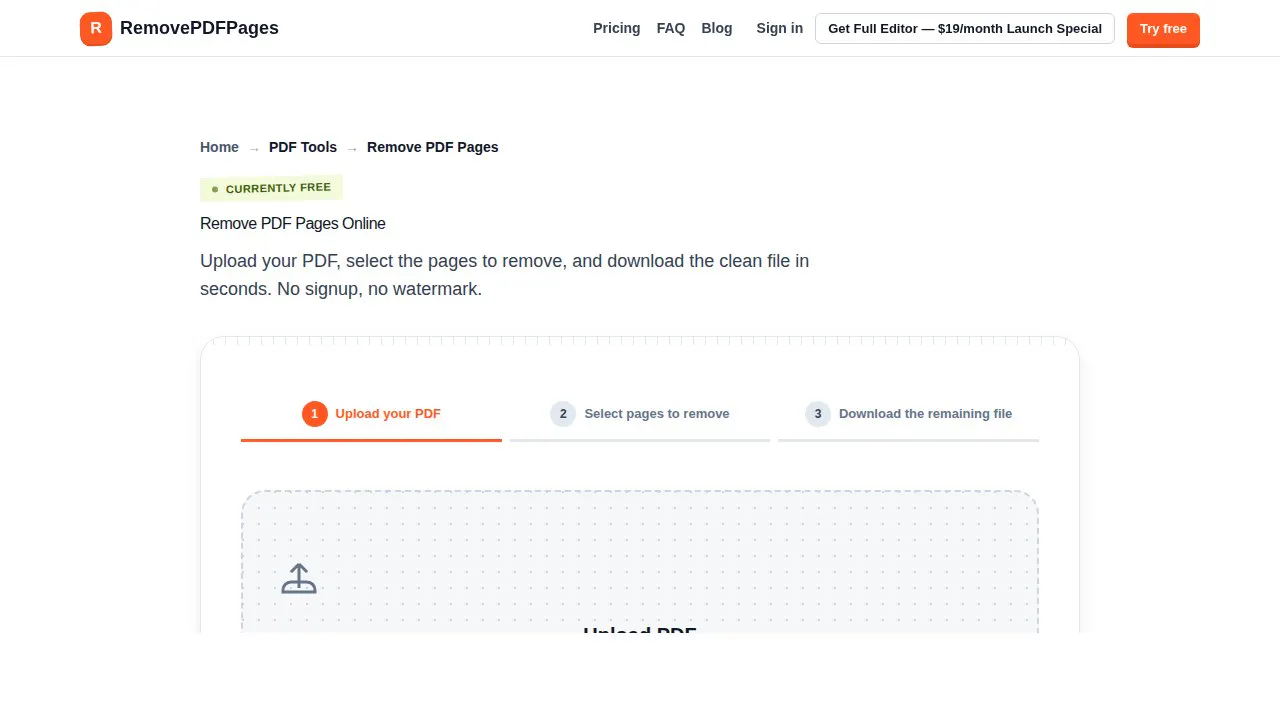
RemovePDFPages is a versatile browser-based PDF toolkit designed for freelancers, remote workers, and small teams who need quick and easy PDF editing without the hassle of software installation. Its core features include removing specific pages, merging multiple PDFs, compressing file sizes, and signing documents—all processed directly in the browser for convenience and privacy. The tool's standout aspect is its no-watermark, no-signup policy on the free tier, making it accessible for casual users and small businesses alike. For those needing more advanced features like converting PDFs to Word, RemovePDFPages offers a full editor available via affordable subscription plans or a one-time license, making it adaptable to various professional needs. Its user-friendly design and browser-based operation make it ideal for quick edits on the go, especially for users who prioritize privacy and simplicity.
Screenshots
Pros
- ✓No signup or watermark on free features
- ✓Browser-based, no installation required
- ✓Supports multiple essential PDF editing functions
- ✓Affordable full editor plans for advanced features
- ✓Privacy-focused with in-browser processing
Cons
- ✗Limited advanced editing features compared to desktop apps
- ✗Conversion tools require a paid plan
- ✗Dependent on internet connection for online access
Use Cases
Pricing
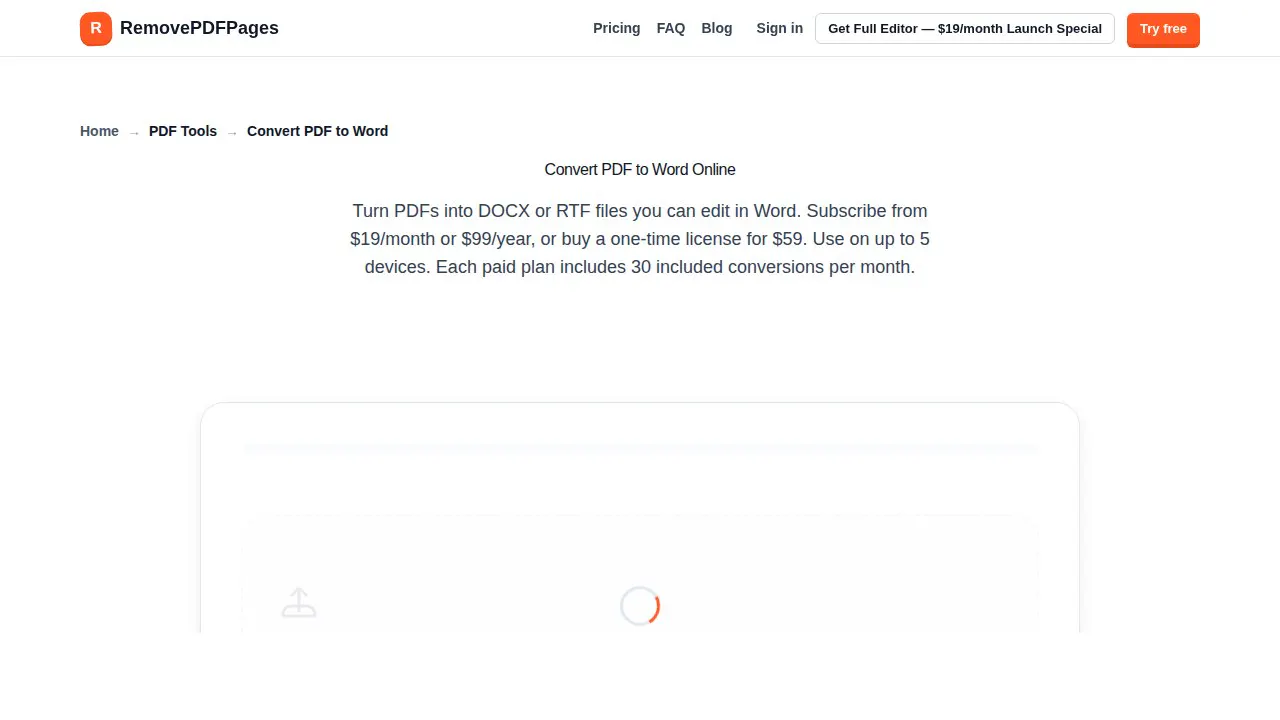
Likely operates on a freemium model, offering free basic tools with optional paid plans starting around $19/month or $99/year for the full PDF editor and conversion features. A one-time license option is also available at $59, providing flexibility for different user needs.
Quick Info
Topics
Makers

gang wang
Alternatives
Similar Tools in Productivity




Embed Badge
Add this badge to your website to show that RemovePDFPages is featured on Visalytica.
<a href="https://www.visalytica.com/tool/removepdfpages" target="_blank" rel="noopener noreferrer" style="display:inline-flex;align-items:center;gap:6px;padding:6px 14px;background:#7c3aed;color:#fff;border-radius:8px;font-family:-apple-system,system-ui,sans-serif;font-size:13px;font-weight:600;text-decoration:none;transition:background .2s" onmouseover="this.style.background='#6d28d9'" onmouseout="this.style.background='#7c3aed'"><svg width="14" height="14" viewBox="0 0 24 24" fill="none" stroke="currentColor" stroke-width="2.5" stroke-linecap="round" stroke-linejoin="round"><path d="M12 20V10"/><path d="M18 20V4"/><path d="M6 20v-4"/></svg>Featured on Visalytica</a>