
Remote Clipboard
Share text and files across devices, people and AI agents
About Remote Clipboard
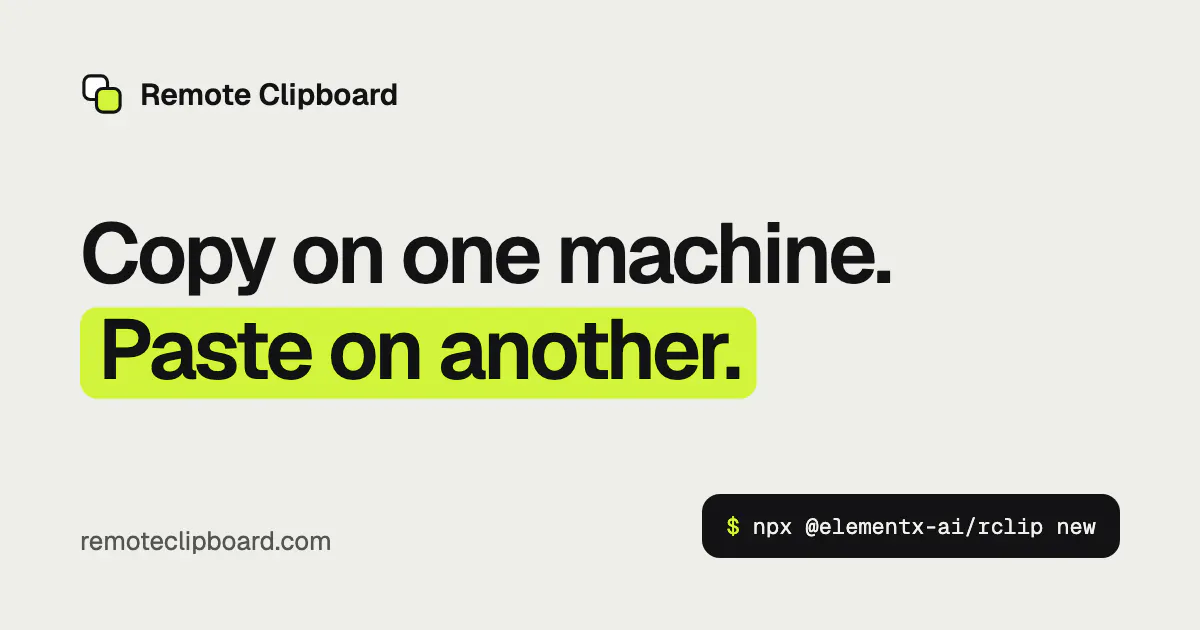
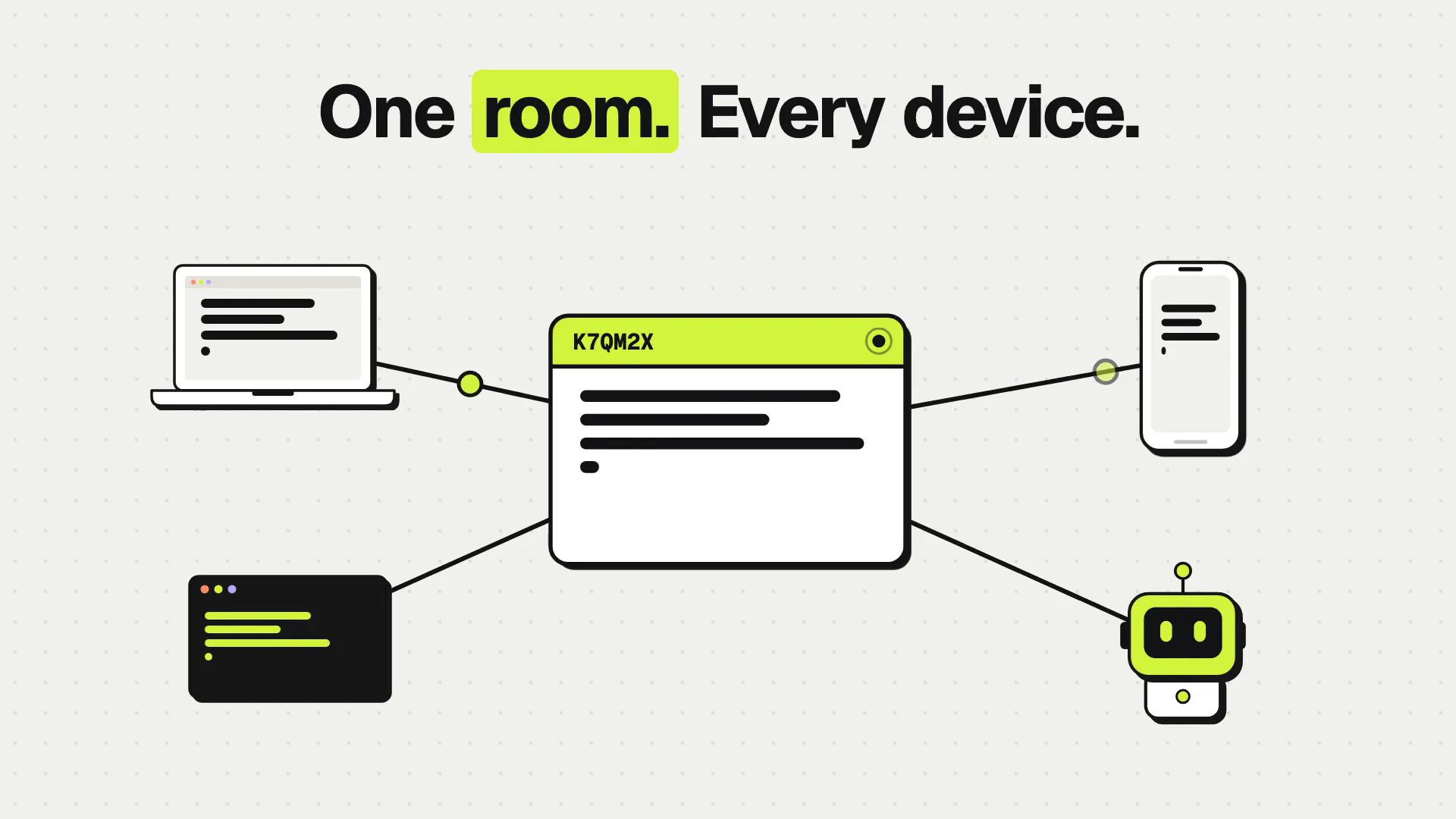
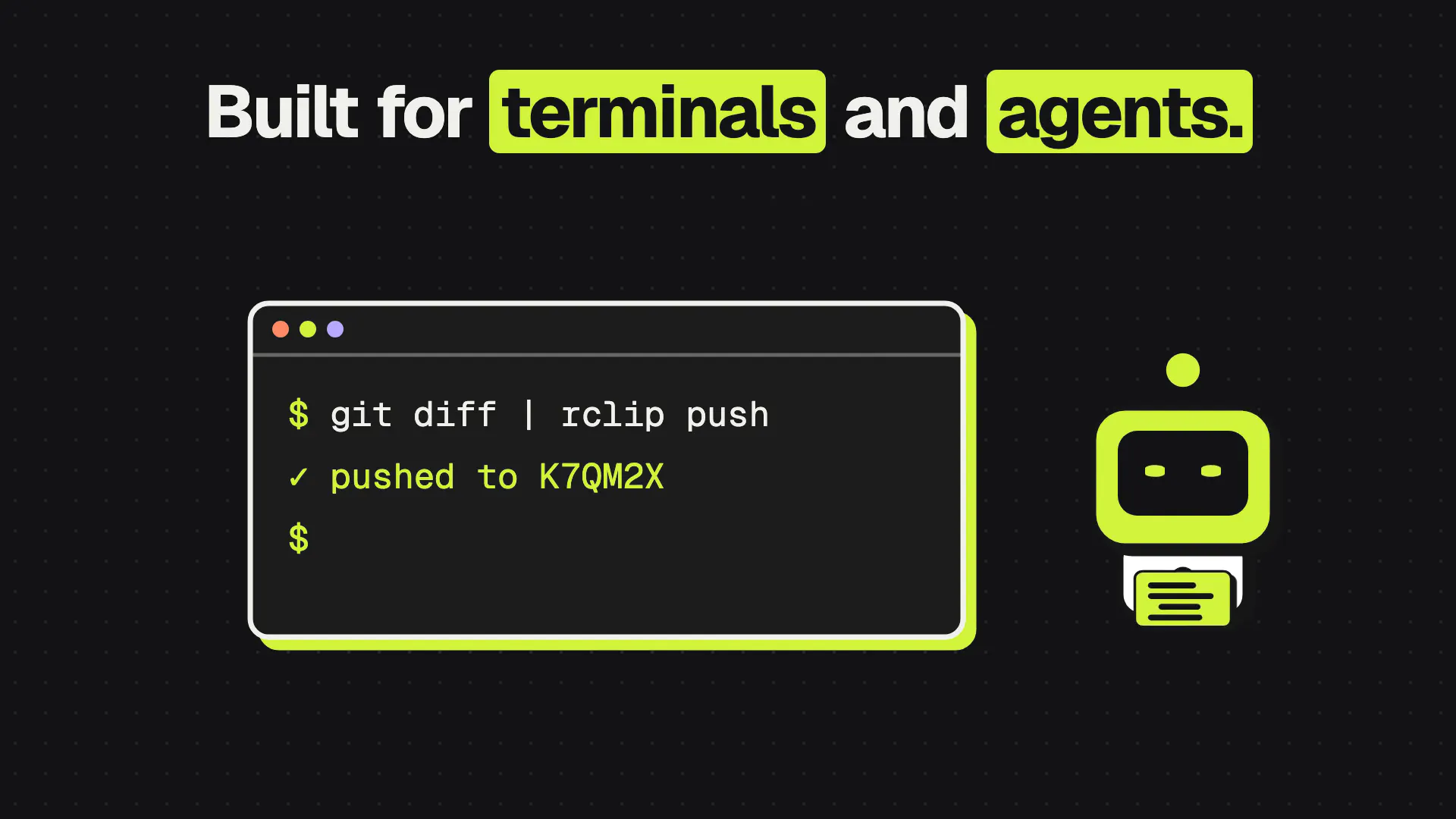
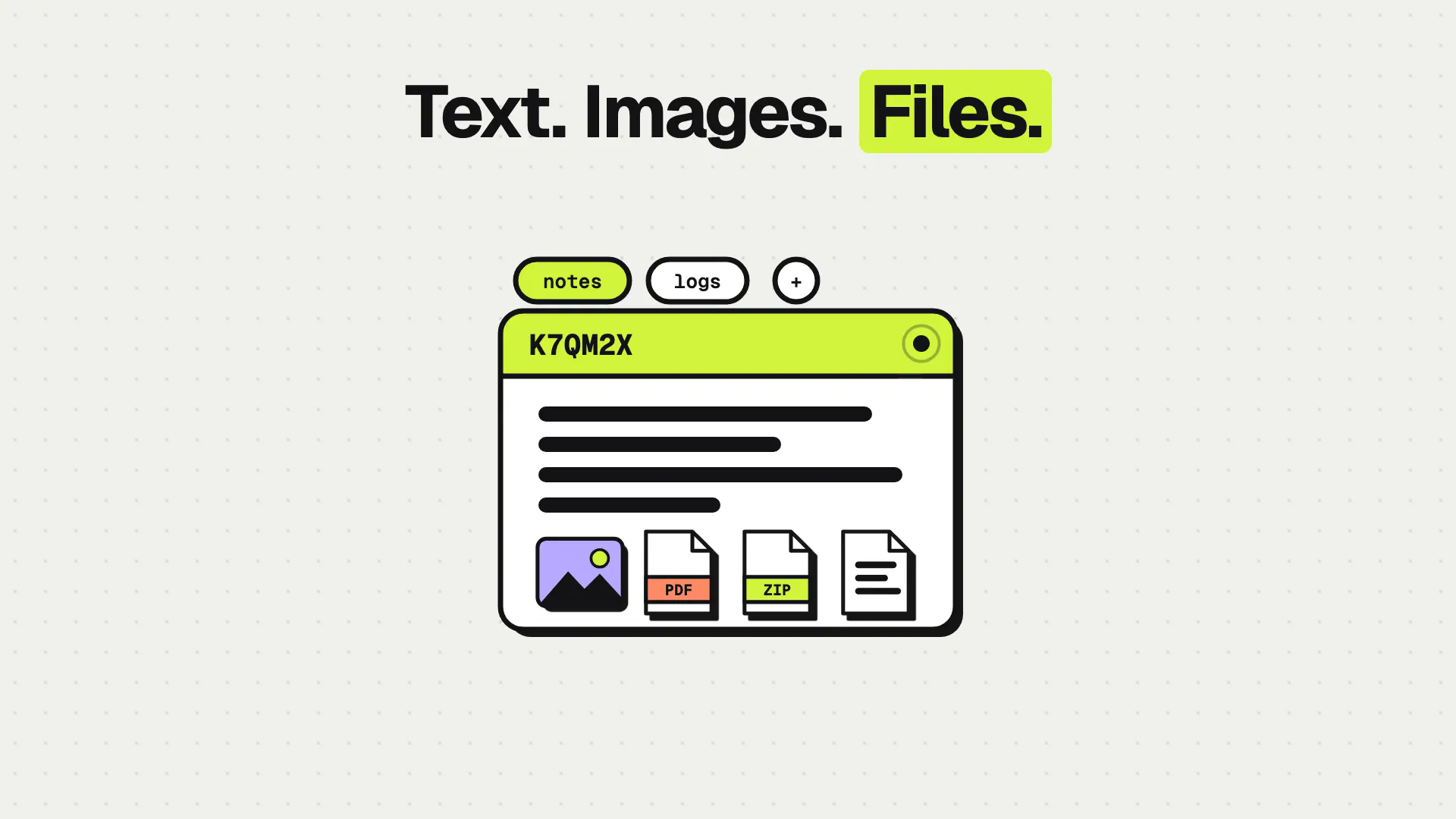
Remote Clipboard is a versatile synchronization tool designed for seamless sharing of text and files across multiple devices, people, and AI agents. It enables users to copy content on one device and instantly paste it on another through a secure, short-lived room link, making cross-device workflows effortless. Compatible with browsers and the rclip CLI, it works across laptops, phones, servers, and virtual machines, catering to developers, remote teams, and AI integrations alike. What sets Remote Clipboard apart is its ability to facilitate collaborative work with multiple named clipboards, private room restrictions, and customizable expiration settings, all without requiring sign-in for public rooms. Its integration with AI agents further enhances productivity by allowing automated drop-offs, pickups, and passing work between AI entities, making it a valuable tool in modern, distributed environments.
Screenshots
Pros
- ✓Real-time synchronization of text and files across devices
- ✓Supports multiple named clipboards for organized sharing
- ✓Private rooms with invited-only access enhance security
- ✓No sign-in required for public rooms for quick access
- ✓Compatibility with browsers and CLI for flexible use
Cons
- ✗Limited information on pricing and subscription plans
- ✗Potential security concerns with public rooms
- ✗No details on maximum file size or storage limits
Use Cases
Pricing
Pricing not verified
Quick Info
Topics
Makers

Ming Cheuk
@techno246Alternatives
Similar Tools in AI Writing




Embed Badge
Add this badge to your website to show that Remote Clipboard is featured on Visalytica.
<a href="https://www.visalytica.com/tool/remote-clipboard" target="_blank" rel="noopener noreferrer" style="display:inline-flex;align-items:center;gap:6px;padding:6px 14px;background:#7c3aed;color:#fff;border-radius:8px;font-family:-apple-system,system-ui,sans-serif;font-size:13px;font-weight:600;text-decoration:none;transition:background .2s" onmouseover="this.style.background='#6d28d9'" onmouseout="this.style.background='#7c3aed'"><svg width="14" height="14" viewBox="0 0 24 24" fill="none" stroke="currentColor" stroke-width="2.5" stroke-linecap="round" stroke-linejoin="round"><path d="M12 20V10"/><path d="M18 20V4"/><path d="M6 20v-4"/></svg>Featured on Visalytica</a>