
Remocn Studio
Ship a launch video without opening After Effects
About Remocn Studio
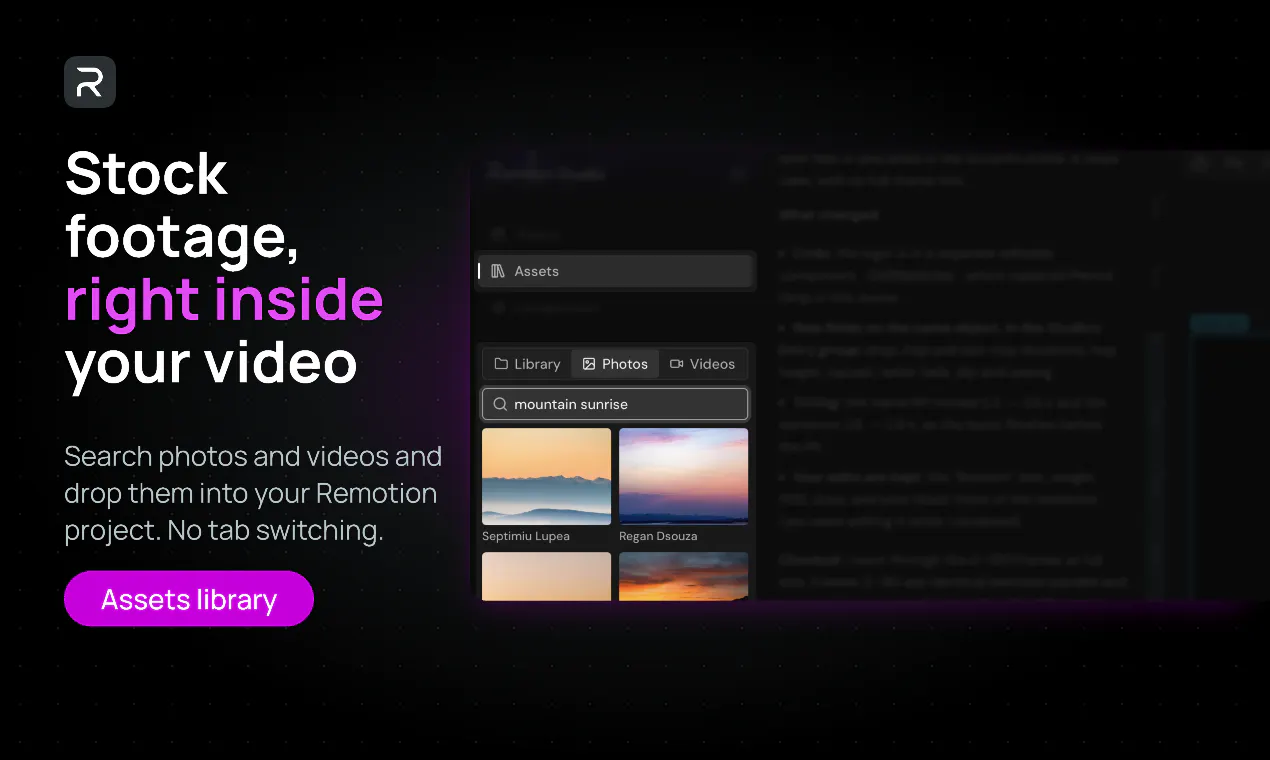
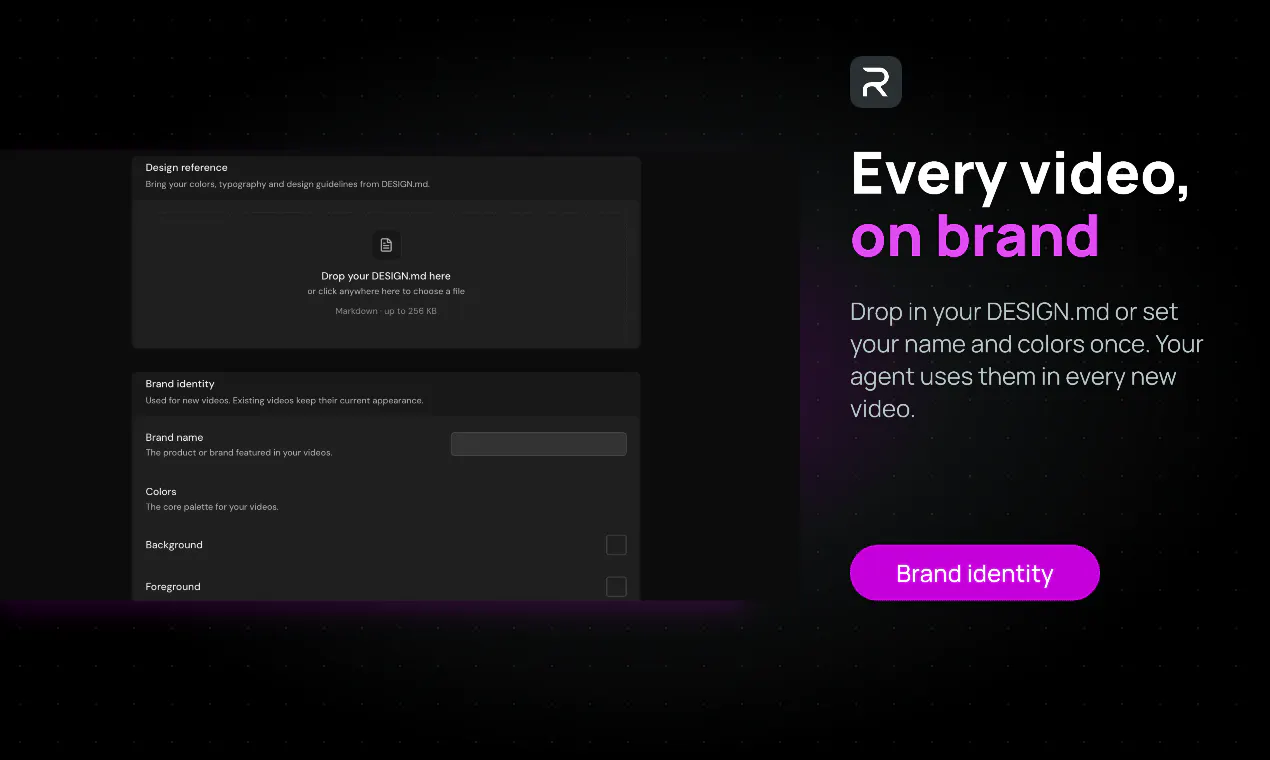
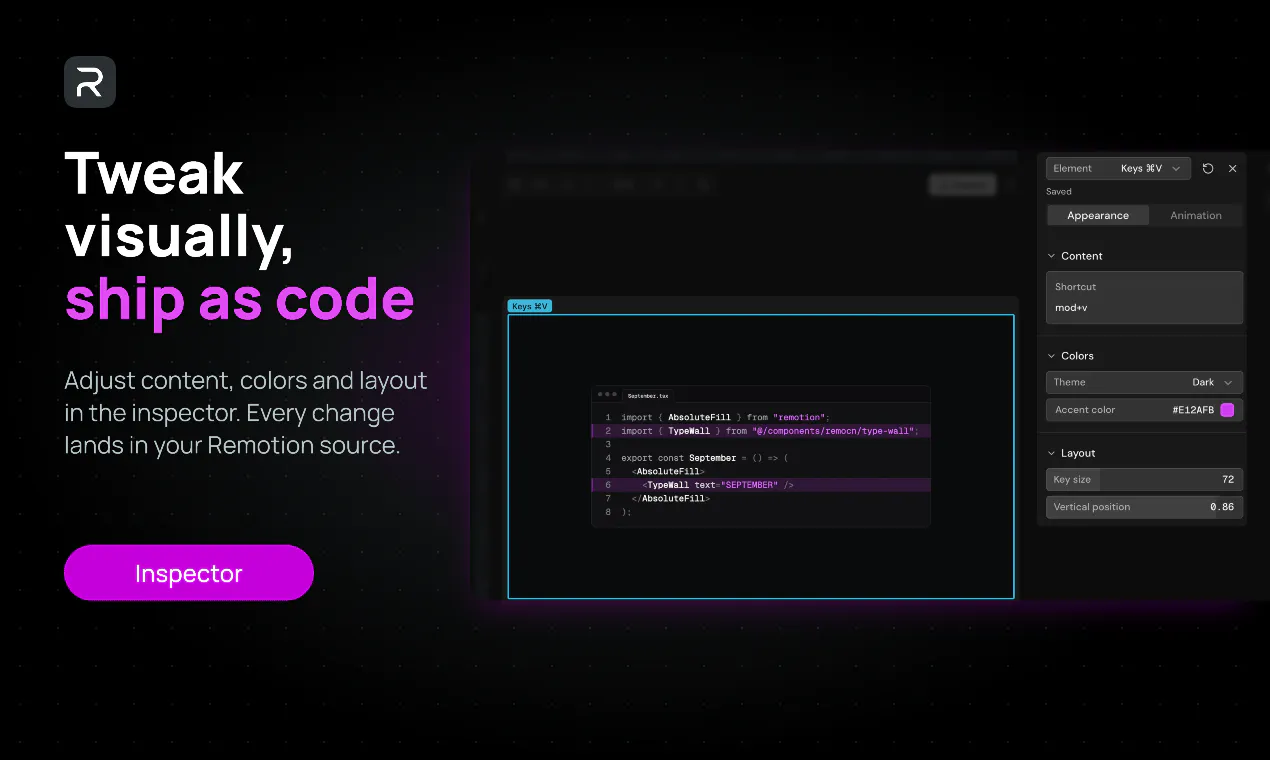
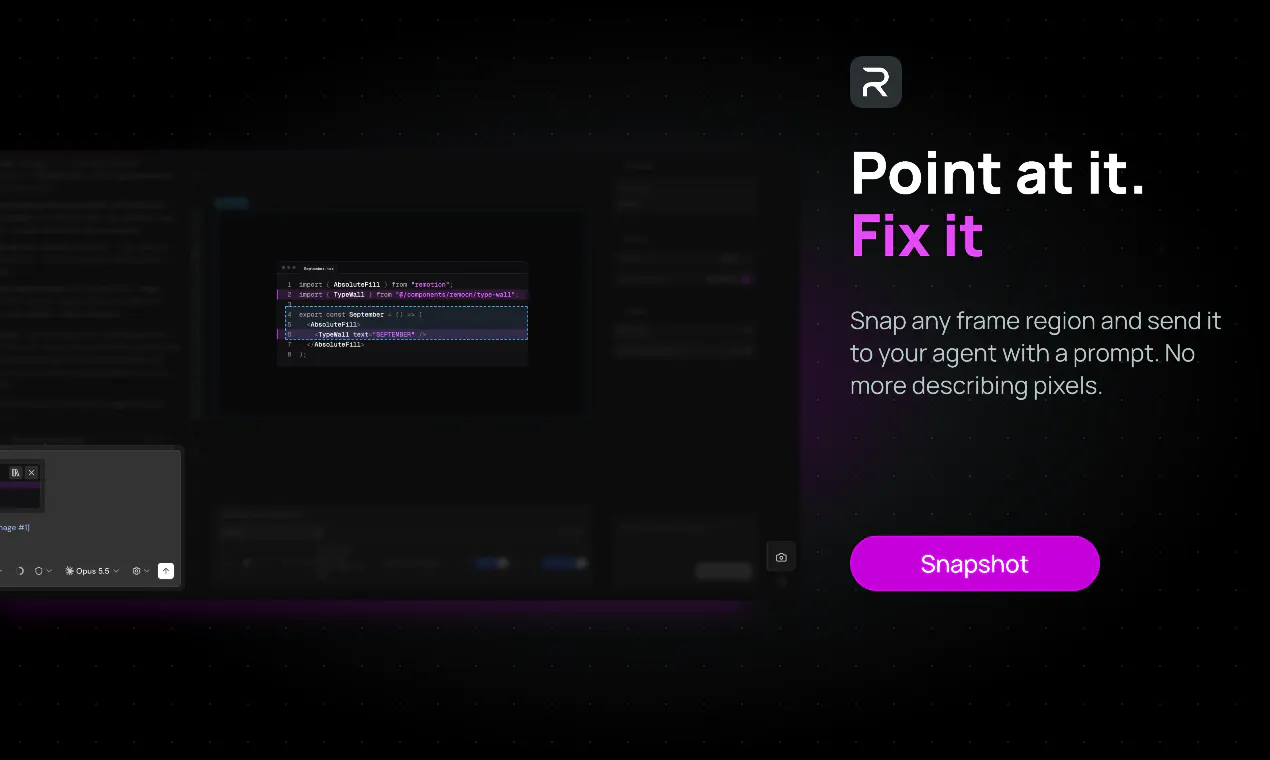
Remocn Studio is a innovative, open-source macOS application designed to streamline the process of creating launch videos without the need for traditional animation tools like After Effects. It leverages AI and developer-centric integrations such as Claude Code, Codex, Copilot, or Grok to build videos as live, editable Remotion projects. Users can watch their videos evolve in real-time, easily click to refine elements, and add notes via chat, making it ideal for teams and individual creators seeking quick, high-quality video production. Its no-timeline approach and the ability to export up to 4K MP4 videos make it accessible for both beginners and experienced developers looking to automate or simplify video creation workflows. The tool’s open-source nature offers flexibility and customization, appealing to tech-savvy users who want to embed AI into their content production pipeline. Overall, Remocn Studio stands out by combining AI-powered automation with a user-friendly interface, removing traditional barriers in video editing and production.
Screenshots
Pros
- ✓Open-source and free to use, promoting accessibility and customization
- ✓Live, real-time editing with clickable elements for easy tuning
- ✓AI integration supports automation and accelerates workflow
- ✓No timeline required, simplifying the editing process
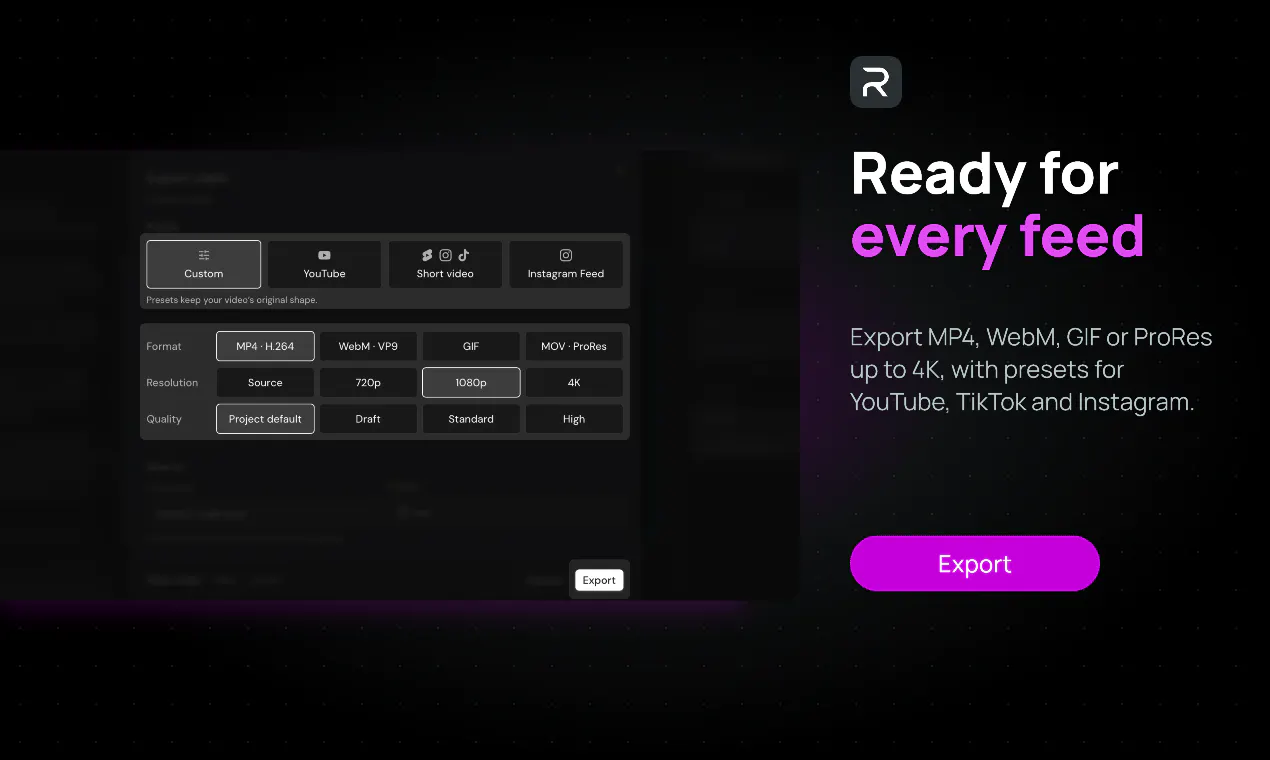
- ✓Supports high-quality exports up to 4K MP4
Cons
- ✗Limited information on advanced editing features or effects
- ✗Requires familiarity with developer tools and AI integrations
- ✗MacOS only, reducing platform accessibility
Use Cases
Pricing
Pricing not verified
Quick Info
Topics
Makers

KapishDima
@kapish_dimaAlternatives
Similar Tools in Developer Tools




Embed Badge
Add this badge to your website to show that Remocn Studio is featured on Visalytica.
<a href="https://www.visalytica.com/tool/remocn-studio" target="_blank" rel="noopener noreferrer" style="display:inline-flex;align-items:center;gap:6px;padding:6px 14px;background:#7c3aed;color:#fff;border-radius:8px;font-family:-apple-system,system-ui,sans-serif;font-size:13px;font-weight:600;text-decoration:none;transition:background .2s" onmouseover="this.style.background='#6d28d9'" onmouseout="this.style.background='#7c3aed'"><svg width="14" height="14" viewBox="0 0 24 24" fill="none" stroke="currentColor" stroke-width="2.5" stroke-linecap="round" stroke-linejoin="round"><path d="M12 20V10"/><path d="M18 20V4"/><path d="M6 20v-4"/></svg>Featured on Visalytica</a>