
RegionMirror
Share a portion of your ultrawide or high-res screen on Mac
About RegionMirror
RegionMirror is a powerful Mac utility designed for professionals who need precise control over screen sharing. It allows users to define and share a specific region of their ultrawide or high-resolution screens, avoiding the common issue of sharing an entire screen that may contain unnecessary or sensitive information. With features like seamless app movement in and out of the shared region, real-time resizing, and default region settings, it offers quick and flexible screen sharing options. The addition of privacy features such as blurring, along with a scaled presenter view and integrated annotations or whiteboard, makes it ideal for presentations, remote collaboration, and online meetings. Its keyboard shortcut activation ensures rapid deployment, making it suitable for dynamic environments where efficiency matters. Overall, RegionMirror enhances privacy, control, and clarity during screen sharing, tailored specifically for Mac users who demand precision and ease of use.
Screenshots
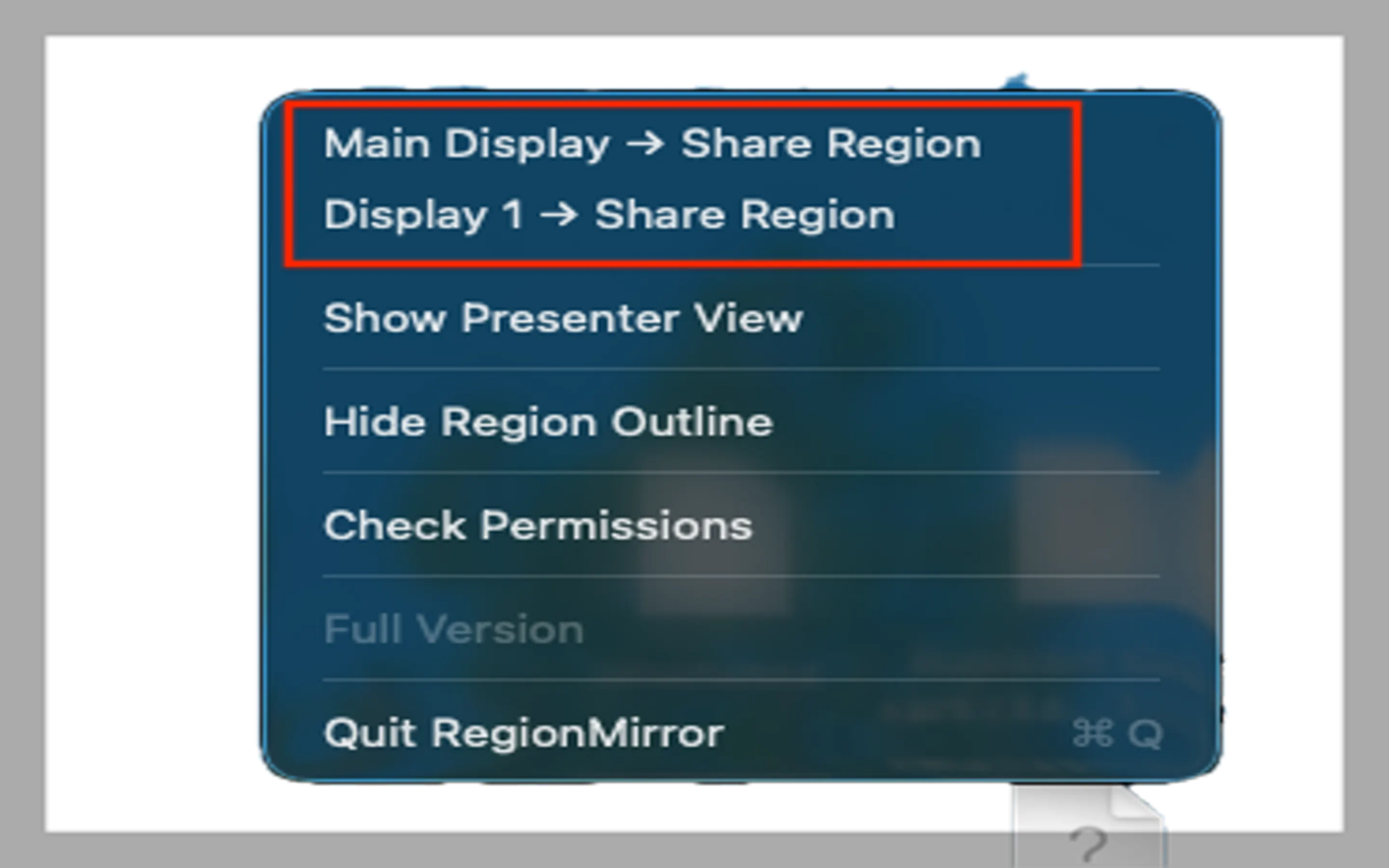
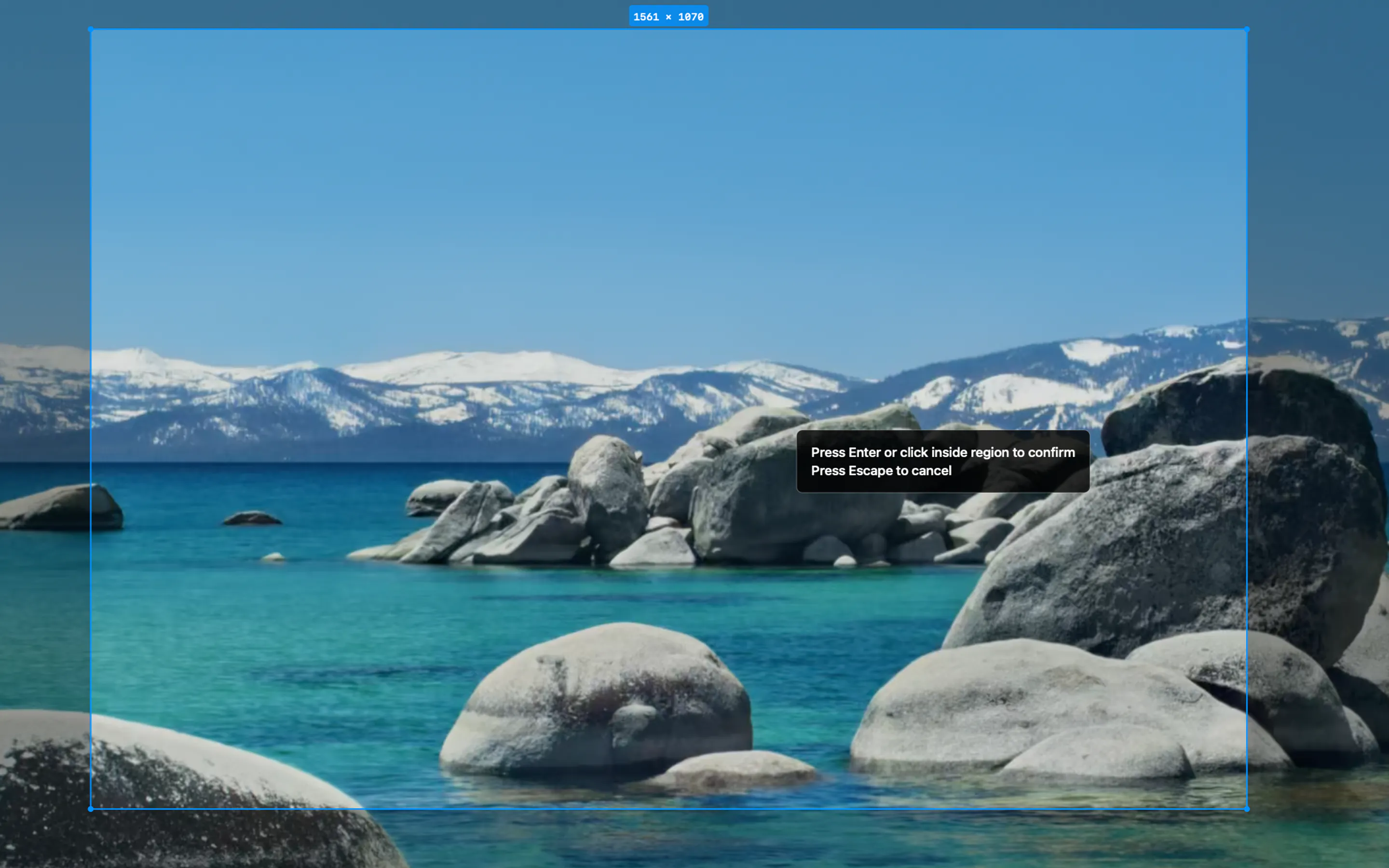
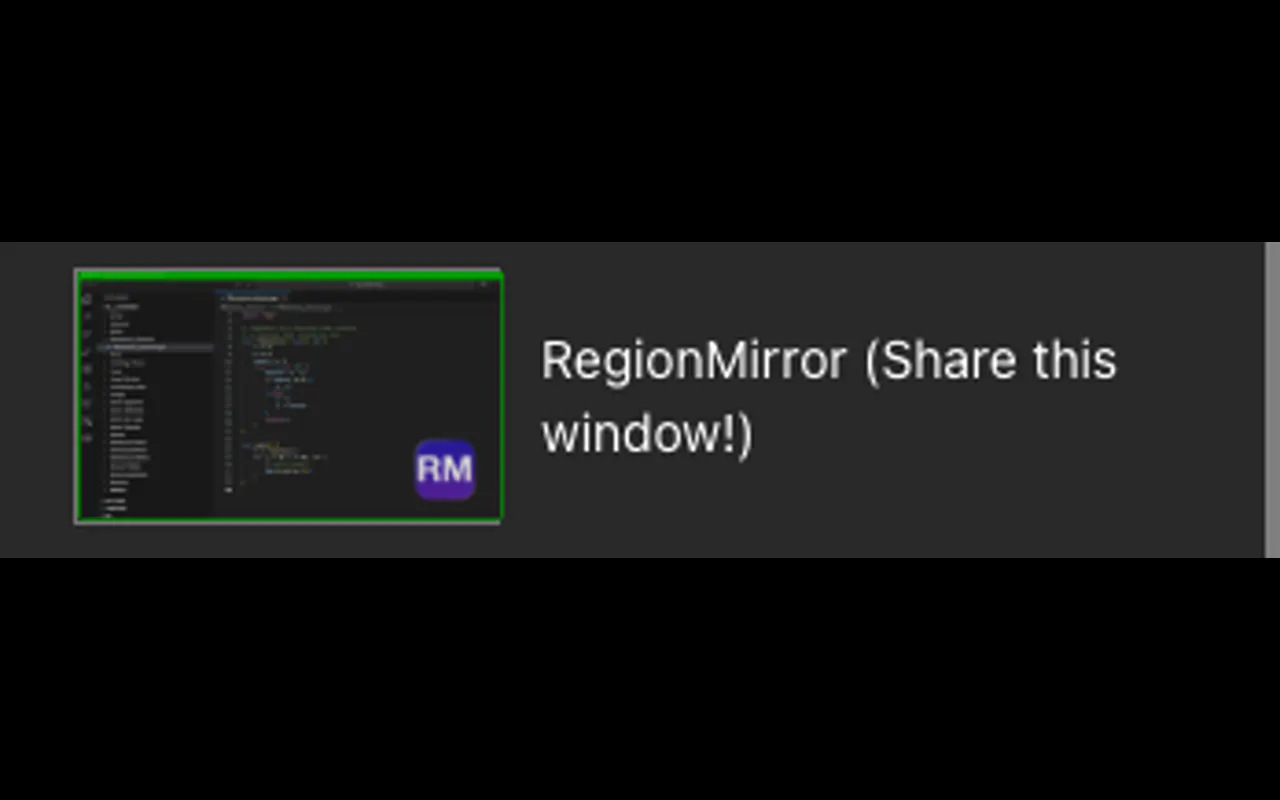
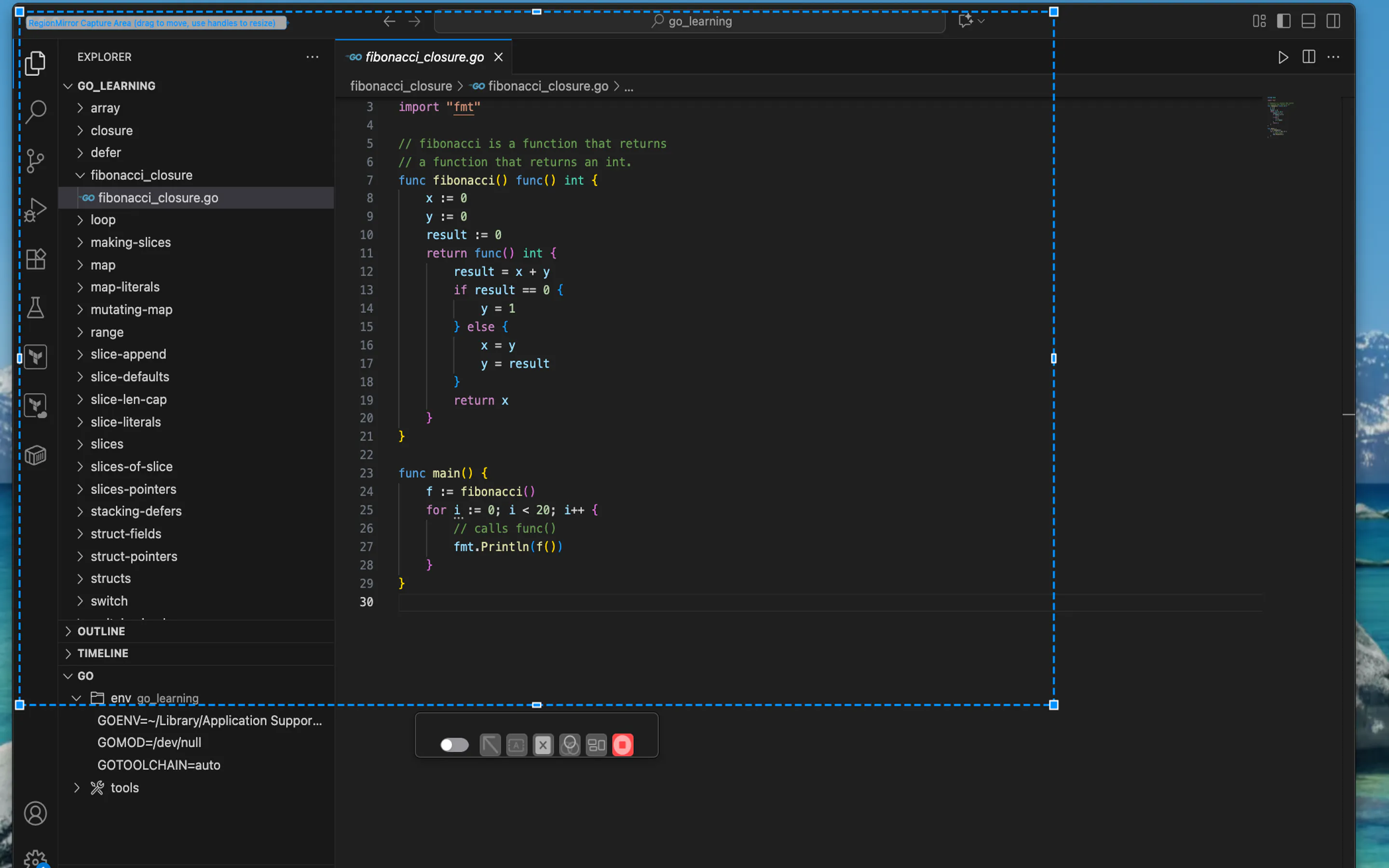
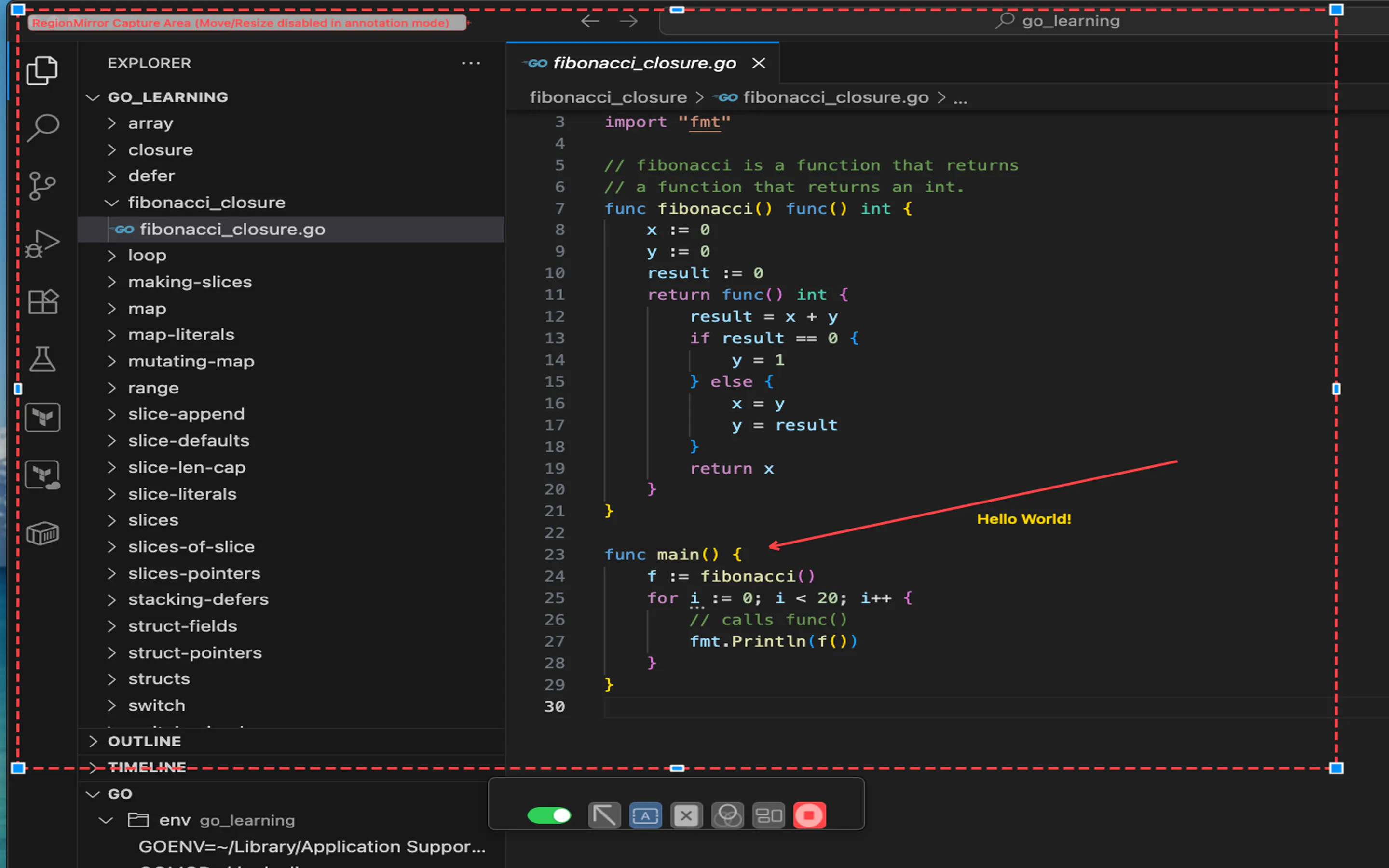
+2 more screenshots
Pros
- ✓Precise region selection and resizing for tailored screen sharing
- ✓Seamless app movement and quick activation via keyboard shortcut
- ✓Built-in privacy options like blurring to protect sensitive content
- ✓Scaled presenter view and integrated annotation tools for enhanced presentations
- ✓Customizable default regions for recurring sharing needs
Cons
- ✗Limited information on free trial or pricing tiers, suggesting potential costs
- ✗May require some learning curve for advanced features
- ✗Primarily designed for Mac, limiting cross-platform use
Use Cases
Pricing
Likely follows a freemium model with a free tier offering basic features and paid plans starting around $10-$20/month for advanced functionalities and privacy options, although exact pricing details are not explicitly provided.
Quick Info
Topics
Makers

Matt@RegionMirror
@RegionMirrorAlternatives
Similar Tools in Developer Tools




Embed Badge
Add this badge to your website to show that RegionMirror is featured on Visalytica.
<a href="https://www.visalytica.com/tool/regionmirror" target="_blank" rel="noopener noreferrer" style="display:inline-flex;align-items:center;gap:6px;padding:6px 14px;background:#7c3aed;color:#fff;border-radius:8px;font-family:-apple-system,system-ui,sans-serif;font-size:13px;font-weight:600;text-decoration:none;transition:background .2s" onmouseover="this.style.background='#6d28d9'" onmouseout="this.style.background='#7c3aed'"><svg width="14" height="14" viewBox="0 0 24 24" fill="none" stroke="currentColor" stroke-width="2.5" stroke-linecap="round" stroke-linejoin="round"><path d="M12 20V10"/><path d="M18 20V4"/><path d="M6 20v-4"/></svg>Featured on Visalytica</a>