
Reelframe
Convert videos to frames and back — 100% in your browser
About Reelframe
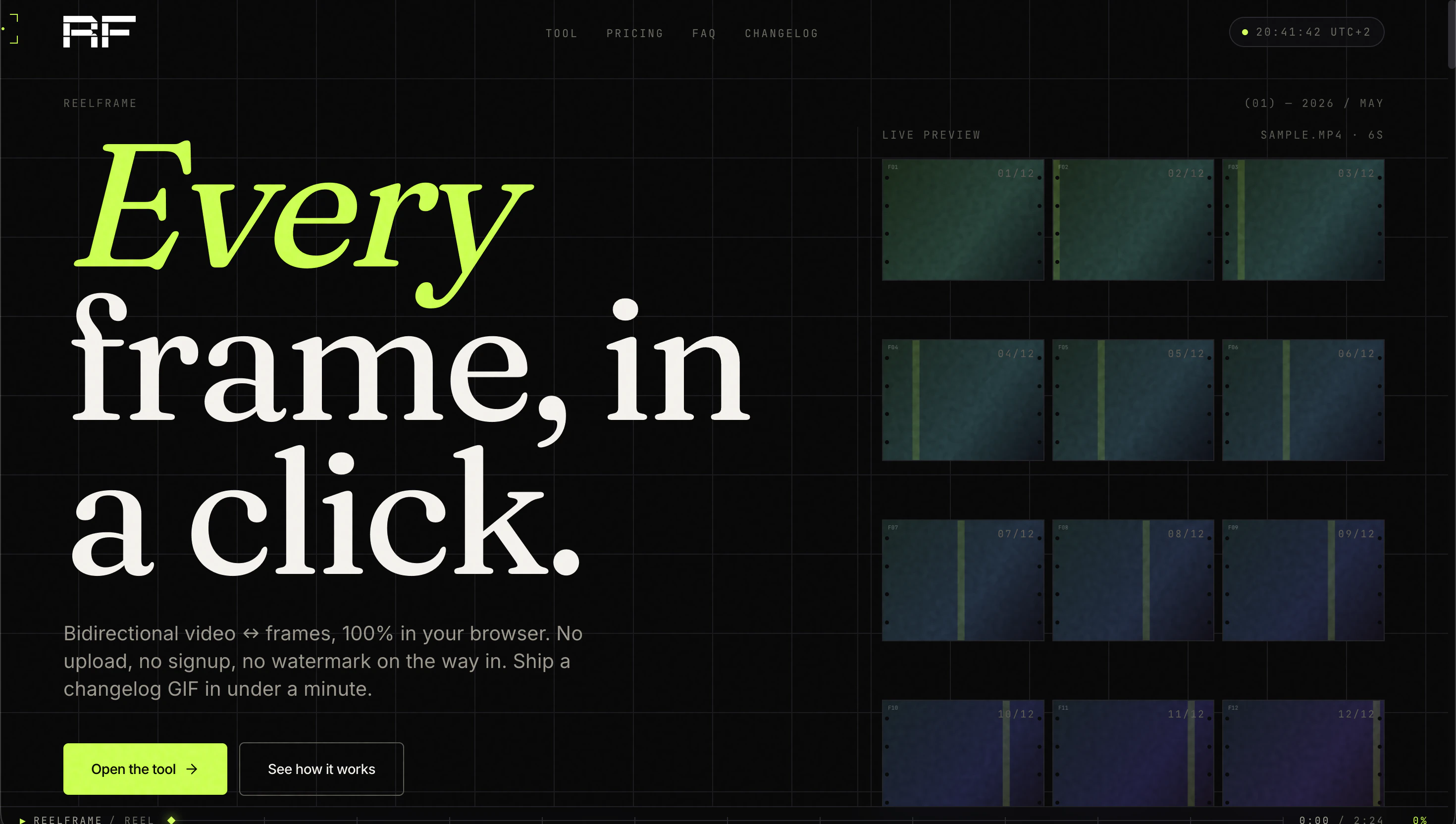
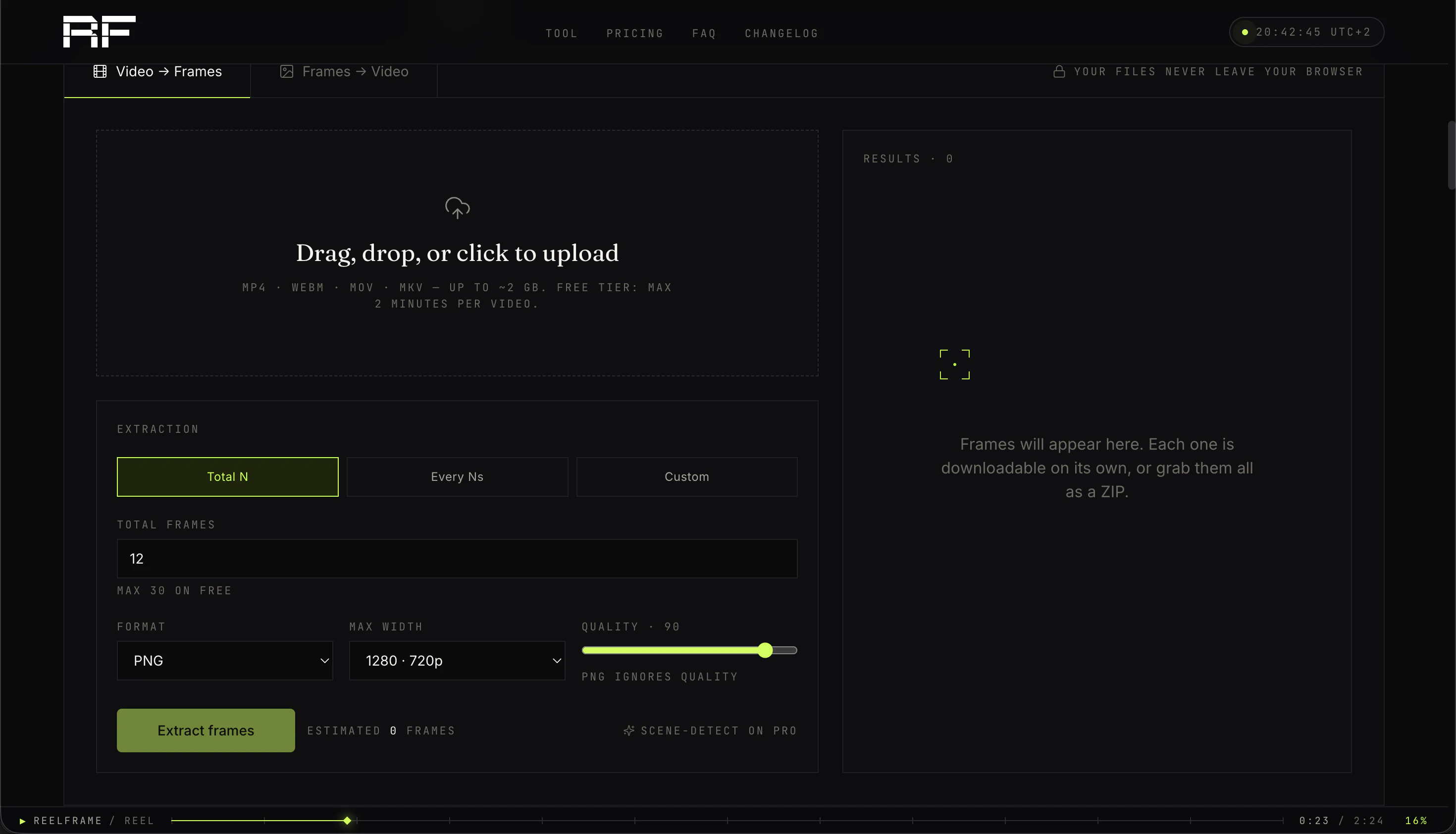
Reelframe is a browser-based tool designed for seamless video and frame manipulation without the need for downloads, signups, or uploads. Its intuitive interface allows users to extract every frame from a video or assemble a video from individual frames directly in the browser, making it ideal for designers, photographers, and content creators seeking quick, hassle-free editing. What sets Reelframe apart is its commitment to privacy and simplicity—everything happens locally within the browser, eliminating upload times and watermark concerns. This tool is perfect for quick edits, frame-by-frame analysis, or creative projects that require precise control over video content. Its zero-install approach makes it accessible for users of all skill levels, providing a fast, secure, and efficient way to handle video and image workflows.
Screenshots
Pros
- ✓No uploads, signups, or watermarks, ensuring privacy and ease of use
- ✓Runs entirely in the browser, making it fast and accessible
- ✓Supports both extracting frames from videos and creating videos from frames
- ✓User-friendly interface suitable for non-technical users
- ✓Ideal for quick editing and frame analysis without software installation
Cons
- ✗Limited advanced editing features compared to professional tools
- ✗Performance may vary based on browser and hardware capabilities
- ✗Lacks collaboration or cloud storage options
Use Cases
Pricing
Likely offers a free, browser-based version with no-cost access, potentially supported by premium features or plans. Since specific pricing details are not provided, it may follow a freemium model with paid upgrades for additional features or higher performance.
Quick Info
Topics
Alternatives
Similar Tools in AI Image & Design




Embed Badge
Add this badge to your website to show that Reelframe is featured on Visalytica.
<a href="https://www.visalytica.com/tool/reelframe" target="_blank" rel="noopener noreferrer" style="display:inline-flex;align-items:center;gap:6px;padding:6px 14px;background:#7c3aed;color:#fff;border-radius:8px;font-family:-apple-system,system-ui,sans-serif;font-size:13px;font-weight:600;text-decoration:none;transition:background .2s" onmouseover="this.style.background='#6d28d9'" onmouseout="this.style.background='#7c3aed'"><svg width="14" height="14" viewBox="0 0 24 24" fill="none" stroke="currentColor" stroke-width="2.5" stroke-linecap="round" stroke-linejoin="round"><path d="M12 20V10"/><path d="M18 20V4"/><path d="M6 20v-4"/></svg>Featured on Visalytica</a>