
Record Google Meet locally
no bot, no cloud
About Record Google Meet locally
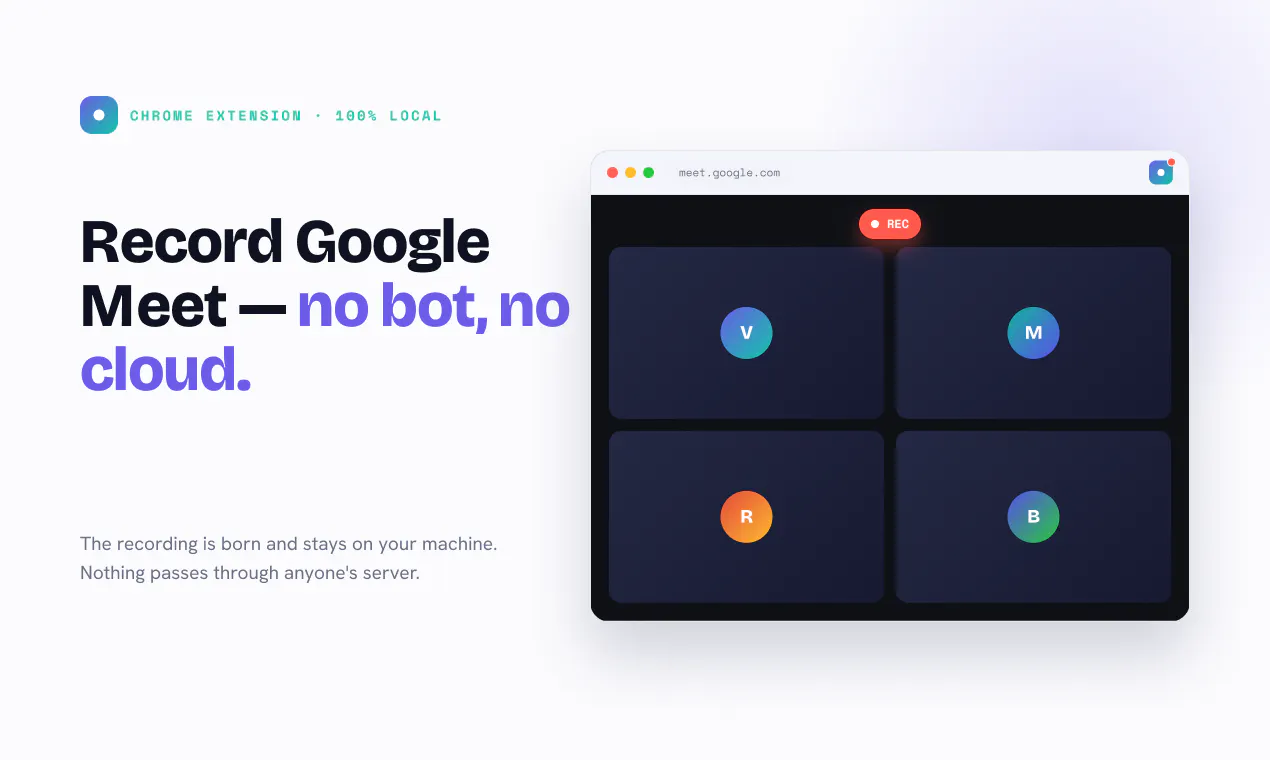
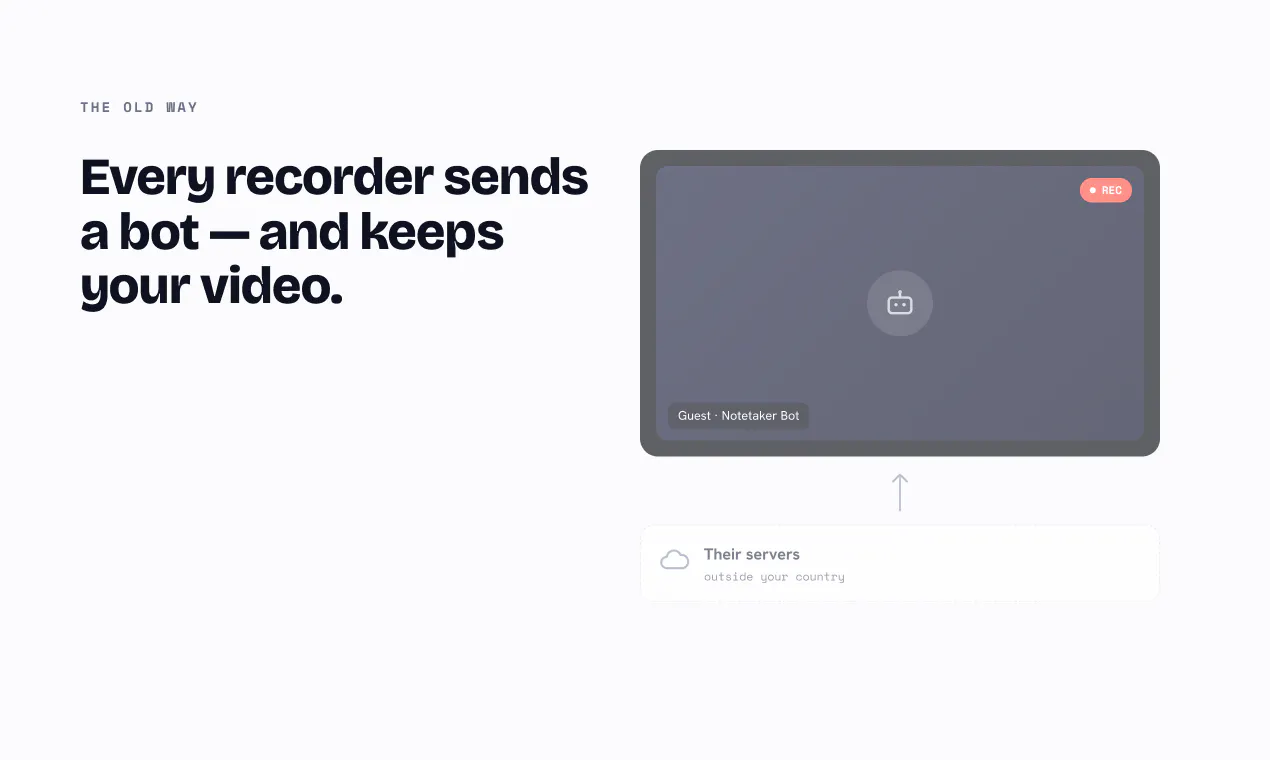
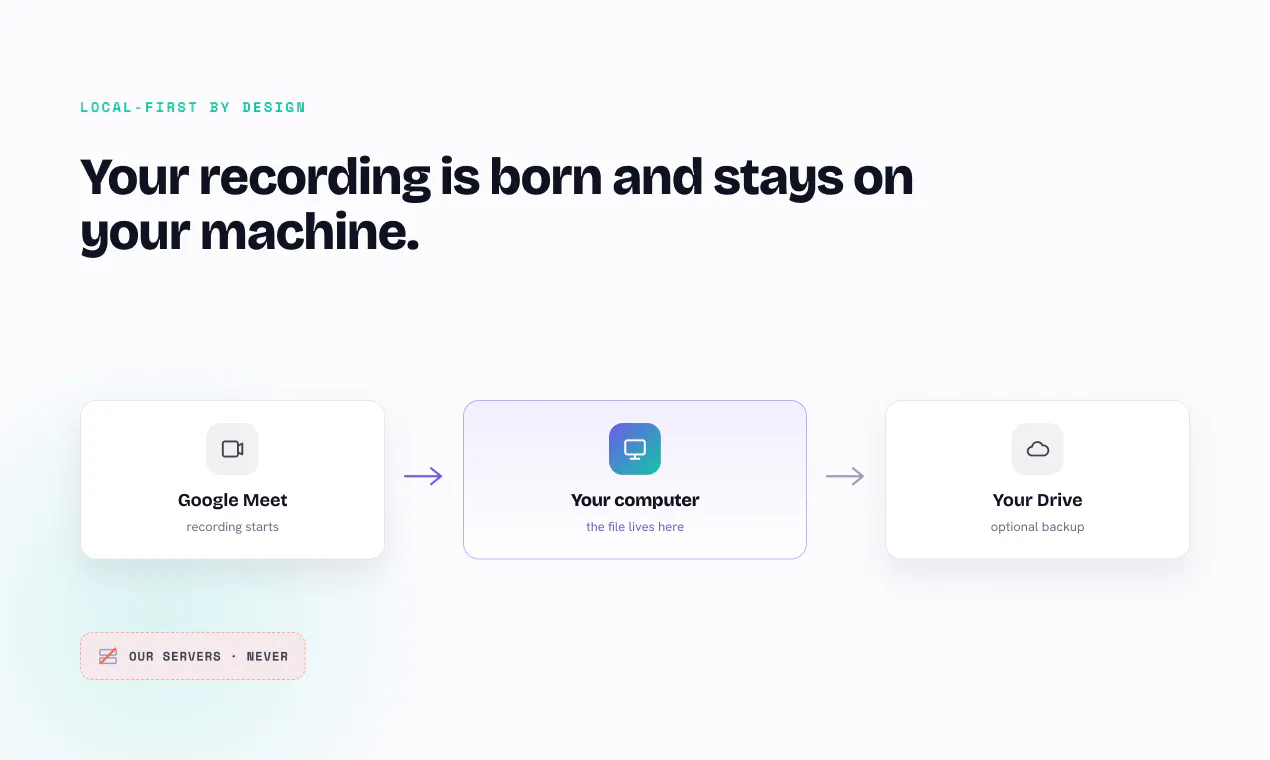
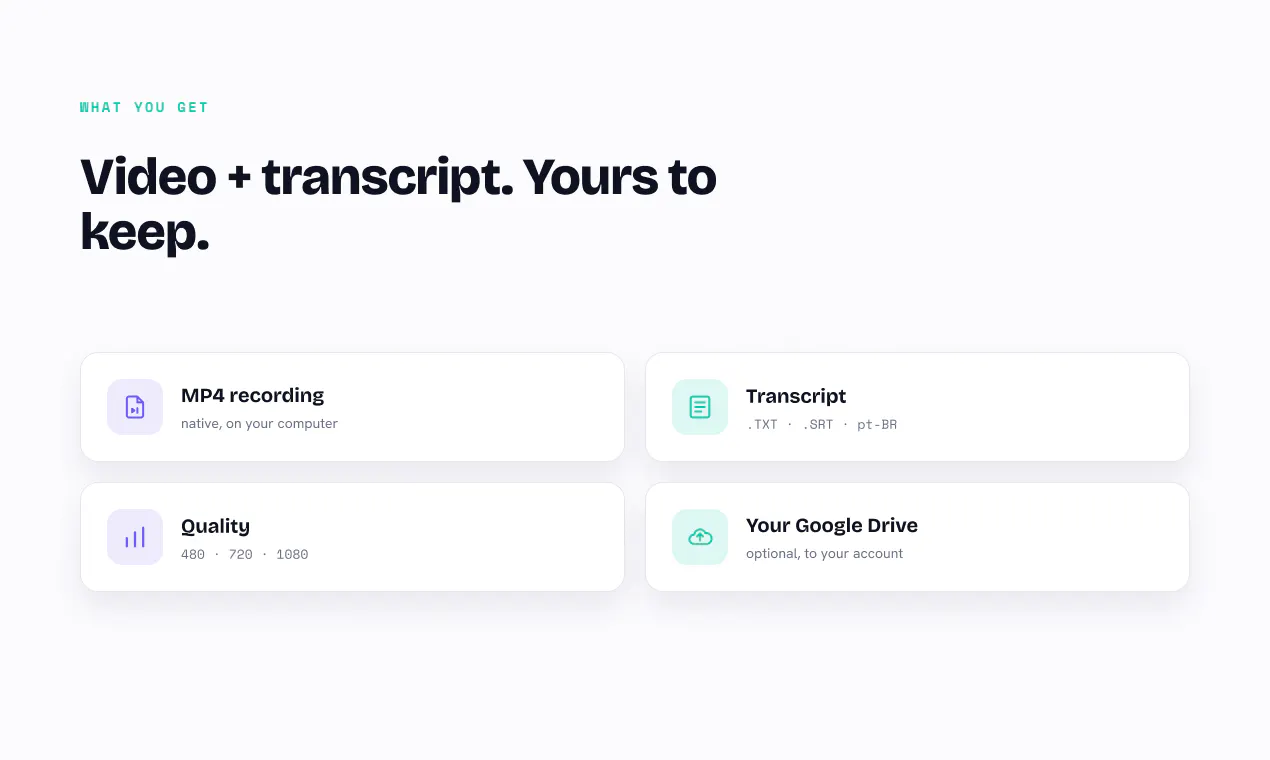
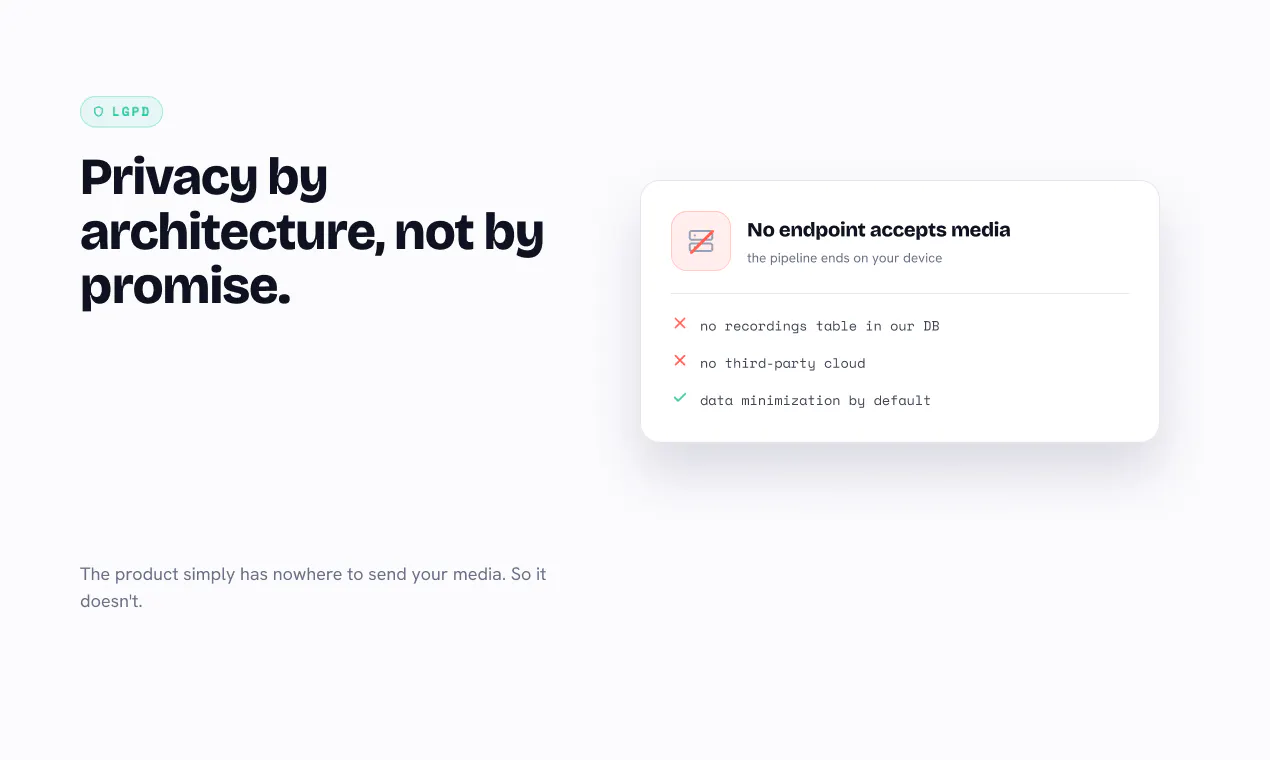
Record Google Meet locally is a privacy-focused Chrome extension that allows users to record their Google Meet sessions entirely on their own machine. Unlike cloud-based recording solutions, it ensures that no third parties, bots, or cloud servers get involved, maintaining full control over your data. The recordings—including video and transcripts—are stored locally on your computer and optionally saved to your own Google Drive, aligning with privacy-conscious users who value data sovereignty. This tool is ideal for professionals, educators, and teams who need secure, offline recording capabilities without risking data leaks or privacy breaches. Its architecture emphasizes privacy by design, making it particularly appealing amidst growing concerns over data security and cloud storage vulnerabilities.
Screenshots
Pros
- ✓Complete local recording without reliance on third-party servers
- ✓Enhanced privacy and data control for users
- ✓Easy integration with Google Drive for storage
- ✓No bots or cloud uploads involved, ensuring security
- ✓Suitable for users with strict privacy requirements
Cons
- ✗Limited to Chrome browser, potentially reducing accessibility
- ✗No built-in editing or advanced post-production features
- ✗Requires manual setup and local storage management
Use Cases
Pricing
Likely operates on a freemium model with basic recording features free of charge. Premium features or additional storage options might require a paid plan, but specifics are uncertain without detailed pricing info.
Quick Info
Topics
Makers

Azambuja
Alternatives
Similar Tools in AI Assistants




Embed Badge
Add this badge to your website to show that Record Google Meet locally is featured on Visalytica.
<a href="https://www.visalytica.com/tool/record-google-meet-locally" target="_blank" rel="noopener noreferrer" style="display:inline-flex;align-items:center;gap:6px;padding:6px 14px;background:#7c3aed;color:#fff;border-radius:8px;font-family:-apple-system,system-ui,sans-serif;font-size:13px;font-weight:600;text-decoration:none;transition:background .2s" onmouseover="this.style.background='#6d28d9'" onmouseout="this.style.background='#7c3aed'"><svg width="14" height="14" viewBox="0 0 24 24" fill="none" stroke="currentColor" stroke-width="2.5" stroke-linecap="round" stroke-linejoin="round"><path d="M12 20V10"/><path d="M18 20V4"/><path d="M6 20v-4"/></svg>Featured on Visalytica</a>